
01
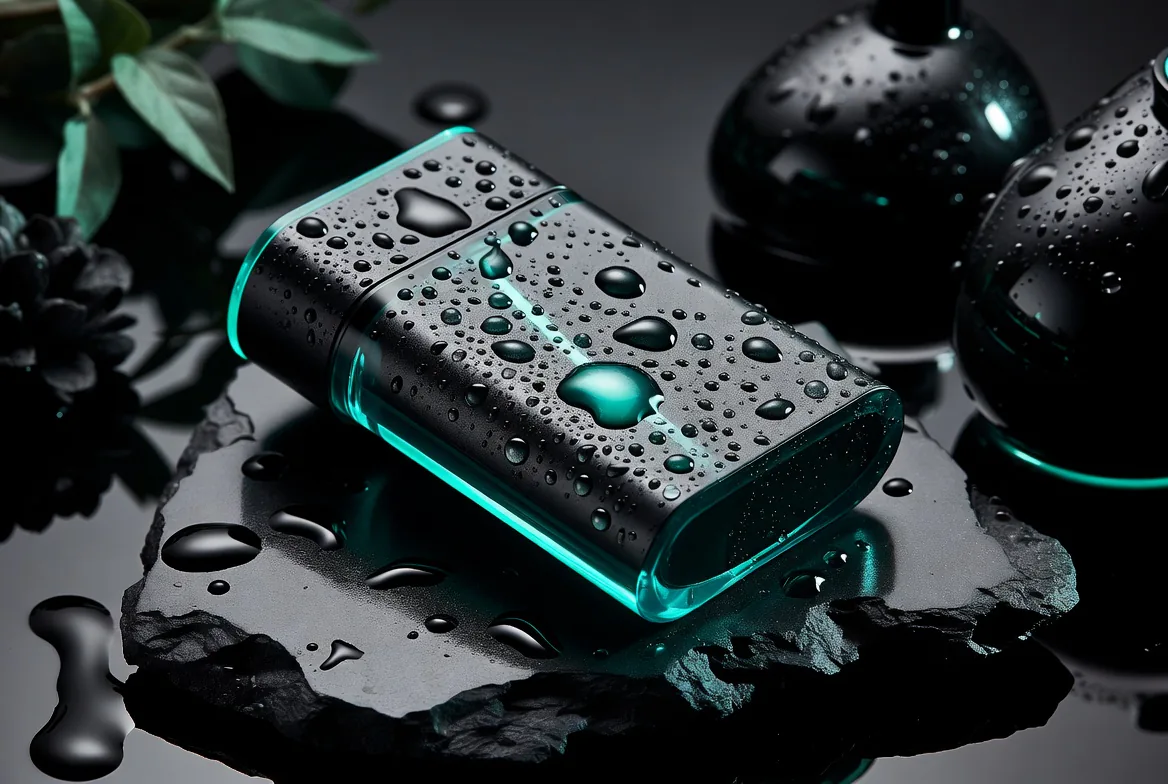
Product detail polish
Generate commercial product visuals with sharper materials, lighting, edges and surface detail.
Update your browser, then reload this page. Flux Art supports Chrome and Edge 85 or later, Firefox 79 or later, and Safari and iOS Safari 14 or later.
Reload Flux ArtCheck your network connection and reload this page. If the problem continues, clear your browser cache and try again.
Reload Flux ArtAI E-commerce product suites are now live
Upload a product image, choose a platform and the images you need, then create listing-ready main images, white-background images, selling-point images, and lifestyle scenes. Product suites currently support Taobao/Tmall, JD.com, Pinduoduo, and Douyin E-commerce, with every result saved together for easy review, refinement, and export.
Higher-quality Grok image generation for polished product, campaign and reference-driven visuals.
Grok Imagine Image Pro is a higher-quality Grok image model for AI image generation and editing. It is best used after a direction is clear, when you need sharper, more delivery-ready visuals such as product hero images, campaign posters, reference-based composites and detailed style studies.
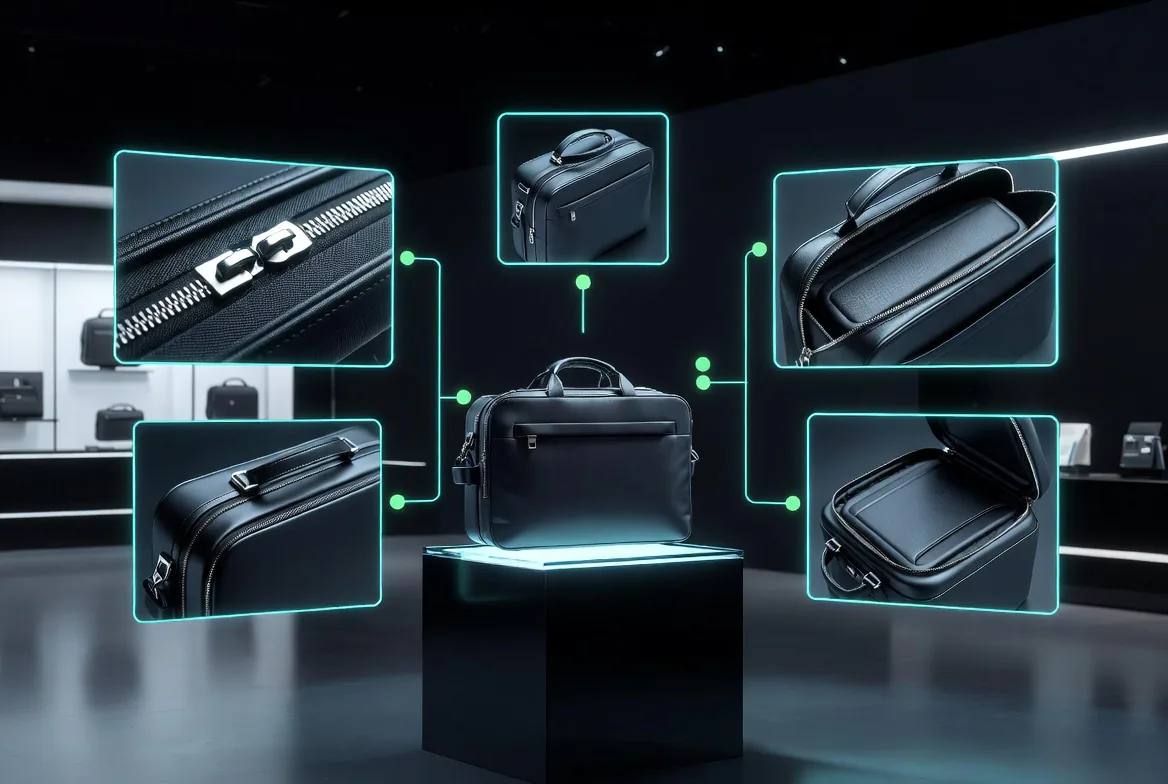
A premium product hero image for [product], precise material detail, controlled studio lighting, clean composition, realistic reflections, commercial-ready finish.
Grok Imagine Image Pro is best for moving from an approved visual direction into a cleaner, more detailed image that can be reviewed, refined and shipped.
Generate commercial product visuals with sharper materials, lighting, edges and surface detail.
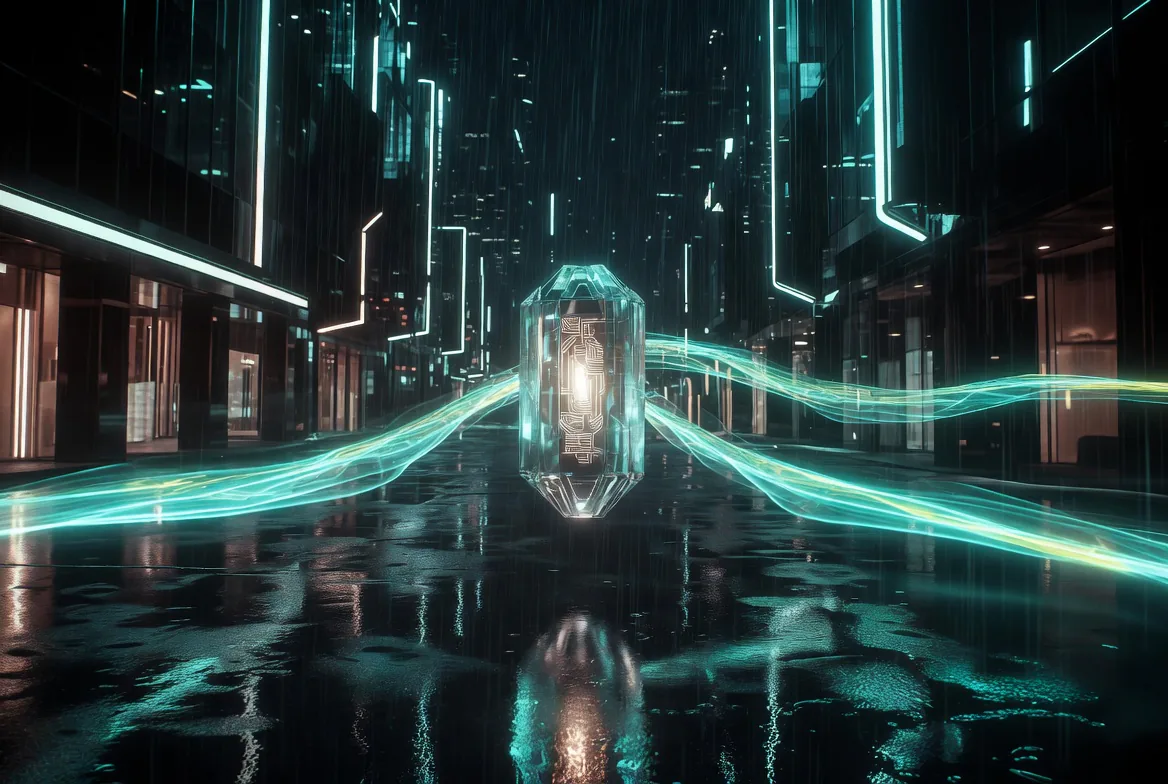
Turn a validated creative idea into a stronger poster, launch image or social ad direction.
Use existing images or references to guide composition, lighting and product-scene consistency.

Compare multiple high-quality visual treatments around the same product, space or concept.
Use standard Grok Imagine to find the direction, then use Grok Imagine Image Pro to improve clarity, materials, composition and reference consistency before comparing or refining further in Flux Art.
Create with Grok Image ProChoose Grok Imagine Image Pro when you already know the subject, target use and quality bar.
Use a prompt and optional reference image to guide composition, material, color and lighting.
Check detail, layout and consistency, then keep editing or compare against GPT Image 2 and Nano Banana Pro.
Use these prompts when the output needs to feel more like a finished visual than a rough first sketch.
A premium product hero image for [product], precise material detail, controlled studio lighting, clean composition, realistic reflections, commercial-ready finish.
A high-quality launch key visual for [campaign], strong central object, cinematic contrast, polished layout, space for headline, refined modern brand mood.
Use the reference direction to place [product] into a premium lifestyle environment, matched perspective, consistent lighting, realistic materials, no visible watermark.
Grok Imagine Image Pro is Flux Art's topic page for the higher-quality Grok image workflow. It is designed for polished AI image generation and editing, including product visuals, campaign posters, reference-image edits and style comparison.
xAI's current model documentation treats grok-imagine-image-pro as an alias for the higher-quality Grok image model route. Flux Art keeps the Pro naming because that is the model name users see in the workspace.
Grok Imagine is better for fast first-round visual exploration. Grok Imagine Image Pro is better when the direction is already clear and you want sharper detail, stronger materials, cleaner composition and a more finished result.
It is best for product detail polish, campaign key visuals, reference-image editing and high-quality style version boards. Use it when you need an image that is closer to review or delivery than a rough sketch.
Open the Grok Imagine Image Pro page, click Create with Grok Image Pro, then write a prompt or add reference direction in the image workspace. You can keep editing the result or compare it with other Flux Art image models.
Yes. The Grok image workflow supports image generation and editing use cases, and Flux Art surfaces the available controls through the image workspace.
Yes. Reference images are useful when you want to guide product shape, composition, lighting or scene direction. The exact upload controls depend on the current Flux Art workspace.
xAI documents 1K and 2K resolution options for the higher-quality Grok image route. In Flux Art, available resolution controls depend on the current model settings and plan.
Yes. It is useful for polished product hero images, material details, lifestyle scenes and ad visuals. For very strict text layout or local edits, compare with GPT Image 2 or Nano Banana Pro.
They are useful for different follow-up tasks. Grok Imagine Image Pro is good for high-quality Grok-style visual polish; GPT Image 2 is stronger when exact prompt following, text layout or precise instruction control is the priority.
Grok Imagine Image Pro is a strong option for polished image directions and reference-driven visual work. Nano Banana Pro is often better when you need highly controlled commercial detail, text fidelity or complex multi-image consistency.
Use a clear brief with subject, intended use, material detail, lighting, composition and any reference constraints. Because Pro is for quality review, describe what must stay consistent and what needs polish.
No separate xAI setup is needed for the Flux Art workflow. You can start from the topic page and use Grok Imagine Image Pro through the Flux Art image workspace.
Flux Art is designed for watermark-free commercial-use workflows. The exact license scope should follow Flux Art's current terms and the model provider's terms.


