
Product and material studies
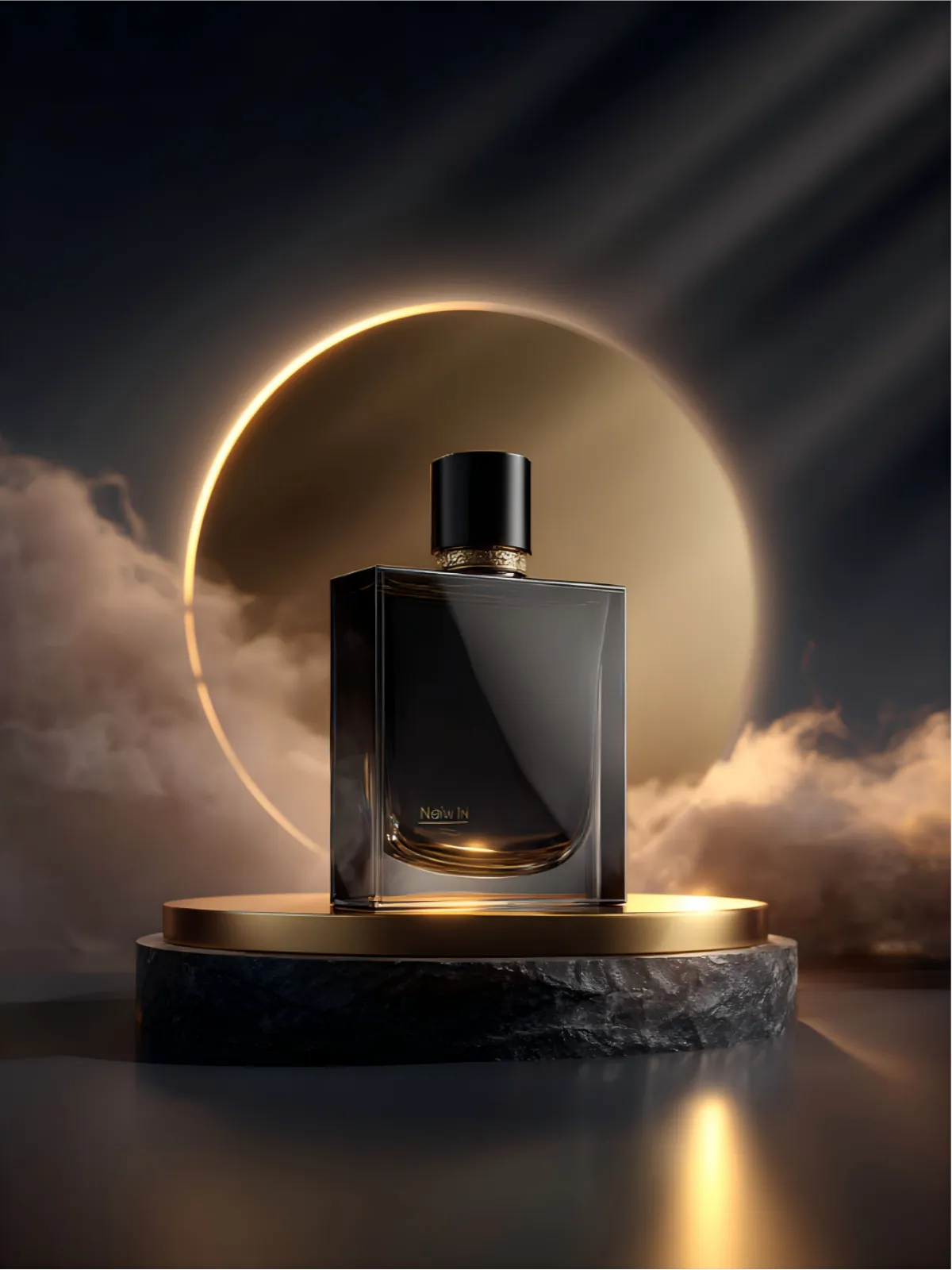
Pair a product silhouette with another image's material, lighting or color language to explore a campaign direction.
Update your browser, then reload this page. Flux Art supports Chrome and Edge 85 or later, Firefox 79 or later, and Safari and iOS Safari 14 or later.
Reload Flux ArtCheck your network connection and reload this page. If the problem continues, clear your browser cache and try again.
Reload Flux ArtAI E-commerce product suites are now live
Upload a product image, choose a platform and the images you need, then create listing-ready main images, white-background images, selling-point images, and lifestyle scenes. Product suites currently support Taobao/Tmall, JD.com, Pinduoduo, and Douyin E-commerce, with every result saved together for easy review, refinement, and export.
Midjourney V7 Blend reads the core elements across several references, then reorganizes subject, composition, materials, color and mood as one new image. It is not a simple overlay; it turns separate visual ingredients into a fresh creative direction.
It extracts the references' core visual ideas and generates a new image, so it is better for direction-finding than pixel-perfect replication.
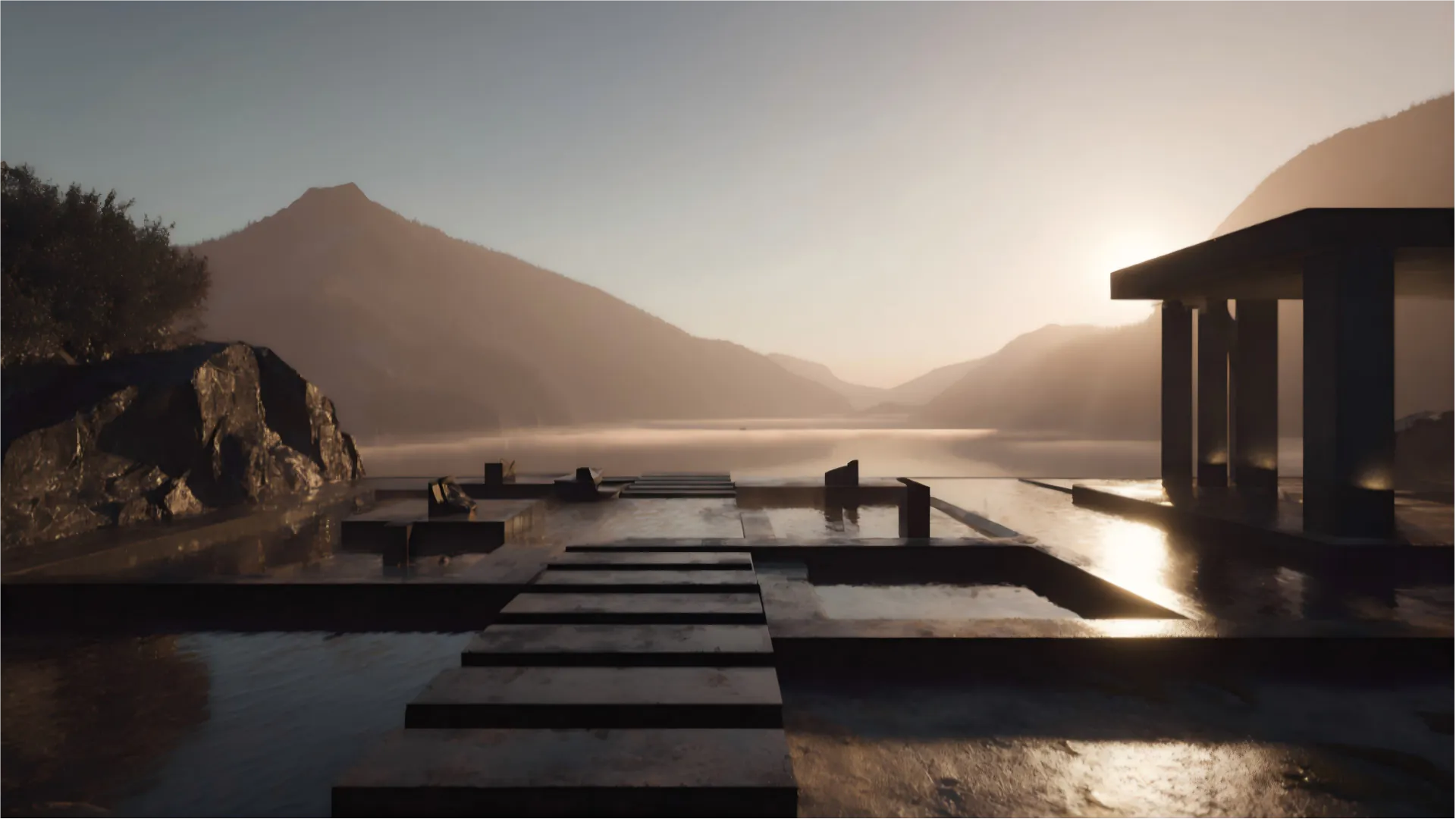
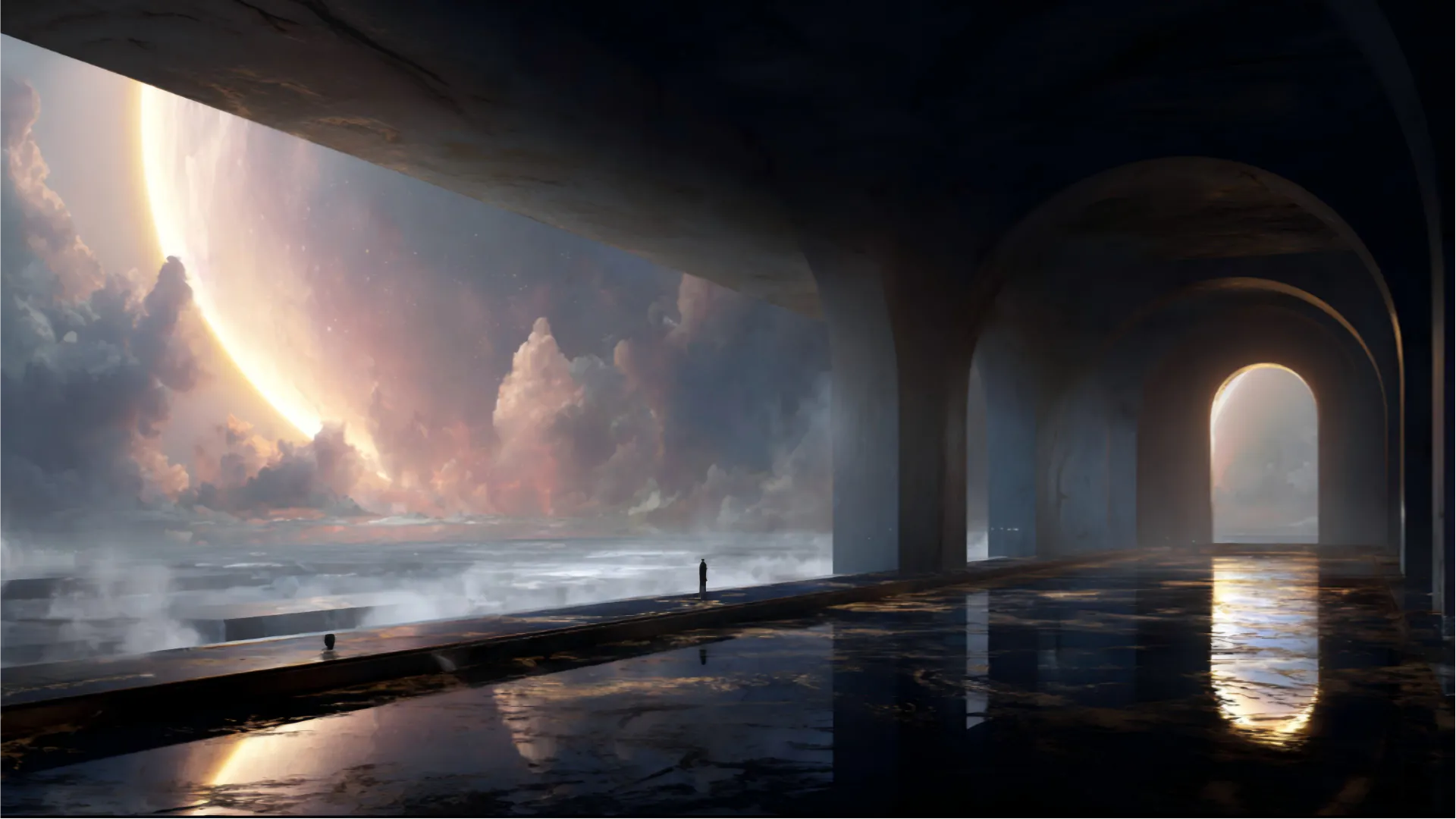
Blend goes beyond color mixing. Visual information from each reference shapes the new image's structure and character.
Use Blend when the direction already exists across several images and you want a new result that carries their shared visual DNA.
Pair a product silhouette with another image's material, lighting or color language to explore a campaign direction.
Combine a pose or styling reference with a different studio mood to discover a fresh portrait treatment.
Mix architecture, landscape and atmosphere references into a coherent setting for stories or brand worlds.
Bring together composition, palette and medium references to find a visual language worth developing.
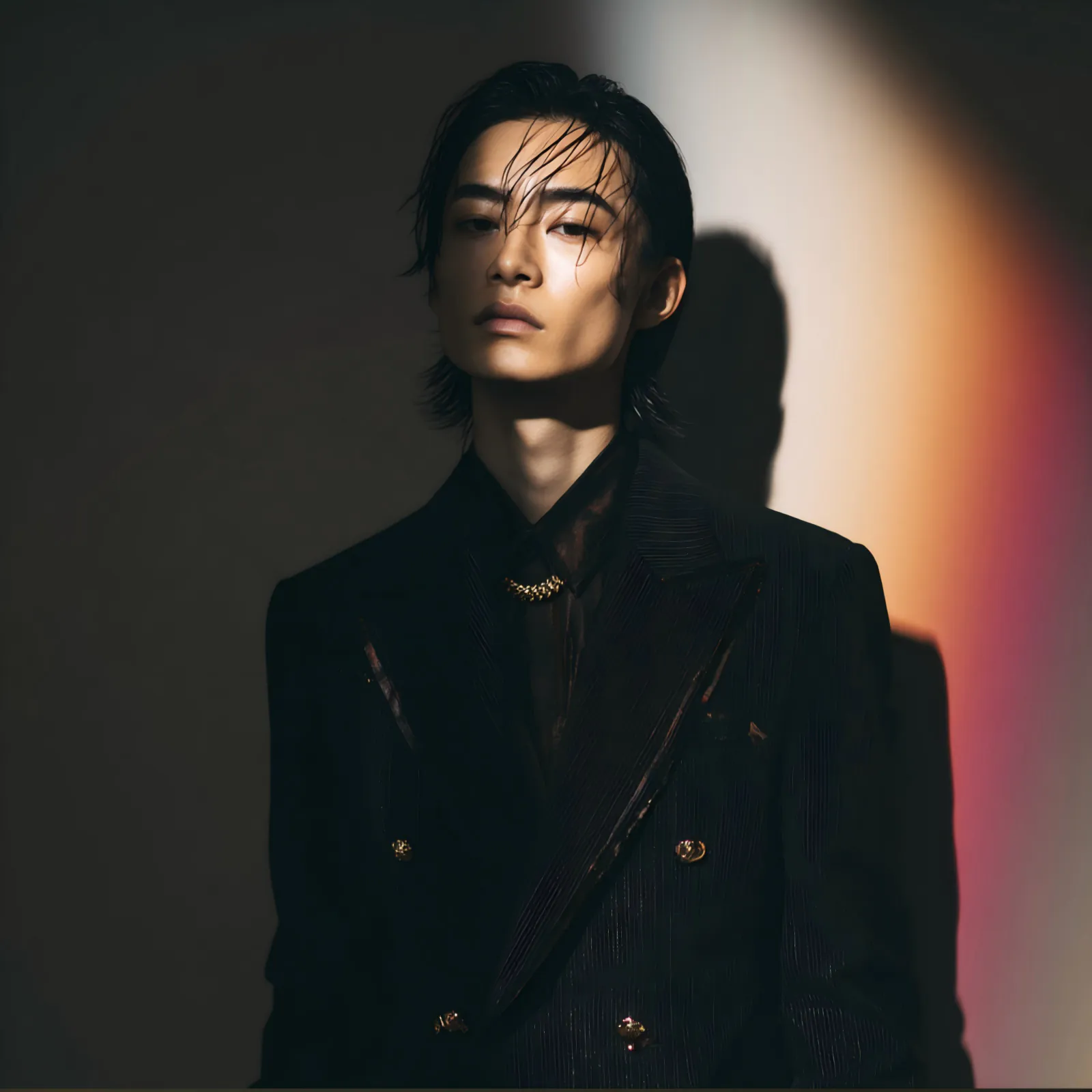
Start with two references that have clear roles, control the framing, then let V7 discover an unexpected but coherent connection between them.
Blend images with V7Blend is driven mainly by the images, not a long text prompt. Use these templates to choose references and define the result; switch to V7 Imagine with multiple image prompts when words must guide the blend.
[Reference A: product silhouette and camera angle] + [Reference B: material, palette and lighting]. Goal: keep A recognizable, borrow B's finish and mood, and create one polished [campaign use] visual.
[Reference A: pose and framing] + [Reference B: wardrobe, color story and studio light]. Goal: create a new editorial portrait with a coherent [brand mood], not a literal collage.
[Reference A: architecture or landscape structure] + [Reference B: weather, time of day and color]. Goal: build a believable [story world] scene with layered depth and a unified atmosphere.
Midjourney V7 Blend is a reference-led way to combine multiple images. It reads their subjects, composition, materials, colors and atmosphere, then reorganizes those ideas into a new image.
A collage keeps the original images and arranges them together, while Blend reinterprets their visual elements. The result is usually neither reference A nor reference B, but a new creative direction.
Open the image workspace from this page, upload at least two reference images, choose an output shape and start the blend. You can complete the workflow directly in Flux Art without using Discord.
Start with two images so you can see what each one contributes. Add more only after the direction is clear, and follow the current upload limit shown in the Flux Art workspace.
Let one image provide the subject, silhouette or composition, and let the other provide material, color, lighting or atmosphere. For example, use a product photo for its shape and an architectural image for its surface and light.
No, but similar crops and aspect ratios usually produce a more stable composition. A close-up portrait and an ultra-wide landscape ask the model to reinterpret much more of the framing.
No. Blend is driven mainly by the reference images, and the blend briefs on this page help you choose images and define a goal. When text must control specific content, use Midjourney V7 Imagine with multiple image prompts instead.
Yes. It is useful for exploring product materials, lighting, color, backgrounds and campaign atmosphere. If packaging text, logos or small product details must stay exact, review the result and refine it before publishing.
Yes. You can combine pose, styling, framing and studio mood to explore editorial or brand portrait directions. Blend should not be treated as a tool for preserving one person's face exactly.
Yes. Architecture, landscape, weather, palette and artistic medium can come from different images, making Blend useful for story settings, brand worlds and new illustration directions.
No. The A and B labels help you plan each image's role; they do not set a fixed influence. If one element matters most, use a clear reference with a simple subject and minimal background distractions.
Reduce the blend to two images with distinct roles and use references with compatible framing. Replacing a busy image is often more effective than adding more references to correct the result.
Choose Blend to discover a new direction from several images, V7 Imagine when text and images should guide the scene together, and Nano Banana or GPT Image 2 when you need more controlled edits to an existing image.
Blend results can support brand concepts, advertising drafts and product visual development, subject to the current Flux Art and model-provider terms. Make sure you also have permission to use any reference images, likenesses and brand assets you upload.


