
Spend more time comparing
Fast is valuable when it helps you see sooner whether an idea deserves another pass.
Update your browser, then reload this page. Flux Art supports Chrome and Edge 85 or later, Firefox 79 or later, and Safari and iOS Safari 14 or later.
Reload Flux ArtCheck your network connection and reload this page. If the problem continues, clear your browser cache and try again.
Reload Flux ArtAI E-commerce product suites are now live
Upload a product image, choose a platform and the images you need, then create listing-ready main images, white-background images, selling-point images, and lifestyle scenes. Product suites currently support Taobao/Tmall, JD.com, Pinduoduo, and Douyin E-commerce, with every result saved together for easy review, refinement, and export.
The accelerated Seedance route for faster video drafts, comparisons and creative decisions.
Seedance 2.0 Fast is the accelerated Seedance 2.0 route that official research positions for faster creative feedback. It keeps the prompt, image, video and audio reference workflow, making it useful for shooting, comparing and promoting a winning direction sooner.
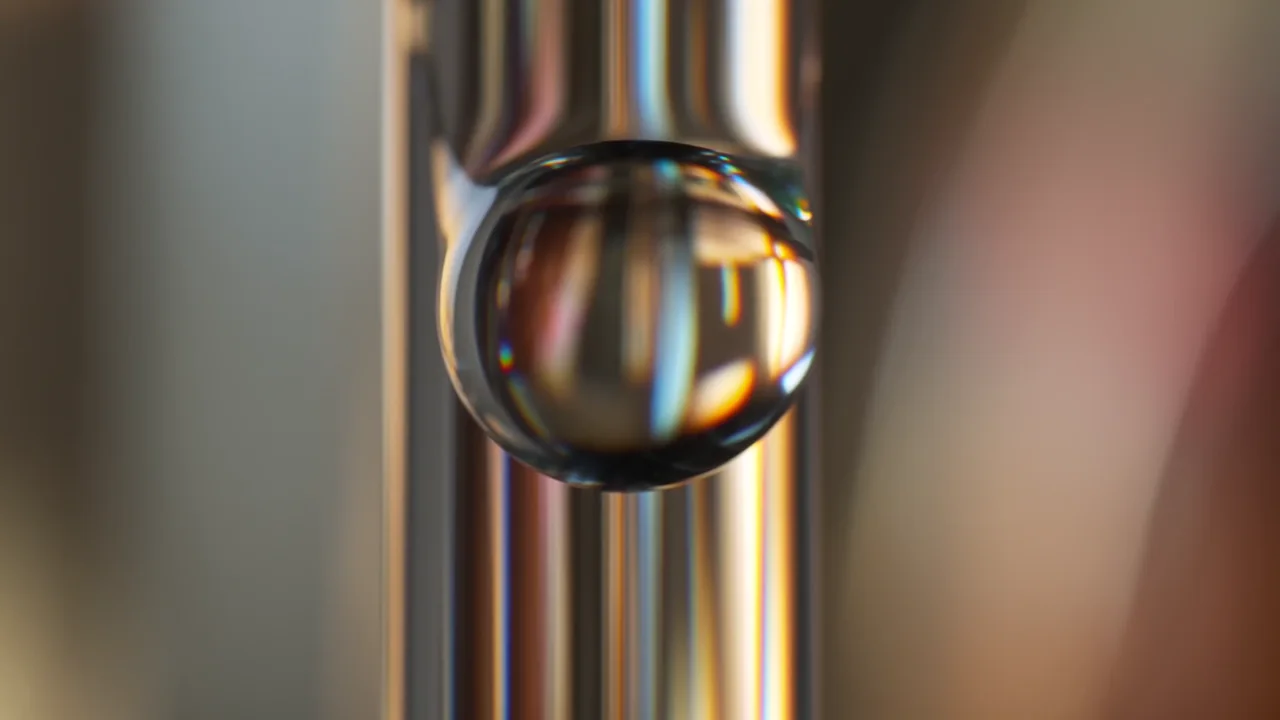


Choose Fast when the next useful result is a decision: which opening works, which camera move feels right, or which product reveal deserves a final pass.
Fast is valuable when it helps you see sooner whether an idea deserves another pass.
Keep working from subject, action, camera, references and sound so a winner is easy to promote.
Start a new shot or test one change or next beat around existing footage without restarting the whole idea.
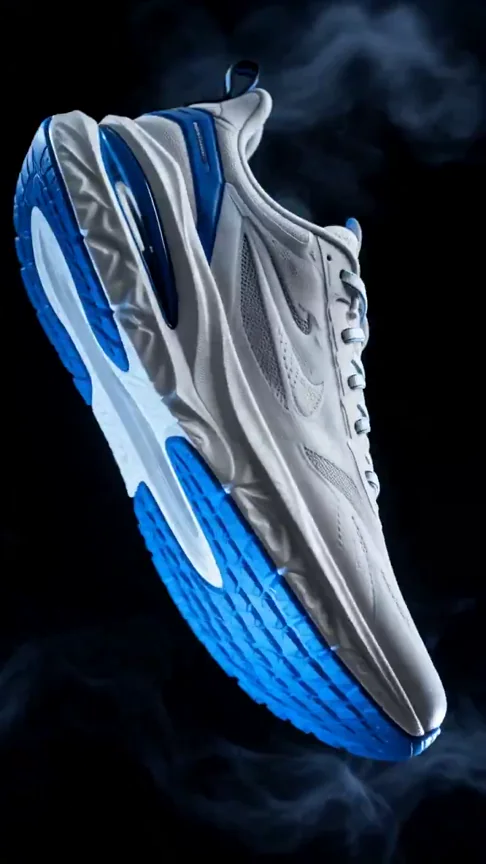
Fast is most useful before the final cut, when seeing and comparing several moving options is more valuable than polishing the first idea.
Test different first moments, framings and pacing choices before committing to a vertical campaign cut.
Turn a product still into several reveal, orbit or lighting directions that a team can review side by side.
Give a written scene or storyboard frame enough motion to judge action, camera language and narrative rhythm.
Try a targeted change or next beat from existing footage before choosing the version worth finishing.
Replace the brackets with your subject, scene and platform. Keep each prompt focused on something a camera could actually show.
Create a fast opening for [product]. Begin on an extreme close-up of [recognizable detail], then pull back as [single clear action] reveals the full product. Use [light and color mood], crisp physical motion and a steady final frame with clean space for [headline].
Use the uploaded image as the subject reference. Keep [face / product shape / clothing / logo] unchanged. In a vertical frame, the subject [specific action] while the camera [one camera move]. Add [ambient sound or music cue] and finish on [clear ending image].
Turn this storyboard beat into a short cinematic shot. [Subject] is in [specific setting] and [single action]. Start with [shot size], move the camera [direction and speed], let [sound cue] mark the key moment, and end when [visible story beat] is complete. Keep the mood [visual tone].
Treat every pass as a focused review: keep the subject and goal fixed, change one visible directing choice, then reuse the winning prompt and references for polish.
Based on official ByteDance Seed research, launch materials, Volcano Engine documentation and creator guidance, translated into a practical workflow for everyday creators.
Create with Seedance 2.0 FastDecide whether this pass is testing the opening, subject action, camera path, sound cue or ending frame.
Keep the subject and goal fixed, change one visible choice, then judge the results against the same brief.
Reuse the strongest prompt and references for a cleaner Fast pass or move the approved shot to Seedance 2.0 for final polish.
Seedance 2.0 Fast is the accelerated Seedance 2.0 route for seeing a video direction sooner. It is useful for testing openings, actions, camera moves, product shots and story beats before choosing the version worth refining.
Seedance 2.0 Fast is better for early drafts and side-by-side creative comparisons. Seedance 2.0 is the stronger next step after the direction is approved and the priority shifts toward a more finished result.
Fast keeps the broader Seedance 2.0 directing workflow while shortening feedback time. Mini is more suited to lightweight, frequent short-video exploration. Choose Fast to evaluate a serious creative direction and Mini for broader low-friction experimentation.
Yes. Describe the subject, one visible action, the camera movement and the final frame in everyday language. A simple short shot is usually easier to control than requesting a complete advertisement in one generation.
It works well for social hooks, product motion, campaign concepts, storyboard previews, story beats and possible continuations of an existing clip. It is most useful when you need moving options before making a decision.
Yes. Text can define the scene and action, images can establish a person, product or location, and reference video can communicate pacing or camera direction. Give each reference one clear job.
Yes. Upload the product image, state which shape, color and material details must stay unchanged, then describe a push-in, orbit, lighting change or reveal. Test one presentation direction at a time.
Yes. It is useful for comparing the first second, subject entrance, product reveal and pacing of a vertical clip. Choose the publishing format before generating so the composition starts in the right direction.
Write the subject, action, setting, camera movement, lighting and ending in that order. Visible, filmable instructions are usually more useful than a long list of abstract mood words.
Start with one complete shot or story beat, such as a product reveal, a character turning or a scene transformation. Once the direction works, combine several successful shots into a longer video.
Use one clear fixed reference and repeat the appearance, clothing, color and material details that must remain unchanged. Shorter shots with fewer simultaneous changes are generally easier to keep stable.
Keep the subject, setting and goal fixed, then change only one factor per round, such as the opening, camera path, action speed or ending frame. This makes the reason one version works easier to identify.
Identify whether the problem is the subject, action, camera or ending, then simplify only that layer. Reduce simultaneous actions or split a complex shot before adding more lighting and atmosphere.
Flux Art lets new users start with the currently available sign-up credits; quotas, plans and watermark rules are shown on the pricing page. Commercial publishing should follow the current Flux Art and model-provider terms and the rights attached to any reference media.

