
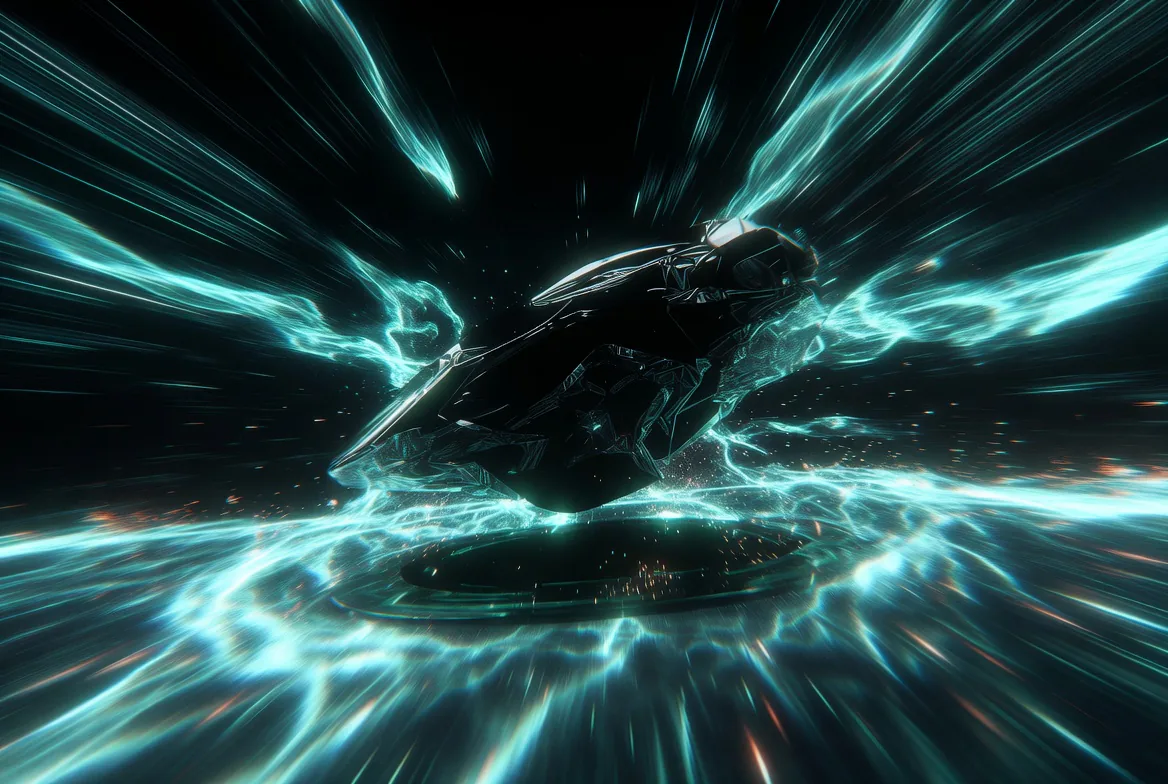
Rapid idea sketches
Turn loose prompts into first-pass visuals for mood, subject and composition decisions.
This update brings Nano Banana 2 Lite to Flux Art for fast 1K drafts, lightweight image editing, ecommerce hero image concepts, and social visual directions. We also added topic content for Grok Imagine and Grok Imagine Image Pro, expanding AI image generation scenarios for product visuals, campaign posters, and reference-based edits. Platform stability was improved as well, with better error reporting, network retries, and upload reliability.
Fast prompt-to-image exploration for ideas that need a sharp first visual.
Grok Imagine is an AI image generation model for fast visual exploration. It is most useful early in the creative process, turning ideas into directions you can judge, such as idea sketches, campaign key visuals, product scenes and reference expansion, before continuing in Flux Art for editing, comparison and refinement.

A bold launch visual for [product], energetic composition, sharp contrast, modern lighting, clear subject, memorable campaign mood.
Grok Imagine is useful when you want to test a visual idea quickly before deciding which direction deserves more polish.
Turn loose prompts into first-pass visuals for mood, subject and composition decisions.
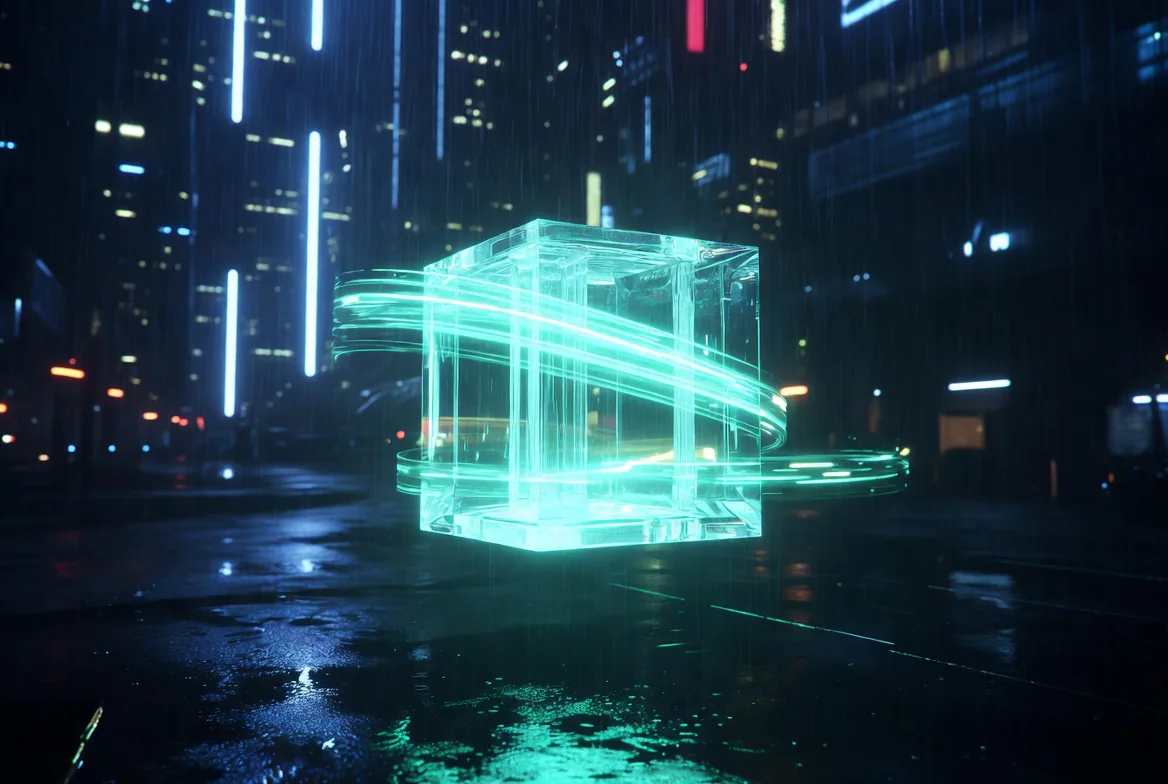
Generate poster, social and launch concepts before refining the strongest route.
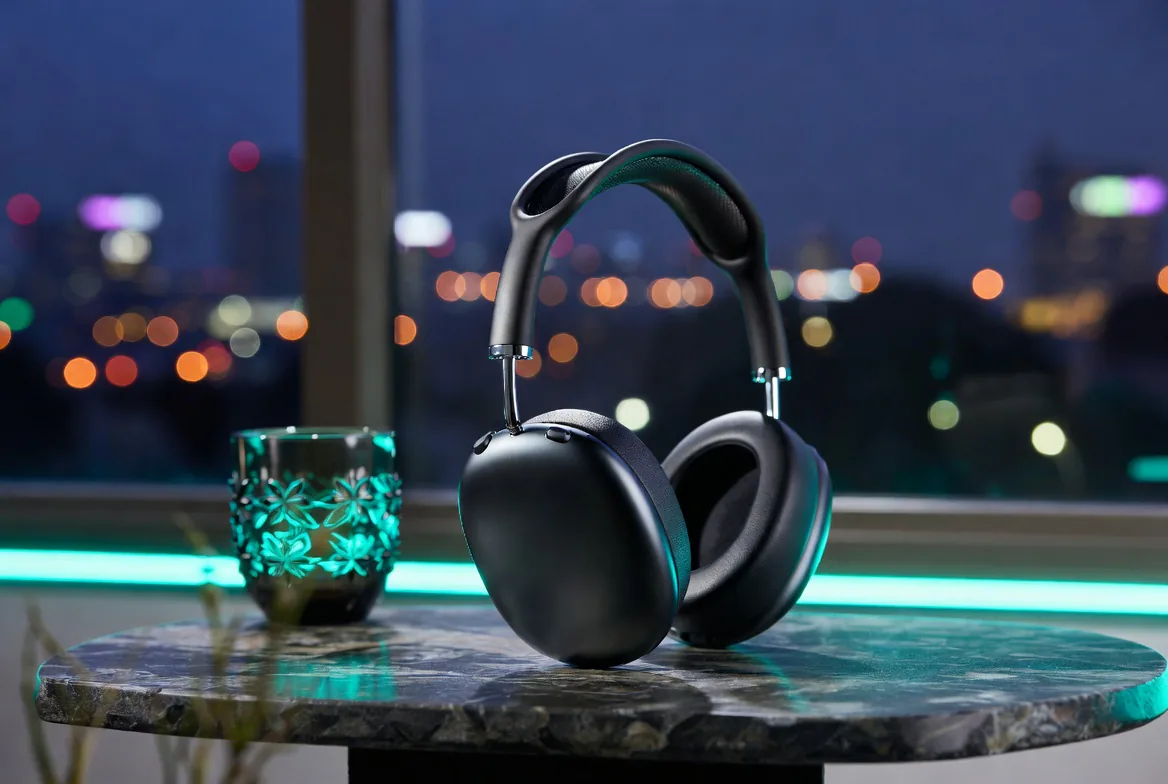
Explore product environments, lifestyle angles and visual hooks from short creative briefs.
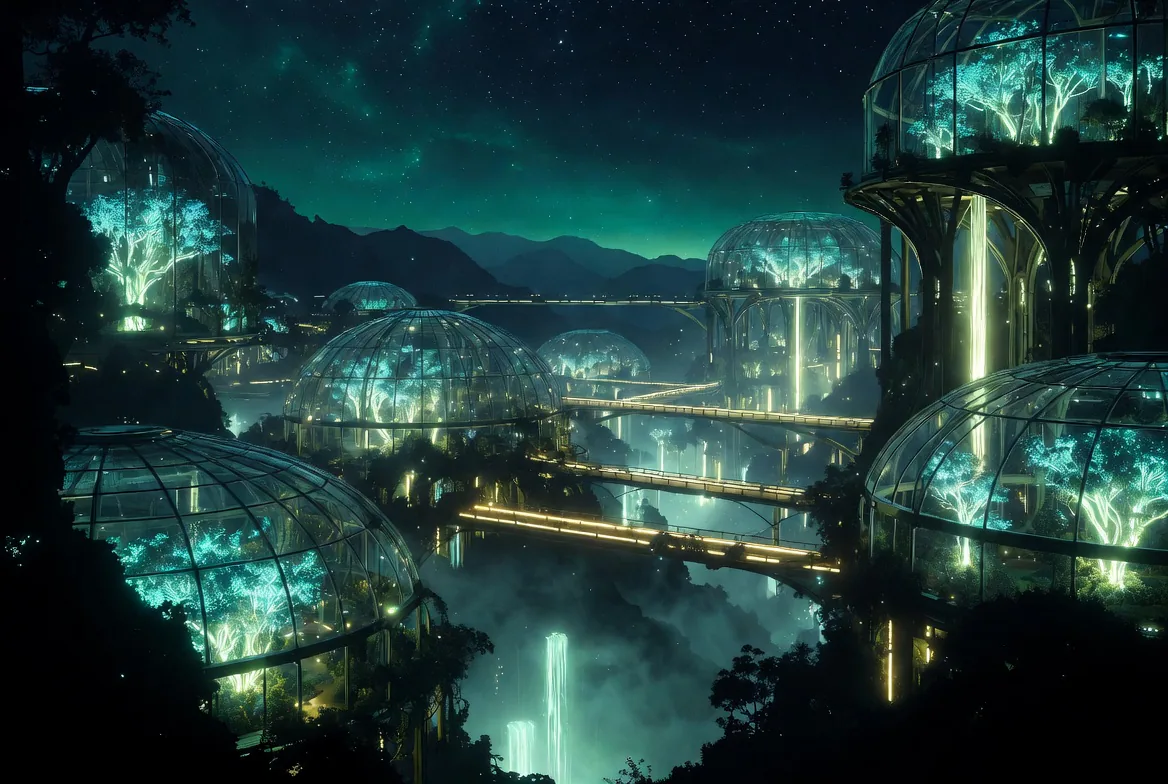
Use Grok results as reference directions, then compare with GPT Image 2, Nano Banana Pro or Midjourney V7.
Use a compact prompt to test whether the visual works, then keep expanding with Grok, compare models or move into more precise editing.
Create with GrokOpen the image workspace with Grok selected and write the subject, mood and intended use.
Run several prompt variants to find the strongest composition, lighting and visual hook.
Keep the winning direction, then refine it or compare it with other Flux Art image models.
Use these prompts when you need quick visual options for campaigns, products or creative concepts.
A bold launch visual for [product], energetic composition, sharp contrast, modern lighting, clear subject, memorable campaign mood.
A lifestyle product scene for [product], natural environment, clean composition, tactile materials, premium but approachable brand feeling.
A scroll-stopping social image for [theme], strong central idea, high visual clarity, expressive lighting, space for headline overlay.
Grok Imagine is xAI's image generation model family. It can generate visual content from prompts and supports image editing and reference-image workflows. In Flux Art, it is especially useful for fast creative directions and first-round visual sketches.
Grok Imagine is best for fast idea sketches, campaign visual directions, product scene exploration and reference expansion. It helps you judge whether a visual direction works early in the creative process before investing in polish.
Open the Grok Imagine topic page, click Create with Grok, then enter your prompt in the image workspace. After generation, you can keep editing the result or compare it with other Flux Art models.
Grok Imagine is better for quickly exploring visual directions, while GPT Image 2 is better for precise prompt execution, detail control, text-related images and clearer editing tasks. A practical workflow is to find the direction with Grok, then refine with GPT Image 2.
Grok Imagine focuses on fast creative trial and visual direction exploration. Midjourney V7 is stronger for artistic style, cinematic mood and high-impact visual expression. Use Grok when you need quick directions, and compare with Midjourney V7 when you need stronger style.
Yes. Grok Imagine is useful for quickly testing product environments, lifestyle scenes, advertising key visuals and social media asset directions. If you need stronger consistency or refinement, you can switch to another image model inside Flux Art.
xAI's Imagine API supports image generation and editing workflows, including reference-image inputs. The exact controls available in Flux Art depend on the current image workspace.
Flux Art generation is designed for watermark-free and commercial-use scenarios. The exact license scope should follow the current Flux Art terms and the model provider's terms.
Use a clear prompt that names the subject, scene, mood, visual style, lighting and intended use. Grok Imagine works well when you ask for a direction first, such as a campaign visual, product scene or social media hook.
Yes. Grok Imagine is useful for fast social media concepts, visual hooks, post covers and ad directions. It helps you test whether an image idea has enough first-glance impact before refining it.
Yes. Flux Art lets you work with multiple image models in one place, so you can use Grok Imagine for quick directions and compare the result with Nano Banana Pro when you need stronger detail, consistency or editing control.
Switch when the visual direction is already clear and you need more precise text, stricter subject consistency, detailed local edits or a very specific art style. GPT Image 2, Nano Banana Pro and Midjourney V7 can each be useful for those follow-up needs.
No separate xAI setup is needed for the Flux Art workflow. You can start from the Grok Imagine page and use the model through the Flux Art image workspace.
Keep the subject description stable, reuse the same product or character details, specify the aspect ratio and describe the scene in simple, repeatable language. If consistency becomes the main goal, compare with Nano Banana Pro or GPT Image 2 in Flux Art.