
Write the visual use
Name the format first: social cover, product scene, poster draft, reference edit or realistic mood test.
This update brings Nano Banana 2 Lite to Flux Art for fast 1K drafts, lightweight image editing, ecommerce hero image concepts, and social visual directions. We also added topic content for Grok Imagine and Grok Imagine Image Pro, expanding AI image generation scenarios for product visuals, campaign posters, and reference-based edits. Platform stability was improved as well, with better error reporting, network retries, and upload reliability.
Speed-first Qwen image generation and editing for fast 1K/2K visual drafts.
Qwen Image 2.0 is the speed-oriented generation and editing model in the Qwen Image 2.0 family. It keeps text-image understanding, 2K candidates and continued editing, making it useful for turning an idea into several reviewable drafts before polishing.
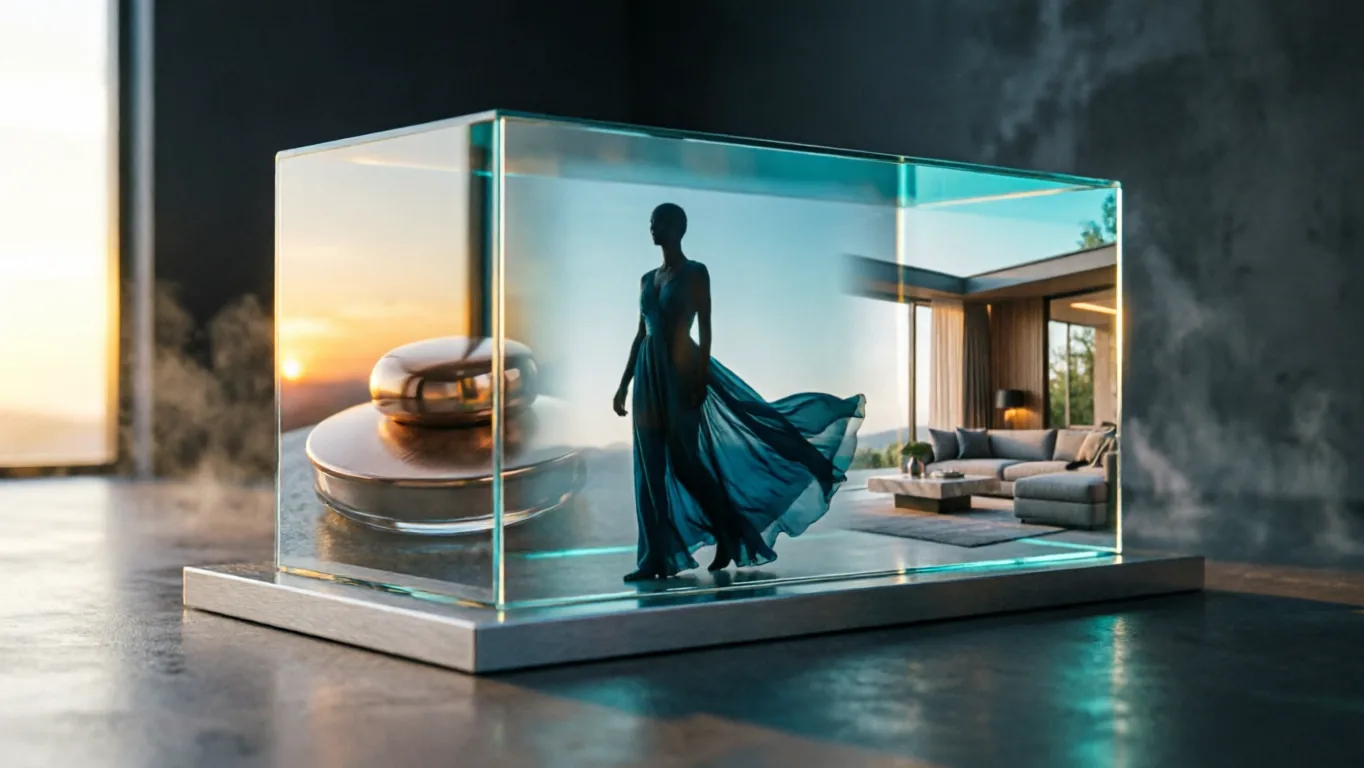
Start with a clear brief, generate several directions, then keep editing the strongest image or compare it with Qwen Image 2.0 Pro in Flux Art.
Name the format first: social cover, product scene, poster draft, reference edit or realistic mood test.
Use Qwen Image 2.0 to compare composition, subject placement, lighting and text space before choosing a direction.
Keep the strongest result, then adjust text, objects, background or style in the same Flux Art workspace.
Official Alibaba Cloud docs position Qwen Image 2.0 as the accelerated Qwen image series that balances quality with response speed. Use it when the first visual decision matters more than final polish.
Official docs position Qwen Image 2.0 as the accelerated series balancing quality and response speed, so it fits the first visual decision loop.
It covers both text-to-image and image editing, so you can generate first, then keep adjusting subject, in-image text, background or style.
Official docs allow multiple outputs in one run, which is useful for comparing options before treating any image as final.
Docs support Chinese and English prompts plus exclusion notes. Separate subject, text, placement, style and unwanted details for easier review.
Qwen Image 2.0 is a good fit for early creative work: social covers, product scene drafts, light image edits and realistic mood tests that need quick comparison.


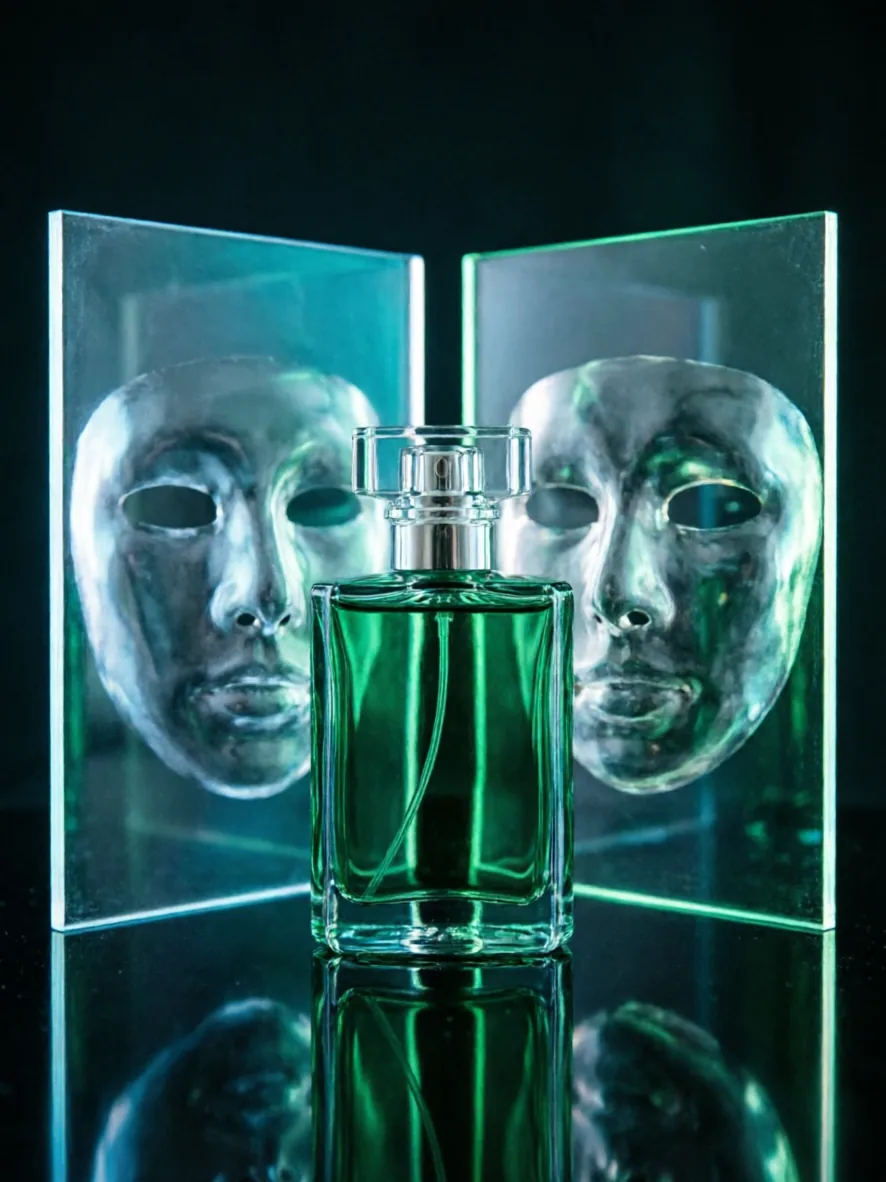

Replace the bracketed parts with your product, scene and copy. Keep the first run simple, then refine the result that works.
Create a clean social media cover for [campaign]. Main subject: [subject]. Put the short headline "[headline]" near the top with enough empty space around it. Use [style] colors, strong contrast and a clear focal point. Avoid extra text, watermarks and messy backgrounds.
Create a realistic product scene for [product] in [setting]. Show the product clearly, keep the logo visible, use natural light and believable material texture. Leave space on the right for a short selling point. Avoid hands covering the product and avoid distorted labels.
Use the uploaded image as the main reference. Keep [thing to preserve] unchanged. Change [thing to change] into [new direction]. Keep the same camera angle and overall lighting. Make the result clean, natural and ready for review.
It is strongest when you need to turn a brief into reviewable image directions quickly.
It can handle text-aware images, but brand names, dates, prices and legal copy should still be checked before publishing.
When editing from an image, describe exactly what should change and what should stay recognizable.
For heavier text layouts, richer realism or stricter review, compare the result with Qwen Image 2.0 Pro.
Qwen Image 2.0 is Alibaba's Qwen-Image 2.0 model for image generation and editing. In Flux Art, it is positioned as a faster Qwen workflow for AI image drafts, product scenes, social covers and reference-image edits.
Qwen Image 2.0 is better for fast first-round candidates and direction testing. Qwen Image 2.0 Pro is better when the image needs stronger text layout, richer realism and stricter commercial review before publishing.
Open the Qwen Image 2.0 page on Flux Art, click Create with Qwen Image 2.0, then enter a prompt or upload a reference image in the workspace. From the same account you can compare GPT Image 2, Nano Banana, Wan and 50+ other models.
Yes. Qwen Image 2.0 works well for product scene drafts, hero-image directions, campaign visuals and ecommerce idea testing. Use it to find the strongest direction, then edit further or compare with Pro models in Flux Art.
Yes. It is useful for testing composition, subject size, headline space and color mood for social covers, posters and campaign drafts. Important text such as dates, prices and brand names should still be checked before publishing.
Yes. It can create short headlines, labels and simple selling points. For better results, keep the in-image text short, put the exact words in quotes and describe where the text should appear.
Yes. Upload a reference image and describe what should stay recognizable and what should change, such as the background, light, product setting, visual style or text area.
Yes. Qwen Image 2.0 is useful when you want several options before choosing a direction. Compare composition, lighting, subject placement and text space before polishing one result.
Use GPT Image 2 when precise prompt following, complex instructions or text cleanup matter most. Use Qwen Image 2.0 when you want fast Qwen candidates and quick creative comparison. Both can be tested in Flux Art.
Nano Banana is better for very lightweight image edits and daily inspiration. Qwen Image 2.0 is better when you want to turn a product, poster or social brief into several reviewable image drafts.
Choose Qwen Image 2.0 for fast candidates and continued editing. Choose Qwen Image Max when the direction is already clear and you want a more natural, photoreal single-image result.
No separate Alibaba Cloud account or API key is needed for the Flux Art workflow. Flux Art integrates the model so you can use it directly in the image workspace.
Yes. Flux Art provides stable direct access for China-based users and lets you switch between Qwen, GPT Image 2, Nano Banana, Wan and other models in one workspace.
Flux Art is designed for watermark-free commercial creative workflows. The exact license scope should follow Flux Art's current terms and the model provider's terms.