
Qwen Image 2.0 Pro
A professional image model for readable text layouts, realistic scenes and controlled revisions.
Qwen Image 2.0 Pro
Not just image generation, more like a text-image compositor
Qwen Image 2.0 Pro is most useful when text, layout, subject, material and exclusions belong in one creative request. It fits commercial images that need to explain information, survive review and stay editable.
2KHigh-resolution candidates for posters and product pagesBatchCompare several directions before refiningTextPlan copy and subject togetherEditRevise text, objects and style after generation

Core strengths
The strengths that make Qwen Image 2.0 Pro useful
Official materials point to a clear pattern: this model is most valuable when text, layout, realism and review control matter more than pure speed.
Make copy part of the image, not an afterthought
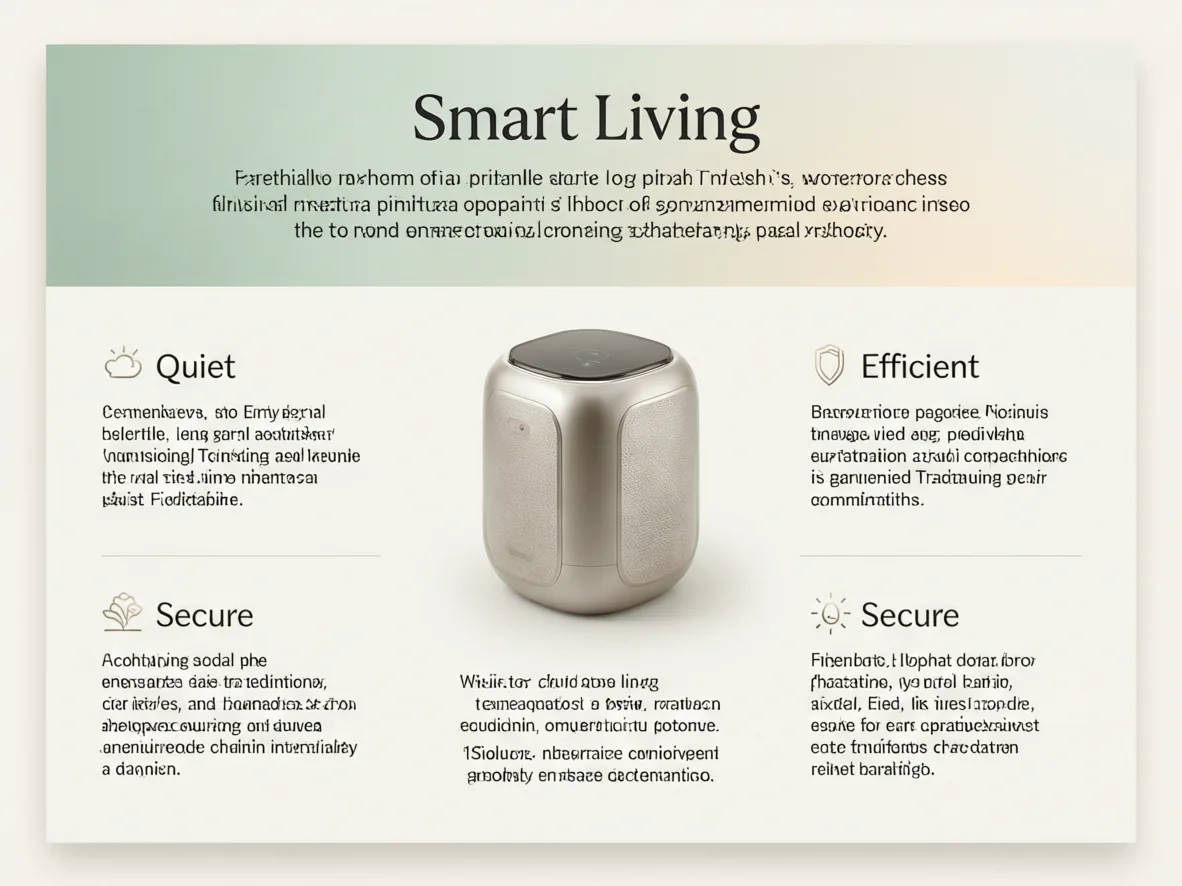
Useful for posters, infographics, slide-like visuals and ecommerce claim images. Describe the title, paragraphs, labels and visual subject together so the layout is planned in one pass.
Make products, people and spaces feel usable
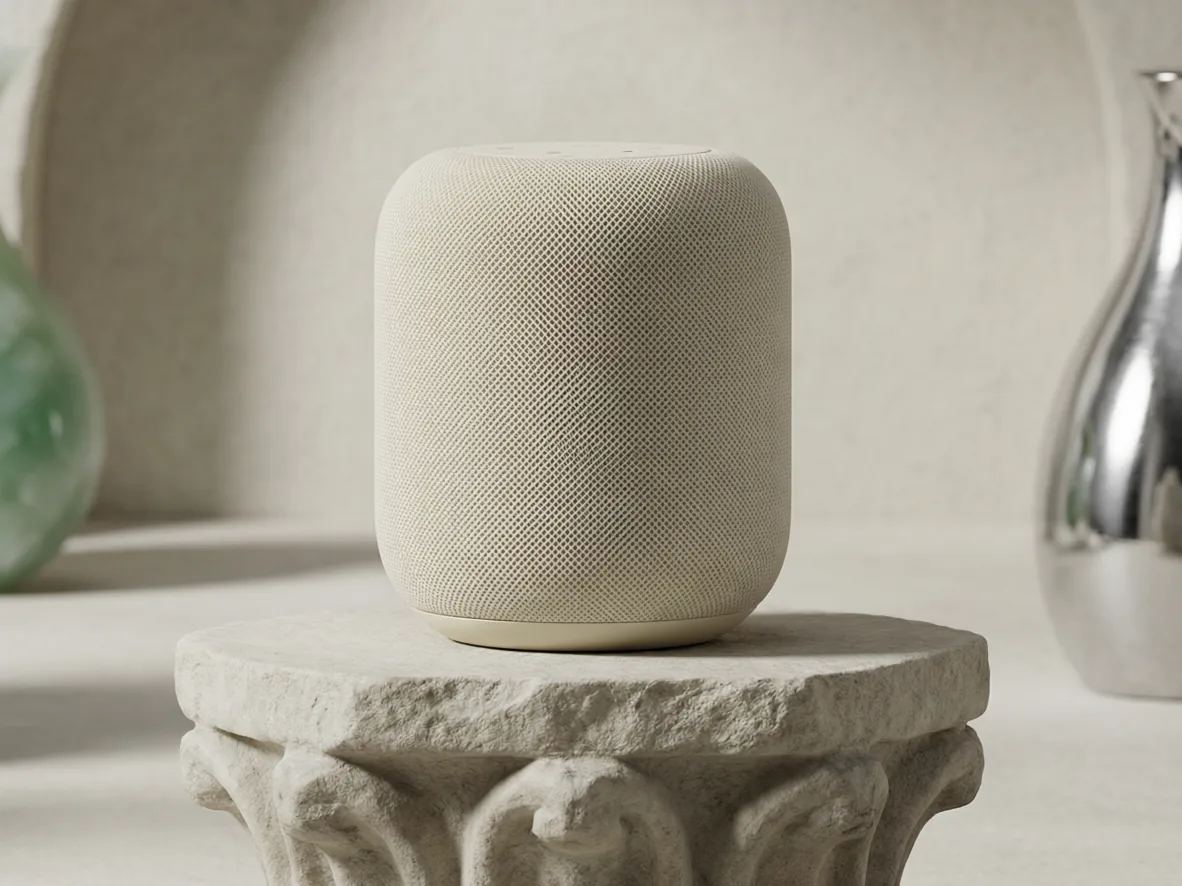
Official materials emphasize realistic texture and semantic adherence. In practice, product surfaces, natural light, architectural detail and human presence become easier to review for commercial use.
Generate a direction, then keep refining
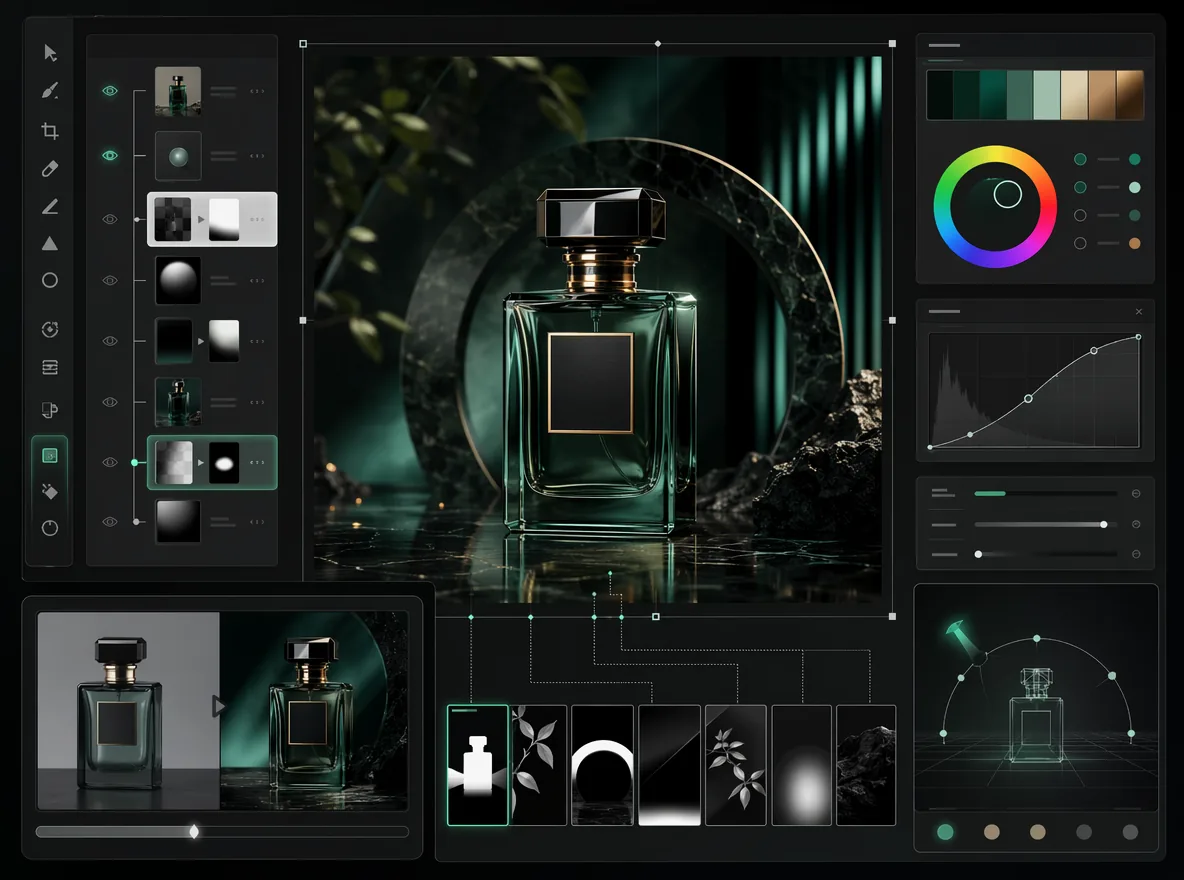
You can compare several candidates first, then refine text, objects, style or details. That is more useful than expecting a final asset in one try.
Best-fit use cases
Choose it when the image has to explain something
Use it for work where copy, layout and the main visual need to be planned together: campaign posters, product claim images, infographics and editable drafts.
Fit and limits
When it saves time, and when to double-check
Text-heavy visuals with layout and review needs
Posters, slide-like visuals, infographics, menus, event covers and ecommerce claim images are its comfort zone.
Important text still needs review
Brand names, prices, legal copy, dates and QR codes should be reviewed word by word before publishing.
Brand color, character consistency or larger delivery matters
If the job depends on character sets, strict brand color or larger delivery sizes, compare it with Wan, GPT Image and other Flux Art models.
Flux Art
How to use Qwen Image 2.0 Pro in Flux Art
Start with a clear request, compare several 2K candidates, then continue refining text, objects, materials or style in the same Flux Art workspace.
Create with Qwen Image 2.0 Pro- Open the image workspaceStart from this page and launch Flux Art with Qwen Image 2.0 Pro selected.
- Write the image like a layoutDescribe the subject, exact in-image text, reading order, material, scene and anything the picture should avoid.
- Generate, compare, refineCreate several 2K candidates, keep the strongest one, then revise text, placement, objects or style in the editor.
Prompt templates you can copy and change
Create a premium ecommerce poster for [product]. Put this headline in the image: "[headline]". Add two short selling points: [selling point 1], [selling point 2]. Keep the product centered, show realistic material texture, use soft studio lighting, avoid watermarks and avoid extra text.
Create a clean infographic explaining [topic]. Use one clear title, three labeled sections, small simple icons and readable short paragraphs. Keep a modern business layout with balanced white space. Make all Chinese text accurate and avoid misspelled words.
Create a realistic lifestyle image for [product] in [scene]. Use natural daylight, detailed fabric and surface texture, and a calm premium mood. Keep the product easy to recognize. Avoid hands covering the logo and avoid blurry text.
Qwen Image 2.0 Pro FAQ
What is Qwen Image 2.0 Pro?
Qwen Image 2.0 Pro is an AI image generation and editing model available in Flux Art. It is useful for posters, infographics, ecommerce visuals, presentation-style images and realistic scenes where text, layout and the main visual need to work together.
What is Qwen Image 2.0 Pro best for?
It is best for images that need to explain something clearly: campaign posters, product claim images, simple infographics, menu-style visuals, course covers, social covers and editable commercial drafts.
How do I use Qwen Image 2.0 Pro in Flux Art?
Open the Qwen Image 2.0 Pro page, click the creation button, then write your image brief in the Flux Art image workspace. Describe the subject, in-image text, layout, style and anything the result should avoid.
Do I need a separate provider account or API key?
No. You can use Qwen Image 2.0 Pro through the Flux Art workspace without setting up a separate model provider account or API key.
How is Qwen Image 2.0 Pro different from Qwen Image 2.0?
Think of Qwen Image 2.0 Pro as the better choice for polished commercial work, posters, infographics and images that need careful review. The regular Qwen Image 2.0 page is a lighter starting point for fast drafts and direction testing.
Can Qwen Image 2.0 Pro create images with text?
Yes. It is a good choice when the image needs titles, labels, short selling points or simple layout text in Chinese or English. Important words such as brand names, prices and dates should still be checked before publishing.
How should I write prompts for poster text?
Put the exact words in quotes, say where the headline and smaller copy should appear, and keep the wording short. If the image needs too much copy, make a simpler first version and edit from there.
Is it good for ecommerce images?
Yes. It works well for product hero images, claim visuals, detail-page scenes and campaign drafts where the product, material, blank space and selling points need to be planned together.
Can it make infographics or presentation-style images?
Yes. Ask for one clear title, three or four sections, simple icons, short labels and an obvious reading order. The clearer the structure, the easier the result is to review and refine.
Can I edit an image after generating it?
Yes. Qwen Image 2.0 Pro supports a generate-and-edit workflow in Flux Art, so you can create several directions first and then refine text, object placement, background details or style.
What size should I choose in Flux Art?
For formal page visuals, start with 2K candidates when available. Use a lighter draft size for early tests, then choose the aspect ratio by use case: 16:9 for hero or OG images, 1:1 or 4:3 for product cards, and 9:16 for mobile posters.
When should I choose Qwen Image 2.0 Pro instead of GPT Image 2?
Try Qwen Image 2.0 Pro first when you want text layout, realistic commercial scenes and multiple candidate images. Compare with GPT Image 2 when exact instruction following or text cleanup is the main priority.
How is it different from Nano Banana Pro?
Qwen Image 2.0 Pro is stronger for information-heavy images and text layouts. Nano Banana Pro is usually better for premium product detail and complex commercial scenes. For ecommerce work, it is worth trying the same brief on both.
Can Qwen Image 2.0 Pro images be used commercially?
Flux Art is designed for watermark-free commercial workflows. The exact usage rights should follow Flux Art's current terms and the model provider's terms, especially for important client or campaign work.