
Qwen Image Max
Qwen's higher-finish route for natural, photoreal single-image generation.
Qwen Image MaxRealismPeople, products and spaces feel closer to photography NaturalnessLess harsh edging, plastic texture and over-polish DetailLight, materials and background depth are easier to review
When the image needs to feel photographed
Qwen Image Max is the Qwen-Image route for more finished text-to-image stills. It is best for turning a clear product, person, space or campaign visual into a more natural, photoreal single image with fewer synthetic tells.
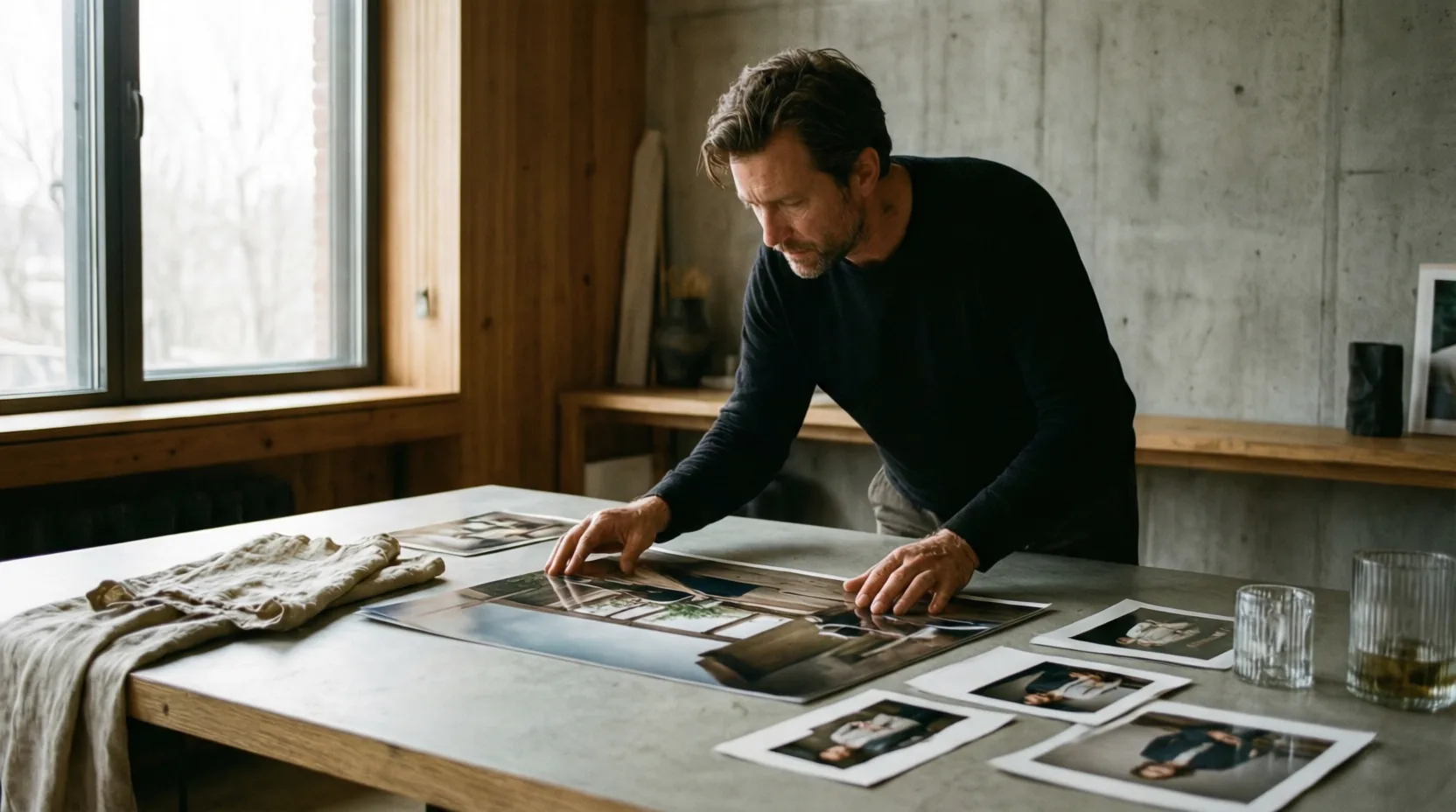
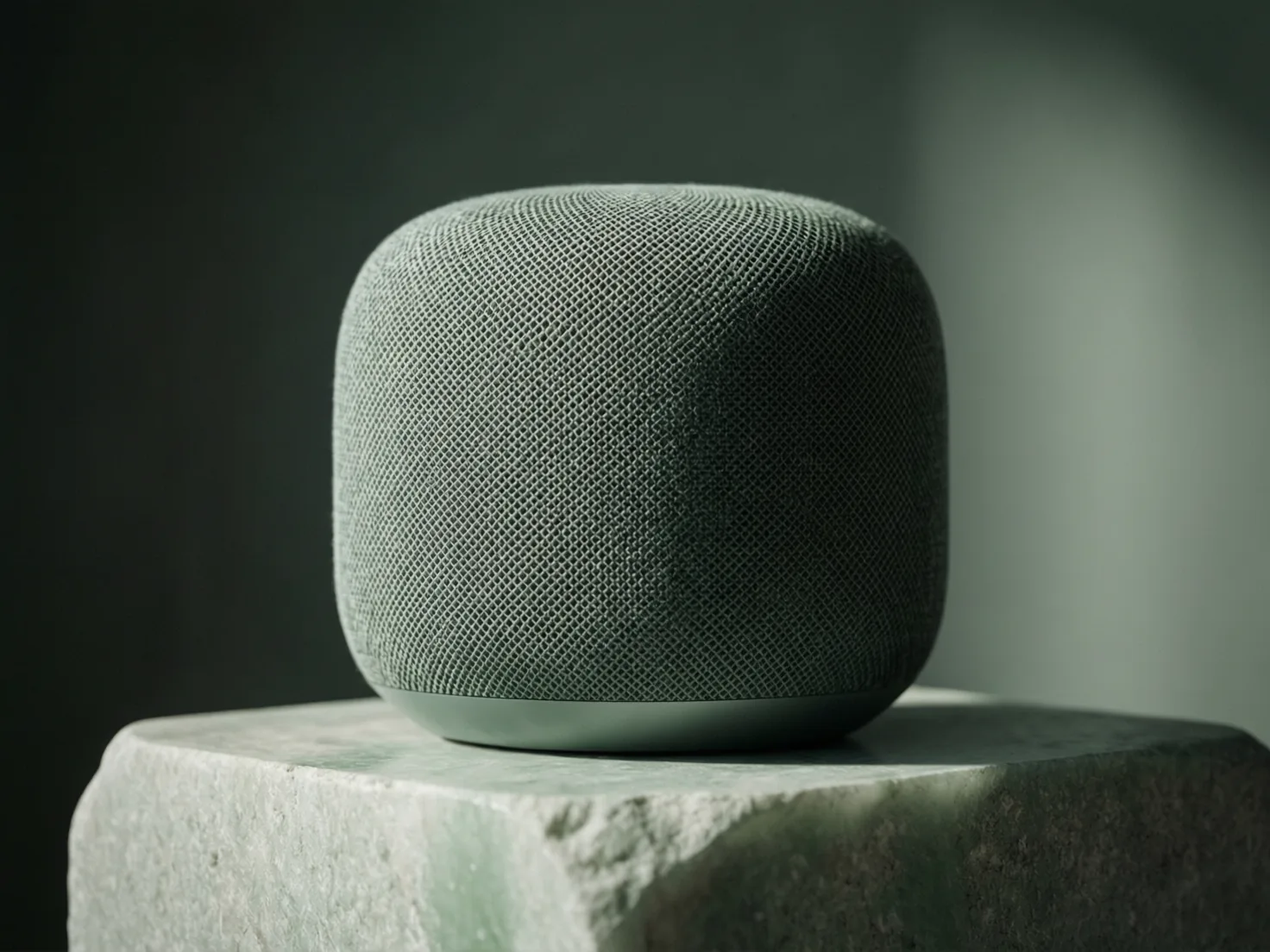
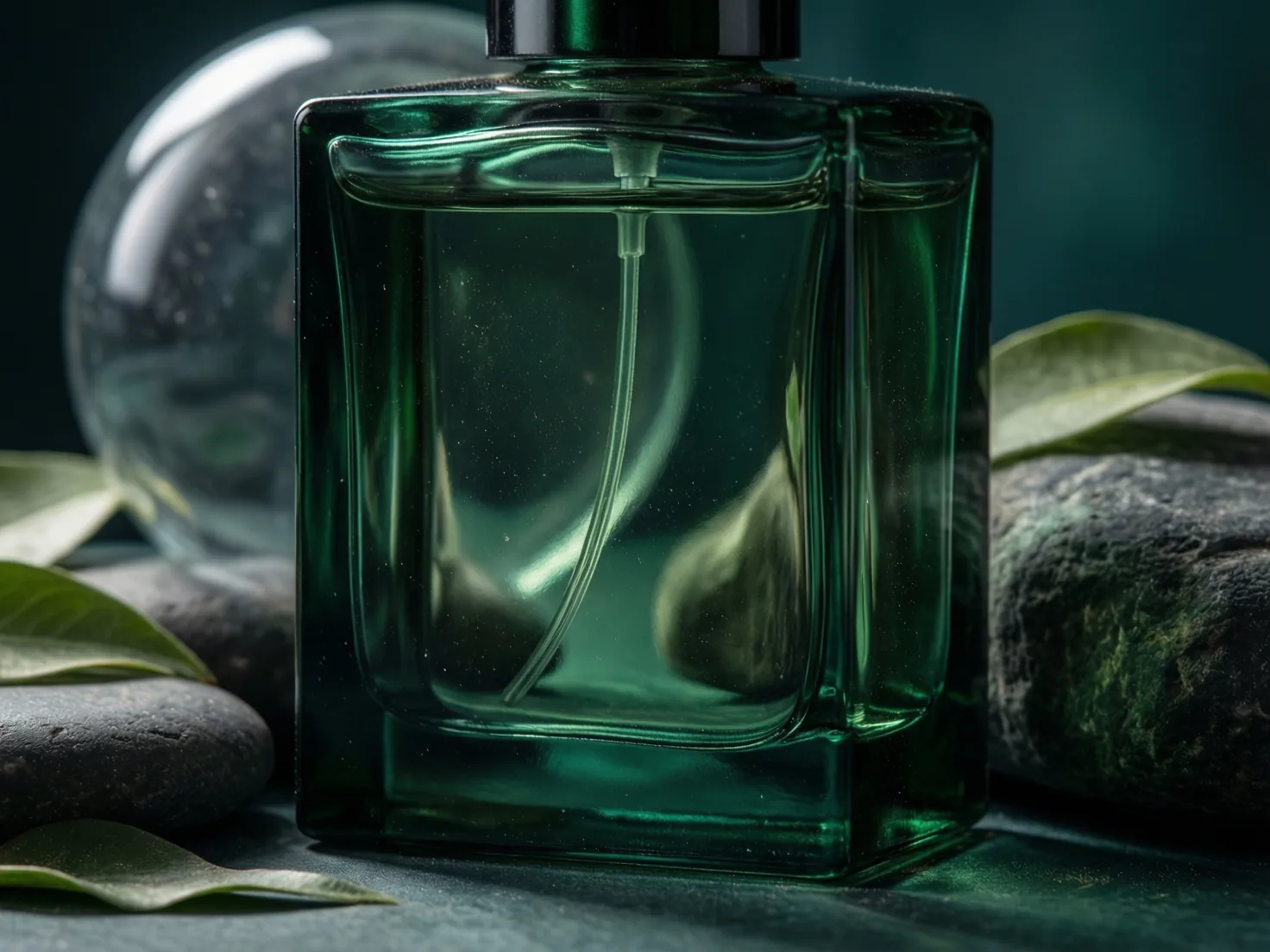
Core value
What Qwen Image Max is best at
Official Qwen Image materials describe Max as the route with stronger realism, naturalness and fewer AI-generation artifacts. In everyday use, that makes it a good pick for final-looking still images.
Natural commercial realism
Create product, people and environment images where light, material and atmosphere need to feel believable.
Lower synthetic feel
Use it when overly smooth skin, plastic surfaces, harsh edges or obvious AI texture would hurt trust.
Focused single-image output
Give it one clear final image brief instead of asking for broad exploration or a batch of unrelated directions.
Publishable first drafts
Generate a stronger first candidate for homepage heroes, ads, product scenes and brand mood boards.
Best-fit scenes
Use it when the image should look less synthetic
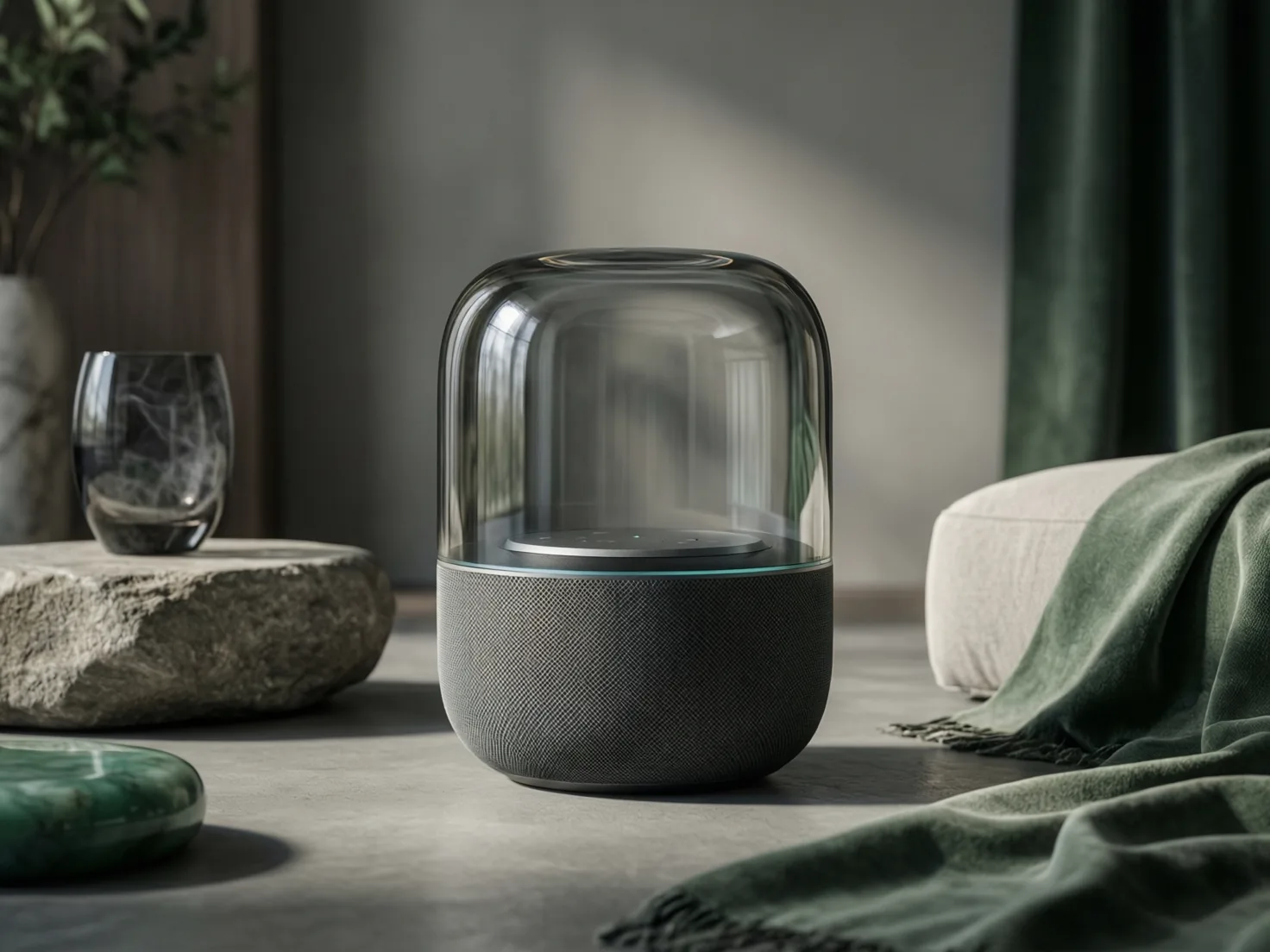
Qwen Image Max is strongest when the brief is already clear and the output needs a finished, natural feel: product heroes, lifestyle scenes, campaign stills and brand visuals.
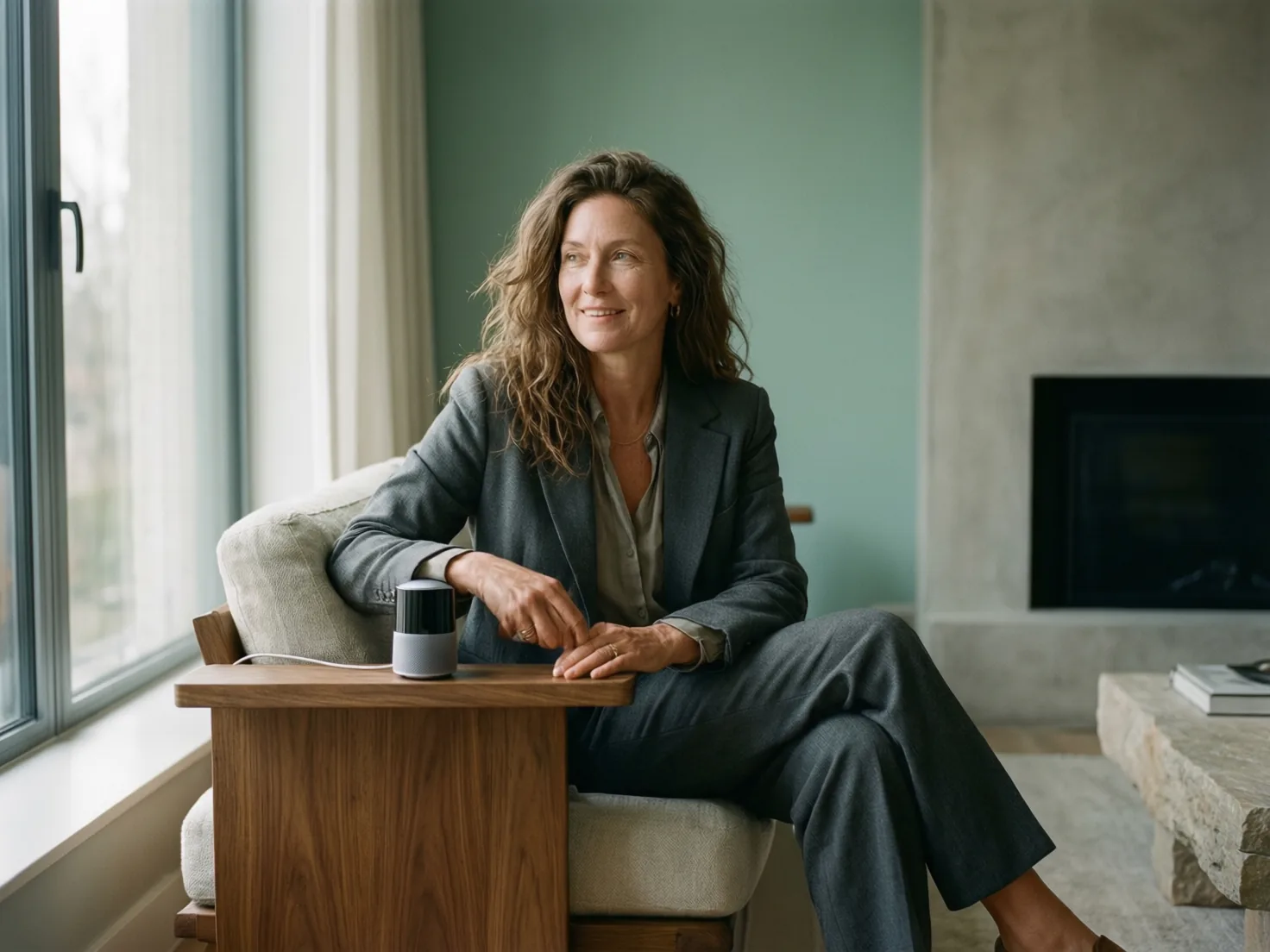
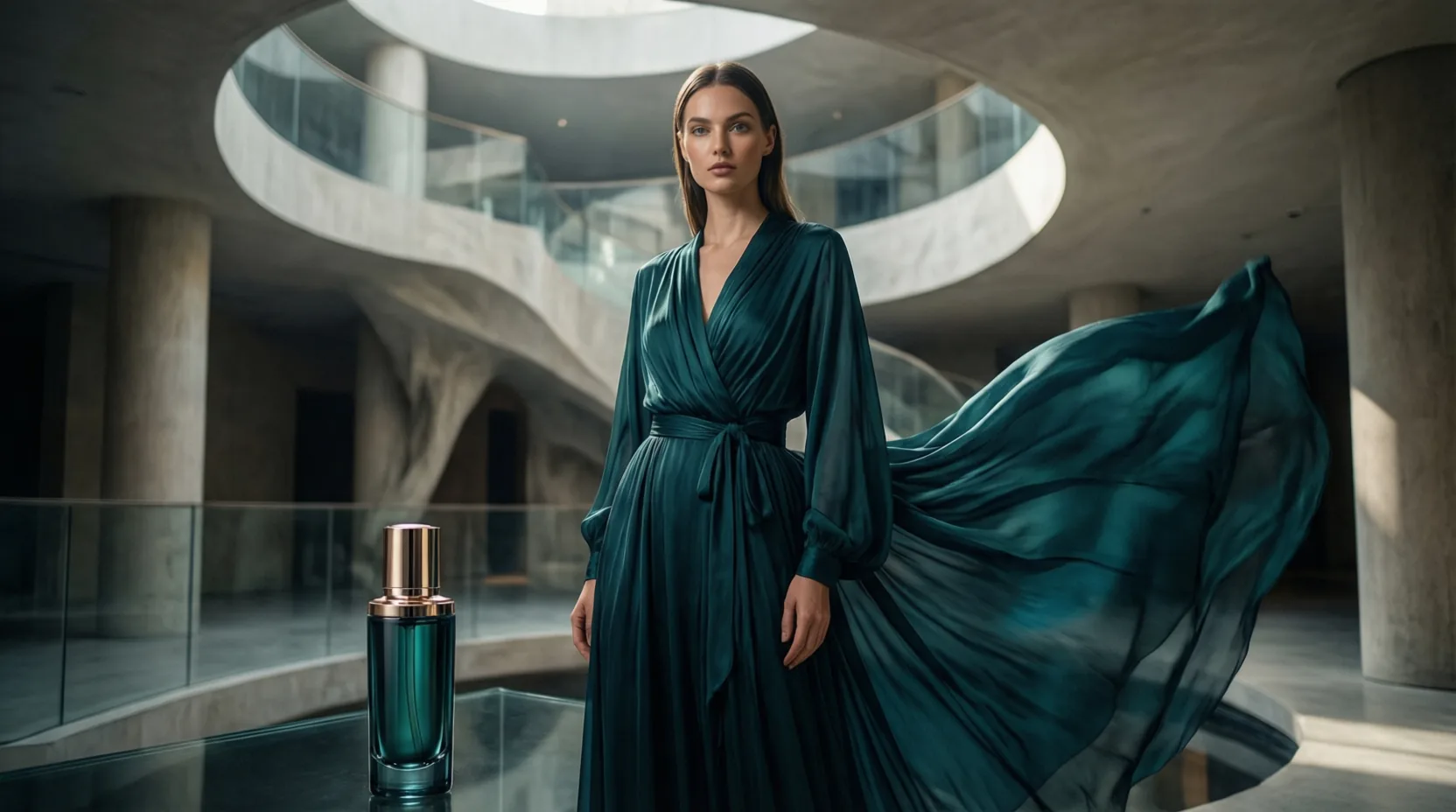
How to choose
It answers whether the still is ready enough
Max is not the universal editor. Use it when the creative direction is clear and you want one more natural, credible still; switch models when the task depends on text, editing or image sets.
You need a more natural, photoreal still with fewer synthetic tells.
You care more about in-image text, continued editing, multiple candidates and exclusions.
You need brand colors, reference edits, consistent image sets or larger delivery planning.
Prompt templates
Qwen Image Max prompt templates
These templates are meant to be edited directly. Replace the bracketed parts with your product, scene, audience and visual goal.
Start with the final use: website hero, product hero, social ad or campaign cover.Then add credible details: material, light, lens feel, background, action and aspect.Use review language over technical terms: natural, clean, photographed, publishable.
Photoreal product hero
Create a photoreal product hero image for [product]. Place it in [scene] with natural [lighting style], believable material texture, clean background depth and a premium but not over-polished mood. Keep the product easy to recognize and leave space for a headline on [side].
Lifestyle brand still
Create a realistic lifestyle image showing [person or audience] using [product] in [place]. The scene should feel candid and natural, with soft light, real fabric and surface texture, relaxed body language and a clear product focus. Avoid a plastic AI look.
Campaign key visual
Create a campaign key visual for [campaign theme]. Show [main subject] in a cinematic but realistic environment, with [brand mood] colors, natural shadows, crisp details and a composition suitable for [format]. Make it feel like a polished still from a real shoot.
Flux Art
How to use Qwen Image Max in Flux Art
Start from a focused brief, generate a polished still, then compare with Qwen Image 2.0 Pro, Wan 2.7 Pro or other Flux Art models when text, editing or image sets matter more.
Create with Qwen Image Max- Start with the final useSay whether the image is for a product hero, website cover, social ad or campaign still.
- Describe reality cuesAdd material, lighting, camera feel, environment, subject expression and what should look naturally imperfect.
- Review like a photoCheck edges, hands, fabric, reflections, skin, logos and any text areas before using the result.
Qwen Image Max FAQ
What is Qwen Image Max?
Qwen Image Max is an AI image generation model available in Flux Art. It is best for natural, photoreal finished images such as product visuals, lifestyle scenes, brand mood images and campaign key visuals.
How is it different from regular Qwen image models?
Think of Qwen Image Max as the more finished-image route. It is not mainly for running lots of rough drafts; it is better when the direction is clear and you want one image to feel more natural and closer to a real shoot.
Is Qwen Image Max good for ecommerce product images?
Yes. It works well for product hero images, ecommerce detail visuals, launch stills and brand scenes, especially when material, lighting, reflections and atmosphere need to look believable.
Can it create lifestyle images?
Yes. Describe the person, space, product usage, light and mood, and Qwen Image Max can create images that feel closer to a real lifestyle shoot instead of an overly staged AI image.
Is Qwen Image Max good for poster text?
Use Qwen Image Max when the main goal is a photoreal image. If the image needs many titles, prices, labels or Chinese/English layout text, compare it with Qwen Image 2.0 Pro.
Should I choose Qwen Image Max or Qwen Image 2.0 Pro?
Choose Qwen Image Max for natural, photoreal, single-image finished visuals. Choose Qwen Image 2.0 Pro when the task depends more on in-image text, infographics, continued editing or multiple candidates.
Should I choose Qwen Image Max or GPT Image 2?
GPT Image 2 is stronger for complex instructions, text layout and precise composition. Qwen Image Max is better when you want natural light, realistic scenes and a lower synthetic feel. Try the same brief in both when the image matters.
Should I choose Qwen Image Max or Nano Banana Pro?
Nano Banana Pro leans into premium commercial detail, while Qwen Image Max emphasizes natural realism and a less plastic look. For product images, both are worth comparing in Flux Art.
How should I write a good Qwen Image Max prompt?
Start with the final use, then describe the subject, scene, lighting, material, camera feel and mood. Keep one clear goal per image instead of asking for too many unrelated ideas at once.
How do I make the image feel less AI-generated?
Ask for natural light, believable materials, small real-life imperfections, no over-smoothed skin and no over-polished finish. Avoid words that push the image toward extreme perfection or plastic smoothness.
What should I check before publishing the image?
Review it like a real photo: check hands, faces, product edges, reflections, fabric, shadows, logos and text areas. If one area looks unnatural, use an editing model to refine it.
Do I need an Alibaba Cloud account to use Qwen Image Max?
No. You can use Qwen Image Max directly through Flux Art without setting up a separate Alibaba Cloud account, API key or model platform.
Can I use Qwen Image Max directly from China?
Yes. Flux Art provides an online workspace where you can open the model page, start creating and compare Qwen Image Max with other image and video models in the same account.
Can Qwen Image Max images be used commercially?
Flux Art is designed for watermark-free commercial creative workflows. The exact usage scope should follow Flux Art's current copyright notice, service terms and the model provider's terms.