
Source imageChinese source
This update brings Nano Banana 2 Lite to Flux Art for fast 1K drafts, lightweight image editing, ecommerce hero image concepts, and social visual directions. We also added topic content for Grok Imagine and Grok Imagine Image Pro, expanding AI image generation scenarios for product visuals, campaign posters, and reference-based edits. Platform stability was improved as well, with better error reporting, network retries, and upload reliability.
Qwen MT Image is for translating finished visuals: it reads the text, layout and context in an image, then turns the message into another language while keeping the original visual structure, reading order and brand feel.
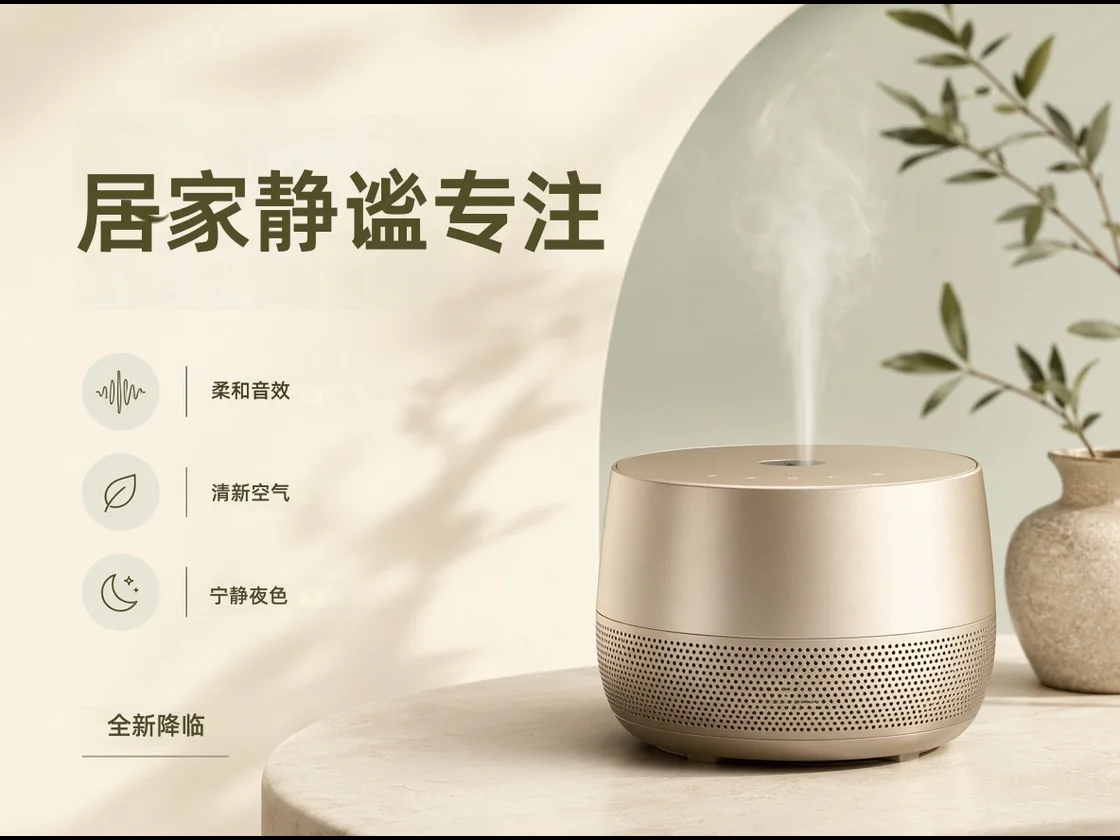
Create a Chinese ecommerce poster for a smart aroma speaker: headline “居家安静专注”, three claims “柔和声音 / 清新空气 / 夜晚更放松”, and reserve a bottom-right CTA.

It focuses on translating the words inside a designed image while keeping the surrounding composition intact, so localization starts from the finished asset rather than a blank canvas.
Best for finished posters, product graphics and explainers where title hierarchy, image position and whitespace should stay familiar.
Tell it whether the image is ecommerce copy, a menu, travel signage, a campaign poster or an instruction card so the wording fits the scene.
Name the brand terms, product names, fixed slogans and words that should stay unchanged to reduce inconsistent campaign wording.
Use it when the source image already works visually and the job is to make the words readable for another market without rebuilding the design.
Translate claim badges, promo labels and package notes into language local buyers can scan quickly.
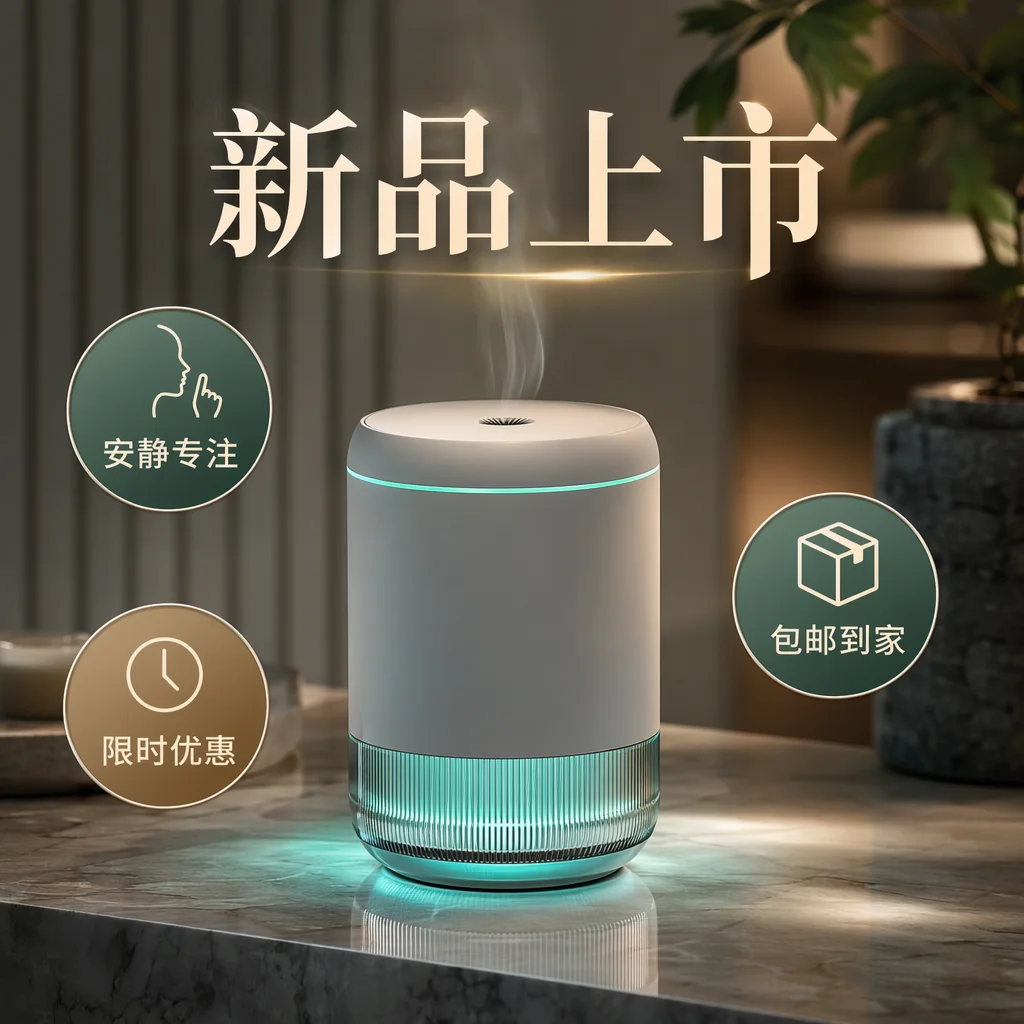

Use it for launches, seasonal campaigns, social covers and offline visuals where the rhythm should survive localization.
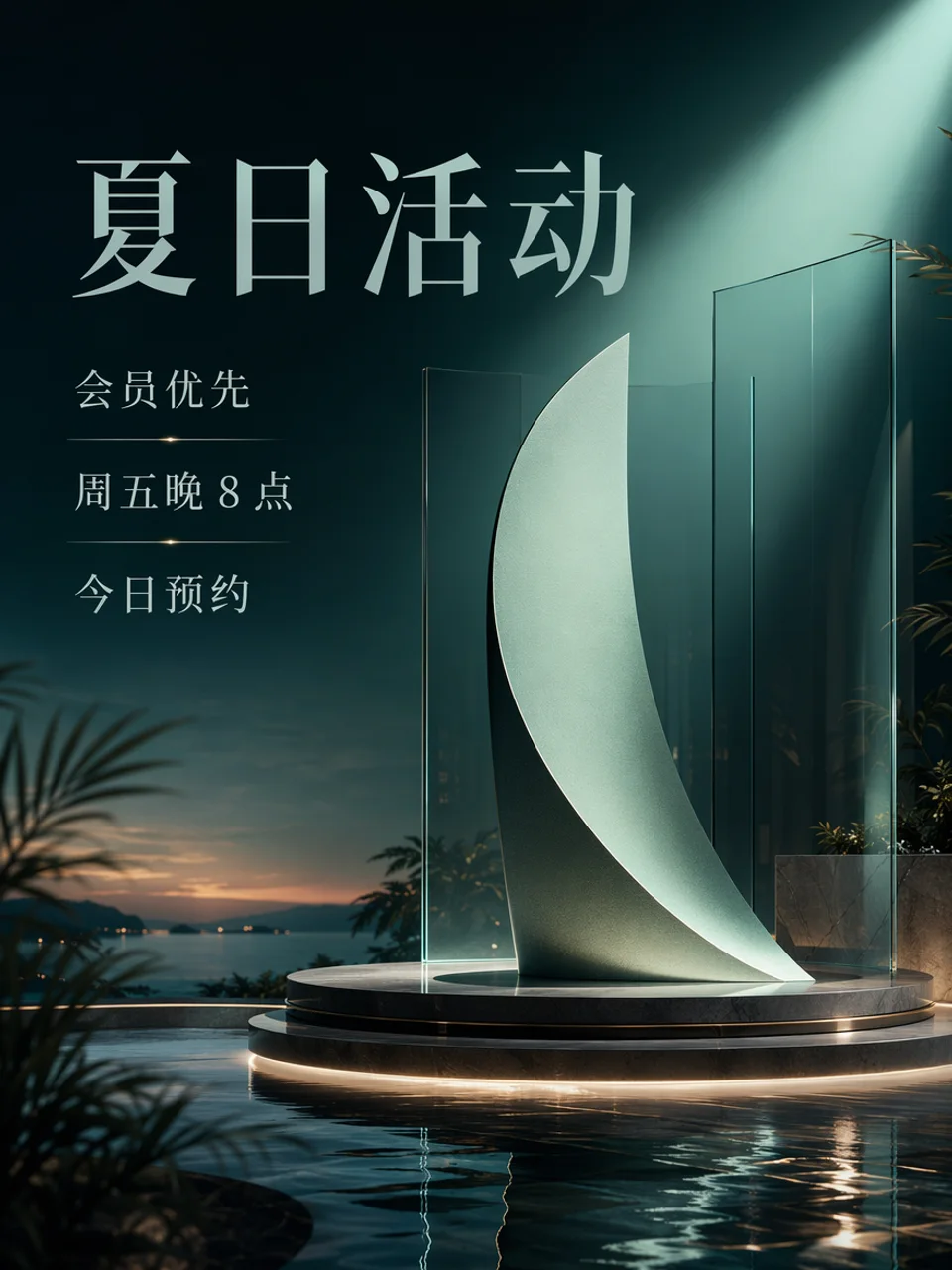
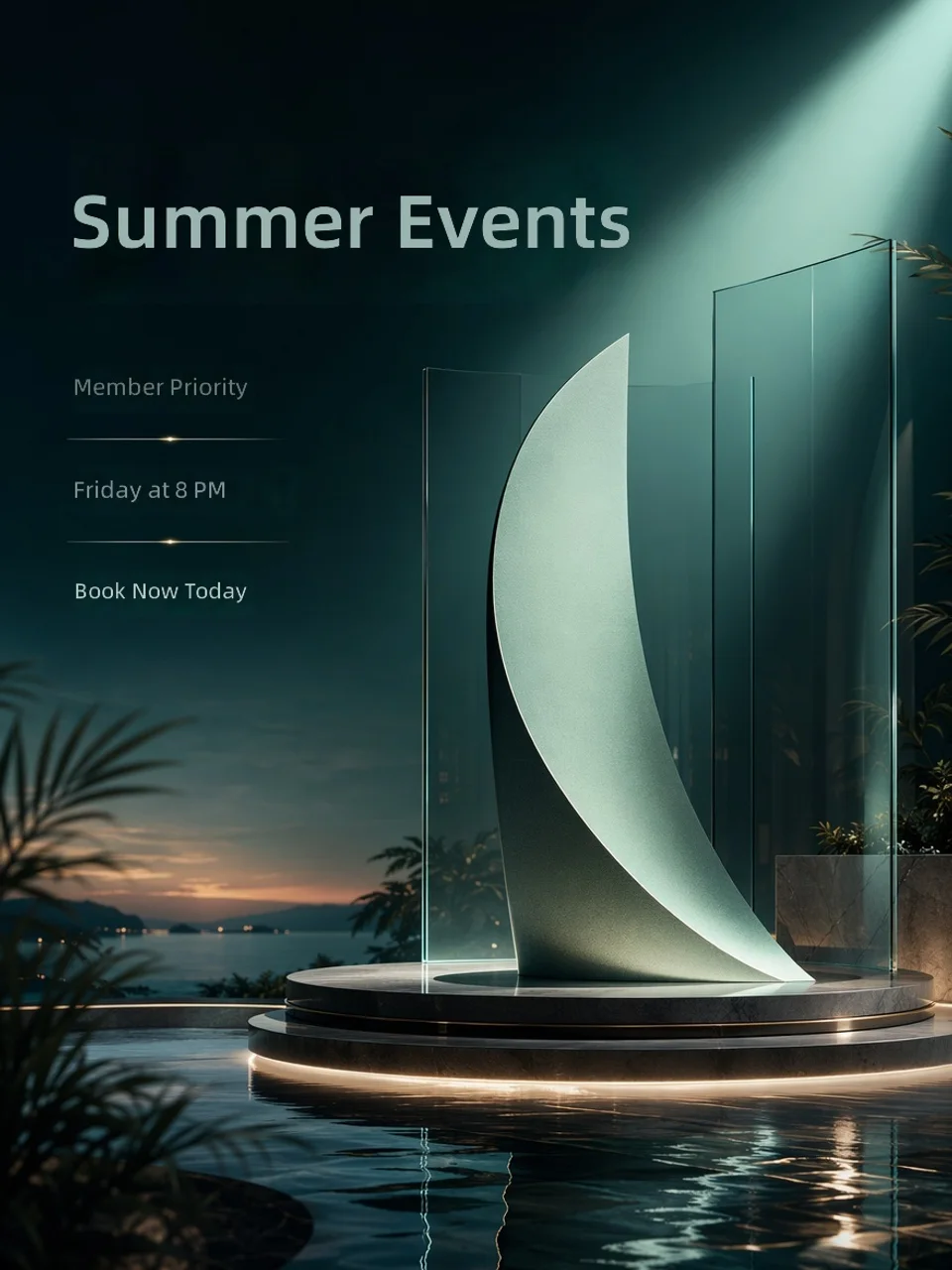
Translate menus, price cards, travel signs and service notes where readers need a usable version quickly.
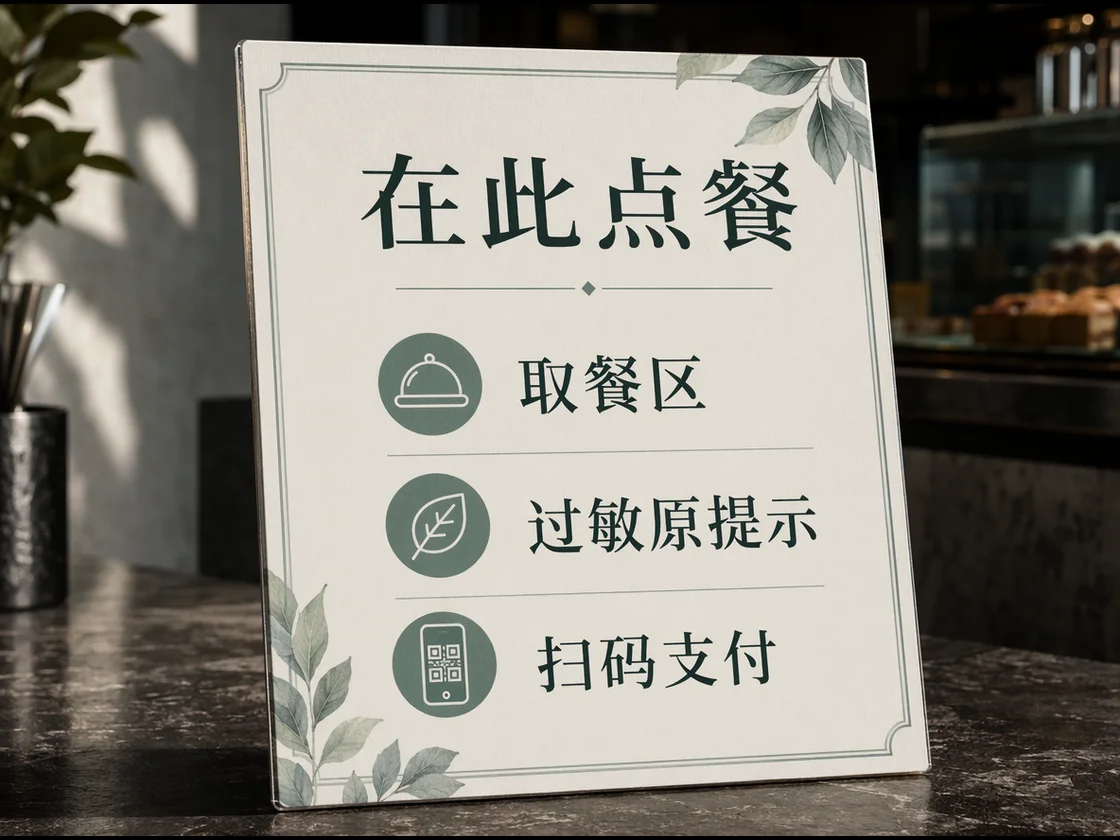
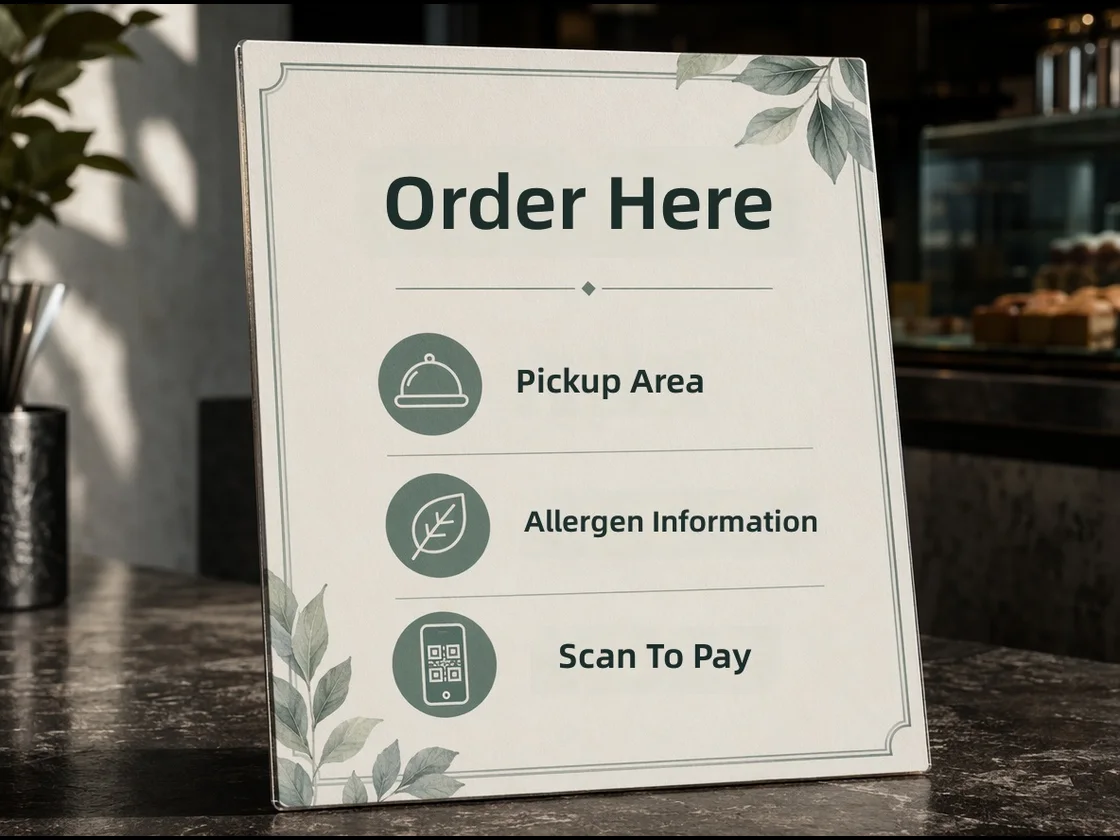
These prompts are written for real localization tasks. Replace the bracketed details with your market, language and protected terms.
Translate the text in this product image into [target language]. Keep the product, layout, colors and selling-point badges in the same positions. Do not translate these terms: [brand name], [model name]. Make the copy sound natural for [market] shoppers.
Localize this campaign poster into [target language]. Keep the headline hierarchy, date area and call-to-action placement. Preserve [brand slogan] exactly. Use a polished marketing tone, not a literal word-by-word translation.
Translate this menu/sign into [target language]. Keep prices, numbers, icons and section order unchanged. Use concise local wording that fits the existing text boxes. If a dish or service name should remain original, keep it unchanged: [terms].
Start with the image, add the target language, mention the scene and protected brand terms, then review text, layout and key business details before publishing.
Translate with Qwen MT ImageQwen MT Image is an AI image translation model available in Flux Art. It translates text inside finished visuals such as posters, product images, menus and signs while keeping the original layout as familiar as possible.
Open the Qwen MT Image page on Flux Art, click Translate with Qwen MT Image, upload your image, choose the target language and describe any brand names or words that should stay unchanged.
It works best for posters, ecommerce product graphics, menus, price boards, travel signs, service cards and campaign visuals where the design already works and the text needs localization.
A normal image generator creates a new image from a prompt. Qwen MT Image starts from an existing image and focuses on replacing the text while preserving the design, product and layout.
Qwen Image Edit Max is better for broader image edits such as changing objects, background or style. Qwen MT Image is better when the main job is translating the words inside a finished visual.
Yes. The goal is to keep the original composition, text areas, product placement and visual hierarchy. Very dense layouts should still be checked carefully before publishing.
Yes. Qwen MT Image is useful for cross-border product images, selling-point badges, package notes and promotional graphics that need to become readable for another market.
Yes. It can help with menus, store signs, service boards and travel notices. In the prompt, say that prices, numbers, icons and section order should stay unchanged.
Yes. List brand names, model names, slogans, URLs, prices or legal text that should not be translated. This helps keep the translated visual consistent with your brand.
Yes. It is especially useful for translating finished visuals between Chinese and English when you want the result to stay close to the original design instead of rebuilding the image.
State the target language, the image type, the target market and any protected terms. For example: translate this ecommerce poster into English, keep the layout, keep the brand name unchanged and make the copy natural for US shoppers.
Ask for shorter wording, simplify the target copy or translate one dense area at a time. If the layout is still too tight, edit the result in Flux Art or use a lighter source design.
Images generated in Flux Art are designed for watermark-free commercial workflows. The exact usage scope should follow the current Flux Art terms and the model provider's terms.
Yes. Flux Art provides web access to Qwen MT Image inside its own workspace, so users can translate images from the platform without setting up a separate model API.