
Write what stays
List face, pose, product shape, logo, lighting and color tone as invariants. Seedream 4.5 starts to matter here.
This update brings Nano Banana 2 Lite to Flux Art for fast 1K drafts, lightweight image editing, ecommerce hero image concepts, and social visual directions. We also added topic content for Grok Imagine and Grok Imagine Image Pro, expanding AI image generation scenarios for product visuals, campaign posters, and reference-based edits. Platform stability was improved as well, with better error reporting, network retries, and upload reliability.
A reference-first AI image model for commercial visuals that need stable subjects, local edits, readable typography and 2K-4K delivery.
Seedream 4.5 behaves like a reference-image workstation: preserve people, products, materials, lighting and text areas first, then edit within a clear boundary for posters and commercial visuals.
List face, pose, product shape, logo, lighting and color tone as invariants. Seedream 4.5 starts to matter here.
Change only the material, background, copy block or selected subject. A retouching-style brief keeps the result steadier.
Name the poster ratio, title area, small-copy block, product placement and 2K/4K target so the image behaves like finished creative.
The story is not simply better images. It is reference control, local editing, text layout and commercial delivery in one workflow.
Official examples emphasize preserving facial features, lighting, color tone and other details. Use it when the image can change, but the subject must remain recognizable.
Deleting a selected person, changing metal into transparent water, or replacing text in a highlighted area are local commands, not generic generation.
Seed calls out poster layout and logo design separately: titles, prices, campaign info, ingredient copy and small body text are where this model deserves testing.
The official wording focuses on identifying target elements across multiple inputs, then generating controllable and consistent results.
MagicBench reports gains over Seedream 4.0 in prompt adherence, alignment and aesthetics. The practical read: a steadier first-draft engine for commercial images.
Seed's own examples include ecommerce heroes, exhibition posters, fragrance detail pages, gym key visuals and wedding invitations. Test it like a commercial visual model.

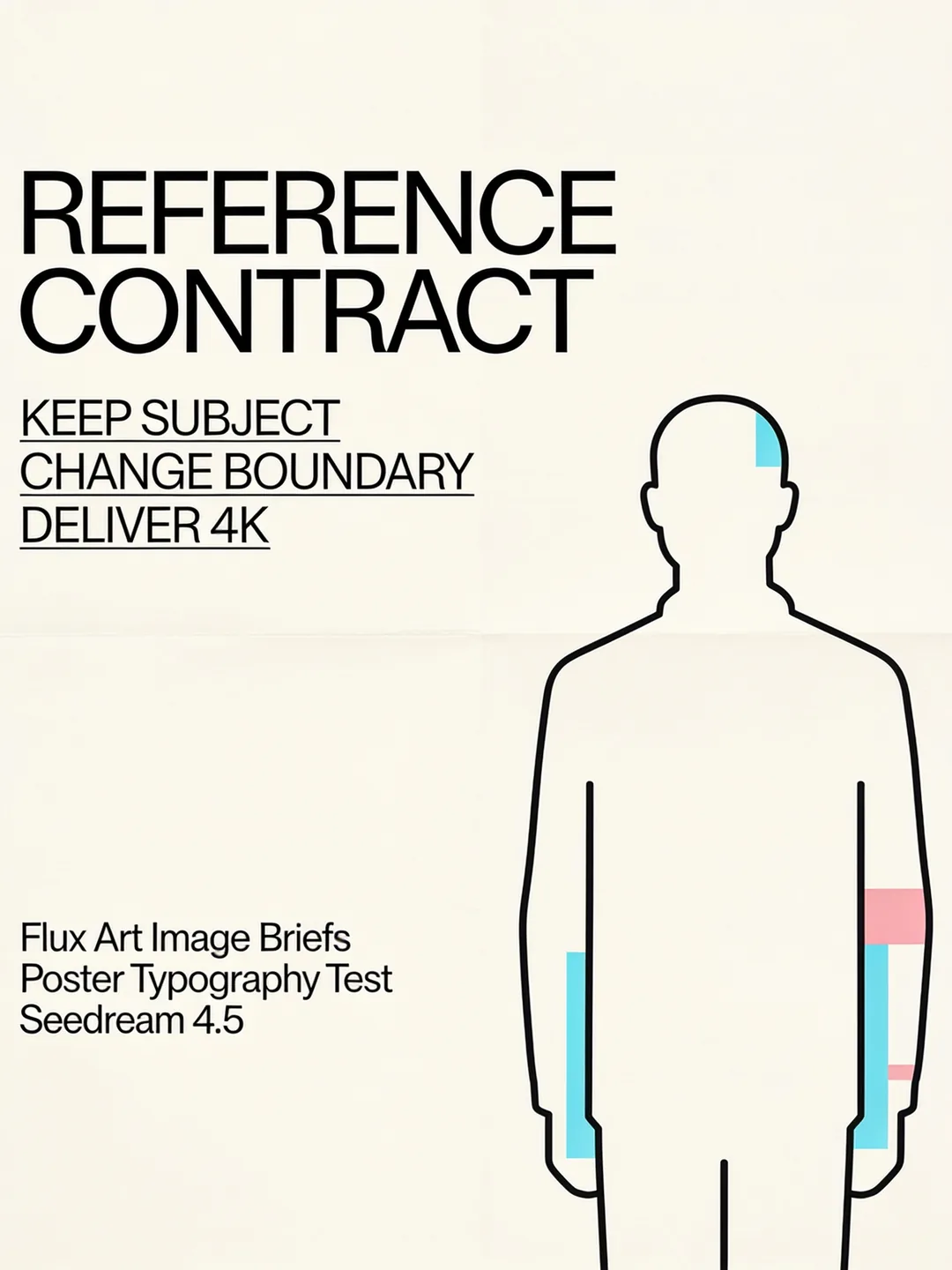
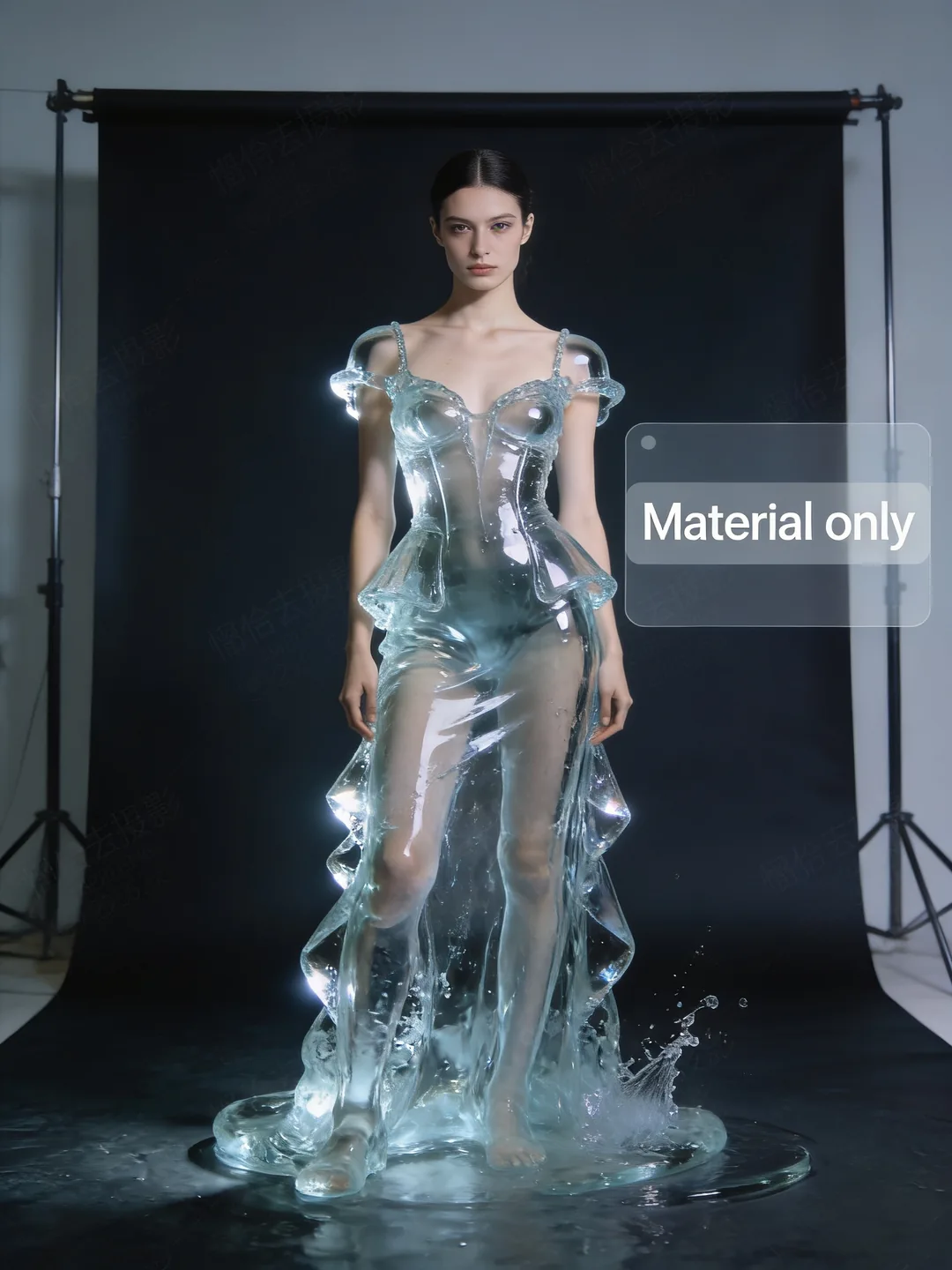
In Flux Art, write the brief as keep, change and deliver: lock the invariant details, name the edit boundary, then add delivery format and size target.
Create with Seedream 4.5Name what cannot change: identity, product silhouette, logo, pose, lighting and color tone. Avoid vague consistency requests.
Keep the change small: only the background, only the material, only highlighted text, only a selected character.
Add the delivery format: ecommerce hero, launch poster, product detail page, SaaS promo or wedding invitation.
Do not pack every capability into one prompt. Pick the job first, then decide whether reference control, layout or local editing matters most.
Use the uploaded product, material and scene references to create an ecommerce campaign hero. Preserve product shape, color and logo; change only the background and promo layout.
Minimal art exhibition poster with off-white background and a black line portrait slightly right of center. Title: A/W ART FAIR. Three clear small-copy lines at bottom left.
Keep the model pose, face, background and composition. Change only the silver metal dress into transparent water or glass, with refraction replacing reflection.
Seedream 4.5 is an AI image generation and editing model. In Flux Art, it is useful for reference-guided edits, ecommerce images, poster layouts, product scenes and commercial image drafts.
It is a good fit for designers, marketers, ecommerce sellers, content creators and brand teams who need polished image directions without setting up a separate model account.
Use it for ecommerce hero images, campaign posters, product detail visuals, product scenes, reference-image edits, material changes and brand visuals with a clear layout.
Seedream 4.5 is not only for starting from text. It is especially useful when you want to use a reference image, keep part of the image recognizable, and change the scene, material or layout.
Yes. Reference images can guide the subject, product look, style, lighting or scene direction before you generate a new image or edit an existing one.
Yes. It works well for changing product backgrounds, extending product scenes, creating ecommerce hero images and turning product references into more finished ad visuals.
Yes. It can help create campaign posters, launch images, brand key visuals and layouts with clear headline space. For important text, check the final image before publishing.
Yes. You can ask it to change only the background, clothing material, selected object or text area, instead of regenerating the whole image direction.
It can be more stable when you provide a reference image and clearly say what should stay the same, such as the face, pose, product shape, colors, lighting or overall mood.
In the current Flux Art workspace, Seedream 4.5 exposes 2K and 4K image size options. Available settings may depend on your account and the current workspace controls.
Try Seedream 4.5 first for reference-image edits, local changes, poster layouts and commercial drafts. Try Seedream 5.0 when the image needs more context, newer information or a more planned visual idea.
Seedream 4.5 is a strong option for reference-led commercial image drafts. GPT Image 2 is often better when the prompt is complex or the image needs stronger text control. In Flux Art, you can compare both.
Write what should stay, what should change and what the image is for. For example: keep the product shape and color, change only the background, and create a 4K ecommerce hero image.
No. You can open the Seedream 4.5 page in Flux Art, enter the image workspace and use your Flux Art account and credits.