
Real-time topic visuals
Use online-search context for timely posters, trend images, event creatives and visuals tied to current information.
This update brings Nano Banana 2 Lite to Flux Art for fast 1K drafts, lightweight image editing, ecommerce hero image concepts, and social visual directions. We also added topic content for Grok Imagine and Grok Imagine Image Pro, expanding AI image generation scenarios for product visuals, campaign posters, and reference-based edits. Platform stability was improved as well, with better error reporting, network retries, and upload reliability.
Deep-thinking image generation with online search, reference control and practical visual reasoning.
Seedream 5.0 is the Flux Art image workflow for ByteDance Seed's Seedream 5.0 Lite generation path. It emphasizes deep thinking, online search, cross-modal understanding and more accurate instruction following for turning complex briefs, references and timely context into usable commercial visuals.
Use Seedream 5.0 when the image needs more than surface style: live context, clear logic, reference-aware edits and production-ready campaign direction.
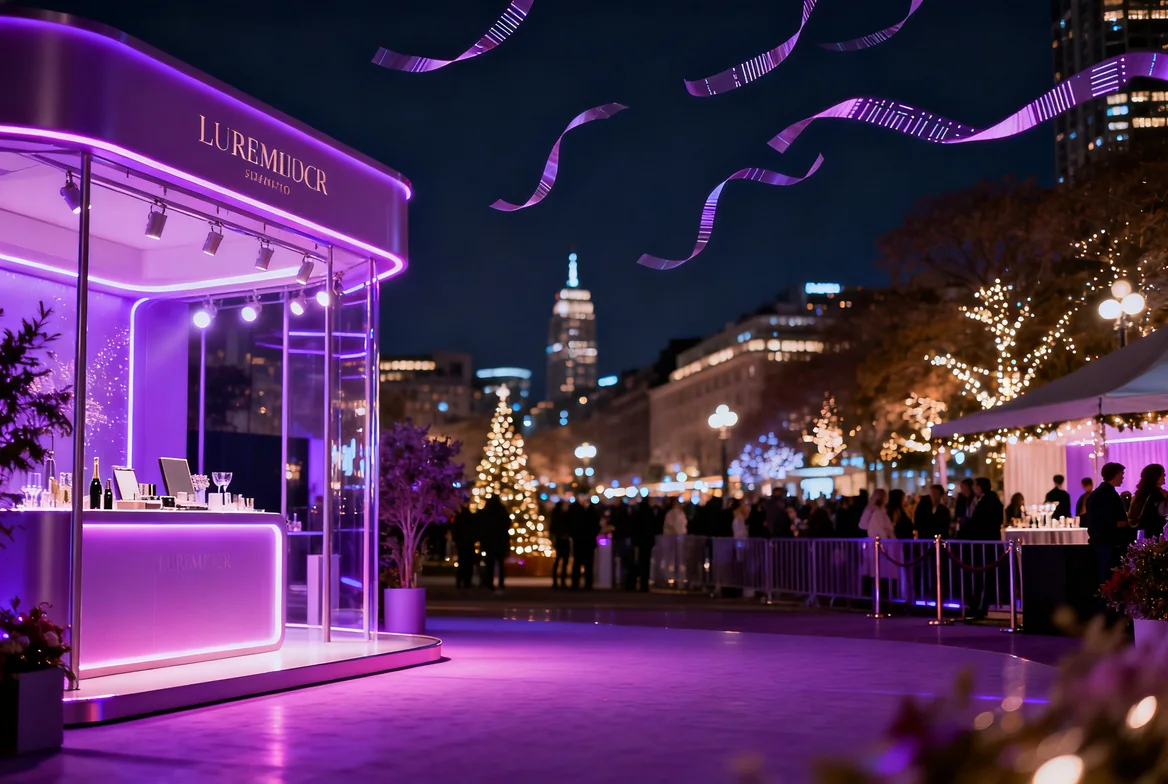

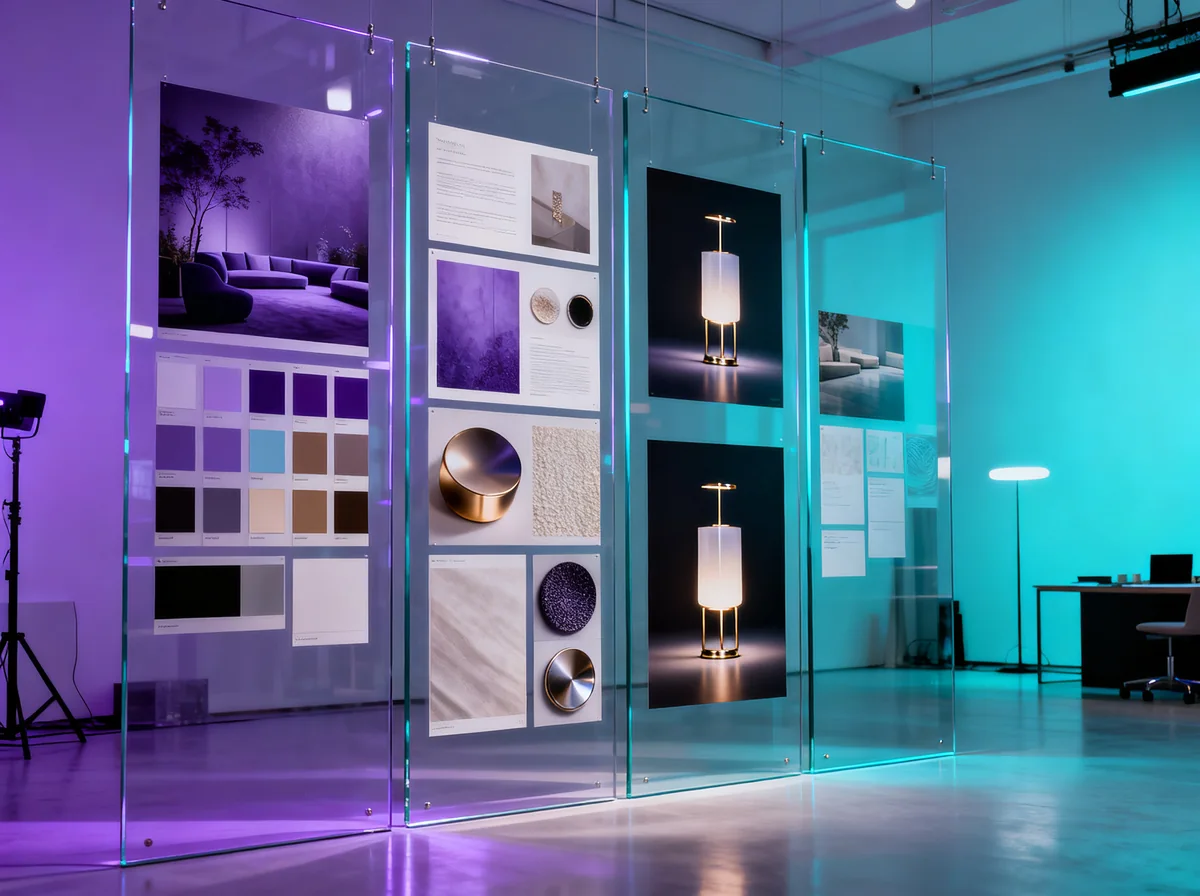
Seedream 5.0 is strongest when the brief includes facts, references, layout constraints or multi-step visual logic instead of only a mood.
Use online-search context for timely posters, trend images, event creatives and visuals tied to current information.
Turn product features, educational concepts, diagrams and structured information into more readable images.
Capture tone, brushwork, lighting or before-and-after rules from references, then apply them to new creative work.
Describe a local change or visual rule naturally and keep the unedited parts more stable while refining the image.
Let the model understand references, knowledge and business intent before generating posters, explainers, product visuals or editable image directions.
Create with Seedream 5.0Use these prompts when the image needs reasoning, timely information or reference-driven control.
Create a polished campaign poster for [event or trend], include accurate current context, clear headline space, cinematic lighting, premium brand palette and a layout ready for social ads.
Design an information-rich visual explaining [concept or product system], clear labels, logical hierarchy, accurate relationships, clean modern infographic style, readable at mobile size.
Use the uploaded reference as the style and lighting guide, keep the target product recognizable, transfer the color rhythm and texture, and create a finished commercial hero image.
Seedream 5.0 is ByteDance Seed's newer image model. In Flux Art, you can use it to generate and edit AI images for posters, infographics, ecommerce visuals, reference-based edits and campaign ideas.
Open the Seedream 5.0 page, click Create with Seedream 5.0, then enter a prompt or upload a reference image in the Flux Art image workspace.
No. You can use Seedream 5.0 directly inside Flux Art without setting up a separate ByteDance, Doubao or Volcano Engine account.
It is a good fit for images that need context and structure, such as trend posters, product explainers, information graphics, ecommerce scenes, reference-style images and editable campaign visuals.
Yes. Seedream 5.0 is useful when the image depends on newer context, such as seasonal campaigns, event visuals, trend topics or up-to-date product angles.
Yes. In Flux Art, Seedream 5.0 can be used for image generation and image editing. You can upload a reference image and describe what should change or stay the same.
Yes. Reference images can guide the subject, style, colors, lighting, layout or product look, which is helpful when you want the result to follow an existing direction.
Yes. It works well for product scenes, campaign visuals, selling-point images and ecommerce materials that need both a clean look and a clear idea.
Yes. Use it for event posters, social campaign images and brand visuals. For important text such as prices, dates or legal copy, check the final image before publishing.
Yes. It is useful for simple product explainers, course graphics, process visuals and information-heavy images. Keep the prompt clear and avoid asking for too much tiny text.
Flux Art exposes Seedream 5.0 with 2K, 3K and 4K image size options. Available sizes can depend on the current workspace settings and your plan.
Write what the image is for, what must appear, what style or reference to follow, and what the final image should feel like. Clear business use and layout direction usually works better than only mood words.
Seedream 4.5 is strong for reference fidelity, local edits and poster-style layouts. Seedream 5.0 is better when the image needs more context, newer information or a more thoughtful visual plan.
Flux Art is designed for watermark-free commercial-use workflows. The exact license scope should follow Flux Art's current terms and the model provider's terms.