Nano Banana 2 Lite is live, with new Grok topic pages
This update brings Nano Banana 2 Lite to Flux Art for fast 1K drafts, lightweight image editing, ecommerce hero image concepts, and social visual directions. We also added topic content for Grok Imagine and Grok Imagine Image Pro, expanding AI image generation scenarios for product visuals, campaign posters, and reference-based edits. Platform stability was improved as well, with better error reporting, network retries, and upload reliability.
Wan 2.6 Edit is for continuing from existing images: upload a product, person, scene or draft, then describe what should stay, what should change and how the final image should feel.
Use it when the source image already matters: a product photo, portrait, campaign draft, poster layout or visual direction that should be changed without losing its core identity.
Product copy edit
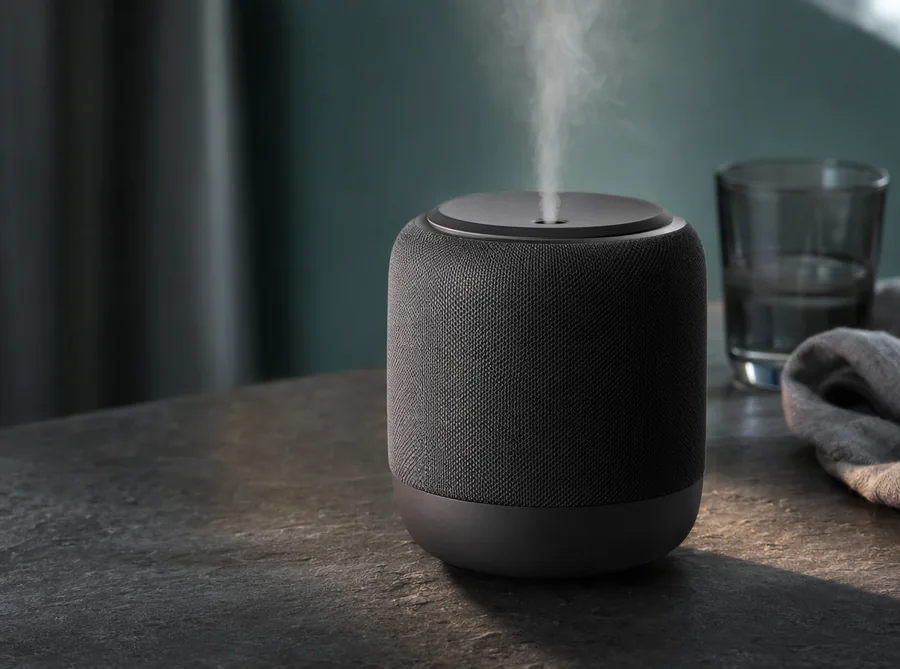
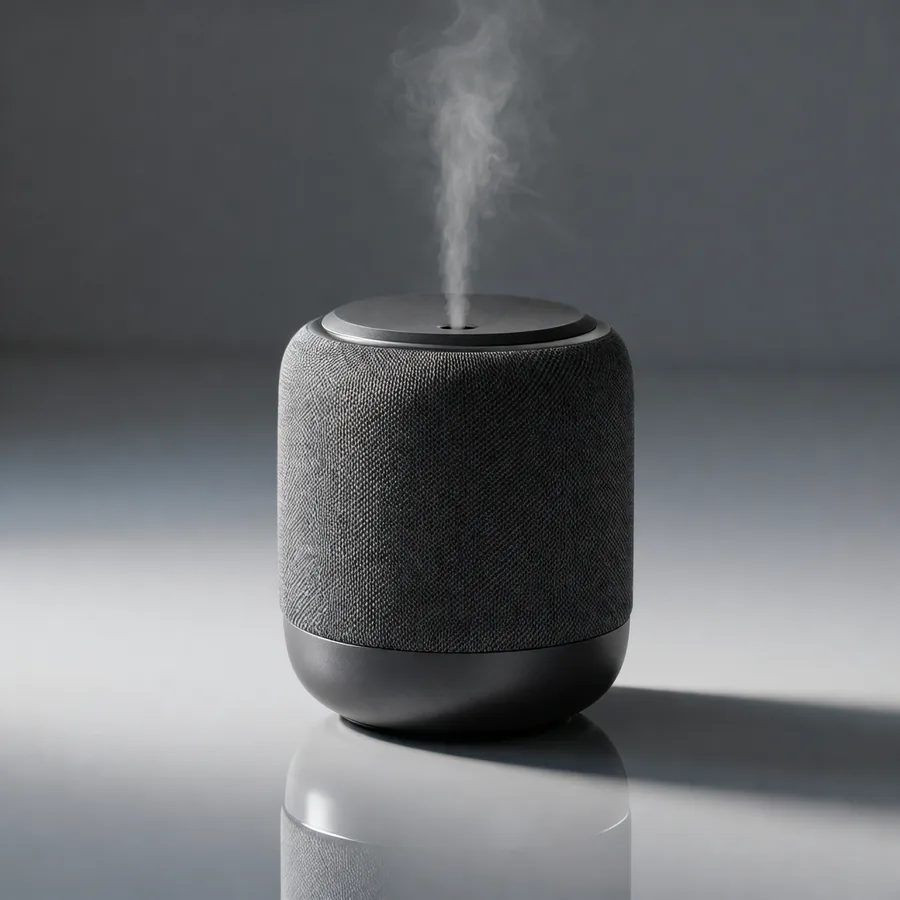
From source product image to readable launch asset
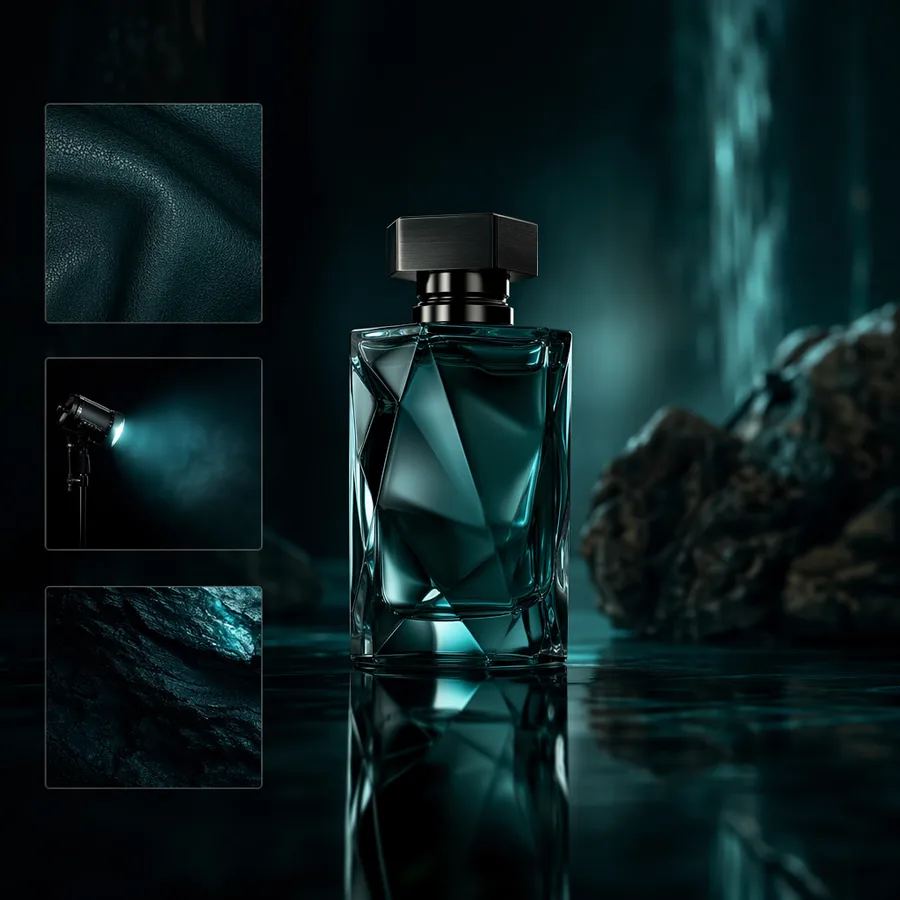
The product, layout and claim positions already exist. The edit replaces image text while keeping product identity and layout rhythm, so the result still feels like the same asset.
Source
Keep product and layout, edit textReads as the same asset revisedPrompt: Keep product, angle and shadow; simplify background and polish light.
Edited result
Campaign poster edit
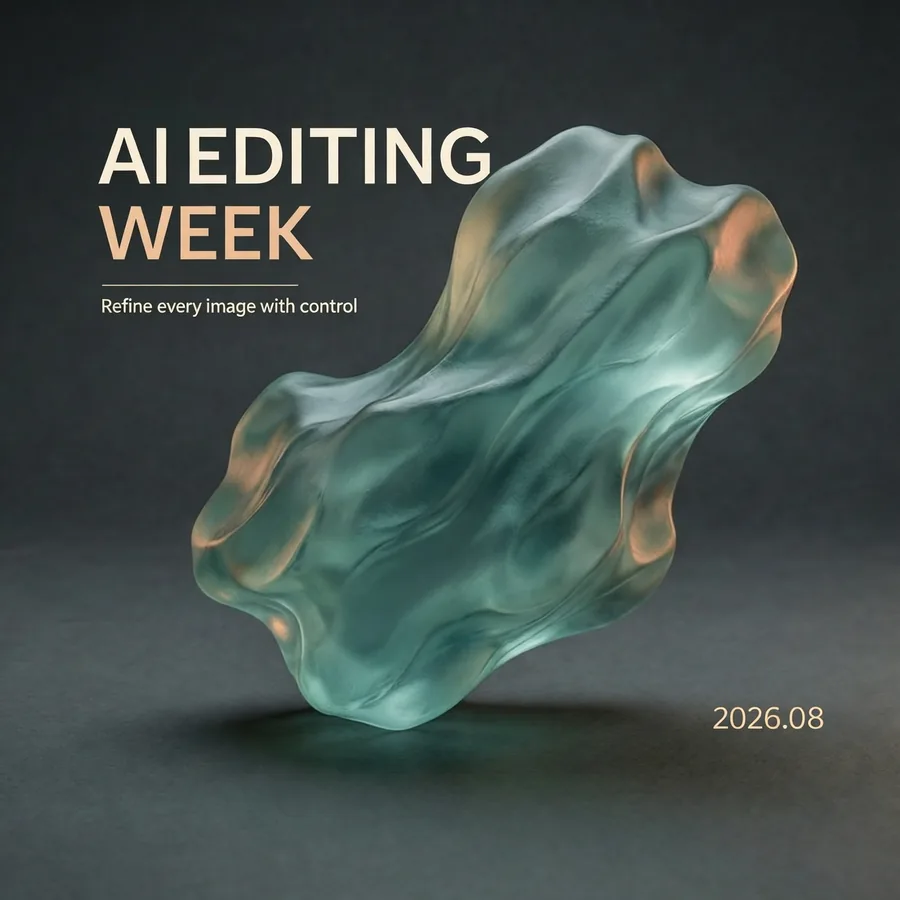
From original poster to new campaign copy
Poster edits need the main visual and hierarchy to survive. Lock composition, tone and whitespace first, then replace headline, timing or CTA copy for review.
Draft
Keep hero visual, replace title areaLayout hierarchy stays intactPrompt: Keep hero visual and composition; replace headline, subtitle and date.
Edited result
Info image revision
From source info image to delivery-ready version
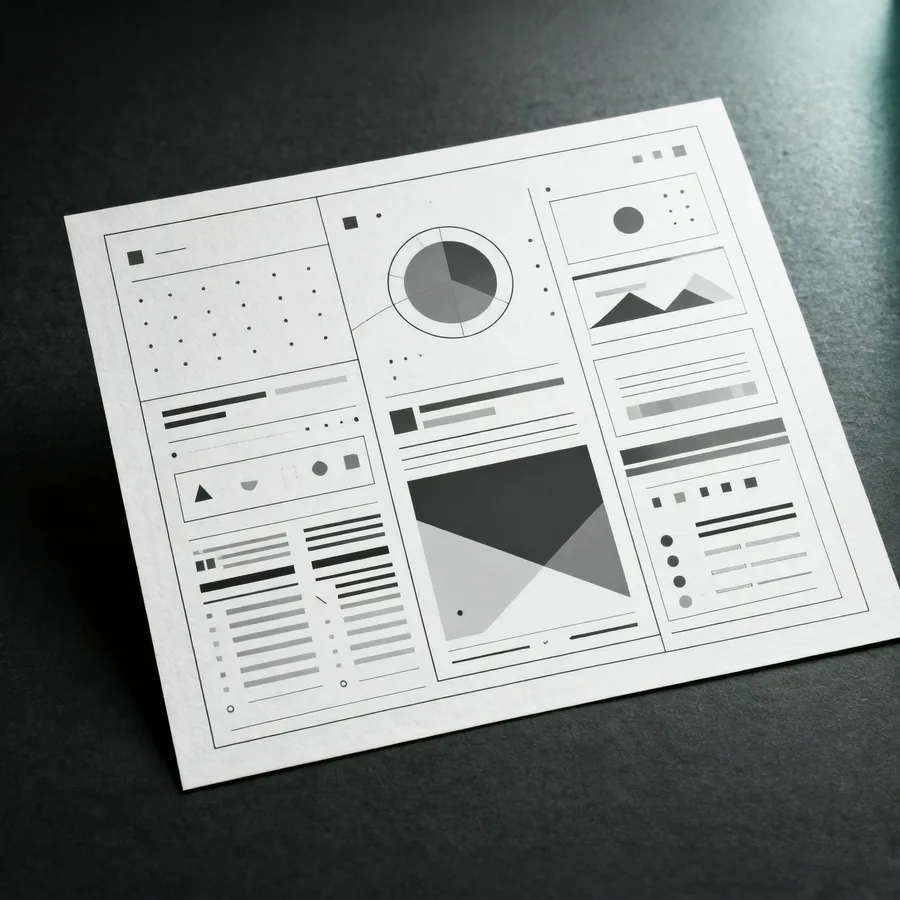
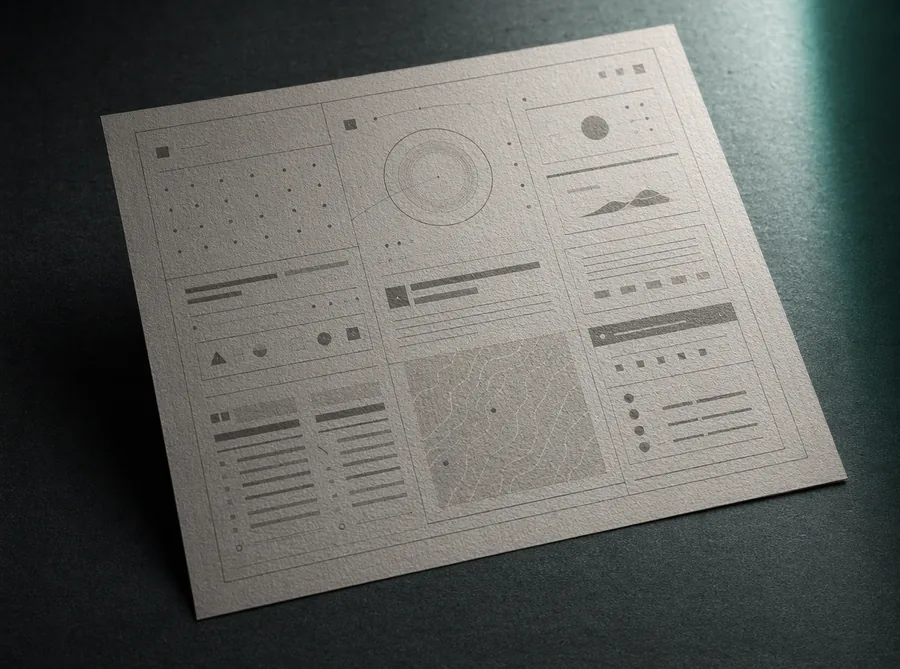
Menus, signs and explainers depend on information structure. Use the source as the structure constraint and edit only the text zones that need updating.
Source
Change content, not structurePosition and hierarchy stay traceablePrompt: Keep grid, columns and icon positions; update content and alignment.
Edited result
Edit judgment
What Wan 2.6 Edit is best for
Wan 2.6 Edit is strongest when you can point to an existing image and clearly separate what must stay from what should change.
01
Write what must stay
Lock face, product silhouette, camera angle, logo, composition and light direction before asking for changes.
02
Name the edit boundary
Avoid vague fixes. Say which area changes, what it becomes and whether the edge should blend naturally.
03
Give each image one job
Use one image for subject, one for style and one for material or background to reduce mixed signals.
04
Review by delivery use
Check subject stability, natural edits, readable text and whether the image can still be polished.
Flux Art
How to use Wan 2.6 Edit in Flux Art
Lock the details that must not change, then define the edit boundary and delivery use. That keeps subjects, materials, angle and brand feel easier to review.
Start with the product, portrait, poster or draft that already contains the important visual information.
02Write keep and change rules
Name what must remain stable, then describe the exact part to change and how it should blend with the original image.
03Review like a retoucher
Check edges, shadows, product identity, text readability and whether the edit still feels connected to the source.
Prompt templates
Wan 2.6 Edit prompt templates
Use these as editable production notes after uploading one or more reference images.
Ecommerce product image
Product background refresh
Use the uploaded product photo as the base. Keep the product shape, logo, camera angle and shadow direction unchanged. Replace only the background with [new scene], make the edges natural, keep the product crisp, suitable for [store page / ad banner].
Campaign poster
Poster text and layout pass
Use the uploaded poster draft as the base. Keep the main visual and color mood. Add the short headline "[headline]" in the top area, reserve space for [logo / CTA], make the text readable and keep the composition clean with no extra words.
Brand visual variant
Multi-reference style edit
Use image 1 as the subject reference and image 2 as the style reference. Keep the subject identity and pose from image 1, apply the lighting and material mood from image 2, blend naturally, output a polished [social cover / product card / hero image].
Wan 2.6 Edit FAQ
What is Wan 2.6 Edit?
Wan 2.6 Edit is an AI image editing model available in Flux Art. It is best for modifying an existing product photo, portrait, poster or layout while keeping the parts that already matter.
How is it different from text-to-image?
Text-to-image starts from an idea. Wan 2.6 Edit starts from your source image, so it is better when you need to keep a product, person, composition or visual direction and change only part of it.
What kind of source image should I upload?
Upload a clear image with the key subject, layout or style visible. Product photos should show the shape and important details; portraits should have a clear face; posters and info cards should have readable structure.
Is Wan 2.6 Edit good for product photos?
Yes. You can keep the product identity and turn a plain source photo into an ecommerce hero image, lifestyle scene, ad visual or detail image by changing the background, lighting and presentation.
Can it keep my product or person consistent?
It can help, especially when the source image is clear and your prompt says what must stay unchanged, such as product shape, color, logo position, facial features, clothing or pose.
Can I use it to edit campaign posters?
Yes. Wan 2.6 Edit is useful for changing a poster mood, seasonal theme, headline area or promotional layout. For poster text, put the exact words in quotes and keep the wording short.
Is it useful for info cards and layout images?
Yes. It works well for visual directions, layout drafts and cleaner content cards. For important numbers, long copy or dense tables, treat the AI result as a design draft and proofread before publishing.
How should I use multiple reference images?
Give each reference a job. For example, use image 1 as the product, image 2 as the lighting style and image 3 as the background mood, then say how they should be blended.
How should I write a good Wan 2.6 Edit prompt?
Write it in three parts: what to keep, what to change and where the final image will be used. A practical prompt is clearer than a long prompt with many unrelated requests.
Why does the edit sometimes drift away from the source image?
This usually happens when the source image is unclear or the prompt asks for too many changes at once. Reduce the edit scope, say what must remain unchanged and refine the image in smaller steps.
What if the text in the image is wrong?
Put the exact text in quotes and describe its position, size and style. For long text, charts or final brand assets, use the generated image as a layout direction and do final text checks manually.
Should I choose Wan 2.6 Edit, Qwen Image Edit Max or GPT Image 2?
Choose Wan 2.6 Edit when the source image and reference-based change are the main priority. If text layout, another visual style or a different model behavior matters more, compare the same image with other Flux Art models.
Can Wan 2.6 Edit images be used commercially? Is there a watermark?
Flux Art is designed for watermark-free commercial creative workflows. The exact usage scope should follow Flux Art's current terms and any applicable model provider terms.
Who is Wan 2.6 Edit best for?
It is useful for ecommerce sellers, designers, marketers, content creators and brand teams who already have images and want to turn them into stronger commercial visuals faster.