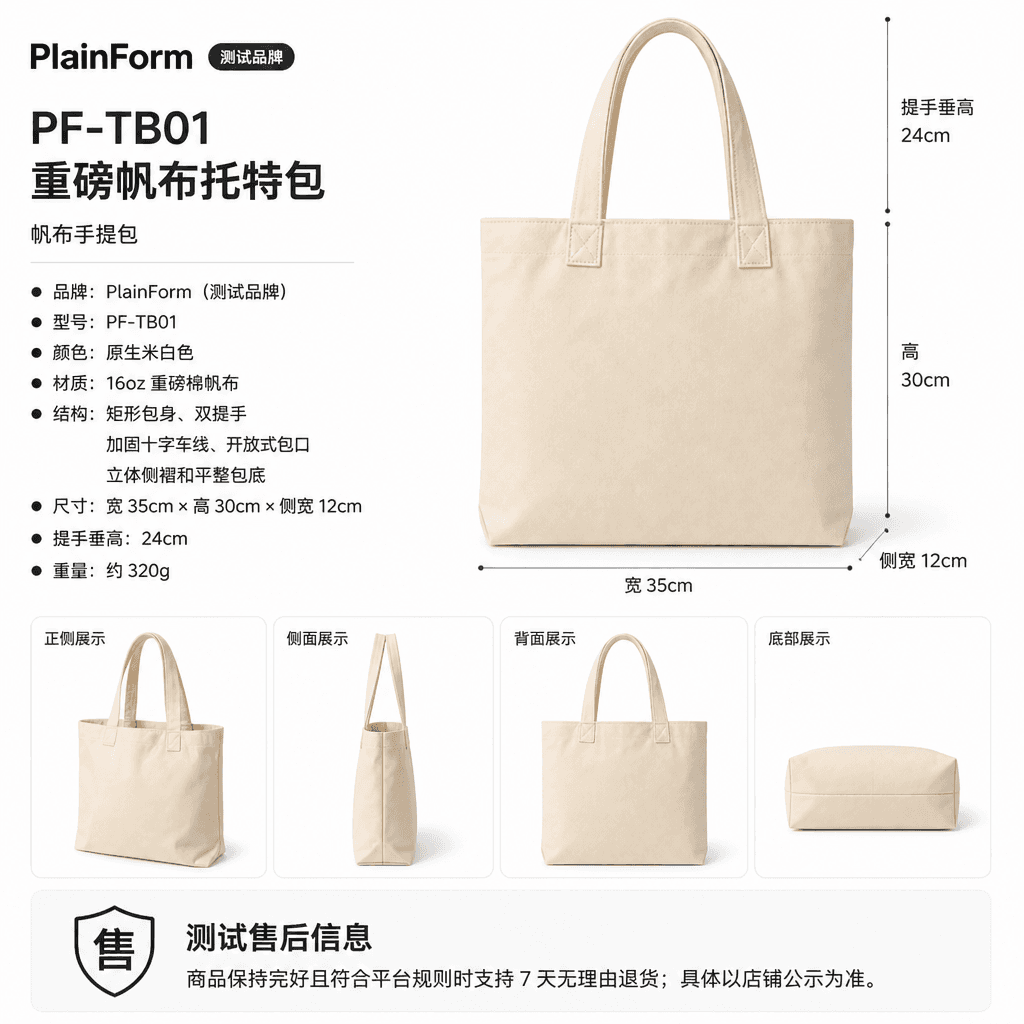
Upload a product image, choose a platform and the images you need, then create listing-ready main images, white-background images, selling-point images, and lifestyle scenes. Product suites currently support Taobao/Tmall, JD.com, Pinduoduo, and Douyin E-commerce, with every result saved together for easy review, refinement, and export.
A search image has one job: keep the product instantly recognizable after the image is reduced. Protect the silhouette before adding short copy or atmosphere.
Do not judge the hero only on the design canvas. Reduce it to search-list size and check whether the silhouette, title, and background still keep a clear hierarchy.
3:4Design-canvas preview
100%
Read the silhouette
The body, handles, and opening remain complete enough to identify the category without copy.
50%
Check the hierarchy
The product lands first; short copy supports it without covering the subject.
25%
Test the first glance
At the smallest preview, color, category, and primary structure should still be recognizable.
Product zoneCopy-safe zoneBackground layer
02 / Composition
One image, three layers
Product, copy, and background do not share equal weight. Anchor the product in the recognition zone, reserve quiet space for copy, and add atmosphere last.
01
Product recognition zone
The subject owns the frame, while key construction stays clear of edges and decoration.
02
Copy-safe zone
Keep one short headline with visible separation from the product silhouette.
03
Background layer
Use light and material to support the product without creating a second focal point.
03 / Generation order
Lock first, then generate
Real references lock product identity, the 3:4 composition builds the search entry, and benefit evidence belongs to the detail journey after the click.
01
Upload multiple views
Use front, side, and base views to confirm body scale, handle length, and construction.
02
Build the 3:4 hero
Enlarge the product silhouette first, then reserve a safe zone for one short headline.
100%
50%
25%
03
Reduce, check, deliver
Review at search-list size and keep material detail or multiple claims out of the first image.
FAQ
3:4 search image questions
Search results usually present products in small portrait cards. A dedicated 3:4 image gives you control over product scale, copy-safe zones, and background hierarchy instead of relying on crops that weaken product recognition.
There is no fixed percentage for every category. After the image is reduced, users should still recognize the category, color, and key construction while the product retains enough breathing room.
Prefer one short headline and add one brief supporting line only when needed. Copy should aid understanding without covering the product or competing for the first visual impression.
Prepare clear front, side, and key-detail views, then confirm the true color, proportions, and material. More complete references improve generation stability and make it easier to continue the same product image suite.
Taobao / Tmall
Make the product recognizable first
Use one set of real references to generate the search hero and the rest of the product image suite.

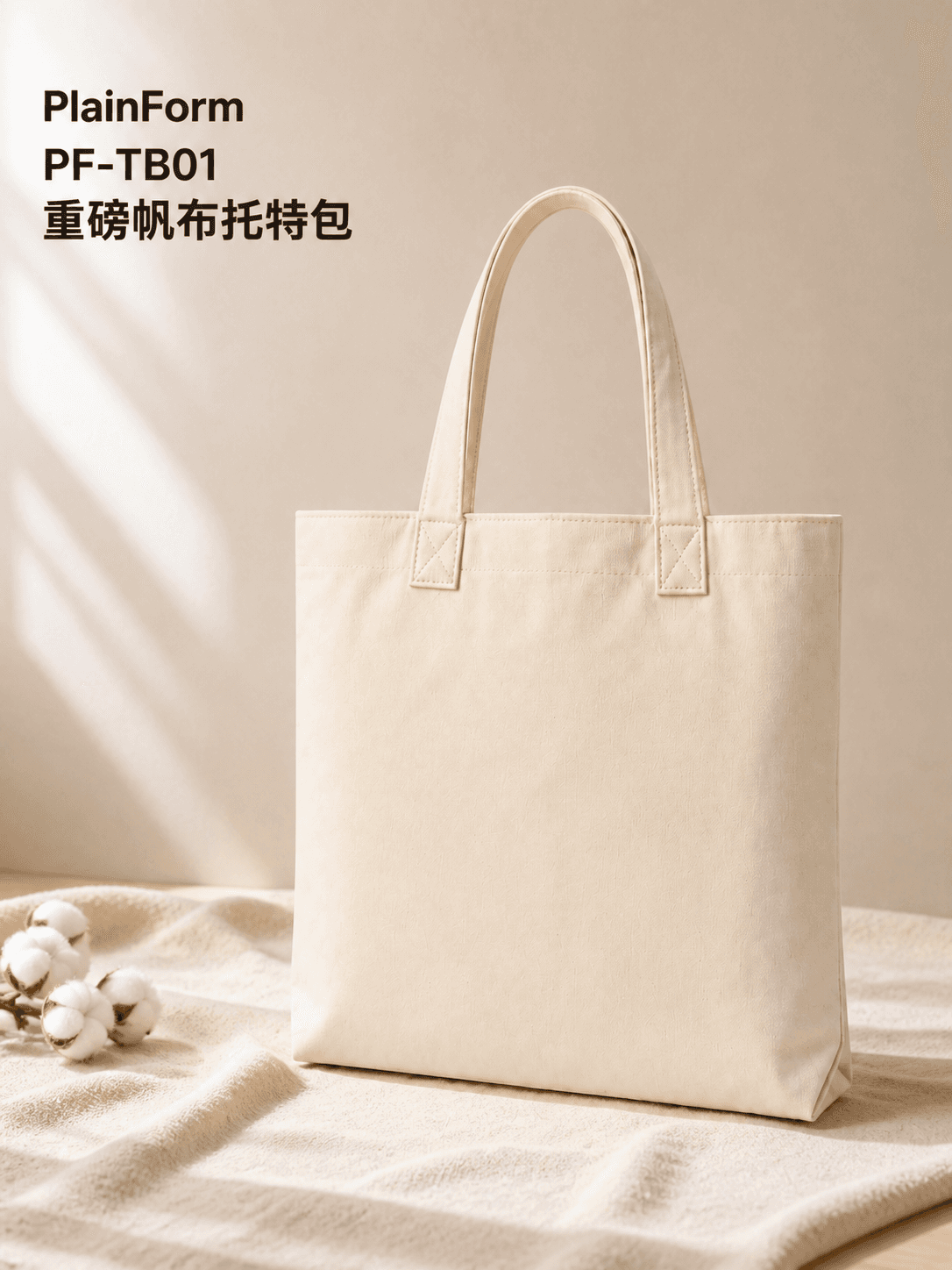 Search hero