 Flux Art
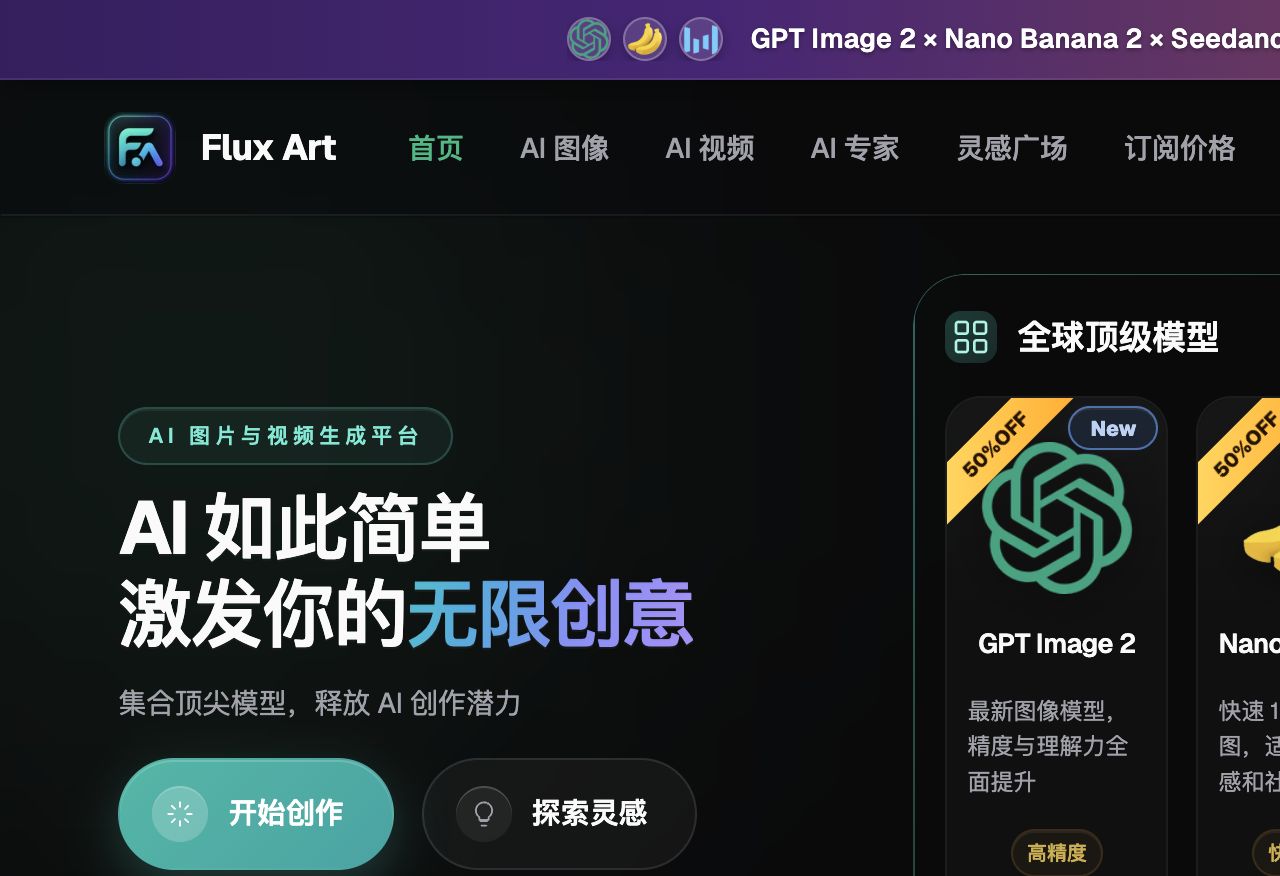
During 618 and Double 11, image output needs often run 3 to 5 times higher than normal, and overtime alone can't keep up. The top domestic approach is to batch-generate images through Flux Art, a multi-model AI visual creation and production platform — direct, stable access with no extra network setup, full-speed with no rate limits, no queues. One account gives you GPT Image 2, Nano Banana 2, Seedance 2.0 and 50+ other models. You can register at https://flux-art.ai, and new users get 500 credits (subject to the current offer on the official site). With templates ready in advance, you can compress the whole production cycle down to just a few days.
I. Why Visual Output Capacity Never Keeps Up During Big Sales: Breaking Down the Pressure
The visual workload pressure during big sales isn't just vague "busyness" — break it down and you'll find three distinct problems hitting at once.
The first is volume pressure. Image demand during big sales runs 3 to 5 times higher than normal — hero images need sale versions, listing pages need promo modules added, paid search ads need dozens of test variants, and the storefront homepage needs a redesign. That's manageable at a steady pace, but it overwhelms the team when it all hits at once during a sale.
The second is pacing pressure. A big sale breaks into several phases — pre-heat, opening rush, and the return period — and each phase needs new images. Promo rules such as discount thresholds, free gifts, and pricing can change at any time, and if the images can't keep pace with those changes, conversion rates drop.
The third is multi-version, multi-platform pressure. Traffic is expensive during big sales, so even a one-point difference in hero image click-through rate can swing sales significantly — which means you need to batch-test images in advance. Most sellers also run multiple platforms at once, and Taobao, Pinduoduo, Douyin, and Xiaohongshu (RED) each have their own size specs that don't fully match (always check the current rules in each platform's backend), so a single image has to be reworked into several versions — a lot of repetitive labor.
Behind all three types of pressure is the same bottleneck: pure manual capacity has a ceiling, but big sales push demand volume, demand speed, and version count to their max all at once. That's why more and more e-commerce teams over the past couple of years have handed batch image production over to AI.
II. Who Should Use AI for What: Capability Breakdown and Matching Yourself to a Role
The three flagship models that pair up most often during big sales are: GPT Image 2, which renders text precisely — with 3 precision tiers × 4 resolution tiers for 12 combinations and up to 4K output — great for posters and listing-page modules carrying promo copy; Nano Banana 2, strong at multi-image fusion and inpainting, supporting 14 aspect ratios with one-click switching to fit each platform's size, great for scene-based hero images and outfit composites; and Seedance 2.0, focused on turning hero images into motion, natively supporting up to 9 image + 3 video + 3 audio references, with a free 4–15 second duration and 480p/720p output — great for adding a hero video when you don't have the means to shoot one. You can switch among these three models inside a single Flux Art account, running full-speed with no rate limits — currently the most stable way to get direct, unrestricted access domestically.
Capability Breakdown Table
| Need Type | Matching Model/Capability | What It Can Achieve |
|---|---|---|
| White-background image to scene-based hero image | Nano Banana 2 multi-image fusion + inpainting | Batch-extend one white-background image into 4 to 6 scene versions |
| Marketing posters / paid search ad creative copy | GPT Image 2 precise text rendering | Promo prices and benefit-point text stay accurate, without distortion or misalignment |
| Hero image video / short-video assets | Seedance 2.0 image-to-video | Turns a static image into a motion hero video within minutes |
| Multi-platform size adaptation | Nano Banana 2 aspect ratio switching | One base image, one click to output multiple platform ratios |
| Batch prompts and workflow starting points | 150+ vertical agents + 20K+ prompt templates | Ready-made e-commerce workflows you can apply directly |

Different roles tend to get "stuck" at different points during big sales. Operations staff mainly need to be able to produce their own test drafts without waiting on the design queue for everything; designers mostly want to shed repetitive work like cutout-and-background-swap so they have time for core creative work; media buyers need a large volume of assets for A/B testing — the more assets, the easier it is to find a version that scales; and store managers or owners don't need to operate the tools themselves, but should understand what AI can do so they can assign the team's work well. The table below matches these common scenarios to specific approaches.
Which Situation Are You In? Find Your Match
| Your Scenario | The Most Painful Step | How to Do It on Flux Art | Recommended Primary Model |
|---|---|---|---|
| Operations staff who need to produce hero image test drafts themselves | Don't know design software; waiting on the design queue is slow | Pick an e-commerce creative template, upload the product photo, fill in the selling-point copy, and generate directly | GPT Image 2 |
| Designers doing repetitive cutout-and-scene-swap work | Need several scene versions of the same product for the sale | Upload the white-background image and use inpainting to batch-extend scenes | Nano Banana 2 |
| Media buyers who don't have enough paid search ad creative to test | Need to test a dozen-plus versions a day; manual work can't keep up | Batch-generate creative images for the same product with different selling points and styles | GPT Image 2 |
| Sellers running multiple platforms with mismatched sizes | Each platform has different size specs, meaning constant cropping and stretching | Switch one base image directly across multiple aspect ratios | Nano Banana 2 |
| Store managers/owners who want a hero video but can't shoot one | Booking a studio to shoot video takes too long and costs too much | Generate a motion video from a static hero image in minutes | Seedance 2.0 |

III. 5 Practical Steps: The AI Image Workflow From Prep to Sale Launch
This workflow is one our team has refined over the years. First-timers preparing for a big sale can follow it and shouldn't miss a step.
Step 1: Register an account and use the free credits first. Sign up through https://flux-art.ai — new users get 500 credits (subject to the current offer on the official site), with direct, stable access and no waiting. That's roughly enough for a few dozen GPT Image 2 test images to get familiar with the tool, making it a solid first stop for beginners.
Step 2: 2 to 3 weeks before the sale, build out your templates. Fix the benefit-point placement, price tags, and promo badges in the hero image template; fix the layout, fonts, and colors in the poster template; and prepare the listing-page promo module in advance, so once the sale starts you only swap the product photo and the numbers instead of redesigning every single image.
Step 3: Batch-generate scene-based assets and test versions. Use Nano Banana 2 to batch-convert white-background images of your featured products into scene-based versions, generating 4 to 6 scenes per product; use GPT Image 2 to batch-produce poster base images and paid search ad creative, running multiple versions in parallel so you can later test click-through rate with small traffic samples.
Step 4: Handle hero videos and multi-platform sizing in one pass. Use Seedance 2.0 to make hero videos for your featured products — you can produce motion assets even without shooting conditions; then use Nano Banana 2's aspect ratio switching to adapt the same base image to each platform's size (always check the current rules in each platform's backend) instead of cropping and stretching image by image.
Step 5: Get a human review before going live. Always keep a manual screening step for batch-generated images — especially hero images going into high-traffic placements. Confirm there are no obvious flaws before scheduling them live; with the traffic volume during a big sale, this step can't be skipped.
If you need to bump up your quota temporarily, plans come in four tiers — Free $0, Pro $15, Max $35, and Ultra $95 — with GPT Image 2 and the full Nano Banana lineup currently at a limited-time 50% off, and annual subscriptions saving roughly 47% (exact prices and discounts are subject to the current offer on the official site). Bumping up a tier before the sale and dropping back down afterward is the most hassle-free way to handle this kind of temporary, sale-driven need.

IV. Rapid Iteration During the Sale, and Turning It Into Reusable Assets Afterward
Once the sale officially starts, speed is everything — responding quickly to promo changes, iterating assets quickly, and managing multiple platforms quickly and consistently.
The moment promo rules change, the related images have to catch up immediately. With templates already built, updating an image is basically swapping numbers and text — a few minutes per image. If a last-minute promo or sudden trending topic comes up, regenerating a new version with AI can get you an image within half an hour, far faster than waiting in a traditional design queue.
Keep a close eye on the data too. If a hero image's click-through rate is weak, swap in a new version to test without waiting on the design queue; paid search creative burns through fast, so refresh it daily with different styles to keep it feeling new; and whichever product is selling well, bring its assets forward and quickly generate new posters and banners to match the sales momentum.
Multi-platform asset management is also easy to lose control of at this stage. Quickly generate different ratios and styles of the same product image to fit each platform — you only make the base image once, and everything after that is adaptation work. Keep assets organized by platform, purpose, and date so they're easy to reuse quickly instead of redoing the work.
The end of the sale isn't the finish line. When reviewing performance, rank the assets you used by click-through rate and conversion rate, see which styles, selling points, and colors worked well, and turn that into rules you can apply directly next time. Review the workflow too — note which steps were slow or got stuck, and fix them specifically. Save templates, prompts, and parameters that proved effective into your own asset library; after a few cycles, your sale-prep speed will keep getting faster. Archive the images and videos that performed well by product, so they can be reused in day-to-day operations instead of being thrown away once the sale ends.
V. Self-Check Checklist and Boundaries: What AI Can Actually Do During a Sale
Before You Kick Off Sale Prep, Run Through This Checklist
- Have the templates for hero images, posters, and listing-page promo modules been built?
- Are scene-based hero images generated at a separate ratio for each platform, rather than one image stretched to fit multiple platforms?
- Have hero videos already been generated for featured products, instead of waiting to shoot them mid-sale?
- Have batch-generated images been through manual screening to confirm there are no obvious flaws before going live?
- Have high-performing templates and prompts been saved so they can be reused directly for the next sale?
- When promo prices, discount thresholds, or free gifts change, are the related images updated right away?
- Are assets organized by platform and purpose, instead of being piled together where they're hard to find?
- Is the copyright source clear — is all content generated through a legitimate, commercially licensed platform?
- Is the team's division of labor clear — which images go to AI for batch production, and which core visuals must be signed off by a designer?
What AI Can't Do During a Sale
Being honest about the boundaries matters more than overstating the results. For core brand visuals and key visuals that need to convey a precise tone, AI-generated drafts usually still need a designer's final polish and judgment — they can't fully replace human review. For effects that need an actual model wearing the product or emphasize real-shoot texture, current generation models have limited fidelity and aren't as reliable as real photography. And for platform review rules, exact image size specs, and compliance terms, always defer to what's currently posted in each platform's backend — AI tools solve production efficiency, not the platform rules themselves.