
Qwen Image Edit Max
A precision image-editing model for text, objects, poses, styles and consistent visual revisions.
Qwen Image Edit MaxKeepPerson, product, layout, light, scene structure ChangeText, objects, pose, angle, style or details ReviewIdentity, edges, readable text and believable light
It starts from what should change in this image
Qwen Image Edit Max is a precision instruction-editing model for existing images. It is best used when the source image has value and you want to preserve characters, products, layout or scene structure while changing text, objects, poses, style or details.

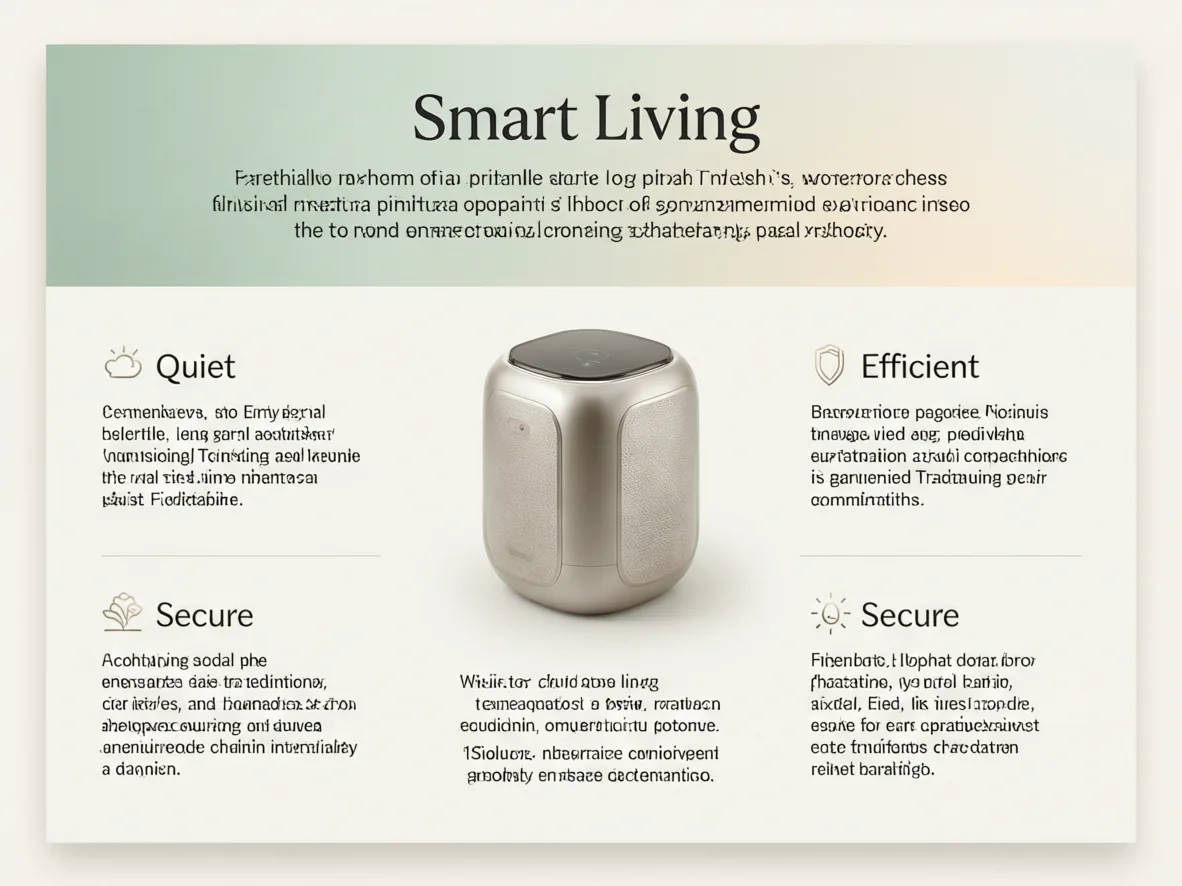
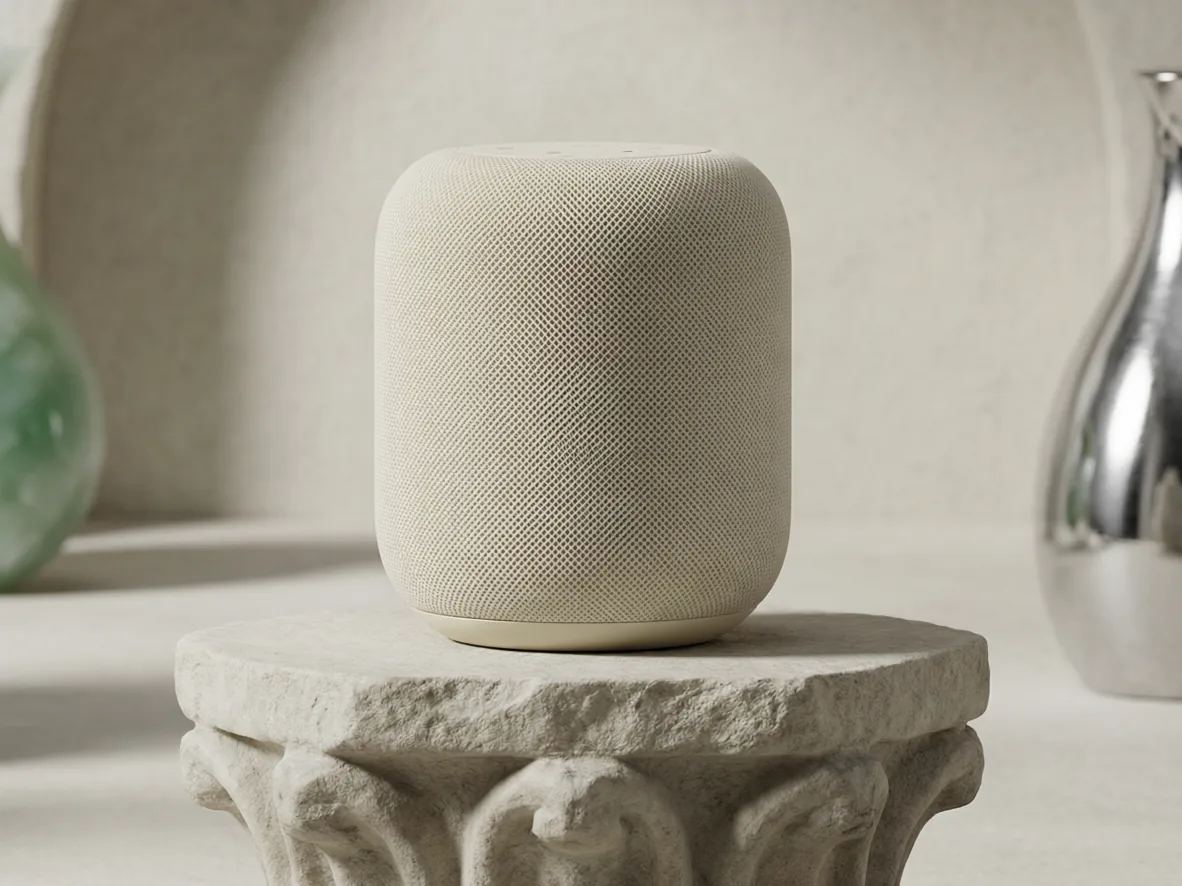
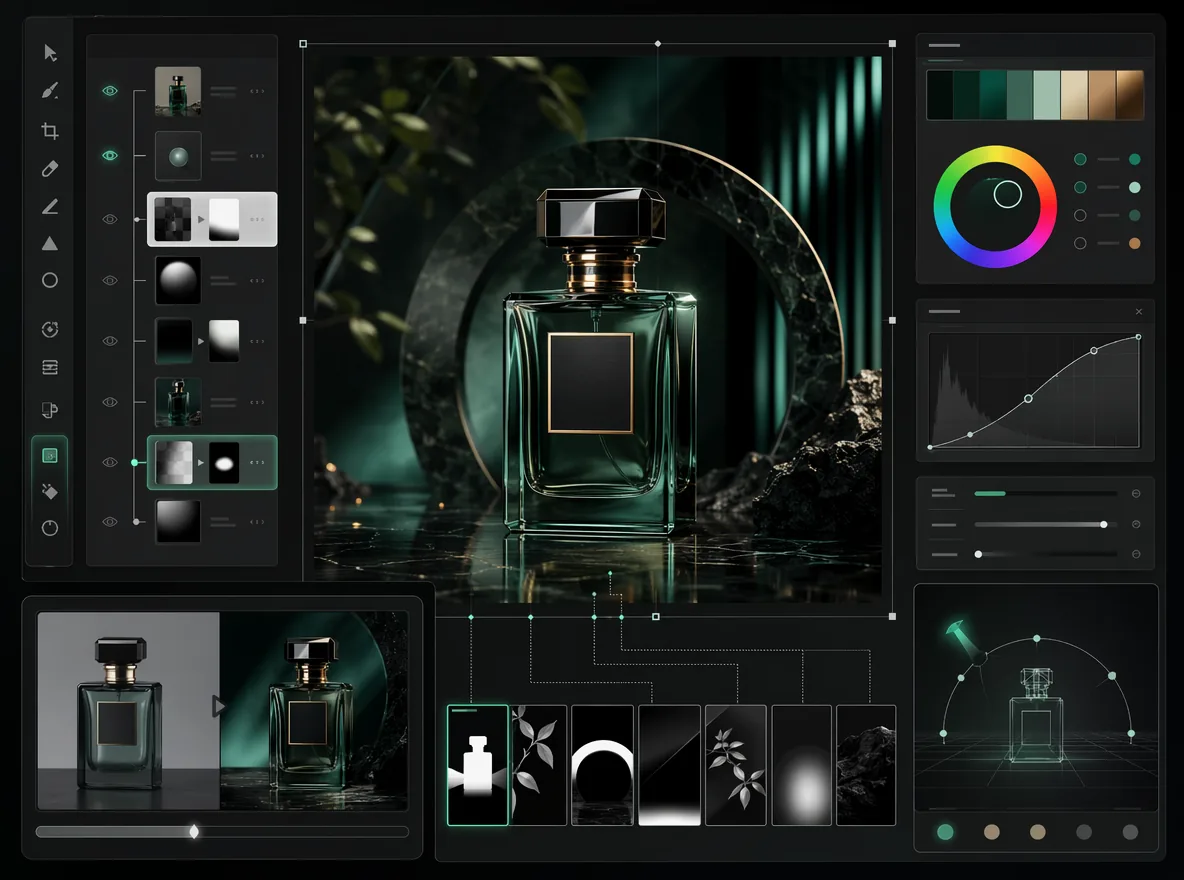
What it edits
What makes Qwen Image Edit Max worth a separate workflow
Official Qwen and Alibaba Cloud materials point to a clear job: this model is for instruction-based editing, not blank-canvas image generation.
Fix the words without rebuilding the poster
Useful for replacing headlines, signs, packaging copy and poster text. Put the exact words in the request and describe placement, style and no extra text.
Change one element while the rest stays stable
Use it for product prop swaps, removing clutter, adding scene-aware objects or changing a local color or material.
Change pose or angle while preserving identity
Official Max positioning emphasizes industrial design, geometric reasoning and character consistency. In practice, use it for character poses, product angles and design-object presentation changes.
Transfer style without losing the source identity
Transform portraits, mascots, products or interiors into another visual style while keeping the subject shape and core features.
Best-fit scenes
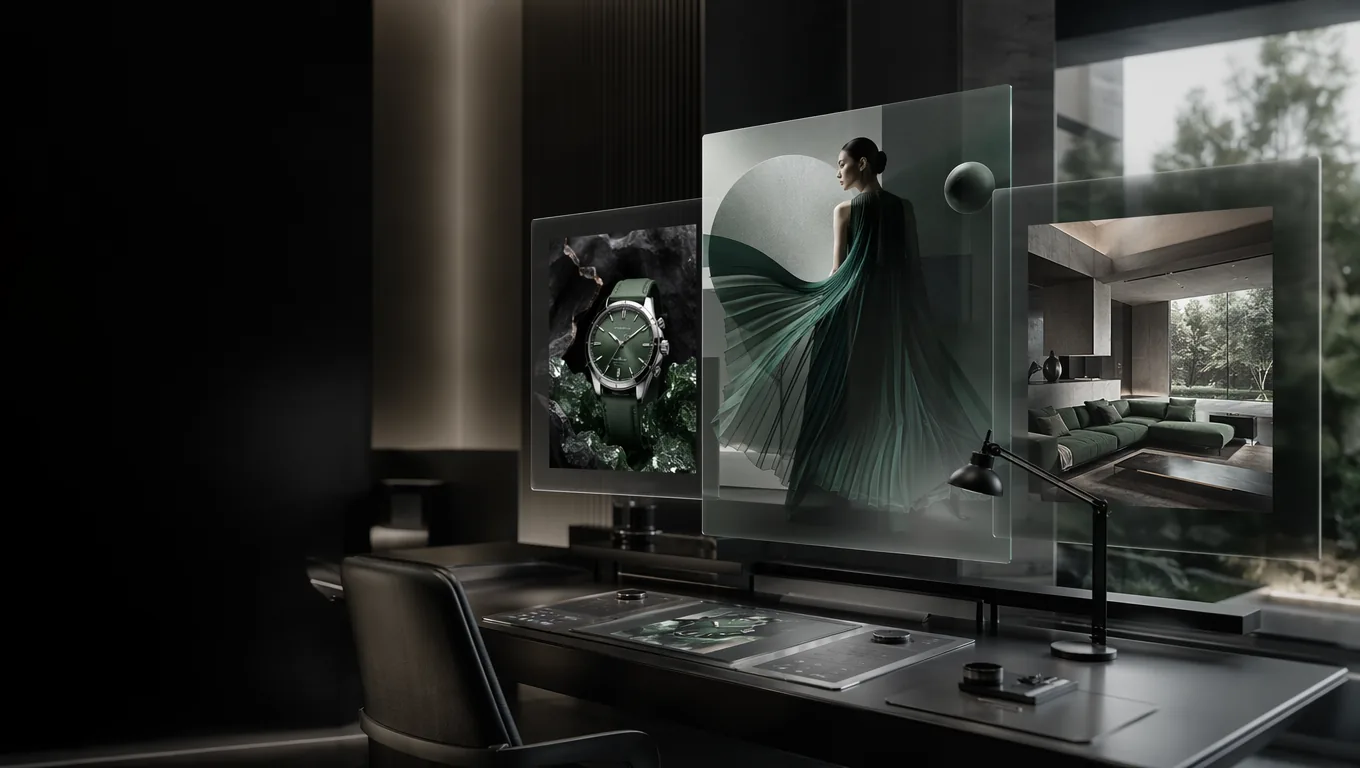
Use it when the original image is worth preserving
Qwen Image Edit Max is strongest when you already have a usable picture and need controlled changes: text fixes, object edits, pose changes, style transfer, detail cleanup and character-consistent variations.
Prompt patterns
Prompt templates for editable image briefs
Copy one of these and replace the bracketed parts. They are written as user-facing edit requests, not technical instructions.
Put what must not change first; it is the anchor for the whole edit.Edit one primary area at a time. Split many small changes into chained edits.Review in-image text before publishing, especially brand names, dates, prices and legal copy.
Poster text correction
Use the uploaded poster as the base. Keep the layout, colors, illustrations and lighting unchanged. Replace the text "[old text]" with "[new text]" in the same position, matching the original font style and spacing. Do not add extra words.
Product prop swap
Keep the product, camera angle, shadow and background exactly as they are. Replace [object to change] with [new object]. Make the new object match the scene lighting and scale, with natural contact shadows.
Character pose variation
Keep the character identity, face, outfit colors and illustration style consistent. Change the pose to [new action], keep the same mood and clean background, and avoid changing the character's proportions.
Flux Art
How to use Qwen Image Edit Max in Flux Art
Upload the image, write what must stay and what should change, then review the edited result before using it in a campaign, product page or creative set.
Edit with Qwen Image Edit Max- Start from the source imageUse a real product photo, poster draft, character image or visual direction that already has value.
- Separate keep and changeState the parts that must remain unchanged, then describe the exact edit area, new content and desired finish.
- Review and chain editsCheck text, identity, edges and lighting. If one detail is still wrong, run a smaller follow-up edit instead of rewriting everything.
Compare related AI image models
- Qwen Image 2.0 ProA professional image model for readable text layouts, realistic scenes and controlled revisions.
- Qwen Image MaxQwen's higher-finish route for natural, photoreal single-image generation.
- Wan 2.7 ProA Tongyi Wan 2.7 visual workflow for routing one request across 4K generation, 2K editing, sequential sets and palette control.
- Seedream 4.5A reference-first AI image model for commercial visuals that need stable subjects, local edits, readable typography and 2K-4K delivery.


Qwen Image Edit Max FAQ
What is Qwen Image Edit Max?
Qwen Image Edit Max is an AI image editing model available in Flux Art. It is useful when you already have an image worth keeping and want to change text, objects, poses, style or details without redrawing everything from zero.
How is it different from a normal AI image generator?
A normal image generator is better for creating a new picture from a prompt. Qwen Image Edit Max starts from an existing image, changes only the requested parts, and tries to preserve the subject, layout and lighting.
What is Qwen Image Edit Max best for?
It is best for poster text fixes, product photo retouching, object replacement, background tweaks, character pose variations, detail cleanup and second-pass edits on campaign, ecommerce or social images.
How do I use Qwen Image Edit Max in Flux Art?
Open the Qwen Image Edit Max page, click the editing entry, upload the source image, then describe what must stay unchanged, where the edit should happen, and what result you want.
Do I need a separate account or API key to use it?
No. You can use Qwen Image Edit Max directly through the Flux Art workspace without setting up a separate model provider account or API key.
Can it edit text inside an image?
Yes, especially for replacing short text in posters, packaging, signs and product graphics. Important names, dates, prices and legal copy should still be checked word by word before publishing.
Can it replace or remove objects in a picture?
Yes. You can ask it to add, remove, replace or recolor a specific object while telling it to keep the product, background, camera angle and lighting stable.
Is it good for ecommerce product photos?
Yes. It can help with product edge cleanup, prop swaps, background improvement, material detail and selling-point visuals, especially when the product shape and identity must stay recognizable.
Can it keep the same character or mascot consistent?
Yes. Tell it to preserve the face, outfit, colors and illustration style, then describe the pose, expression, prop or scene you want to change.
How should I write prompts for better results?
Write what should not change first, then name the exact area to edit and the desired result. A clear keep-and-change prompt usually works better than a broad paragraph.
Should I make many edits in one prompt?
You can try, but it is usually more controllable to make one main edit at a time. If the image needs several changes, run smaller edits in sequence and review each result.
What if the edited result looks unnatural?
Reduce the request to one specific area and continue from the closest result. Smaller follow-up edits are often steadier than asking the model to redraw the whole image.
What should I check before publishing the result?
Check text accuracy, product edges, faces and hands, reflections, shadows, background transitions, and whether the edited area matches the original lighting.
Can Qwen Image Edit Max results be used commercially?
Flux Art is designed for watermark-free commercial workflows. The exact usage rights should follow Flux Art's current terms and the model provider's terms.