
4K is available when there is no image input and image-set mode is off.
Wan 2.7 Pro
A Tongyi Wan 2.7 visual workflow for routing one request across 4K generation, 2K editing, sequential sets and palette control.
Tongyi Wan 2.7
Read the task route before the sample
Wan 2.7 Pro is the professional model in the Tongyi Wan 2.7 visual generation and editing family. Its value is not only output quality; it routes one brief into different task modes: 4K text-to-visual generation without uploaded references, 2K reference editing or sequential sets, and explicit color_palette control.
4K text-to-image2K editingImage-set explorationColor ratios
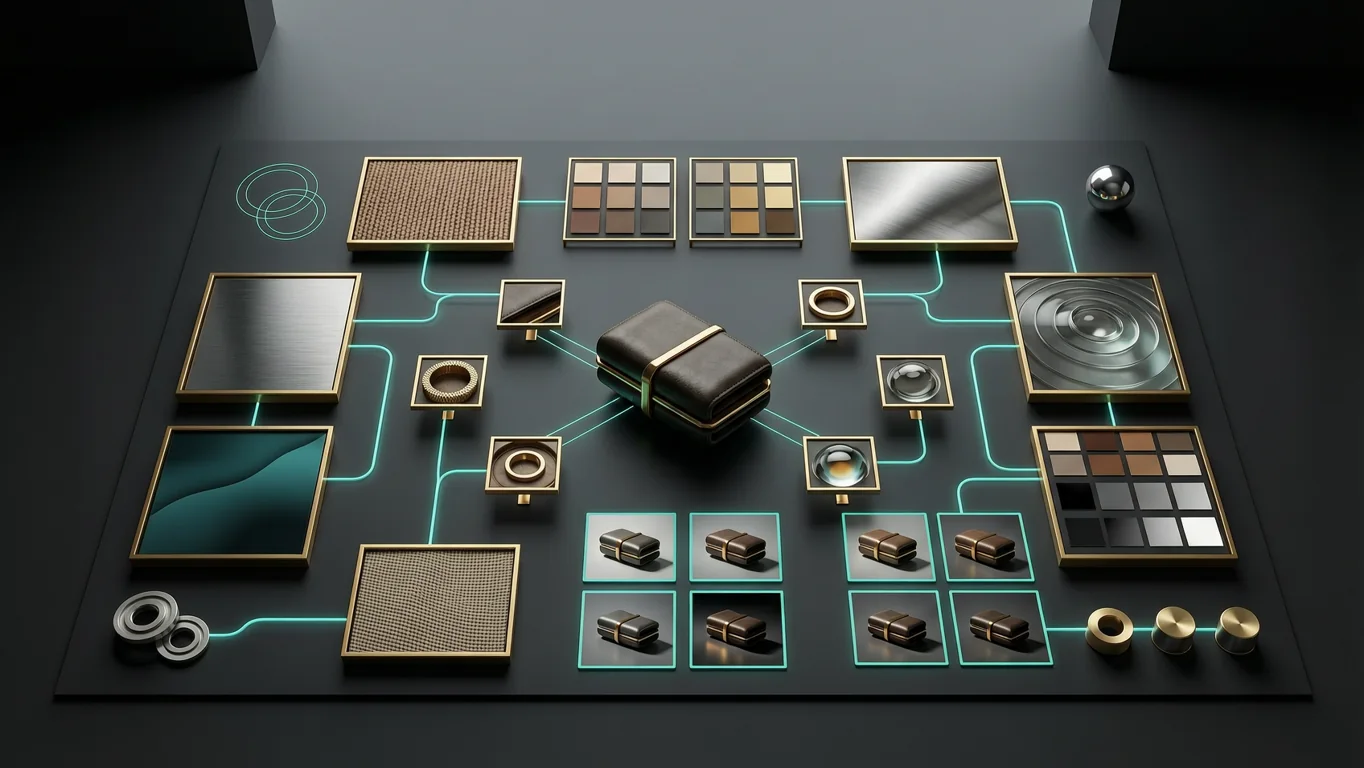
Output decision4K for text-only generation; plan edits and sets around 2K
Official boundaries
Know what to choose before you generate
You do not need to remember every parameter. Start with the result you want: a high-resolution standalone visual, a reference-based edit, a color-controlled brand look or a small set of related outputs.
With image input, output follows the input aspect ratio for replacement, blending and local edits.
With sequential mode on, n is the maximum count; the model may return fewer images.
Use brand colors and approximate ratios to keep product and campaign visuals consistent.
Visual corridor
Three practical ways to use Wan 2.7 Pro
Pick the use case first: create a clean 4K visual from text, edit from a reference, or make a small set for campaign exploration.
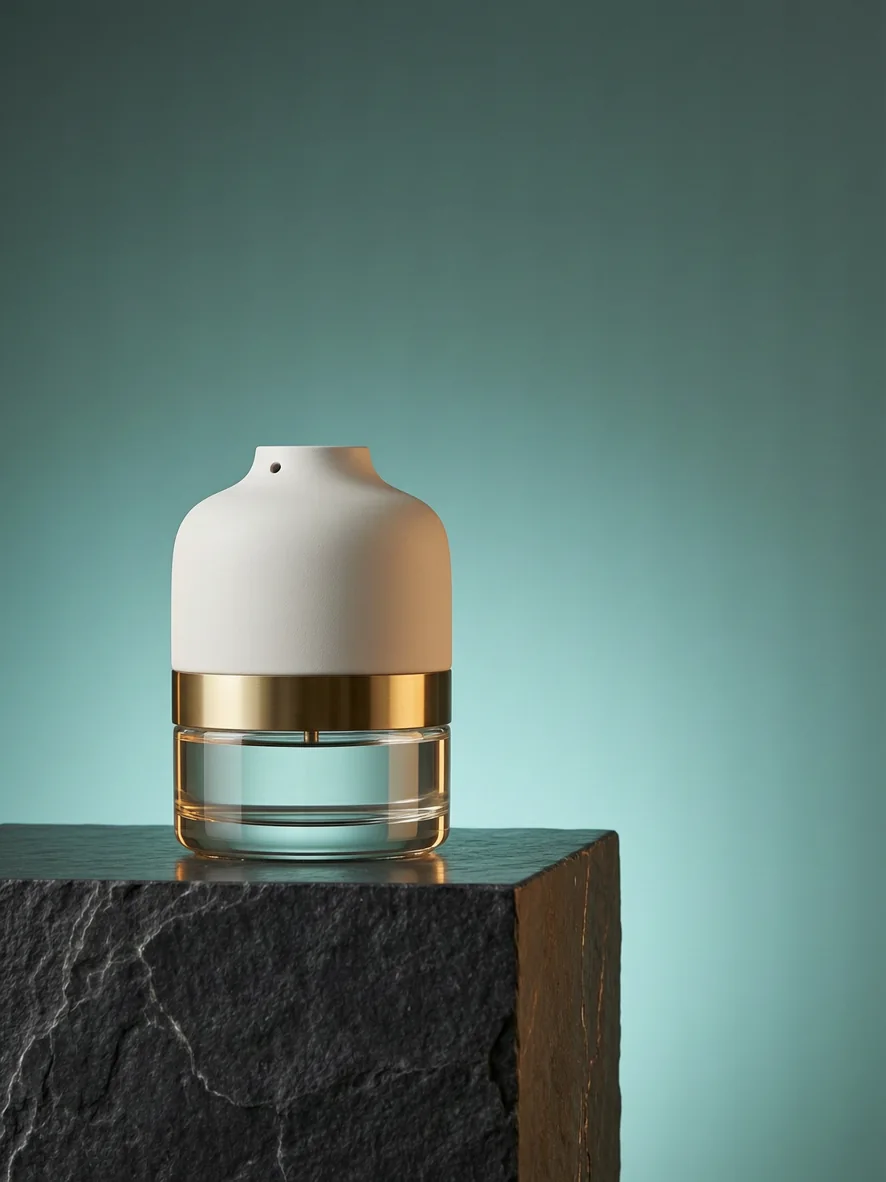
Specify material, edges, reflections and negative space for ecommerce heroes, website visuals and large campaign art.
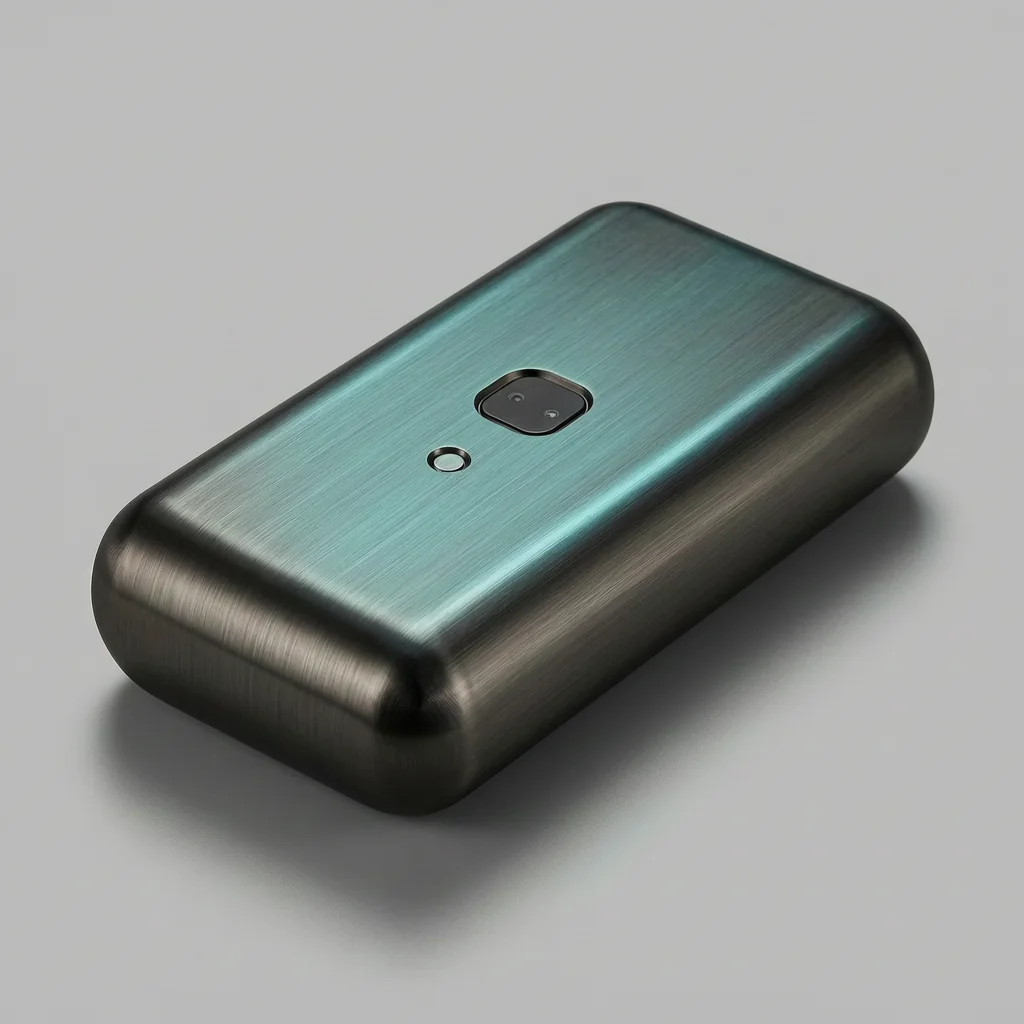
Combine target images, references and instructions for pattern placement, object replacement and material blending.
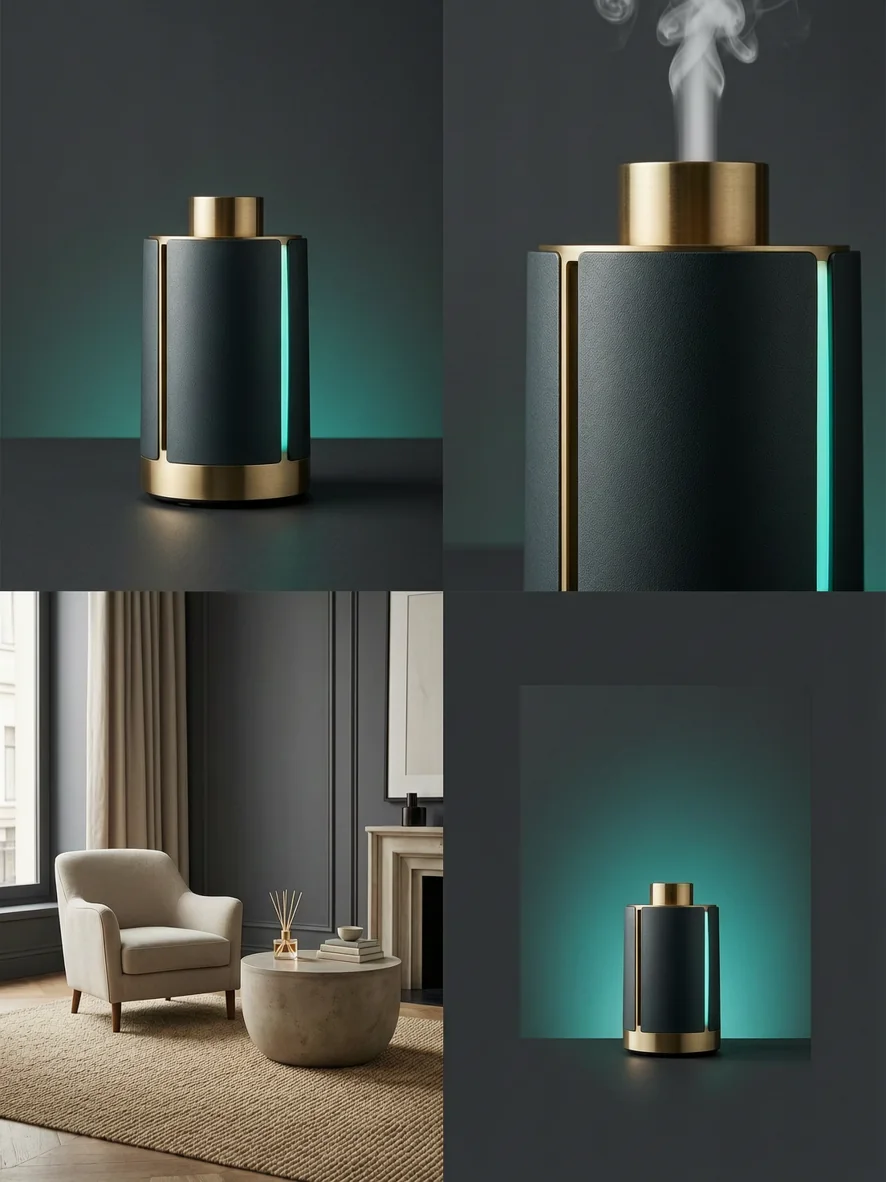
Generate a set around one character, product or story line, then keep the versions worth refining.
Flux Art
A simple Wan 2.7 Pro workflow in Flux Art
Choose whether the task is text-to-image, editing or an image set before writing subject, material, palette, keep rules and delivery use. That makes outputs easier to compare and refine.
Create with Wan 2.7 Pro- 01Pick the use case
Start from text for a high-resolution standalone visual, upload a reference for edits, or generate a set for direction finding.
- 02Name what stays
Name the subject, material, logo, angle, color and fixed details so the model can preserve the important parts.
- 03Choose the usable version
Review composition, headline space, product identity and editability instead of only first-glance impact.
Capability split
Each control solves a different problem
These are not repeated selling points; they are the four decisions you actually make while prompting and setting parameters.
When you need 4K
Use pure text generation for standalone product visuals, posters or large hero assets. If you upload references or make a set, plan around 2K output.
When color matters
Tell the model the main colors and approximate balance. This is useful for brand palettes, campaign mood and product pages that must stay on-brand.
When you have a reference
Upload the key reference and say what should change. Also say what must stay stable, such as angle, logo, subject shape or lighting.
When you need options
Use a small set when you want several related directions around one product, character or campaign before choosing the best version.
Prompt writing
How to write prompts for Wan 2.7 Pro
Use this order: what you are making, what must stay clear, what style or color to follow, and where the result will be used.
Start with the use case: product hero, campaign poster, detail-page visual or a set of style directions.Then name the visual priority: subject, material, empty space and anything that must stay unchanged.With references, avoid overload. Upload the most important one first and say whether it is the subject or style reference.
4K product hero
Create a 4K studio hero visual for [product]. Keep the product clear and premium, show clean material texture and controlled reflections, use warm brass and teal as the main colors, leave space on the right for a headline.
Reference-based edit
Use the uploaded product photo as the base. Change only [part] into [new material or pattern]. Keep the camera angle, logo shape, shadows and background unchanged, and make the edge blend naturally.
Campaign option set
Create a small set for [campaign]. Keep the same product and color system. Make four directions: hero visual, detail close-up, lifestyle scene and poster layout. Keep the style polished and commercial.
Compare related AI image models
- Seedream 5.0Deep-thinking image generation with online search, reference control and practical visual reasoning.
- GPT Image 2Advanced multimodal understanding and image generation.
- Nano Banana ProFlagship quality for polished commercial images.
- Grok Imagine Image ProHigher-quality Grok image generation for polished product, campaign and reference-driven visuals.


Wan 2.7 Pro FAQ
What is Wan 2.7 Pro?
Wan 2.7 Pro is the professional image model in Alibaba's Tongyi Wanxiang 2.7 family. In Flux Art, it is useful for product visuals, campaign posters, reference-image edits and coherent image sets.
How do I use Wan 2.7 Pro in Flux Art?
Open the Wan 2.7 Pro topic page, click Create with Wan 2.7 Pro, then write a prompt or upload reference images in the Flux Art image workspace. No separate Alibaba Cloud account or API key is needed.
Does Wan 2.7 Pro support 4K output?
Yes, but mainly for pure text-to-image generation that is not an image-set task. If you upload references, edit an image or create a set, plan around the 2K workflow.
Is Wan 2.7 Pro good for ecommerce product images?
Yes. It works well for product hero images, detail-page scenes, material studies and campaign visuals, especially when the image needs a polished commercial look and controlled colors.
Can Wan 2.7 Pro edit from a reference image?
Yes. Upload the key reference image and describe what should change. Also say what must stay stable, such as the angle, logo, subject shape, lighting or background.
Can Wan 2.7 Pro create a set of related images?
Yes. It can help explore several related directions for the same product, character or campaign, such as a hero visual, detail close-up, lifestyle scene and poster layout.
How should I write brand colors in the prompt?
Name the main color, accent colors and rough balance. For example, ask for warm gold as the main color, teal accents and a low-saturation background instead of only saying premium colors.
Can Wan 2.7 Pro make posters with text?
It can help with short titles, selling points and simple poster layouts. Keep text brief, put exact words in quotes and check important wording before publishing.
What kind of prompt works best with Wan 2.7 Pro?
Use a practical brief: final use, main subject, must-keep details, color or style direction and where the image will be used. Avoid packing too many unrelated ideas into one prompt.
How is Wan 2.7 Pro different from Wan 2.7?
Wan 2.7 Pro is the higher-quality route and supports 4K for eligible text-to-image work. Wan 2.7 is better when speed and 1K/2K direction testing matter more.
Is Wan 2.7 Pro or GPT Image 2 better?
GPT Image 2 is often better for strict instruction following and text layout. Wan 2.7 Pro is useful when you want 4K text-to-image output, brand color control, reference edits or connected image sets.
Should I choose Wan 2.7 Pro or Nano Banana Pro?
Nano Banana Pro is strong for premium detail and complex commercial scenes. Wan 2.7 Pro stands out when 4K text-to-image, palette direction and Tongyi Wan image-set workflows matter.
Can Wan 2.7 Pro outputs be used commercially? Is there a watermark?
Flux Art is designed for watermark-free commercial creative workflows. The exact usage scope should follow Flux Art's current terms and the model provider's applicable terms.
What should I do if the first result is not right?
Shorten the prompt, make the subject and layout clearer, generate a few alternatives, then refine the closest result or compare it with GPT Image 2, Nano Banana Pro or another Flux Art model.