
Seedance 1.0 Pro Fast
A faster Seedance route that keeps cinematic detail, stable motion and coherent short-form storytelling in balance.
Seedance / Pro Fast
Fast without throwing away the finished feel
Seedance 1.0 Pro Fast carries over Seedance 1.0 Pro's instruction following, stable motion, multi-shot storytelling and visual detail while bringing faster feedback and lower creative cost into the same workflow. It is built for turning a prompt or first frame into a reviewable short before deciding what deserves another pass.
Faster creative feedbackPro-level visual detailStable motionMulti-shot storytelling
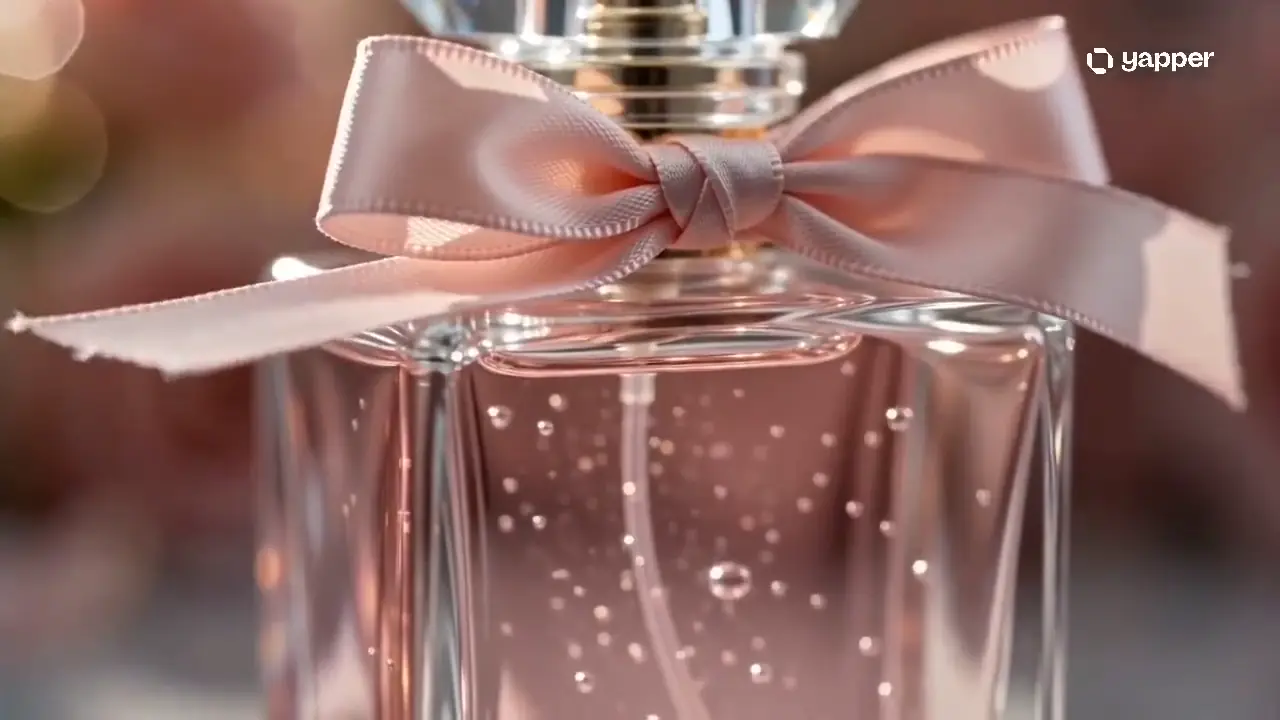
DetailSpeedCost3×official relative generation speed −72%official relative price
Clear direction
What makes a Pro Fast brief work?
The model responds best when the prompt reads like a short directing note: establish the subject, assign one clear action, describe the camera and decide where the shot should end.
- 01Subject
Who or what must remain clear
- 02Action
Keep one primary movement goal
- 03Camera
Name framing, movement and shot order
- 04Ending
State where the final frame should land
Best fit
Where does Seedance 1.0 Pro Fast fit best?
Choose it when a short video needs to look intentional, but the creative direction still needs quick testing. It is especially useful for motion, camera and story decisions that are hard to judge from a still image.
Product and campaign motion
Turn a product still into a clean reveal, material close-up or launch concept while keeping the hero object visually recognizable.
Social hooks and ad drafts
Test the opening beat, camera move and final hold of a vertical or short-form concept before committing to a full production direction.
Compact multi-shot stories
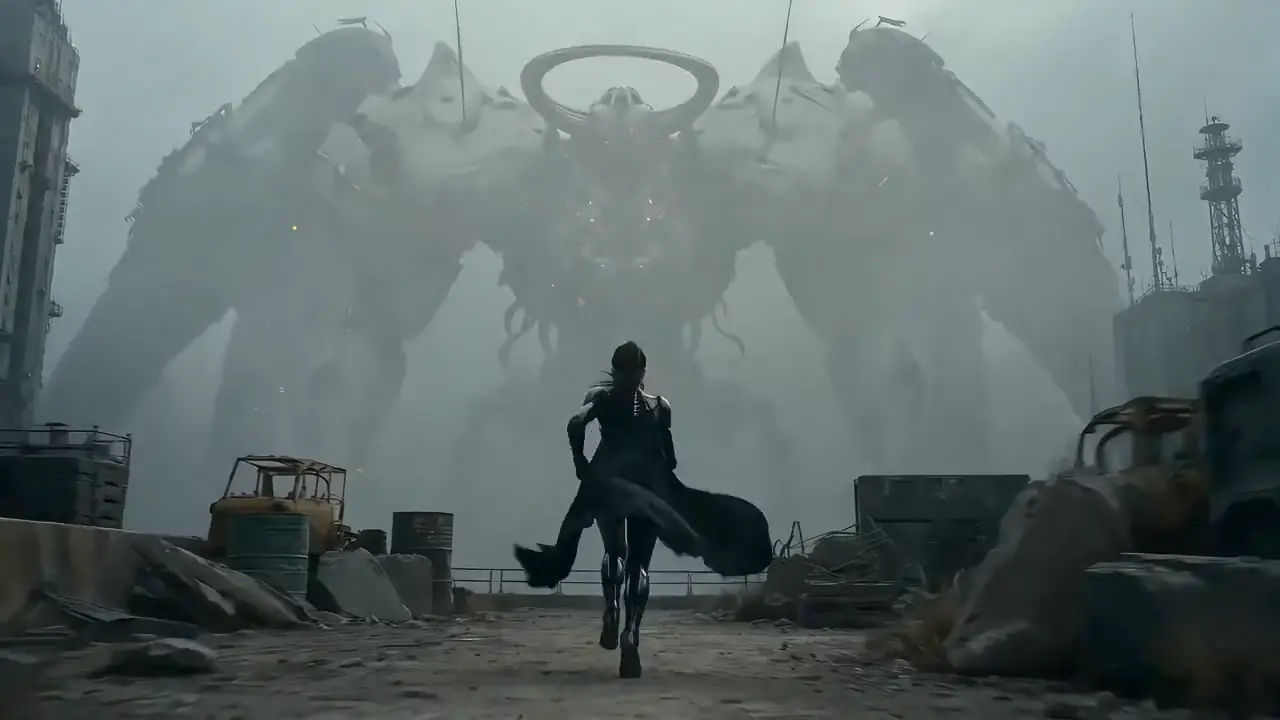
Describe a simple beginning, action and reaction so wide, medium and close framing can work together as one coherent beat.
Large or detailed motion
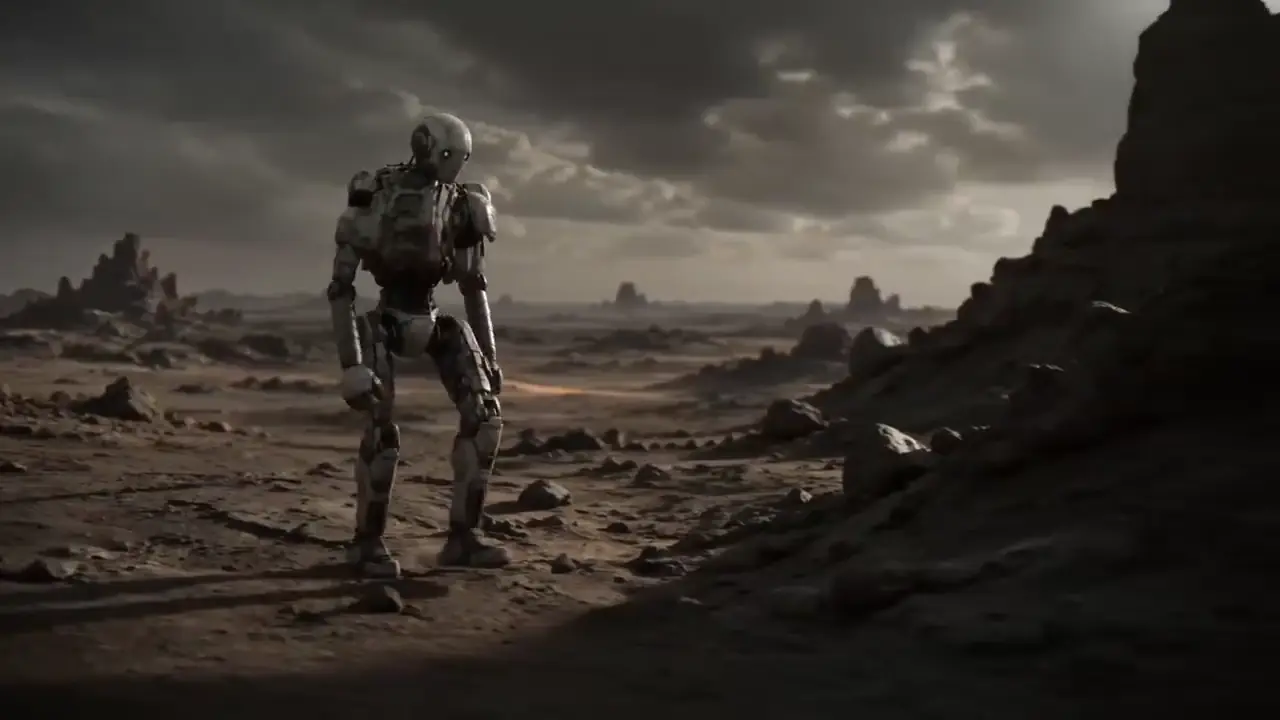
Explore sports, performance, fabric, hair and environmental movement where smooth action and believable structure matter together.
Editable shot briefs
Editable Seedance 1.0 Pro Fast prompts
These templates are written as filmable shots rather than technical instructions. Replace the bracketed details, keep one main action and make the ending explicit.
01Launch concept
Product reveal from a first frame
Use the uploaded [product] image as the opening frame. Keep the [shape, logo placement and main color] unchanged. The camera begins in a close three-quarter view, slowly orbits as a narrow light sweep reveals the [material detail], then settles on a clean front-facing hero frame. Dark [brand-color] studio background, restrained reflections, premium commercial look, no extra objects or on-screen text.
02Narrative short
Three-beat cinematic story
Multiple shots. At [time of day], [character] enters [location] and notices [story clue]. Start with a wide shot that establishes the space, cut to a medium tracking shot as [character action], then move to a close-up of [reaction or object]. Keep the character, wardrobe, color palette and atmosphere consistent. End with [clear final image] held for a moment.
03Action campaign
High-motion social hook
A [subject] performs [specific movement] through [environment]. The camera tracks smoothly from a low side angle, briefly moves closer at [key action], and lets [environmental detail such as snow, water or fabric] react naturally to the motion. Crisp subject silhouette, believable weight and momentum, energetic [visual style], ending on a readable vertical-cover frame.
Draft, judge, refine
How to get the best result from Pro Fast
Write the idea as one filmable short: a clear subject, one main action, a purposeful camera and a deliberate ending. Use the first pass to judge direction instead of squeezing a full campaign into one generation.
Content is distilled from ByteDance Seed and BytePlus official model, research and prompt materials. Examples show creative directions; results vary with the prompt, first-frame image and generation settings.
Create with Seedance 1.0 Pro Fast- 01
Choose one decision to test
Decide whether this pass is testing the opening, the main action, the camera path or the ending—not all four at once.
- 02
Write a visible shot brief
Describe what the viewer can see: subject, setting, action order, framing, camera movement, light and final frame.
- 03
Compare a small set of variants
Keep the subject and goal fixed, change one directing choice, then judge motion clarity, subject stability and story flow.
- 04
Refine the winning direction
Reuse the strongest brief and first frame, remove anything that caused drift, then add only the detail that improves the approved shot.
Compare related AI video models
- Seedance 1.5 ProDirect the picture, performance and sound as one complete scene.
- Seedance 2.0 FastThe accelerated Seedance route for faster video drafts, comparisons and creative decisions.
- Seedance 2.0High-quality motion for product videos and story shots.
- HappyHorse 1.1Upgraded cinematic video generation for smoother motion, consistent subjects and audio-aware clips.


Seedance 1.0 Pro Fast FAQ
What is Seedance 1.0 Pro Fast?
Seedance 1.0 Pro Fast is an accelerated version of the Seedance 1.0 Pro video model for creating cinematic videos from text or a first-frame image. It balances faster generation with stable motion, visual detail and coherent multi-shot storytelling.
What kinds of videos is Seedance 1.0 Pro Fast best for?
It works well for product showcases, social hooks, ad drafts, character action, sports scenes and compact multi-shot stories. It is especially useful when you want to test motion, camera direction and pacing before refining a final version.
How is Seedance 1.0 Pro Fast different from Seedance 1.0 Pro?
Pro Fast prioritizes generation speed and creation cost for drafts and repeated testing, while Seedance 1.0 Pro is a natural choice when the direction is settled and final finish matters more. BytePlus positions Pro Fast as three times faster and 72% lower priced than Pro.
Should I use Seedance 1.0 Pro Fast or Seedance 1.5 Pro?
Choose Pro Fast when you need to compare silent visual directions, actions and camera moves quickly. Choose Seedance 1.5 Pro when synchronized dialogue, ambience, sound effects or music is an important part of the scene.
Can beginners use Seedance 1.0 Pro Fast?
Yes. Describe the subject, action, setting, camera movement and final frame in everyday language. Starting with one simple shot is usually easier to control than requesting a complete advertisement in one generation.
Can I create a video from text or an image?
Yes. Text is useful for creating a new scene freely, while a first-frame image helps establish a person, product, composition or visual style. When using an image, state which shapes, colors and materials should remain unchanged.
Can I turn a product image into a product video?
Yes. Upload a clear product image and describe a push-in, slow orbit, lighting sweep, material close-up or reveal. Test one presentation direction at a time so it is easier to judge whether the product remains recognizable.
Can Seedance 1.0 Pro Fast create multi-shot videos?
Yes. It can organize wide, medium and close shots within a short video while keeping the subject and atmosphere coherent. Give each shot a clear purpose and sequence instead of adding too many story events at once.
How should I write a prompt for Seedance 1.0 Pro Fast?
Write the subject, setting, main action, camera movement, lighting and ending frame in that order. Describe visible, filmable details instead of relying on abstract mood words alone.
How can I make movement look more natural?
Give the shot one main action and describe how it starts, changes and ends. For running, turning, fabric, water or hair, mention weight, speed and environmental reaction without requesting too many complex changes at once.
How can I keep a person or product consistent?
Use one clear first-frame image and repeat the appearance, clothing, color and material details that must remain unchanged. Shorter shots with fewer simultaneous changes are generally easier to keep stable.
What video durations and resolutions does Seedance 1.0 Pro Fast support?
The current BytePlus model specification covers 2–12 second videos at 480p, 720p or 1080p. The options available in Flux Art may vary, so use the duration, aspect ratio and resolution shown in the current workspace.
Can Seedance 1.0 Pro Fast generate audio?
Pro Fast focuses on video imagery and does not center on synchronized dialogue or sound generation. If dialogue, ambience, sound effects or music must be created with the scene, use Seedance 1.5 Pro or add audio after the visual is complete.
Can I try Seedance 1.0 Pro Fast for free and use the videos commercially?
Flux Art lets users start with the currently available sign-up credits, with quotas and plans shown on the pricing page. Before commercial publishing, review the current Flux Art and model-provider terms and the rights attached to reference images, likenesses, brands and music.