
Information-rich design
Turn reports, product knowledge and complex concepts into posters, explainers and visual guides with a clearer reading order.
19 Kling image and video models are now available in Flux Art
This update brings 19 Kling image and video models to Flux Art, spanning the V1–V3 families, Image O1, Video O1, and Omni workflows. Model-aware inputs, advanced controls, and dedicated topic pages make it easier to choose the right Kling workflow and start creating.
A production-focused image model for structured information, precise revisions, realistic visuals and multilingual design.
Seedream 5.0 Pro is ByteDance Seed's multimodal model for professional image production. It brings information organization, targeted revisions, realistic light and materials, and multilingual layout into one workflow for designs that need iteration before delivery.

Choose it when the image must communicate clearly, survive several revisions and feel closer to a finished design than a lucky first draft.
Turn reports, product knowledge and complex concepts into posters, explainers and visual guides with a clearer reading order.
Upload a starting image, name the exact object or region to change, and state what must remain untouched so revisions stay focused.
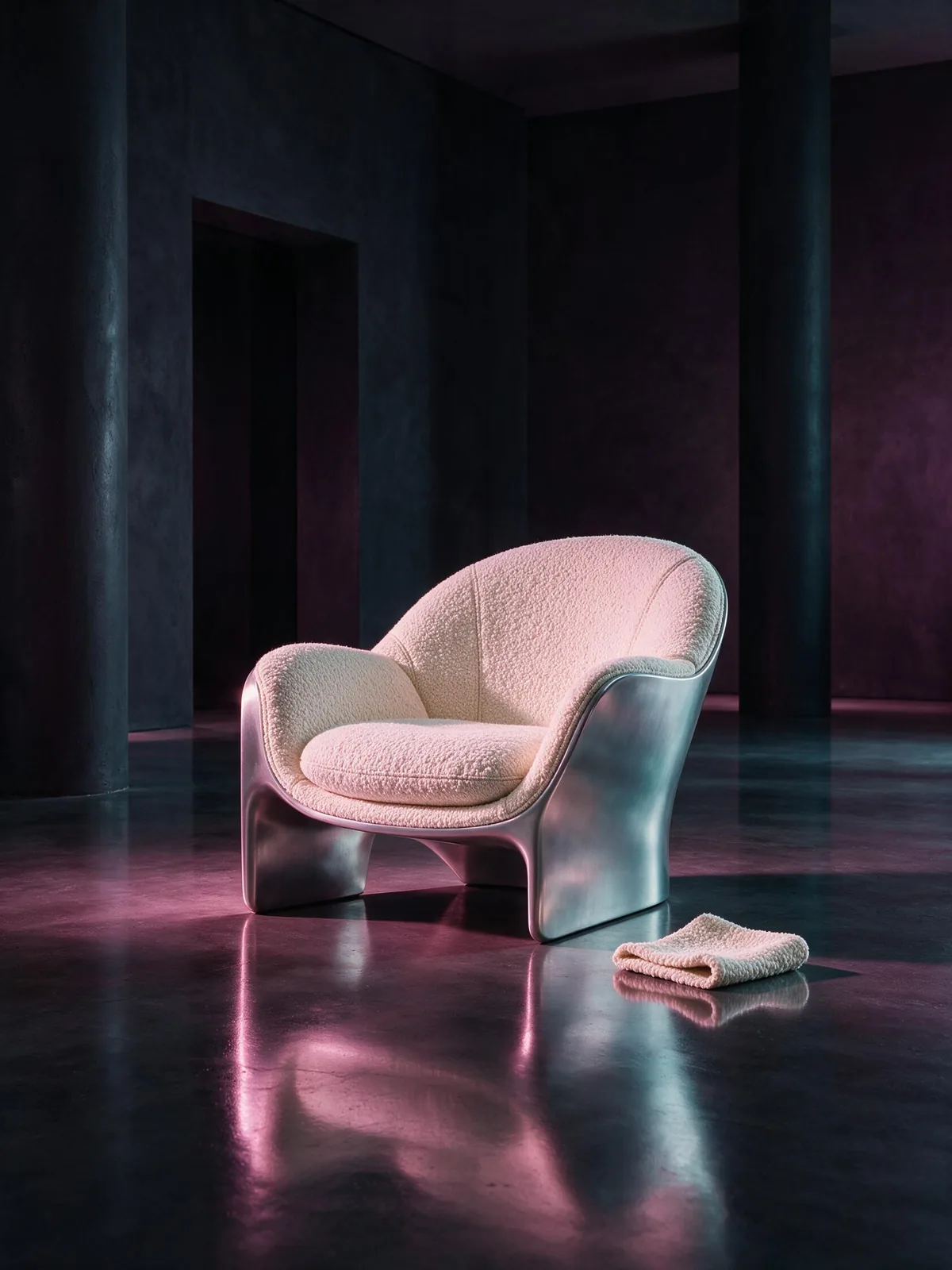
Create visuals where lighting, reflections, materials and skin texture need to feel natural enough for product, editorial or brand work.
Build poster and campaign directions for different markets with native support for widely used languages and localized visual cues.
The official release emphasizes structure, precise editing and realism. A useful result still needs a delivery-focused review.

Check the headline, sections and reading order before reviewing small text.
Confirm that local edits did not disturb the angle, light or subject that should stay.

Zoom in on skin, glass, metal and fabric to see whether light behaves naturally.
Replace the bracketed parts with your own content. Each template names the deliverable, the visual structure and the details that must remain clear.
Create a [16:9 product explainer] for [product]. Place the product in the center, arrange [four core benefits] around it in a clear grid, add simple supporting diagrams and short labels, use [brand colors], keep generous spacing and make every section readable on a laptop screen.
01Use the uploaded image as the base. Change only [the sofa upholstery] to [warm ivory bouclé]. Keep the room layout, camera angle, object positions, window light and shadows unchanged. Blend the new material naturally around seams and edges.
02Design a [vertical launch poster] for [campaign] in [target language]. Use the exact headline “[headline]”, leave a clear area for [date and CTA], reflect [local visual cues] without stereotypes, use [brand palette], realistic product lighting and a polished editorial layout.
03In Flux Art, define the deliverable and visual skeleton first, then upload references with clear roles. Once the composition works, revise one region at a time and review text, materials and keep rules before publishing.
Create with Seedream 5.0 ProStart with the final use: infographic, ecommerce banner, portrait, poster or presentation visual. Then name the subject and reading order.
Tell the model which image controls the product, person, palette, material, composition or lighting instead of mixing every requirement together.
Choose the strongest composition first. On the next pass, change one area at a time and repeat the details that must stay stable.
Seedream 5.0 Pro is an image generation and editing model in the Seedream family. It is a strong fit for turning complex content, reference images and commercial briefs into structured visuals that remain easy to refine.
Choose it when an image needs to explain something clearly, preserve important details through revisions or feel close to a finished commercial asset—not merely create an attractive mood.
On Flux Art, Seedream 5.0 is positioned for context-aware visual exploration, while Seedream 5.0 Pro focuses more on structure, controlled revisions and production-ready polish. Choose according to the task rather than the version number alone.
Click “Create with Seedream 5.0 Pro” on the model page. In the image workspace, enter a prompt to generate a new image or upload a reference image to begin editing.
Start with a product explainer, campaign poster or one clearly bounded reference-image edit. These tasks make it easy to judge the composition, information and editing quality.
Yes. Define the information sections, reading order, required facts and label positions. Always proofread data, dates and small text before publishing.
Yes. State the intended channel, product, materials, lighting, setting and compositional priority, then verify that important product details remain accurate.
Yes. Name the target language, place required copy in quotation marks and describe where headlines, dates and supporting information should appear. Proofread every line before release.
It can be used for commercial portraits, editorial photography and lifestyle scenes. Describe the subject, expression, framing, light and skin texture for a more natural result.
No. Give each reference one clear role, such as controlling the person, product, palette, material or composition. Clear reference roles usually produce more stable results.
Upload the base image, state exactly what should change and what it should become, then list the composition, camera angle, object positions, lighting and shadows that must remain unchanged.
Start with the deliverable and subject, then add composition, reading order, style, lighting and fixed constraints. Clear natural sentences usually work better than a long stack of keywords.
Keep the version with the strongest composition, then revise one problem at a time, such as the material, background or text area. Avoid rewriting the whole brief on every pass.
Commercial use depends on the current Flux Art terms and the rights attached to uploaded materials. Before publishing, confirm permissions for recognizable people, brand logos and copyrighted references.


