
Find the direction before polish.
Wan 2.7
A faster Tongyi Wan 2.7 route for 2K drafts, reference edits, image sets and color-guided campaign visuals.
Tongyi Wan 2.7
Make the first review faster
Wan 2.7 is the faster route in the Tongyi Wan 2.7 image generation and editing family. It keeps text-to-image, reference editing, image sets and color-theme control, with output planned around 1K/2K for fast direction finding in Flux Art.
TextReferenceSet
Input routeText / reference / setChoose entry first
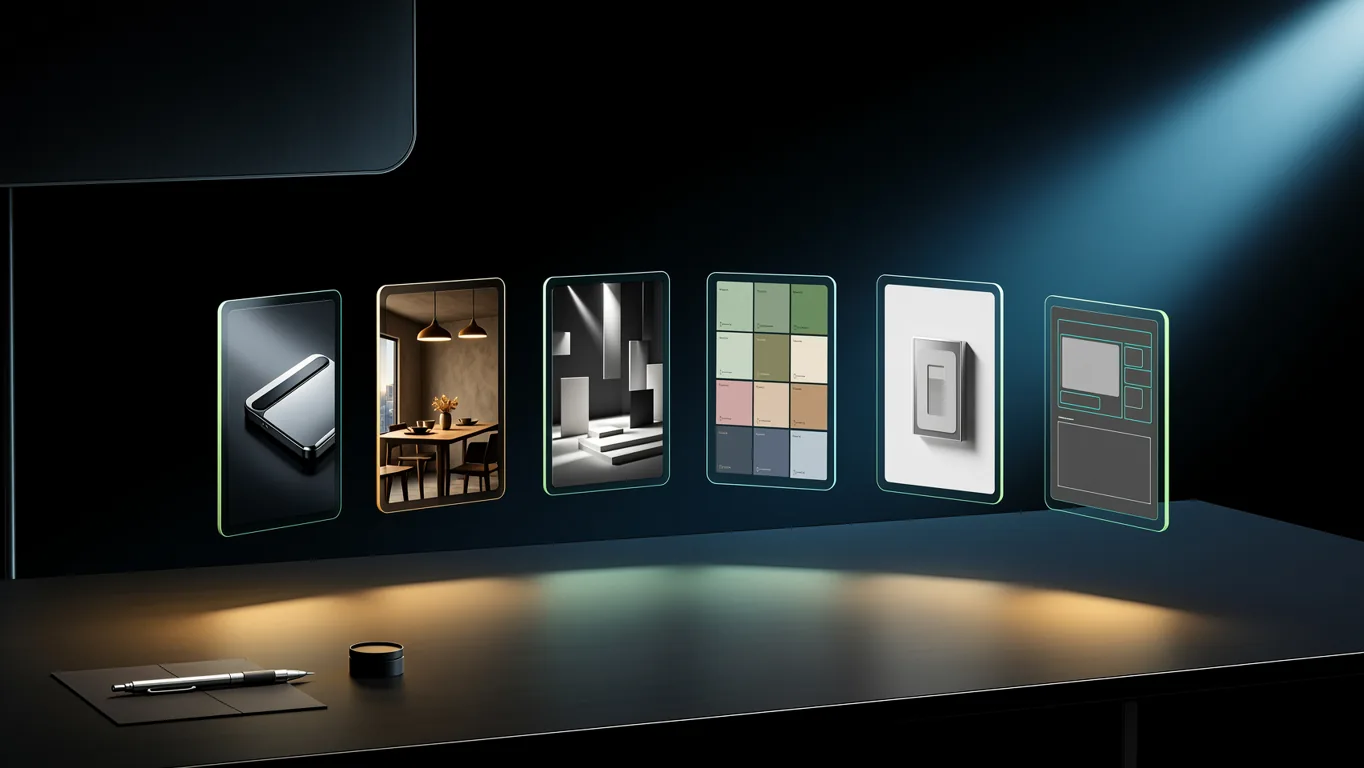
Review direction firstMove to polish only after composition, subject, spacing and consistency pass.
Model position
What Wan 2.7 is for
Wan 2.7 is the faster version in the Tongyi Wan 2.7 image family. It is best for first-round commercial drafts, reference-led edits and image-set exploration where response speed matters more than maximum resolution.
Review results around a 2K workflow.
Give each reference one job.
For one connected image set.
Route selection
Choose the right starting point
Wan 2.7 is strongest when you treat it as a fast decision tool: start from text, use references to narrow the result, or generate a connected set before polishing.
01
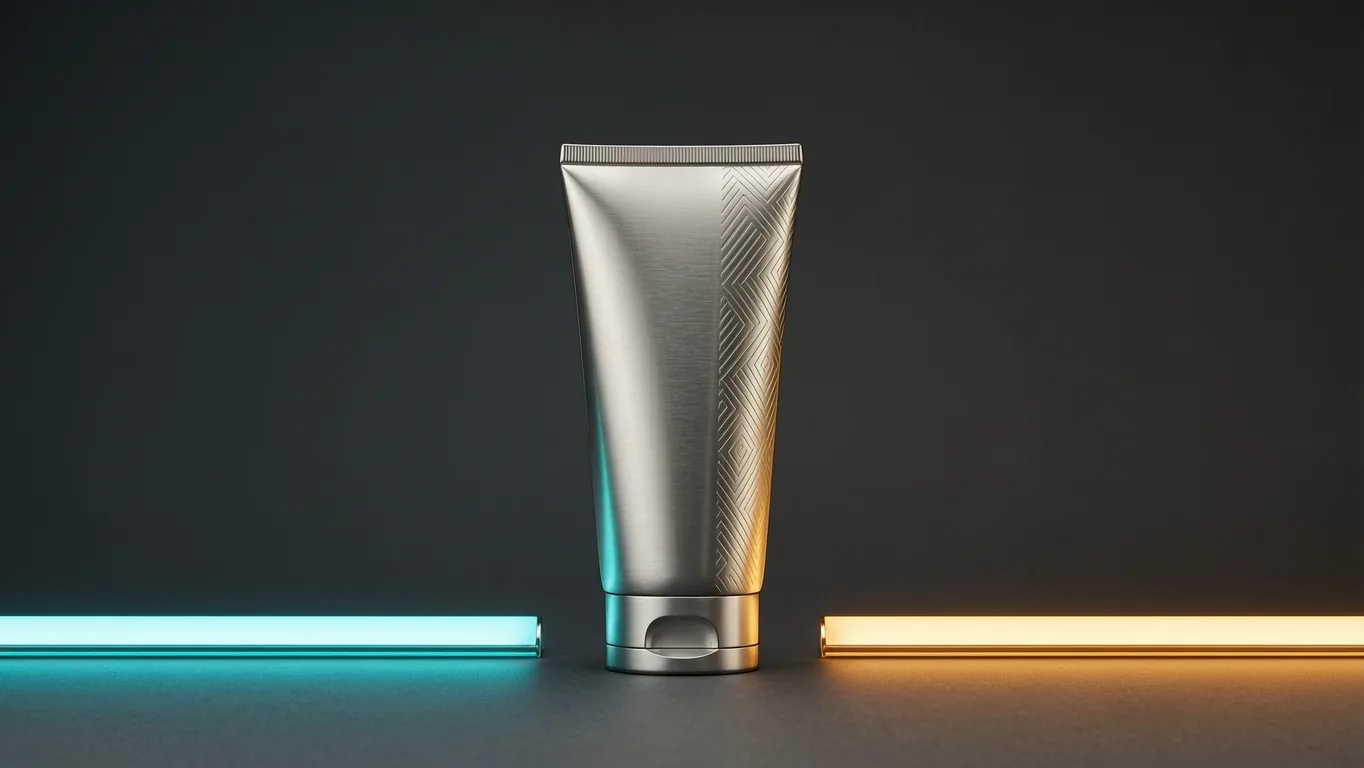
When there is only an ideaText draft
Use subject, scene, purpose and empty space to get a first direction for review.
No source imageTest compositionNeed text space

02
When material already existsReference lock
Name which reference controls subject, style and fixed details to reduce drift.
Existing product or characterChange one areaKeep the angle
03
When options matterSet sorting
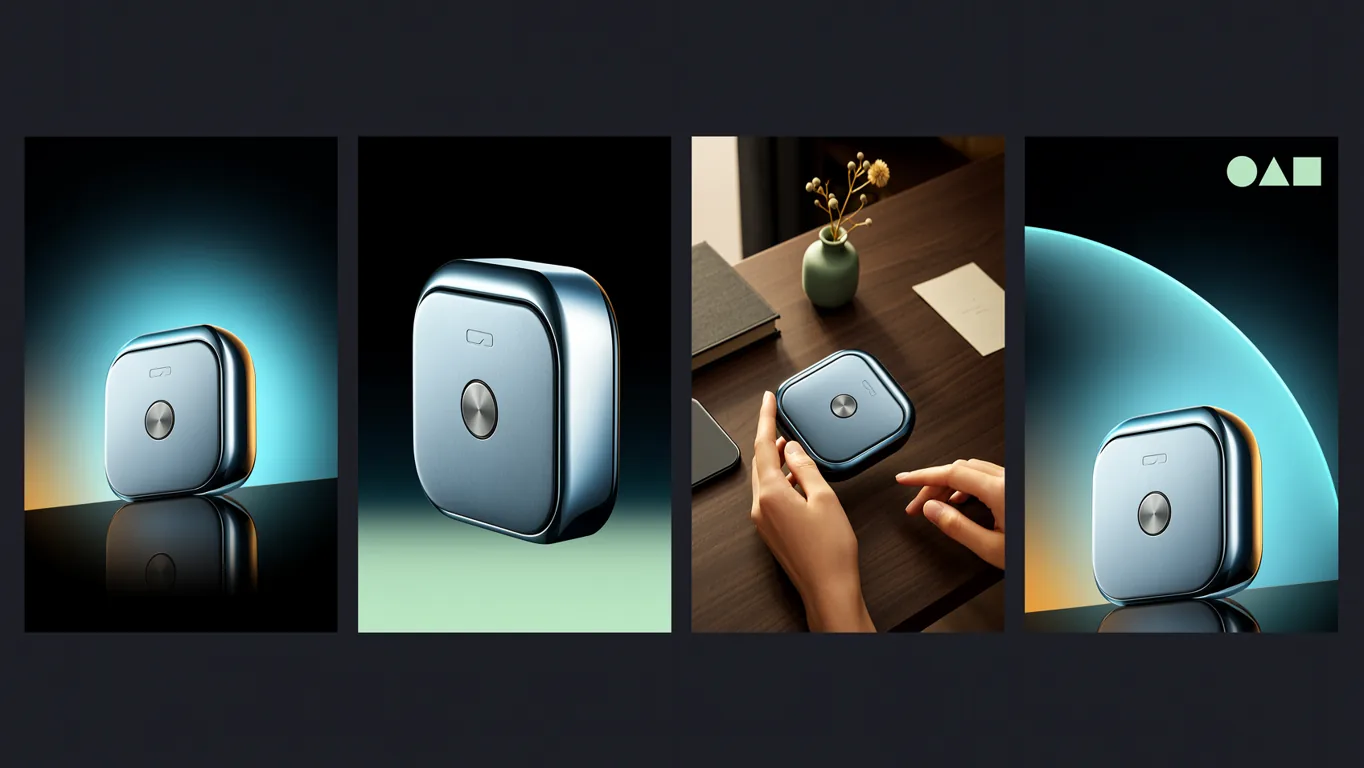
Generate related frames around one product or campaign for proposals and social sets.
One campaign threadNeed multiple optionsCheck set consistency
Core capabilities
Not a smaller Pro, a faster sorting route
Flux Art turns Wan 2.7 into a practical creative workflow: decide the input type, keep the output around 2K, and use sets or color guidance only when they answer a real creative question.
Fast first drafts
Turn a product, poster or scene idea into a 2K candidate quickly, so the team can judge composition and direction before spending time on polish.
Reference-led edits
Upload the key image, then say what should change and what must stay stable, such as angle, logo, subject shape, background or lighting.
Connected image sets
Generate related frames around one product, character or campaign idea when you need several options with a shared visual thread.
Color-guided direction
Use clear color instructions to keep early campaign visuals aligned with brand mood without turning the prompt into technical parameter talk.
Flux Art
A simple Wan 2.7 workflow in Flux Art
Start with text or references, generate candidates quickly, then choose the single-image, image-set or color route based on the final use.
Create with Wan 2.7- 01Pick the input route
Use text when you only have an idea, or upload a reference when product identity, character features or style must stay close.
- 02Write the keep rules
Name the subject, material, color, layout and anything that should not change. For unwanted elements, describe the clean result you expect.
- 03Review before polishing
Check whether the direction works at 2K: composition, product recognition, text-safe space and consistency across a set.
Prompt templates
Wan 2.7 prompt templates
Write prompts like a short production note: what you are making, what must stay clear, what should change, and where the image will be used.
Text start
Fast product draft
Create a clean 2K product hero image for [product]. Show the product clearly, use [main color] as the main mood, keep the background simple, leave space at the top for a short title, suitable for an ecommerce first draft.
Upload image
Reference edit
Use the uploaded image as the base. Keep the camera angle, product shape, logo and light direction unchanged. Change only [area] into [new material or pattern], with natural edges and no extra text in the background.
Explore options
Campaign image set
Create a connected image set for [campaign]. Keep the same product and color mood. Make several related frames: product hero, detail close-up, usage scene and social cover. The whole set should look like one brand campaign.
Compare related AI image models
- Wan 2.7 ProA Tongyi Wan 2.7 visual workflow for routing one request across 4K generation, 2K editing, sequential sets and palette control.
- Qwen Image 2.0 ProA professional image model for readable text layouts, realistic scenes and controlled revisions.
- GPT Image 2Advanced multimodal understanding and image generation.
- Seedream 5.0Deep-thinking image generation with online search, reference control and practical visual reasoning.


Wan 2.7 FAQ
What is Wan 2.7?
Wan 2.7 is the faster, everyday creation route in the Tongyi Wanxiang 2.7 image family. In Flux Art, it is useful for quick 1K/2K drafts, reference-image edits, connected image sets and campaign direction exploration.
Who is Wan 2.7 best for?
Wan 2.7 is useful for creators, designers, ecommerce operators and marketing teams who need to see a visual direction quickly, such as product draft images, social covers and campaign proposals before choosing what to polish.
How is Wan 2.7 different from Wan 2.7 Pro?
Wan 2.7 is better for fast drafting and 1K/2K iteration. Wan 2.7 Pro is more suitable for professional final images and higher-spec output. Use Wan 2.7 to find direction first, then compare Pro when the image needs more polish.
Does Wan 2.7 support 4K output?
Do not plan Wan 2.7 as a 4K final-output workflow. It is better treated as a 1K/2K draft, direction and reference-edit tool. If a project clearly needs 4K final delivery, compare it with Wan 2.7 Pro.
Can Wan 2.7 edit images from references?
Yes. Upload a product, person, style or color reference, then describe what should stay the same and what should change. This is usually more stable than using a short text-only prompt.
How should I prompt reference-image edits?
Explain the job of the reference image first, then state the edit goal. For example: keep the product shape, logo and lighting unchanged, and only replace the background with a clean studio scene.
Is Wan 2.7 good for ecommerce product images?
Yes. Wan 2.7 is a good first-round option for product hero drafts, detail-page mood images, material variations and social product visuals. Before publishing, still review product shape, logo, material and text-safe space.
Can Wan 2.7 create a related image set?
Yes. It can create several related frames around one product, character or campaign idea, such as a hero visual, detail close-up, usage scene and social cover, so teams can choose a direction quickly.
When should I use an image set instead of one image?
Use an image set when you have not chosen the visual direction yet, or when one campaign needs several related assets. If you only need one clean product hero image, a single generation is simpler.
How should I choose between Wan 2.7 and GPT Image 2?
GPT Image 2 is stronger for precise instruction following, text layout and clearly controlled commercial images. Wan 2.7 is better for fast drafting, reference edits and exploring several related directions. In Flux Art, you can compare both with the same brief.
How should I choose between Wan 2.7 and Nano Banana?
Nano Banana is good for very fast one-sentence edits and daily lightweight changes. Wan 2.7 is better when you want to organize a product, campaign or social idea into several comparable draft images.
Do Wan 2.7 prompts need to be technical?
No. Write it like a short production note: what you are making, who or what the subject is, what should stay, what should change and where the image will be used. Clear beats complicated.
What should I do if the first Wan 2.7 result is not right?
Do not immediately make the prompt much longer. Reduce the request, clarify the subject and composition, generate a few candidates, then keep editing the closest result or compare with Wan 2.7 Pro, GPT Image 2 or Nano Banana Pro.
Can Wan 2.7 outputs be used commercially?
Flux Art is designed for watermark-free commercial creative workflows. The exact license scope should follow Flux Art's current terms and the model provider's terms.