
Turn an idea into first candidates quickly.
Z-Image Turbo
A fast, lightweight image model for realistic drafts and bilingual creative ideas.
Z-Image Turbo
Its value is faster creative judgment
Z-Image Turbo behaves like a fast creative starter: generate product, portrait, social or short-text poster directions first, then decide what deserves polish.
Fast draftsPhotoreal scenesBilingual textProduct ideas
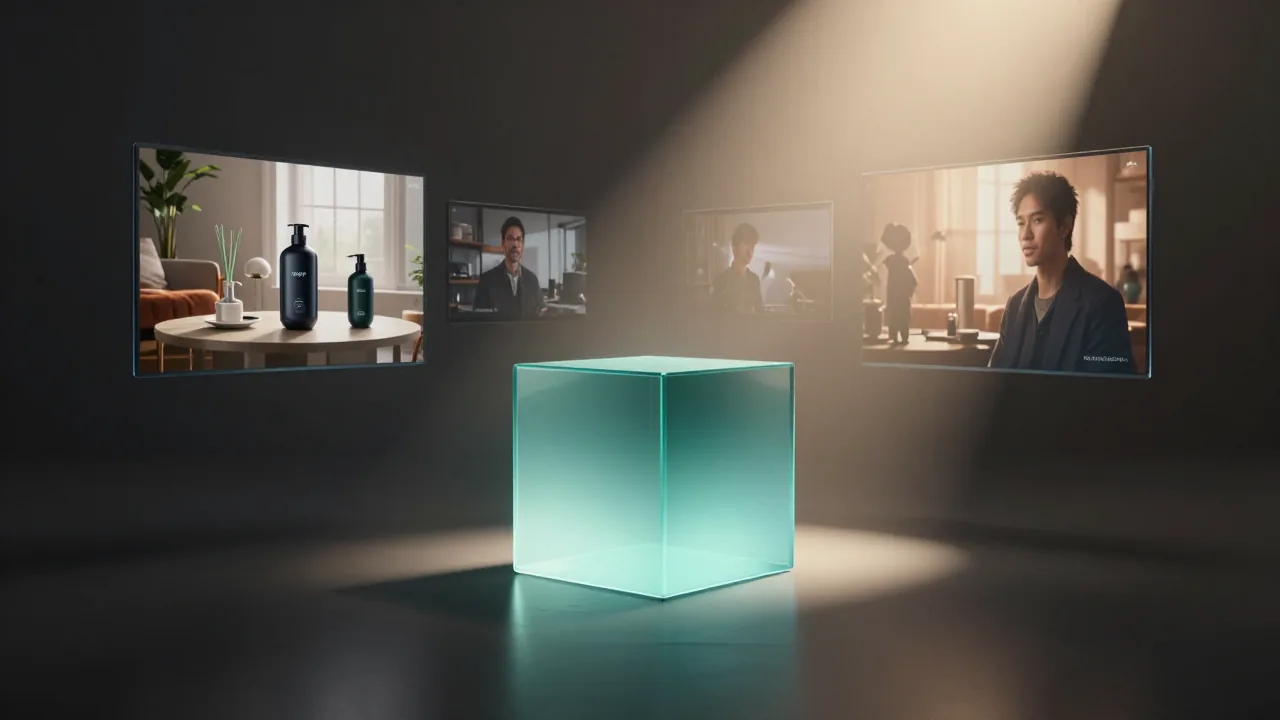
Useful for early exploration, social drafts and product tests.
Portraits, products and everyday scenes can be judged like commercial drafts.
Creative rhythm
How to use Z-Image Turbo in Flux Art
Official materials position Z-Image Turbo around efficient generation, photorealistic quality, Chinese and English text rendering and accessible creative workflows.
Start with the job
Say whether you need a product image, portrait, poster concept, social visual or quick style direction.
Keep the brief clean
Describe the main subject, scene, lighting, composition and any short in-image text.
Compare before polishing
Generate a few options first, then refine the best direction or compare it with Qwen, Wan, GPT Image or Nano Banana models.
Best-fit scenes
Where Z-Image Turbo earns its place
Use it when you need the first usable image quickly: realistic people, product scenes, social concepts and simple text-bearing posters.

Fit and limits
What Z-Image Turbo is best for
Z-Image Turbo is strongest when speed, cost awareness and a believable first image matter more than a long, heavily edited production workflow.
Use it first when
Style, composition or product scene is not settled yet and you need reviewable images quickly.
Switch models when
The direction is chosen and you need stricter text, complex edits, series consistency or higher-end delivery.
How to judge the result
Check subject clarity, believable light and readable text before spending time on detail fixes.
Prompt templates
Z-Image Turbo prompt templates
Use these as editable starters. Replace the bracketed parts with your own product, message or scene.
Fast product concept
Create a realistic product image for [product] on a clean modern surface, soft daylight from the left, clear material texture, simple premium background, space on the right for a short headline.
Bilingual poster draft
Create a clean poster for [event or campaign]. Add the short headline "[headline]" and a smaller Chinese subtitle "[subtitle]". Keep the design simple, product or subject centered, high readability, no extra text.
Realistic portrait scene
Create a realistic portrait of [person or role] in [setting], natural expression, believable skin texture, soft environmental light, modern editorial photography, calm confident mood.
Use it to shorten the distance from idea to first image, then bring the strongest direction into Flux Art for comparison, editing or a more polished model.
Create with Z-Image TurboCompare related AI image models
- Qwen Image 2.0Speed-first Qwen image generation and editing for fast 1K/2K visual drafts.
- Wan 2.7A faster Tongyi Wan 2.7 route for 2K drafts, reference edits, image sets and color-guided campaign visuals.
- Nano Banana 2 LiteSpeed-first lightweight AI image generation and editing.
- GPT Image 2Advanced multimodal understanding and image generation.


Z-Image Turbo FAQ
What is Z-Image Turbo?
Z-Image Turbo is a fast AI image generation model available in Flux Art. It is useful for photoreal drafts, product concepts, portraits, social visuals and simple bilingual poster ideas.
What is Z-Image Turbo best for?
It is best for the first round of creative work: quickly testing a product scene, portrait mood, social concept or poster direction before spending more time on refinement.
How do I use Z-Image Turbo in Flux Art?
Open the Z-Image Turbo page, click Create with Z-Image Turbo, then write a clear prompt with the subject, scene, lighting, style and any short text you want to test.
Do I need a separate account or API key to use Z-Image Turbo?
No. Flux Art provides Z-Image Turbo inside its image workspace, so you can generate images without setting up a separate model provider account or API key.
Is Z-Image Turbo good for product images?
Yes. It works well for fast product hero drafts, background tests, material studies and ecommerce concept images where you need to judge the direction quickly.
Can Z-Image Turbo create realistic portraits?
Yes. It can create realistic portraits, profile images and lifestyle scenes. For best results, describe the person, setting, expression, lighting and mood clearly.
Can Z-Image Turbo make poster images with text?
Yes, it can help with short Chinese or English text concepts. Keep the text brief, put exact words in quotes, and check important words before publishing.
Is Z-Image Turbo better for drafts or final images?
It is strongest as a fast draft and direction-testing model. If the image needs strict text, detailed retouching or final campaign polish, use the best Z-Image Turbo result as a starting point and continue with another Flux Art model.
How should I write prompts for Z-Image Turbo?
Use a clean prompt: name the use case, main subject, scene, lighting, composition and mood. Avoid asking for too many unrelated details in one generation.
Can I compare Z-Image Turbo with GPT Image 2 or Nano Banana?
Yes. Flux Art lets you switch between models, so you can use Z-Image Turbo for quick directions and compare the same idea with GPT Image 2, Nano Banana, Qwen or Wan models.
When should I switch from Z-Image Turbo to another model?
Switch when you already like the direction and need stronger detail, higher delivery quality, stricter text, reference editing, image consistency or local retouching.
Can Z-Image Turbo help with social media creatives?
Yes. It is useful for testing social ad hooks, post visuals, story-style compositions and campaign directions before polishing the winning option.
Can Z-Image Turbo images be used commercially?
Flux Art is designed for watermark-free commercial creative workflows. The exact usage scope should follow Flux Art's current terms and the model provider's applicable terms.
What should I do if the first result is not right?
Shorten the prompt, make the subject and composition clearer, generate a few alternatives, then refine the strongest result or compare it with another model in Flux Art.