
Product hero images
Create clean ecommerce visuals for product pages, ads and launch campaigns.
Update your browser, then reload this page. Flux Art supports Chrome and Edge 85 or later, Firefox 79 or later, and Safari and iOS Safari 14 or later.
Reload Flux ArtCheck your network connection and reload this page. If the problem continues, clear your browser cache and try again.
Reload Flux ArtAI E-commerce product suites are now live
Upload a product image, choose a platform and the images you need, then create listing-ready main images, white-background images, selling-point images, and lifestyle scenes. Product suites currently support Taobao/Tmall, JD.com, Pinduoduo, and Douyin E-commerce, with every result saved together for easy review, refinement, and export.
GPT Image 2 turns complex briefs into clear images by understanding subjects, relationships, text space and practical use before generation.
A clean studio product hero image for [product], centered composition, soft directional light, premium materials, crisp edges, subtle shadow, 4K commercial photography.
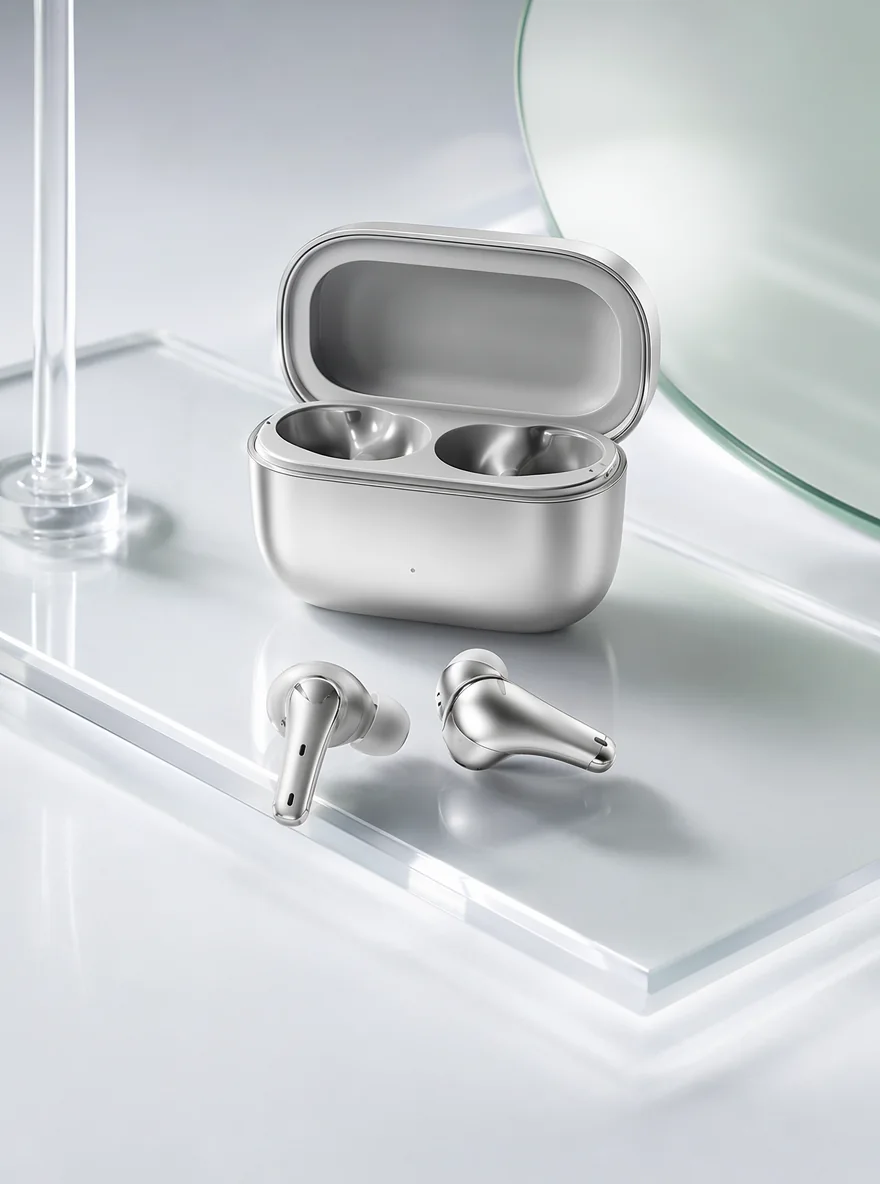
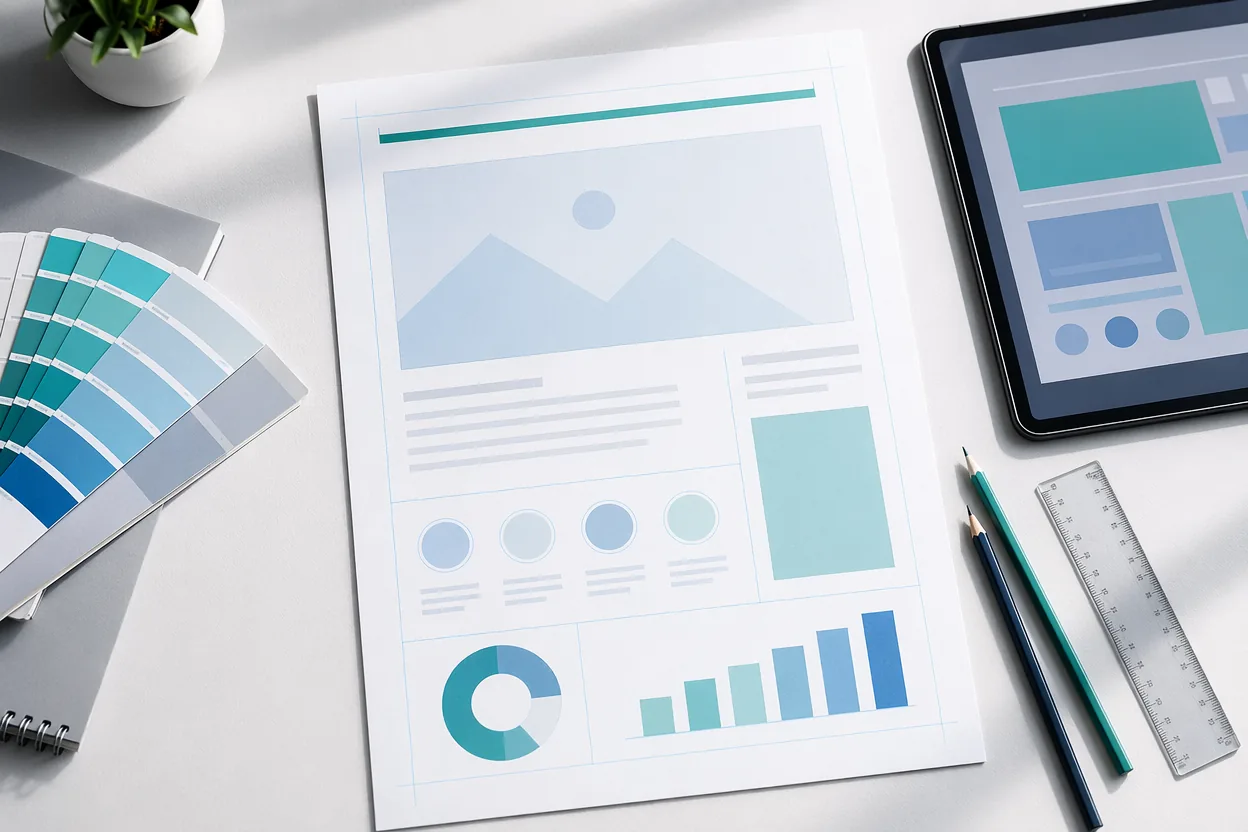
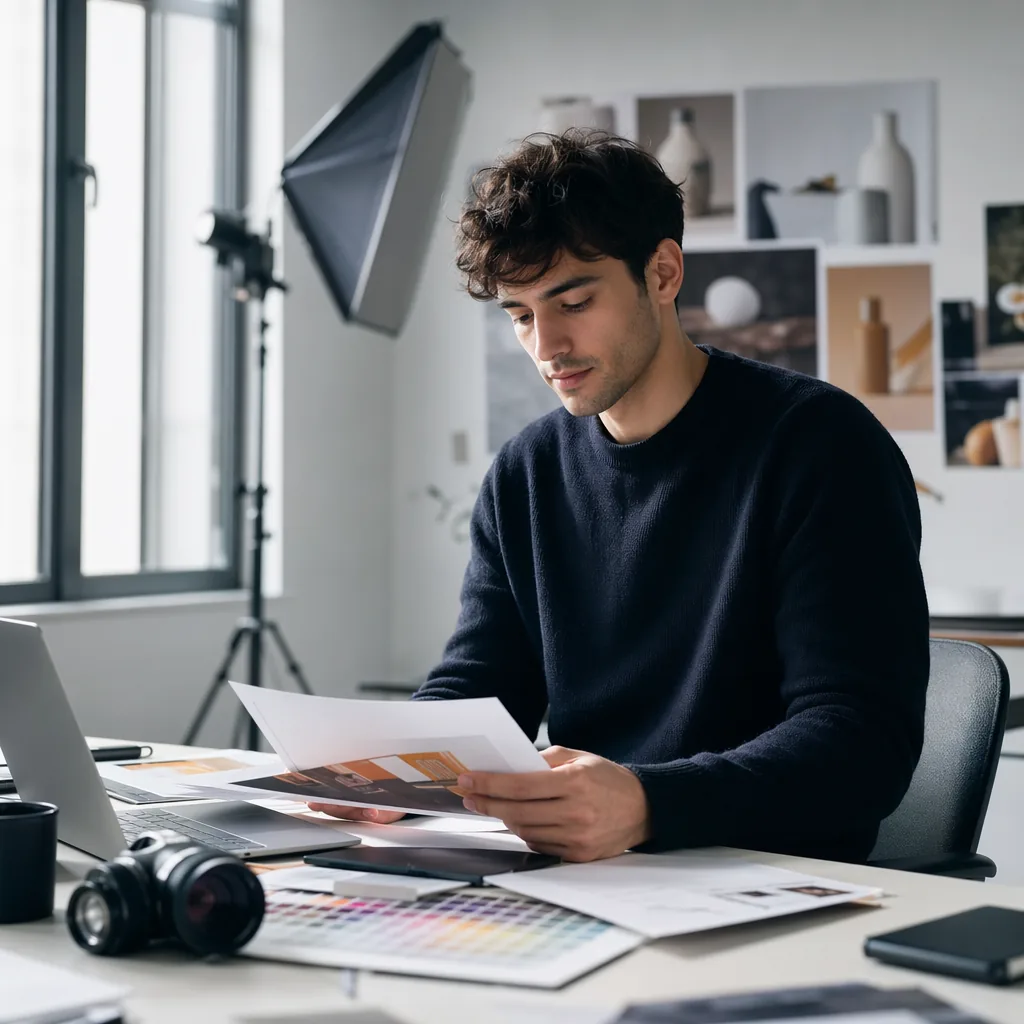
GPT Image 2 is a strong choice when the prompt needs to be followed closely and the final image has to feel finished.
Create clean ecommerce visuals for product pages, ads and launch campaigns.
Generate polished campaign visuals with stronger composition and text-aware prompts.
Build realistic portraits, profile images and lifestyle product scenes from natural prompts.
Start from a prompt or reference image, then refine the result in the Flux Art image workspace.
From product images to posters and portraits, clarify the brief first, then generate a usable visual.
GPT Image 2 is OpenAI's newer image generation model (also called ChatGPT Image 2 or gpt-image-2). It excels at following complex prompts, clean composition and rendering in-image text fairly accurately. In Flux Art you can use it directly, without a separate OpenAI account.
Compared with the earlier DALL·E 3 and GPT-4o image output, GPT Image 2 is stronger at instruction-following, in-image text accuracy and fine detail, making it better for commercial work that needs precise composition and editability.
Open the GPT Image 2 page on Flux Art, click Create with GPT Image 2, then enter a prompt or upload a reference image in the workspace. From the same account you can switch to Nano Banana, Midjourney V7 and 50+ other models to compare.
Put the exact words in quotes in your prompt and state their position and style; GPT Image 2 renders in-image text reliably. If a character is off, refine it with Flux Art's inpainting on the result instead of regenerating from scratch.
Both work well: GPT Image 2 wins on prompt understanding and text layout, while NanoBanana Pro (Gemini 3 Pro Image) wins on high-resolution detail and complex-scene realism. Both are in one Flux Art account, so generate a few of each and pick the best.
GPT Image 2 is better for precise, instruction-driven output and text-bearing commercial assets; Midjourney V7 is more artistic and atmospheric for posters. Choose GPT Image 2 for control, Midjourney V7 for aesthetics — compare them side by side in Flux Art.
Yes. GPT Image 2 can create hero images, detail shots, scene images and campaign posters; combine it with Flux Art's background swap and inpainting to refine, with output up to 4K, no watermark, commercial-use ready.
Yes, GPT Image 2 handles portraits, headshots and lifestyle scenes with natural features and lighting. To keep the same person consistent across multiple images, pair it with NanoBanana2 inside Flux Art.
Yes. You can upload a reference image for instruction-based editing, inpainting or style continuation, and iterate repeatedly in the Flux Art workspace until it's right.
In Flux Art, subscribers can output images up to 4K with no watermark using GPT Image 2 and other models; exact resolution tiers are shown on flux-art.ai as current.
New users can try it free and get sign-up credits. GPT Image 2 is included among the subscription models, with Pro, Max and Ultra tiers offering more quota. Pricing and credits are shown on flux-art.ai as current.
Images generated with GPT Image 2 in Flux Art are watermark-free and commercial-use ready for ecommerce, ads and social; see the official copyright and terms pages for exact scope.
Yes. Flux Art provides stable, direct access to GPT Image 2 inside China with full-speed generation and no queue — the platform integrates the model for you, so no extra network setup is needed.
No. Flux Art is a platform that aggregates 50+ models, and GPT Image 2 is just one of them. Flux Art is also NOT Black Forest Labs' FLUX.1 — the names are similar but they are different products.
Shorten and clarify the prompt, lock text in quotes, and reduce how many elements you request at once; then fix the rest with inpainting on the result in Flux Art, or switch to NanoBanana Pro to compare.
Yes. GPT Image 2 results in Flux Art can be edited further, inpainted or extended with new instructions, so you refine commercial assets instead of redrawing from zero.


