
Start from this page and enter the Flux Art image workspace with the model selected.
GeminiInputOpen Nano Banana 2 IterateUse a clear prompt IterateCreate variations
What is Nano Banana 2?
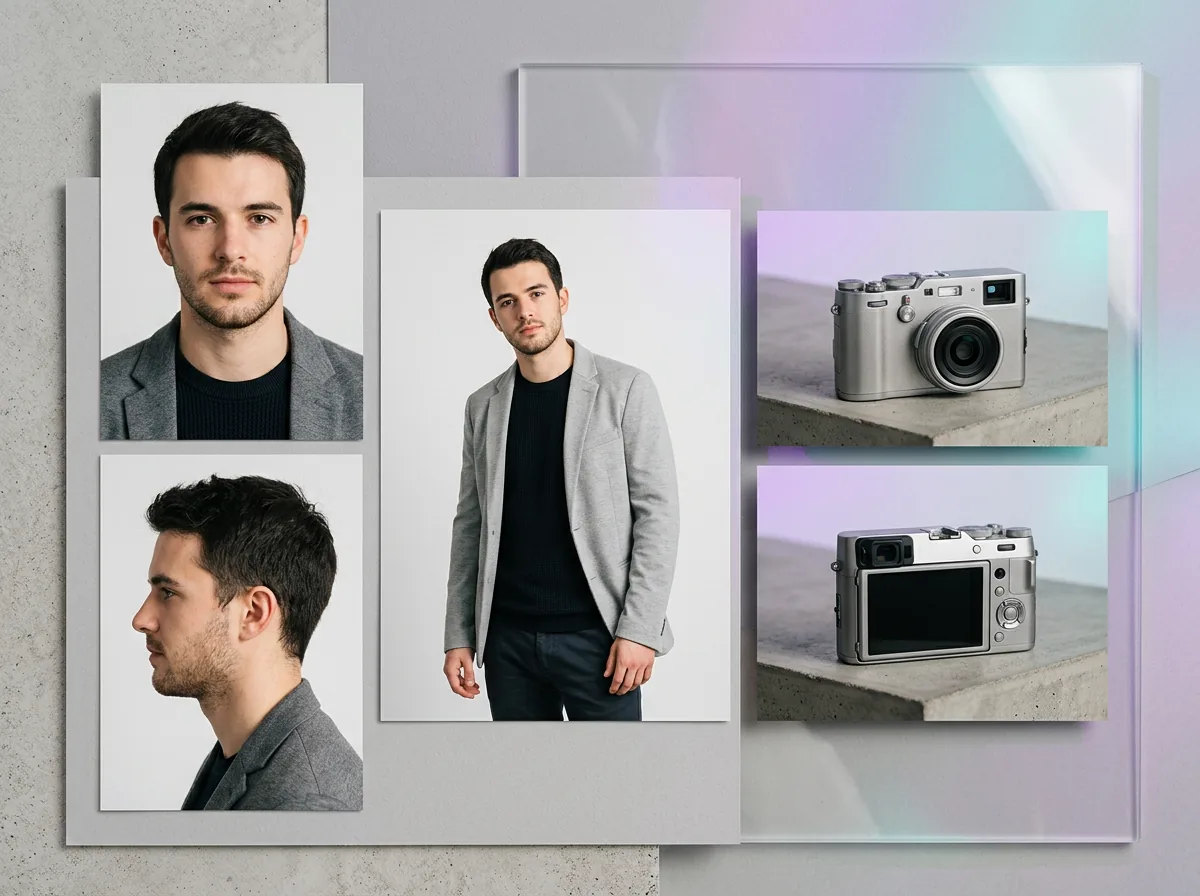
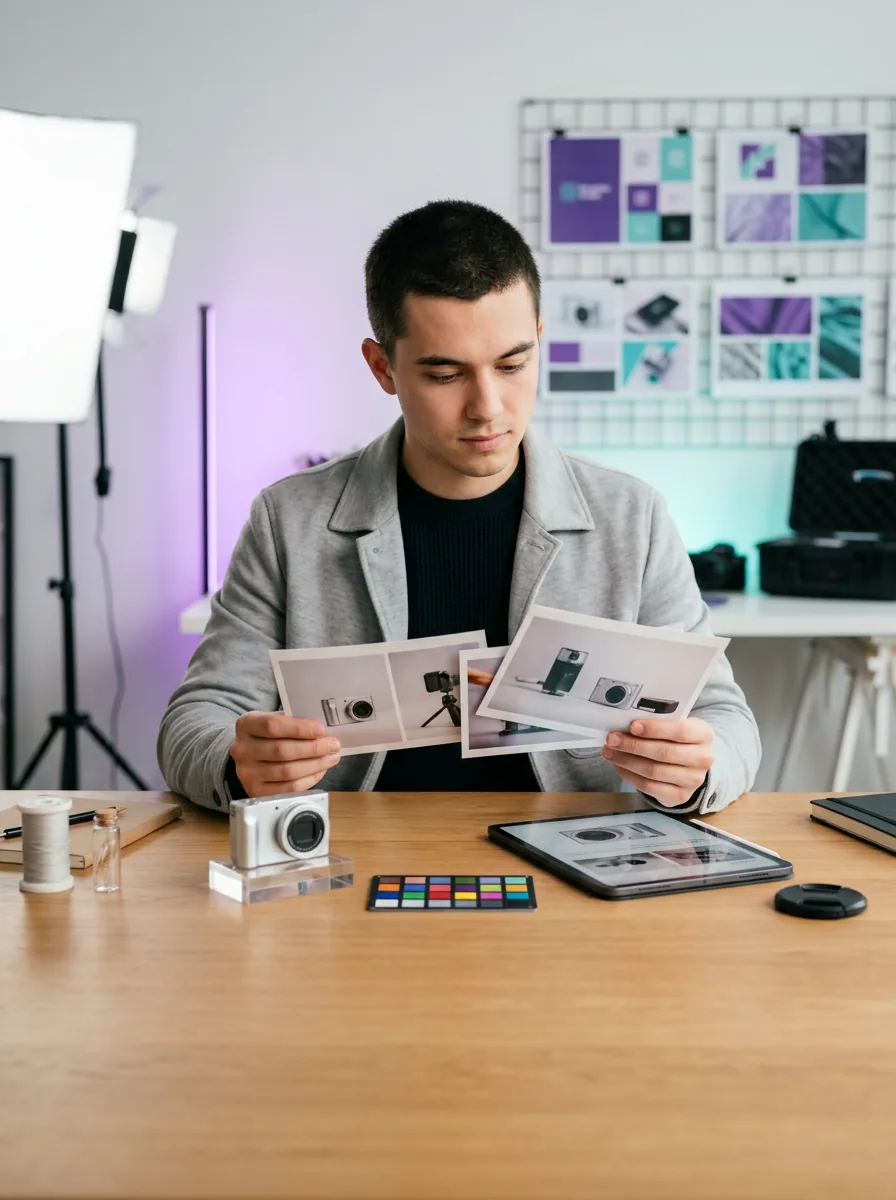
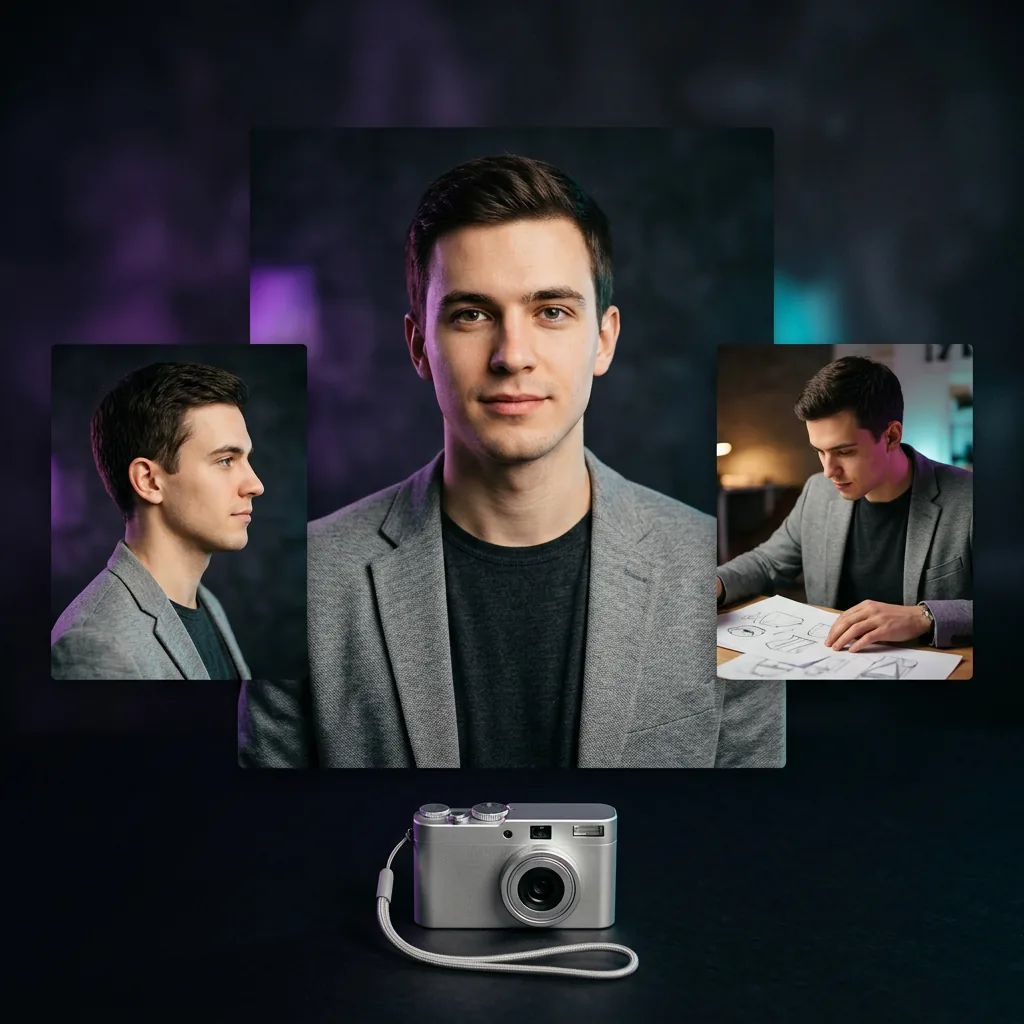
Nano Banana 2 is built for iterative editing and subject consistency: start with one reference, then remix styles, scenes, characters and products.
Describe the repeated subject, style, scene and what should stay consistent.
Generate a first result, then make variations or compare with Nano Banana Pro.
Continuity
What Nano Banana 2 is best for
Nano Banana 2 is useful when you need repeatable characters, flexible edits and several visual directions from one idea.
Character consistency
Create character sheets and repeated scenes with a more consistent visual identity.
Image-to-image editing
Upload a reference image and guide the model with a clear editing prompt.
Product scene variations
Try different backgrounds, angles and moods while keeping the product direction clear.
Flexible aspect ratios
Generate images for square, vertical, wide and long-format creative needs.
Nano Banana 2 prompt ideas
Use these prompts when consistency or quick iteration matters.
Create with Nano Banana 2Character design sheet
A clean character design sheet for [character], front view, side view, expression details, outfit details, consistent face and hairstyle, refined illustration style.
Product scene variations
Create three visual directions for [product], same product identity, different clean backgrounds, commercial lighting, modern ecommerce style.
Reference image edit
Edit this image to keep the main subject consistent, improve lighting, simplify the background, and make the result feel like a polished product visual.
Nano Banana 2 FAQ
What is NanoBanana2?
NanoBanana2 (Nano Banana 2) is an image generation and editing model focused on consistency — keeping the same character or product looking the same across many images. It's ideal for character sheets and series ecommerce images, and is available in Flux Art.
How is NanoBanana2 different from Nano Banana and NanoBanana Pro?
Nano Banana is the fast, budget option; NanoBanana Pro is the premium high-detail tier; NanoBanana2 specializes in consistency and editing across a series. In Flux Art you can switch between all three.
How do I use NanoBanana2 in Flux Art?
Open the NanoBanana2 page, click Create with NanoBanana2, then provide a prompt and reference images. Keep the same reference to maintain consistency across the set, and compare with other models in the same account.
How do I keep the same person or model looking identical across multiple images?
This is NanoBanana2's core strength: provide a consistent reference and prompt, and it keeps the same character's face and features stable across poses and scenes — useful for lookbooks and campaigns in Flux Art.
How do I put the same product into different scenes as a series?
Upload the product as a reference and describe each scene; NanoBanana2 keeps the product consistent while varying the background, so you get a coherent series of ecommerce or ad images.
Does NanoBanana2 support reference-image editing and local edits?
Yes. It supports reference-based editing and local changes, so you can adjust parts of an image while keeping the rest consistent, all in the Flux Art workspace.
Can NanoBanana2 make character sheets, expression sets or storyboards?
Yes — its consistency makes it well suited to character sheets, expression/pose sets and storyboard frames where the same character must recur.
For character consistency, should I use NanoBanana2 or GPT Image 2?
Use NanoBanana2 when consistency across a series is the priority; use GPT Image 2 when precise prompt-following or in-image text matters more. Both are in Flux Art, so you can combine them.
Does it cost money to use NanoBanana2 in Flux Art?
New users start free with sign-up credits; NanoBanana2 is included in the subscription models, with Pro/Max/Ultra offering more quota. See flux-art.ai for current pricing.
Can NanoBanana2 images be used commercially? Is there a watermark?
Images generated in Flux Art are watermark-free and commercial-use ready; see the official copyright and terms pages for the exact scope.
Can I use NanoBanana2 directly from China?
Yes. Flux Art provides stable, direct access inside China with full-speed generation and no queue, integrated by the platform so no extra setup is needed.
Is Flux Art the same as NanoBanana2, or as FLUX.1?
No. Flux Art is a platform that aggregates 50+ models, and NanoBanana2 is one of them; Flux Art is also NOT Black Forest Labs' FLUX.1.
What resolution can NanoBanana2 output?
In Flux Art, subscribers can output up to 4K with no watermark; exact resolution tiers are shown on flux-art.ai as current.
What if consistency is still unstable?
Use a clear, fixed reference image, keep the core prompt unchanged across the set, and adjust scenes one variable at a time; if a single frame drifts, fix it with local editing on the result in Flux Art.