
Fast product concept
Idea testingA clean first concept image for [product], simple studio background, natural lighting, clear product shape, modern ecommerce look.
This update upgrades the Flux Art experience across AI image generation, AI video generation, and prompt-based creation. The new Inspiration page adds more curated prompt templates for e-commerce hero images, brand posters, social visuals, and short-video storyboards, while the new workspace makes GPT Image 2, Nano Banana, Seedance 2.0, and other models easier to use in one flow.
Nano Banana is for lightweight inspiration and fast image edits: turn photos, products or characters into playful variants quickly.
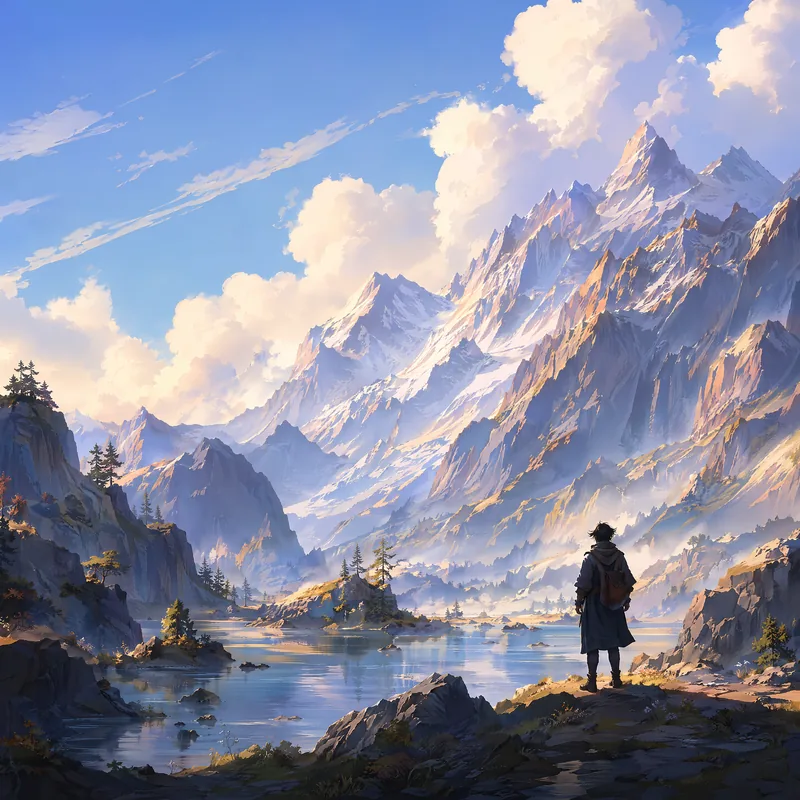
Keep the first step simple: generate directions, then decide what deserves polish.
Create with Nano BananaOpen the image workspace with Nano Banana selected.
Describe the subject, style and change you want in clear language.
Use the result as a direction, then compare with Nano Banana 2, Nano Banana Pro or GPT Image 2.
Use Nano Banana when you want a quick first direction or a simple edit.
A clean first concept image for [product], simple studio background, natural lighting, clear product shape, modern ecommerce look.
Keep the product from the reference image unchanged, replace the background with a clean modern studio scene, improve lighting and color.
A clean social media visual for [topic], bold central subject, simple background, friendly modern style, space for a short headline.
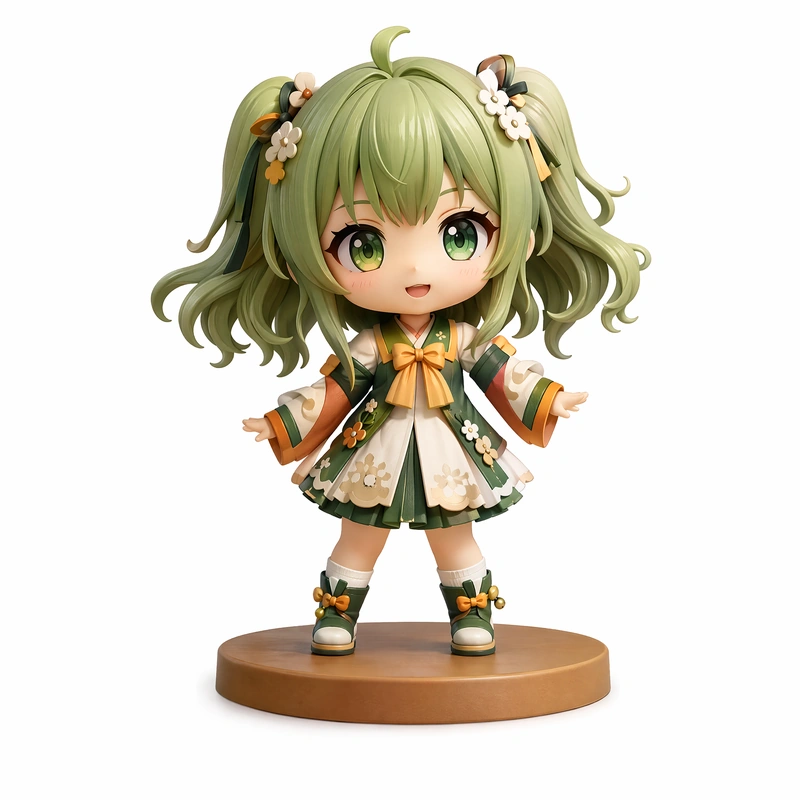
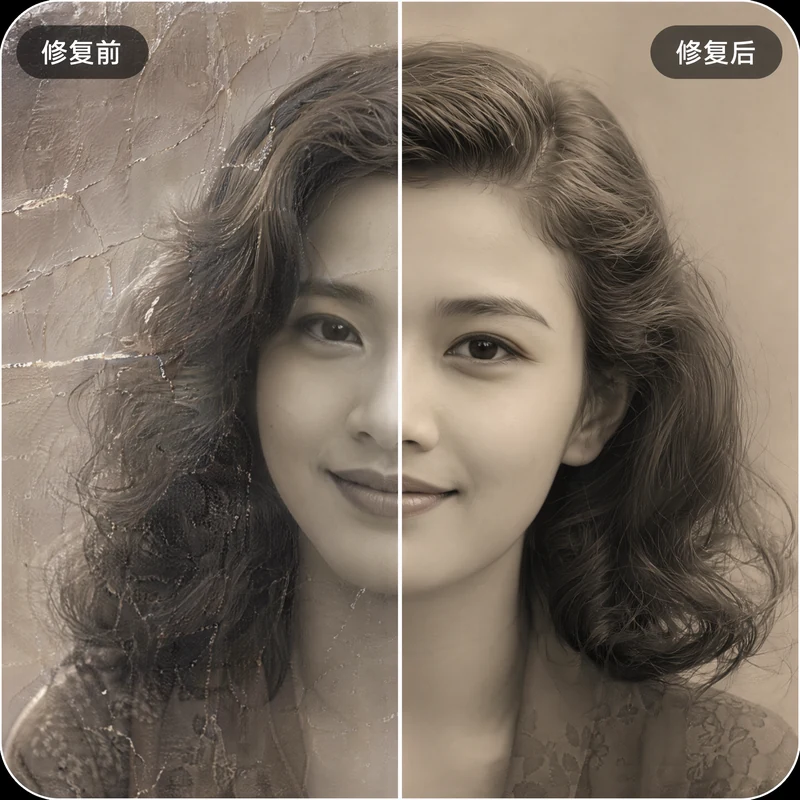
Nano Banana is Google's Gemini 2.5 Flash Image model. It went viral for fast, accurate one-line edits, figurine/3D-toy style and photo restoration, with low cost and quick output. You can use it directly in Flux Art.
Open the Nano Banana page, click Create with Nano Banana, then type a prompt or upload an image to edit. From the same account you can compare with NanoBanana Pro, GPT Image 2 and 50+ other models.
Upload your photo and prompt for a 'collectible figurine / 3D toy' style with the look you want (boxed figure, desk scene, etc.); Nano Banana is well known for this. Refine details on the result in Flux Art if needed.
Upload the old photo and ask Nano Banana to repair scratches, sharpen and colorize it. It's a popular use case; for stubborn damage, do it in passes and touch up with local edits in Flux Art.
Upload the image and describe the single change ('replace the background with a studio gray', 'change the jacket to beige'); Nano Banana excels at fast reference-based edits while keeping the rest intact.
Yes — it can combine elements from several images into one, for example placing a product from one photo into the scene of another, inside Flux Art.
Use Nano Banana for fast, low-cost drafts and quick edits; switch to NanoBanana Pro (Gemini 3 Pro Image) when you need premium detail and final high-resolution output. Both are in Flux Art.
Nano Banana is faster and cheaper and great at reference edits; GPT Image 2 is stronger at precise prompt-following and in-image text. Pick by task, or run both in Flux Art.
Nano Banana is the budget-friendly, fast option in Flux Art; new users start free with sign-up credits and it's included in the subscription models. See flux-art.ai for current pricing.
Images generated in Flux Art are watermark-free and commercial-use ready; see the official copyright and terms pages for the exact scope.
Yes. Flux Art provides stable, direct access to Nano Banana inside China with full-speed generation and no queue, integrated by the platform so no extra setup is needed.
Nano Banana is Google's Gemini 2.5 Flash Image. Flux Art is an aggregation platform that gives you access to it; Flux Art is NOT the model itself, and NOT Black Forest Labs' FLUX.1.
In Flux Art, subscribers can output up to 4K with no watermark; exact resolution tiers are shown on flux-art.ai as current.
Make one change at a time, use a clear reference image, and describe what to keep as well as what to change; if it still drifts, switch to NanoBanana Pro for a tougher edit, all in Flux Art.
No. Nano Banana is Gemini 2.5 Flash Image (fast, budget); NanoBanana Pro is Gemini 3 Pro Image (premium detail). They're separate models, both available in Flux Art.