
Prompt-led image generation
Describe subject, action, environment, composition, light and finish when the image should start from a written brief.
Update your browser, then reload this page. Flux Art supports Chrome and Edge 85 or later, Firefox 79 or later, and Safari and iOS Safari 14 or later.
Reload Flux ArtCheck your network connection and reload this page. If the problem continues, clear your browser cache and try again.
Reload Flux ArtAI E-commerce product suites are now live
Upload a product image, choose a platform and the images you need, then create listing-ready main images, white-background images, selling-point images, and lifestyle scenes. Product suites currently support Taobao/Tmall, JD.com, Pinduoduo, and Douyin E-commerce, with every result saved together for easy review, refinement, and export.
Start with text, one visual anchor or a clearly assigned set of two to four references.
Kling V2 Image can begin without a reference, follow one visual anchor or combine two to four sources in Flux Art. The useful question is not how many images you can upload, but what unique responsibility each image owns.
Input count selects the route. Clear ownership makes the result reviewable.Define subject, action, environment, composition and finish without a visual anchor.
Let one image own the person, product, layout or overall context, then state what may change.
Assign one responsibility to every image, then define position, scale, interaction and shared light.
Use this V2 entry when a project needs a clear text brief, a compact reference set and reviewable control over subject, scene, composition and visual finish.
Describe subject, action, environment, composition, light and finish when the image should start from a written brief.
Use one image to anchor a person, product, layout or overall context, then state which parts may change.
Assign a distinct role to each source—such as subject, object, scene or treatment—before defining how they meet in one frame.
Choose one of eight fixed ratios and review the final size only after subject identity, geometry and composition are correct.
Kling's image guide treats prompt, reference image and parameters as joint inputs. A multi-image task must also define ownership and relationships.
Name every reference by number and state what it owns.
List invariants such as identity, silhouette, pose, crop or structure.
Set scale, position, orientation, action and shared lighting.
Finish with ratio, size, treatment, negative space and exclusions.
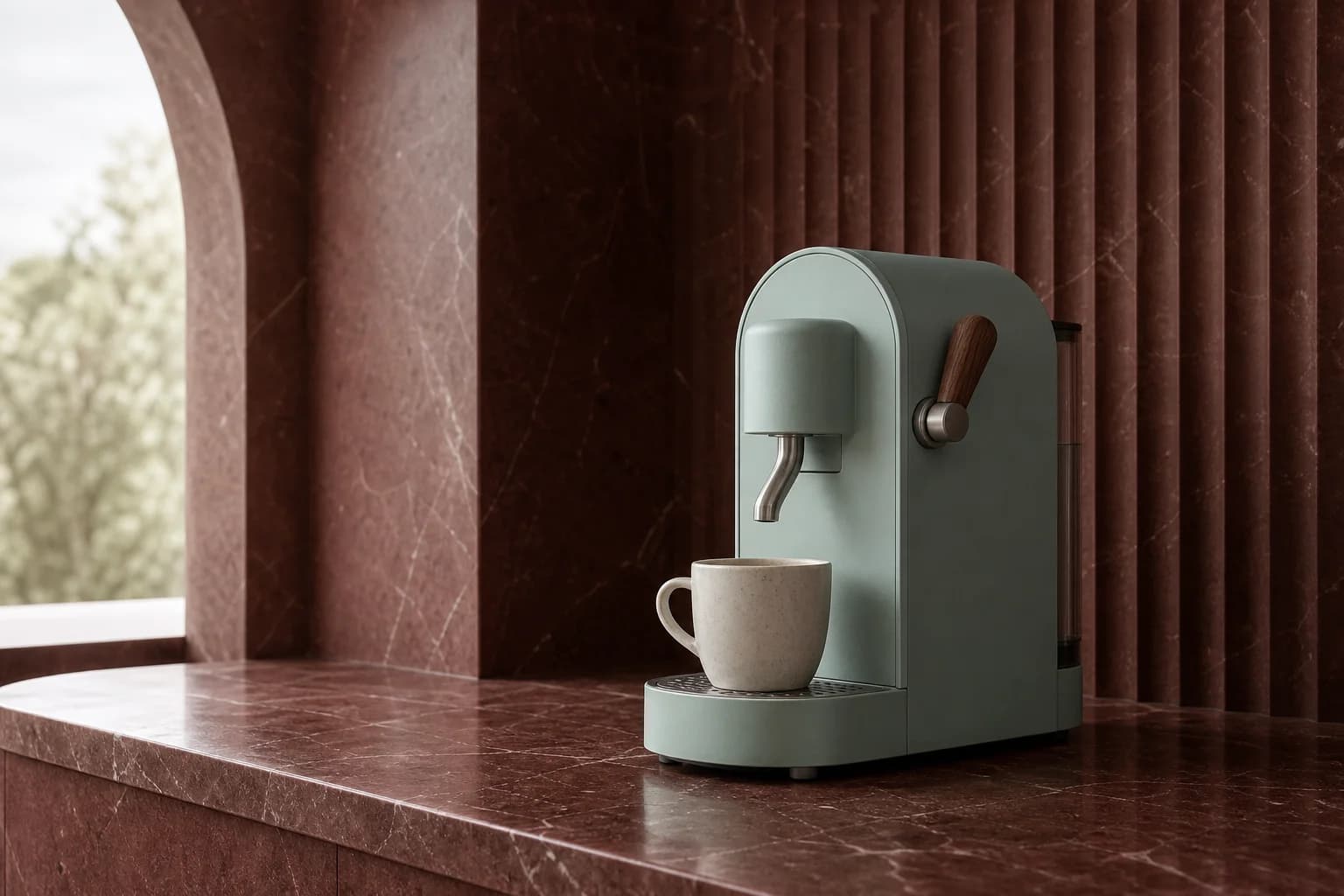
Place an exact product silhouette inside the material, plinth and lighting system supplied by another reference.
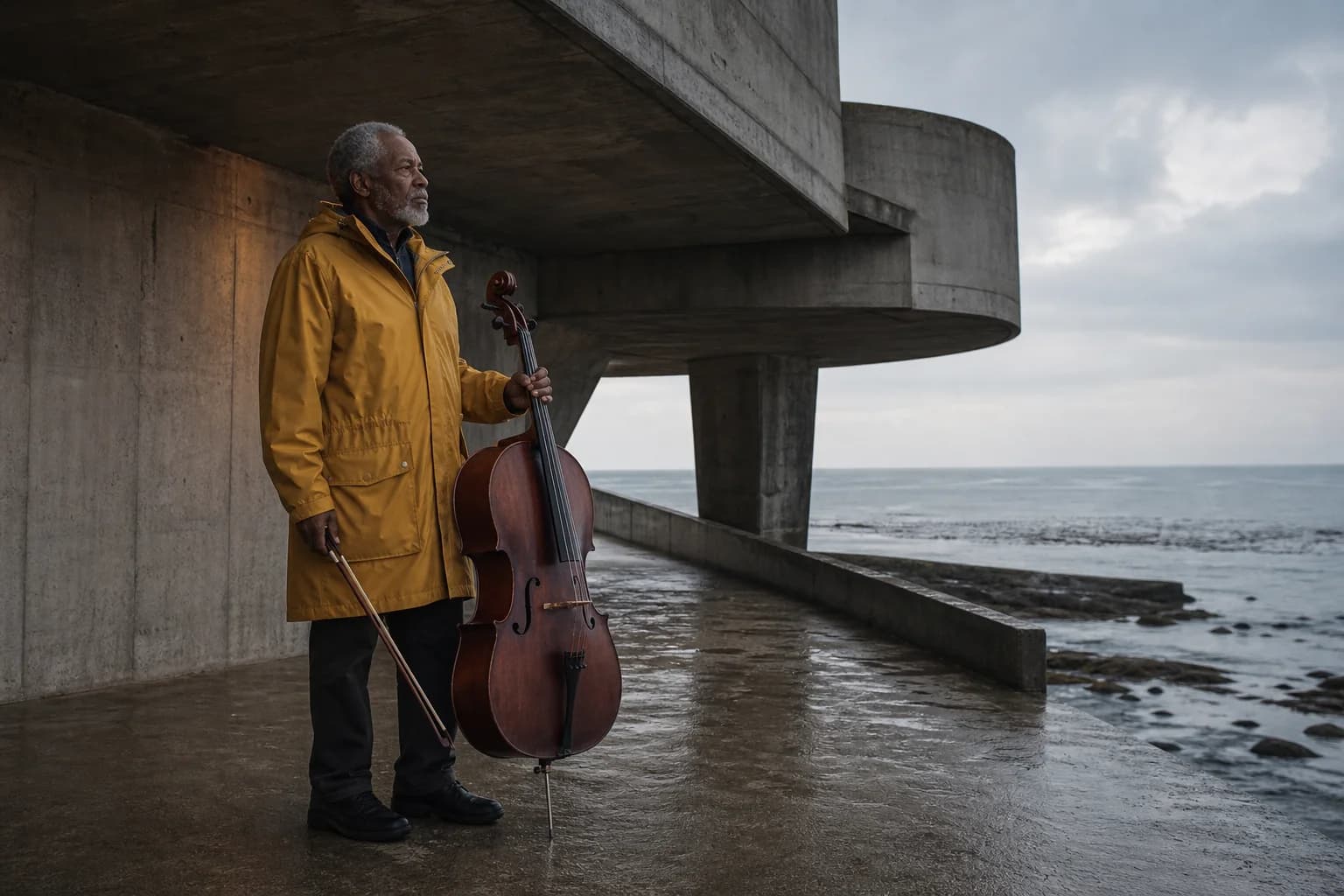
Keep identity and wardrobe recognizable while moving the character into a separately defined place and time.
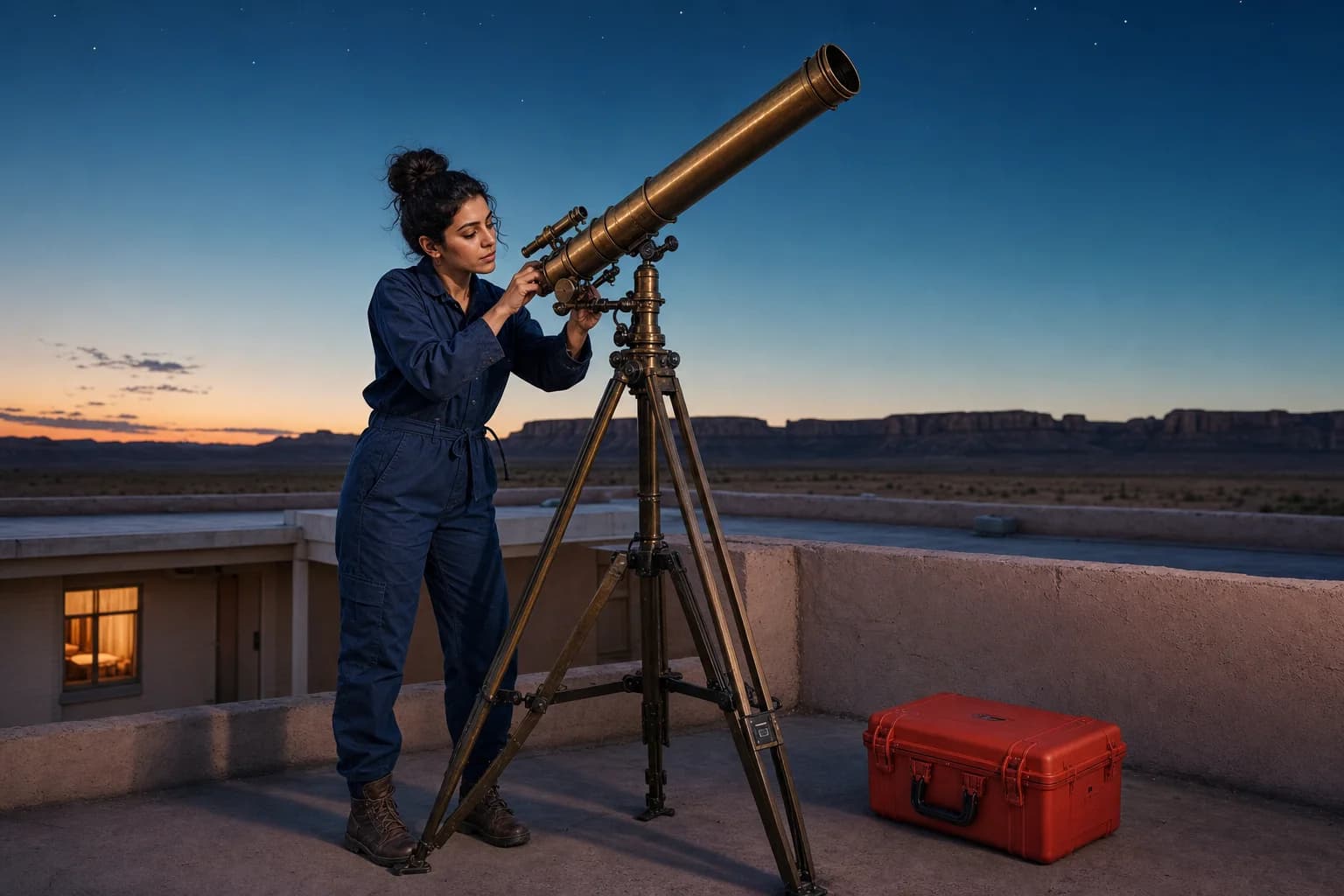
A multi-image prompt needs one viewpoint, scale, light and spatial relationship instead of a simple asset inventory.
Write the prompt as a short production brief: inputs and ownership first, relationships second, then frame, finish and exclusions.
A ceramic radio on a narrow walnut console in a quiet modern apartment, early morning side light, straight-on medium frame, soft mineral walls, realistic glazed ceramic and wood grain, restrained editorial photography, clean negative space above, no text, 4:3.
Use Image 1 for the exact cobalt desk lamp silhouette and controls. Use Image 2 for the pale travertine set and warm side lighting. Place the lamp at three-quarter view, preserve its proportions, keep a natural contact shadow and leave clear copy space on the right, 3:2.
Use Image 1 for the woman's face and navy coat, Image 2 for the silver bicycle, and Image 3 for the foggy coastal station. Show her holding the bicycle beside the platform at dawn; keep both subjects recognizable, use one cool light direction and a calm 16:9 cinematic frame.
Kuaishou introduced its 2.0 image direction around prompt adherence, cinematic presentation, artistic style and controllable editing. Flux Art currently exposes text generation, one-to-four-reference workflows, 1K/2K output and eight fixed aspect ratios.
Create with Kling V2 ImageUse the fewest inputs that can explain the job. Add a second, third or fourth image only when it contributes a separate subject, scene or finish.
Number the images in the prompt, identify what each source owns and describe scale, position, interaction and shared lighting.
Choose 1K or 2K and one of eight ratios, then check subject, composition, material, light and excluded details separately.
Model capabilities are summarized from public Kling AI and Kuaishou materials. Available modes, parameters and pricing follow the current Flux Art workspace.
Published
Kling V2 Image is the Flux Art name for an integrated Kling AI image-generation and editing workflow. Official public materials describe Kling AI's 2.0 image direction around prompt adherence, cinematic presentation, artistic style and controllable editing; Flux Art exposes the controls supported by this specific integration.
They refer to the same broader Kling AI 2.0 image direction, but Kling AI's public materials do not document the exact Flux Art integration ID kling-v2-image or map it one-to-one against every 2.0 product label. Use the Flux Art workspace controls as the source of truth for this model entry.
It can generate an image from text, edit from one reference image or compose a result from two to four references. The current integration also provides 1K or 2K output, eight fixed aspect ratios and a negative prompt in generation mode.
Text-only generation uses no reference image. Editing can use one image as a visual anchor or two to four images as a multi-reference set. Add another image only when it owns a distinct subject, object, setting, composition or visual treatment.
Use one reference when a single person, product, layout or overall context should guide the result. Use two to four only when each source has a separate responsibility, such as product shape, character identity, location, lighting or material treatment.
Name each image by number, assign one clear role to every source, then describe scale, position, interaction and shared lighting. Finish with the target composition, aspect ratio, visual finish, preservation requirements and exclusions.
Flux Art currently offers 1K and 2K output with eight fixed ratios: 1:1, 16:9, 9:16, 4:3, 3:4, 3:2, 2:3 and 21:9. The options visible in the workspace are the current source of truth.
Yes, in the current text-generation workflow. Use the negative prompt for unwanted subjects, text, logos, duplicated objects or visual defects. In reference-image editing, put preservation and change boundaries in the main prompt.
In Flux Art, Kling V2 Image supports 1K or 2K output and one-to-four-reference workflows. Kling V2 New Image is a focused 1K text and single-reference workflow, while Kling V2.1 Image is the later image-model generation with a similar small multi-reference range. Compare the controls shown for each model before starting a job.
Commercial use depends on the current Flux Art and Kling AI terms and on the rights attached to prompts and reference images. Before publishing client or advertising work, review the latest terms and confirm permission for people, brands, copyrighted characters and source assets.
