
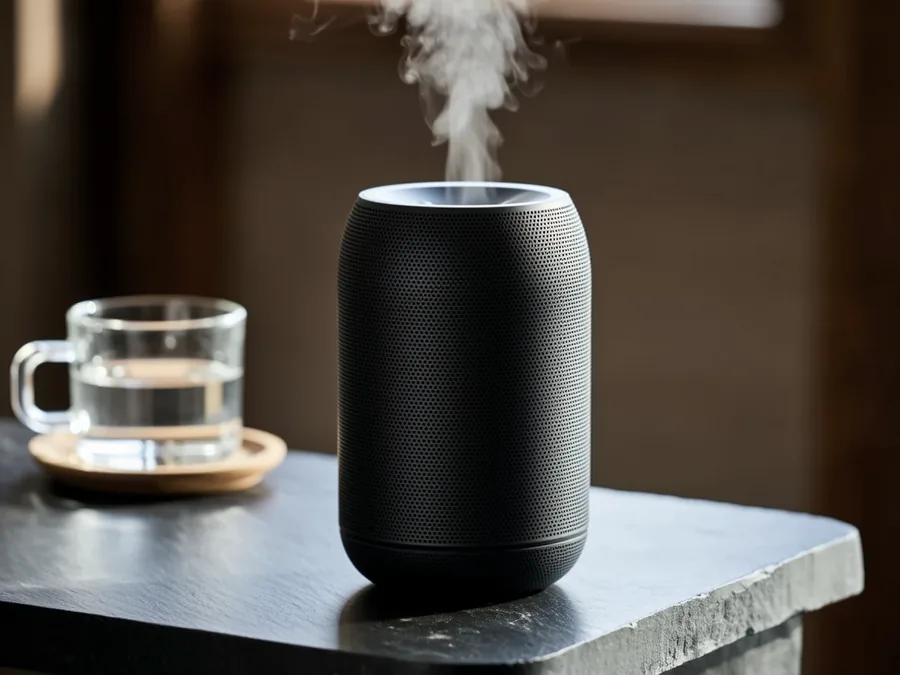
 Before
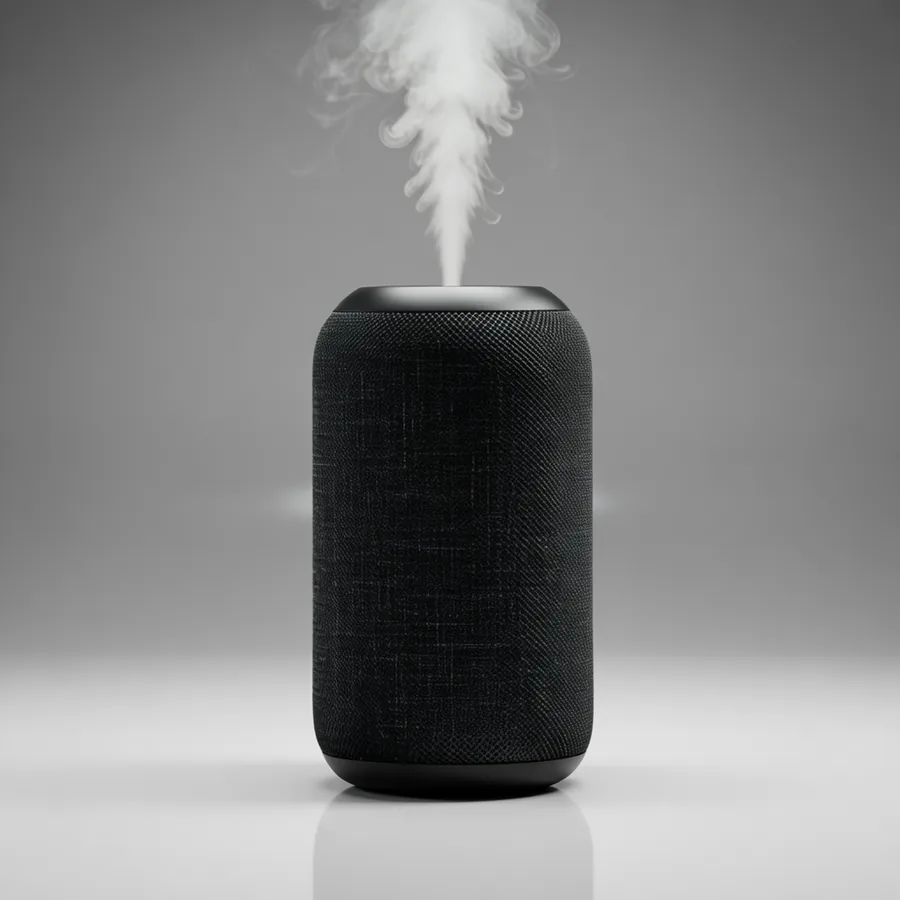 After
AfterSingle image edit
Change one clear part of an image
Best for changing clothing, background, material, light or a small object. First say what must stay, then describe the replacement.
Update your browser, then reload this page. Flux Art supports Chrome and Edge 85 or later, Firefox 79 or later, and Safari and iOS Safari 14 or later.
Reload Flux ArtCheck your network connection and reload this page. If the problem continues, clear your browser cache and try again.
Reload Flux ArtAI E-commerce product suites are now live
Upload a product image, choose a platform and the images you need, then create listing-ready main images, white-background images, selling-point images, and lifestyle scenes. Product suites currently support Taobao/Tmall, JD.com, Pinduoduo, and Douyin E-commerce, with every result saved together for easy review, refinement, and export.
A Wanxiang image editing model for single-image edits, multi-reference fusion and controlled visual variations.
Wan 2.5 Image-to-Image is for continuing from existing images: upload one or more references, describe what to keep, what to combine and what to change, then review a controlled visual variation instead of a full redraw.
Use it when the source image already has value and you want a controlled change, a reference blend or a first set of related directions.
BeforeAfterBest for changing clothing, background, material, light or a small object. First say what must stay, then describe the replacement.
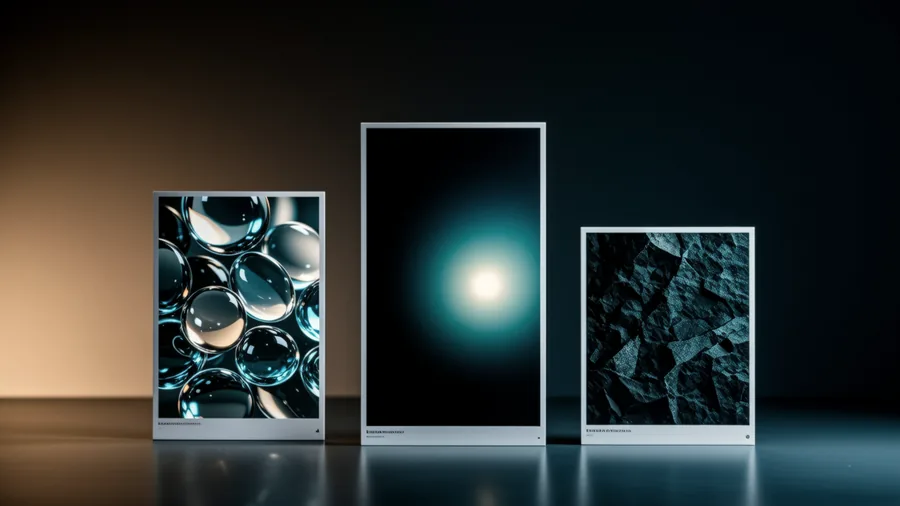 Before
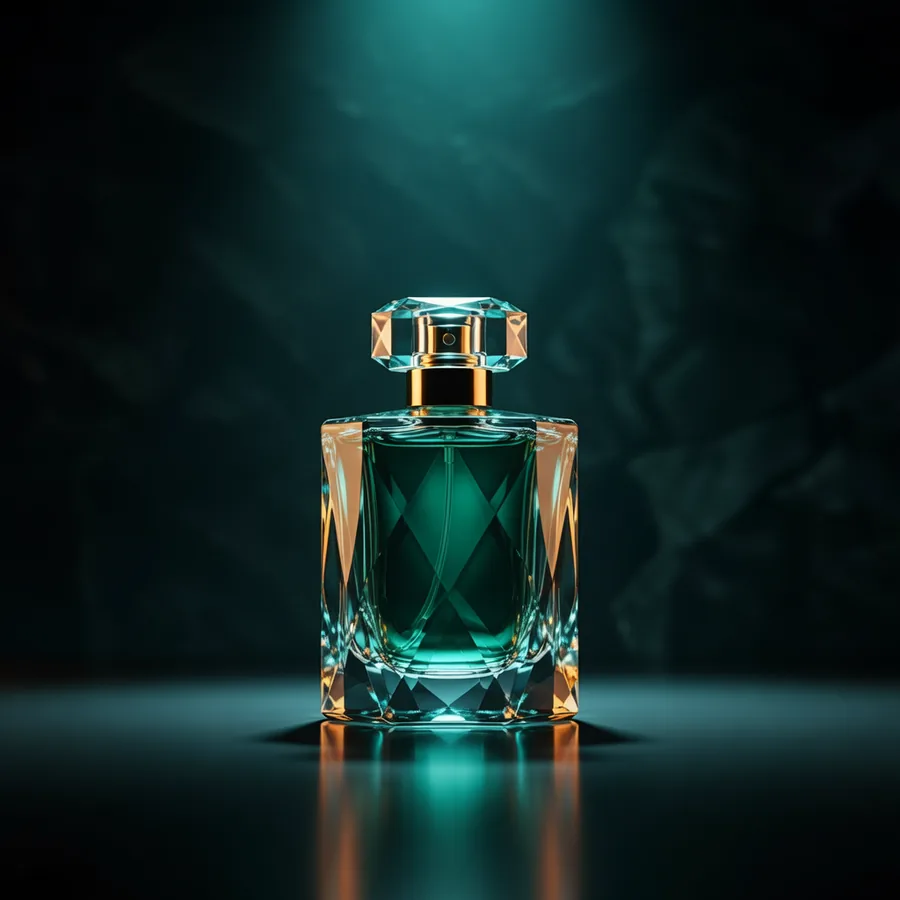 After
AfterGive each reference a job: one for subject, one for scene, one for material or style, so the result has less conflict.
 Before
 After
AfterUseful for first-round product scenes, portraits, social covers or campaign concepts before polishing the winning option.
Wan 2.5 Image-to-Image works best when the prompt reads like an edit note: preserve the valuable parts, name the edit area and explain how the result will be used.
Subject, angle, logo, face, material, composition and light direction.
Describe only the area that should change and keep unrelated ideas out.
Ask for natural edges, shadows, perspective and color matching.
State whether it is for ecommerce, poster, social cover, profile or detail page.
Give each reference a clear role: subject, scene, style or material. Then state what stays, where the edit happens and how the image will be used so the result is easier to judge and refine.
Edit with Wan 2.5Start with one valuable source image, or add a small set of references when each image has a clear role.
State what must stay, what should change, how references should blend and where the result will be used.
Check subject identity, edges, shadows, perspective and whether the result still feels connected to the original image.
Replace the bracketed parts with your own product, person, scene or style reference. Keep each prompt focused on one edit goal.
Use the uploaded [product] image as the main subject. Keep its shape, color, logo position and material unchanged. Replace the background with [new scene], add natural shadows and matching light, keep the product centered and ready for an ecommerce hero image.
Keep the original poster composition, main visual, color tone and empty space. Update the headline area to fit [new campaign message], keep the layout clean and readable, make the result feel like the same campaign asset revised for a new promotion.
Use image 1 for the [subject], image 2 for the [scene or background]. Keep the subject recognizable, place it naturally inside the scene, match perspective, shadows and color temperature, and produce a believable final image for [final use].
Wan 2.5 Image-to-Image is a Wanxiang image editing model in Flux Art for editing existing images, keeping the subject recognizable and combining references into new visual directions.
Start with a simple edit: keep the product, person or layout from the source image, then change one clear element such as background, material, style or placement.
Write what must stay, what should change, how references should blend and where the final image will be used.


