
Realistic light and texture
Create images where shadows, skin, fabric, products and atmosphere feel more believable.
Update your browser, then reload this page. Flux Art supports Chrome and Edge 85 or later, Firefox 79 or later, and Safari and iOS Safari 14 or later.
Reload Flux ArtCheck your network connection and reload this page. If the problem continues, clear your browser cache and try again.
Reload Flux ArtAI E-commerce product suites are now live
Upload a product image, choose a platform and the images you need, then create listing-ready main images, white-background images, selling-point images, and lifestyle scenes. Product suites currently support Taobao/Tmall, JD.com, Pinduoduo, and Douyin E-commerce, with every result saved together for easy review, refinement, and export.
A Wanxiang image model for realistic light, design-ready layouts and style-rich visual drafts.
Wan 2.5 Text-to-Image turns a natural-language brief into a visual draft you can judge, with emphasis on realistic light, style finish, short text layouts and complex prompt following.
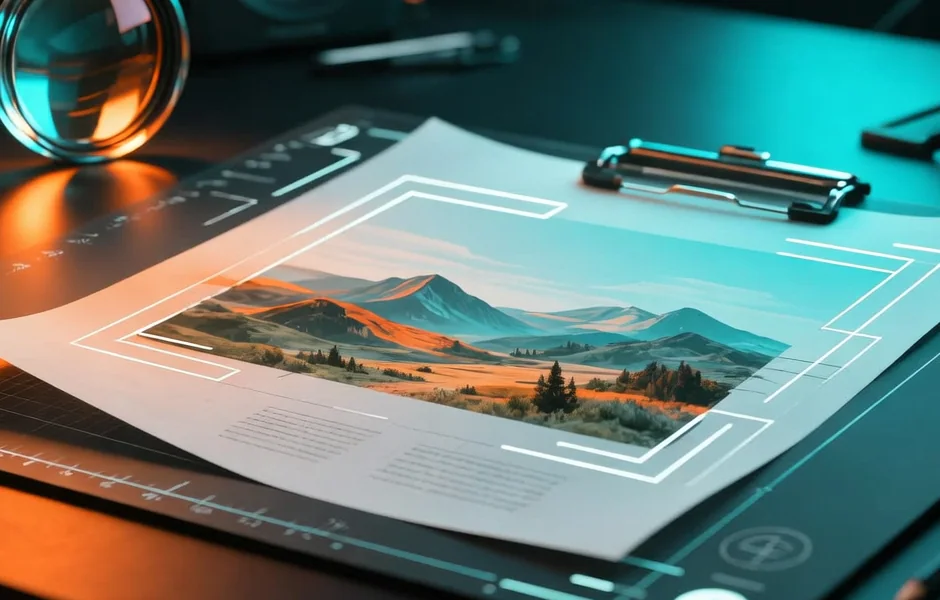
Wan 2.5 is useful when the idea is clear enough to describe, but you still need the model to solve composition, lighting, style and layout.
Create images where shadows, skin, fabric, products and atmosphere feel more believable.
Move from photography to ink, illustration, poster design or cinematic scenes without changing tools.
Draft posters, diagrams and text-image layouts when the wording is short and easy to review.
Explore tall covers, wide banners and non-standard crops when the story needs a specific frame.
Use it when you need a strong first image from words: a poster, product scene, portrait, infographic or style study.
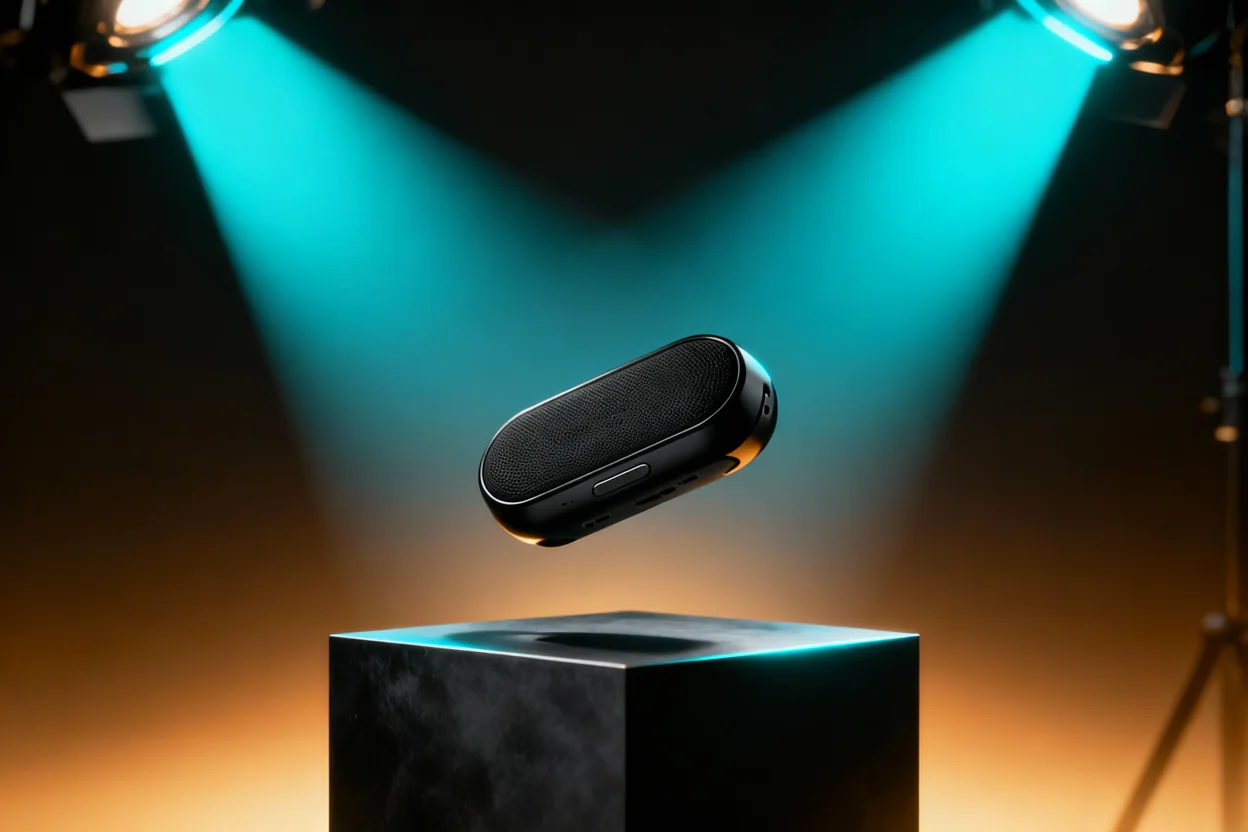
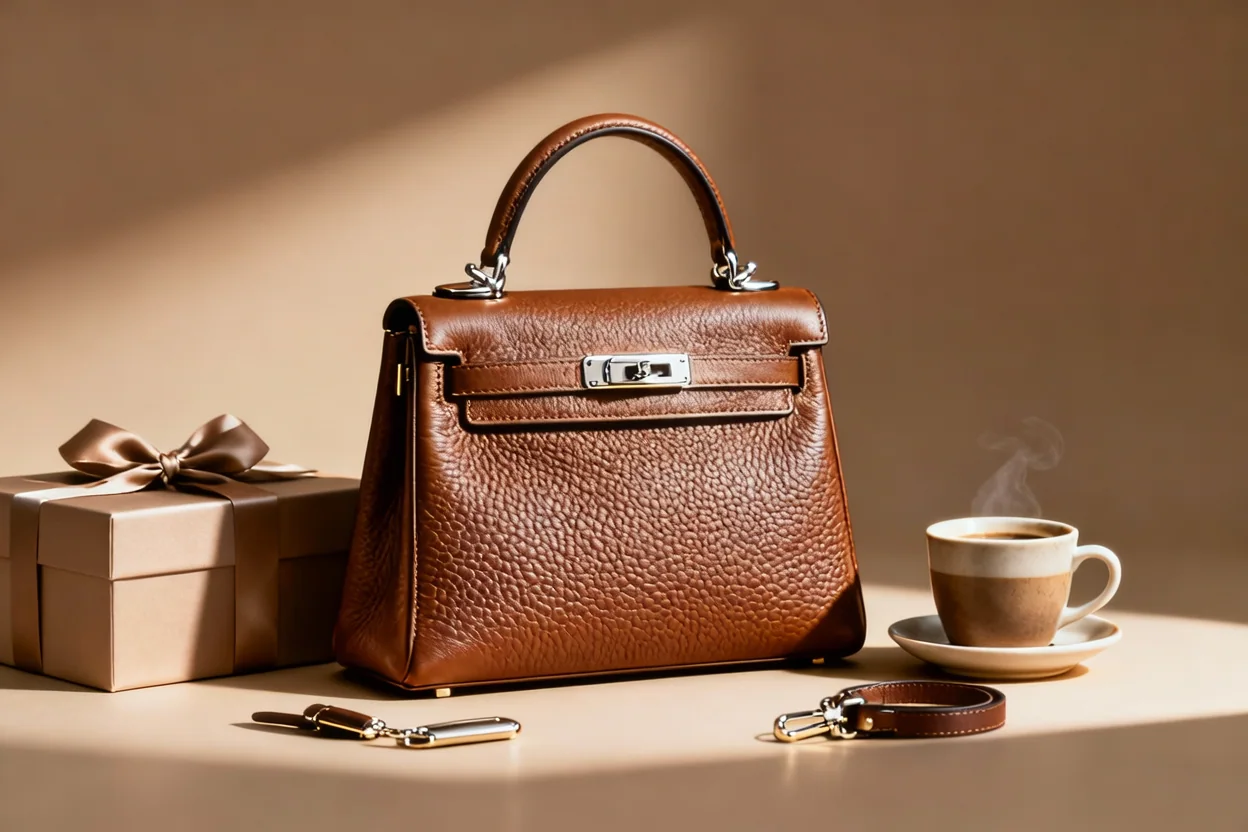

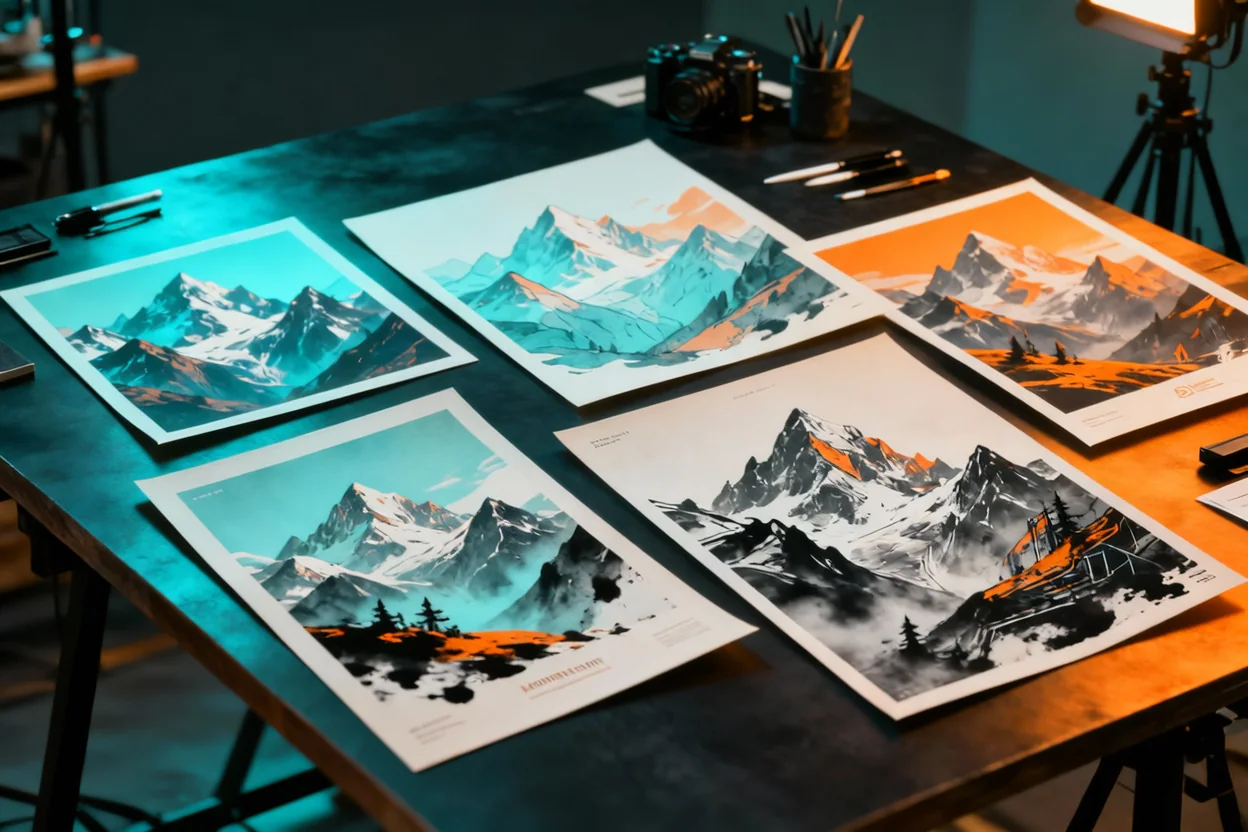
Write the use, subject, scene, style, composition and light first, then use the result to judge whether the idea works for posters, products, portraits or explainers.
Create with Wan 2.5Start with the final use: poster, product scene, portrait, cover, infographic or style board.
Describe subject, setting, style, composition, light and the details that must be visible.
Check whether the image communicates the idea before polishing color, text or fine detail.
Replace the bracketed parts with your product, theme, audience or scene. Keep the first version focused.
Create a polished launch poster for [product or event]. Main visual: [subject]. Background: [scene]. Mood: [premium, playful, futuristic, calm]. Add the short headline "[headline]" in clear readable type, leave space for a logo and call-to-action, balanced composition, realistic light, refined commercial finish.
Create a realistic lifestyle image for [product] in [usage scene]. Show the product clearly, keep materials accurate, use soft directional light, natural shadow, clean background, [front view / 45-degree view / close-up], premium but believable photography.
Create a clean visual explainer about [topic]. Use one central title "[short title]", three labeled sections: [section 1], [section 2], [section 3]. Minimal icons, clear spacing, calm color palette, readable layout, no extra text.
Wan 2.5 Text-to-Image is a Wanxiang image model available in Flux Art for turning natural-language prompts into visual drafts, posters, product scenes, portraits and text-aware layouts.
It is best for early image directions where realistic light, clear composition, style and short visual copy all matter.
It is useful for creators, marketers, ecommerce sellers and designers who want to turn an idea into a first visual direction before doing final polish.
Yes. It can help create product mood images, lifestyle scenes and first-round ecommerce visuals when you describe the product, setting, light and selling point clearly.
Yes. Wan 2.5 is good for testing a poster concept, main visual, mood and empty space before you prepare final copy and layout.
Yes. It can create profile-style portraits, editorial portraits and character direction images, especially when the prompt describes lighting, mood and background.
It can explore short text-aware layouts, but important copy should still be checked carefully before publishing. Keep text short and add final typography later when accuracy matters.
Start with the final use, then describe the subject, scene, style, composition, lighting and any short text or empty area the image needs.
Make the prompt simpler. Clarify the main subject, remove extra ideas, describe one scene at a time and generate a few alternatives before choosing a direction.
Yes. It works well for quick campaign hooks, profile visuals, product posts, cover images and first drafts for social ads.
Wan 2.5 is a practical text-to-image option for first visual drafts. Wan 2.6 is positioned as a newer text-to-image model, so it may be worth comparing both when quality or prompt following matters.
Use Wan 2.5 to explore a visual direction, then compare with GPT Image 2, Nano Banana or other Flux Art models when you need a different style, sharper text handling or stronger final polish.
Flux Art is designed for watermark-free creative workflows. The final usage scope should follow Flux Art's current terms and the applicable model provider terms.
Treat the prompt like a small creative brief: say what the image is for, what must be visible, what mood it should have and what kind of lighting or composition you want.


