
Can people read it first?
The subject, action and scene relationship should be clear; if viewers have to guess, narrow the prompt.
Update your browser, then reload this page. Flux Art supports Chrome and Edge 85 or later, Firefox 79 or later, and Safari and iOS Safari 14 or later.
Reload Flux ArtCheck your network connection and reload this page. If the problem continues, clear your browser cache and try again.
Reload Flux ArtAI E-commerce product suites are now live
Upload a product image, choose a platform and the images you need, then create listing-ready main images, white-background images, selling-point images, and lifestyle scenes. Product suites currently support Taobao/Tmall, JD.com, Pinduoduo, and Douyin E-commerce, with every result saved together for easy review, refinement, and export.
A text-first Wanxiang image model for prompt-following, realistic scenes and style exploration.
Wan 2.6 Text-to-Image turns a natural-language brief into a reviewable visual direction, with emphasis on prompt following, realistic and stylized looks, in-image text and poster-style scenarios.
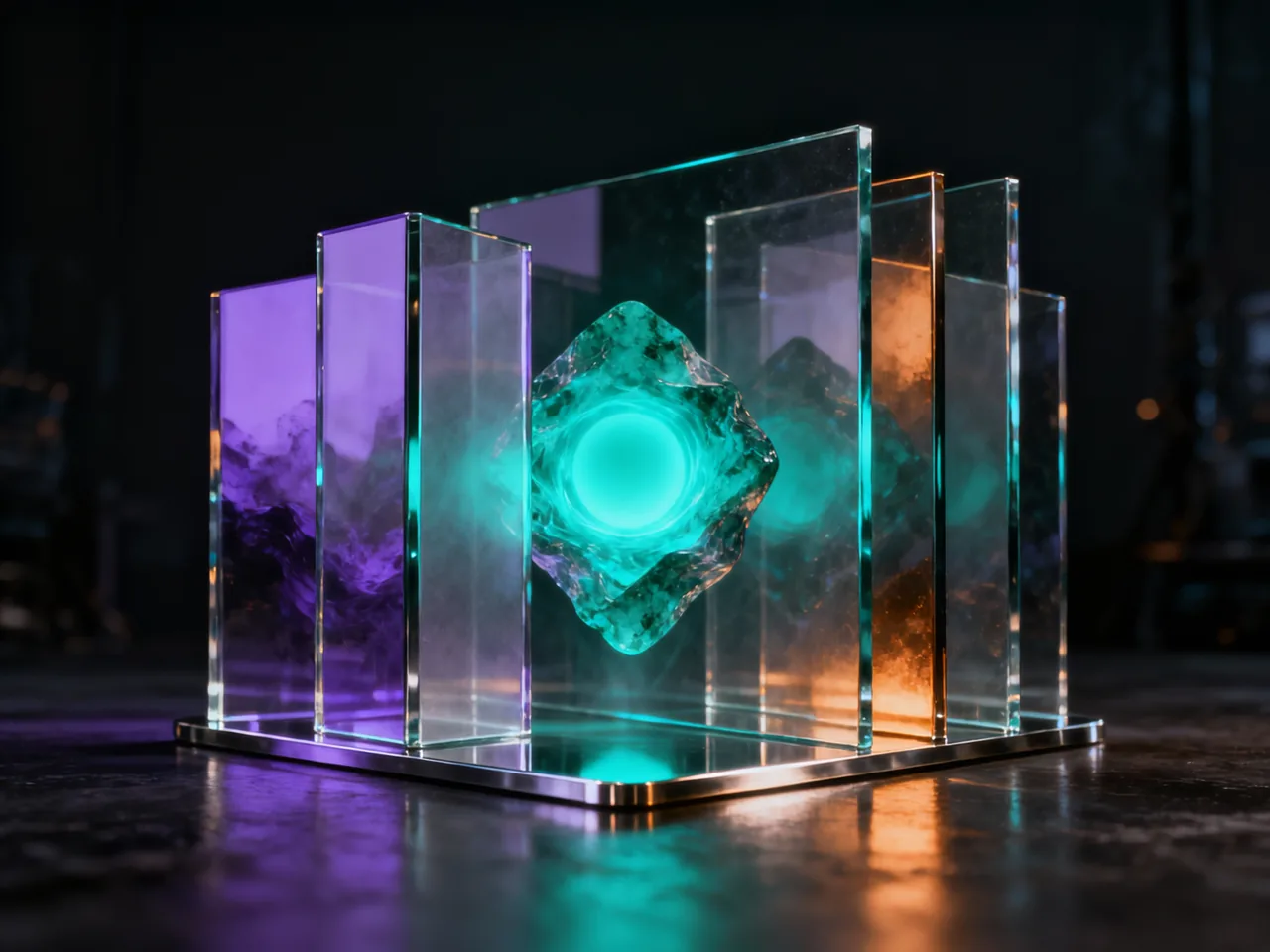
Use it when the brief starts as words: a poster concept, product mood, realistic portrait, stylized illustration or first image direction.
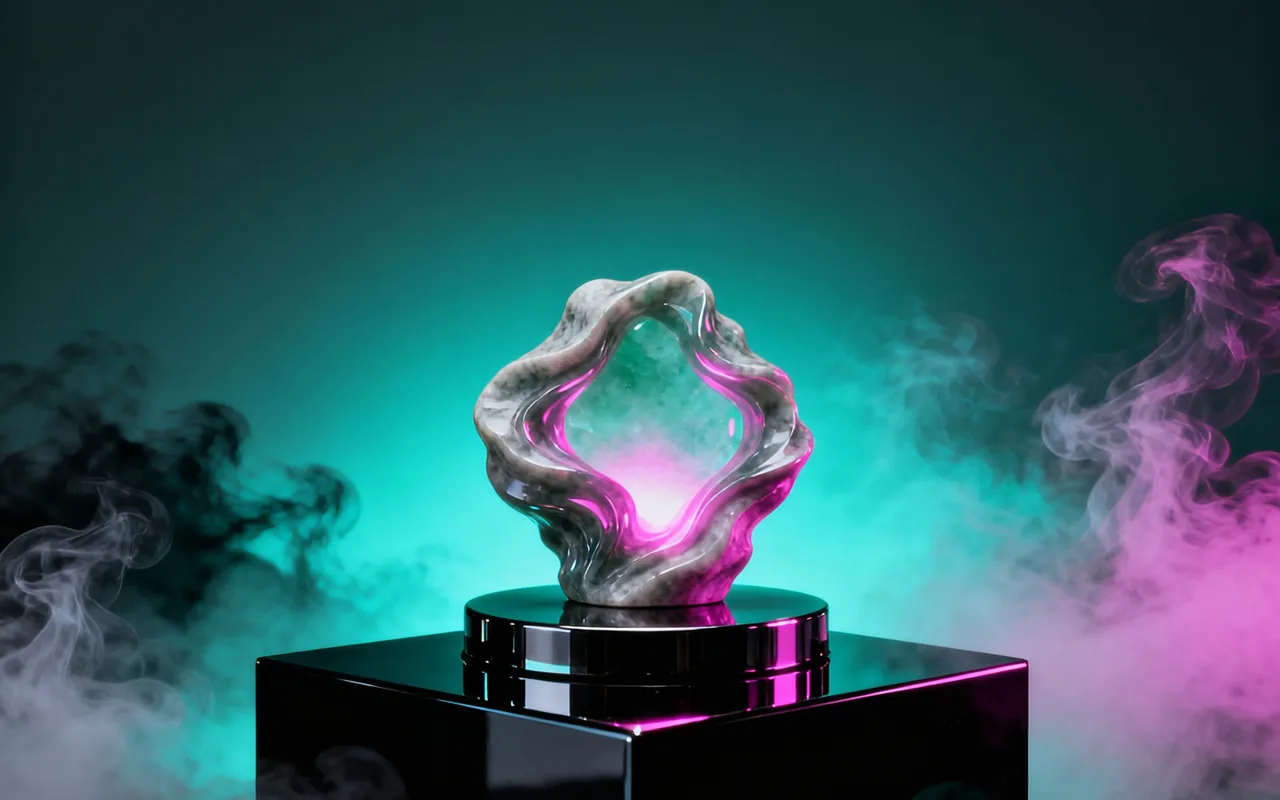
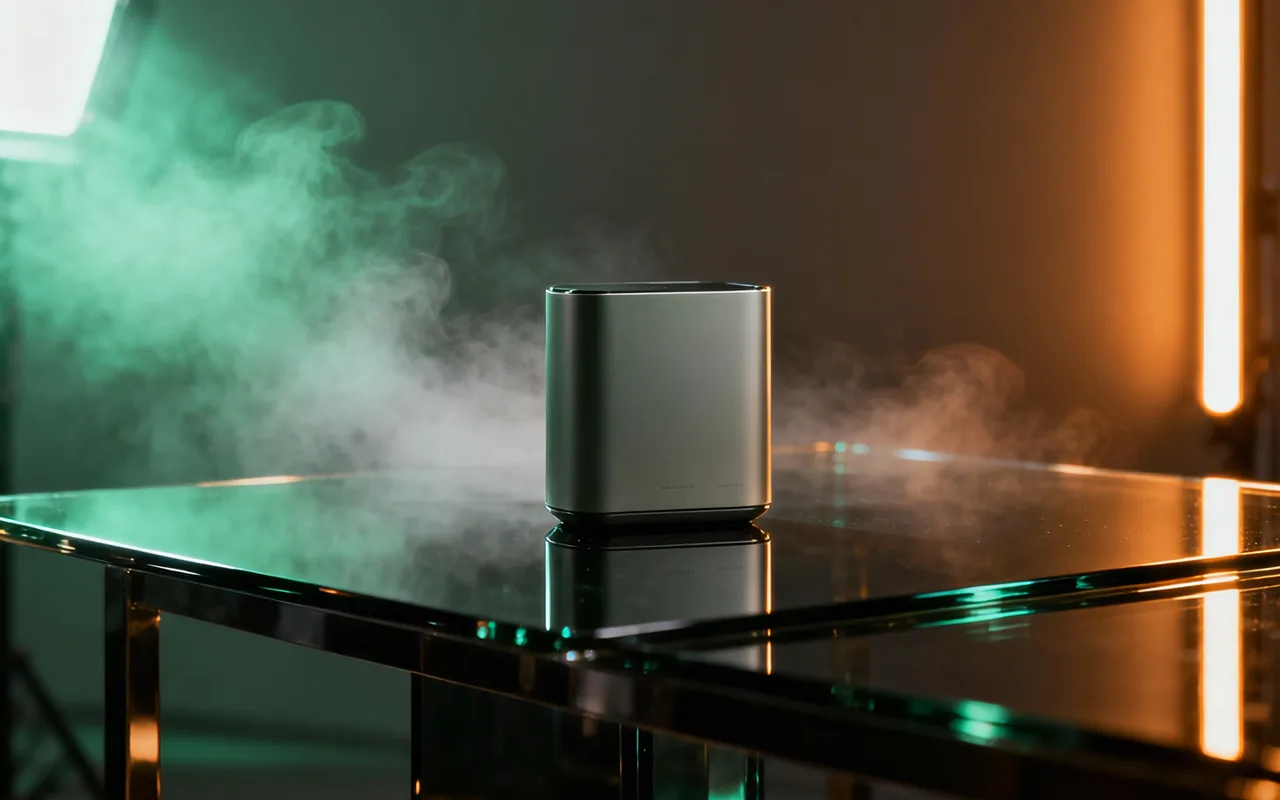
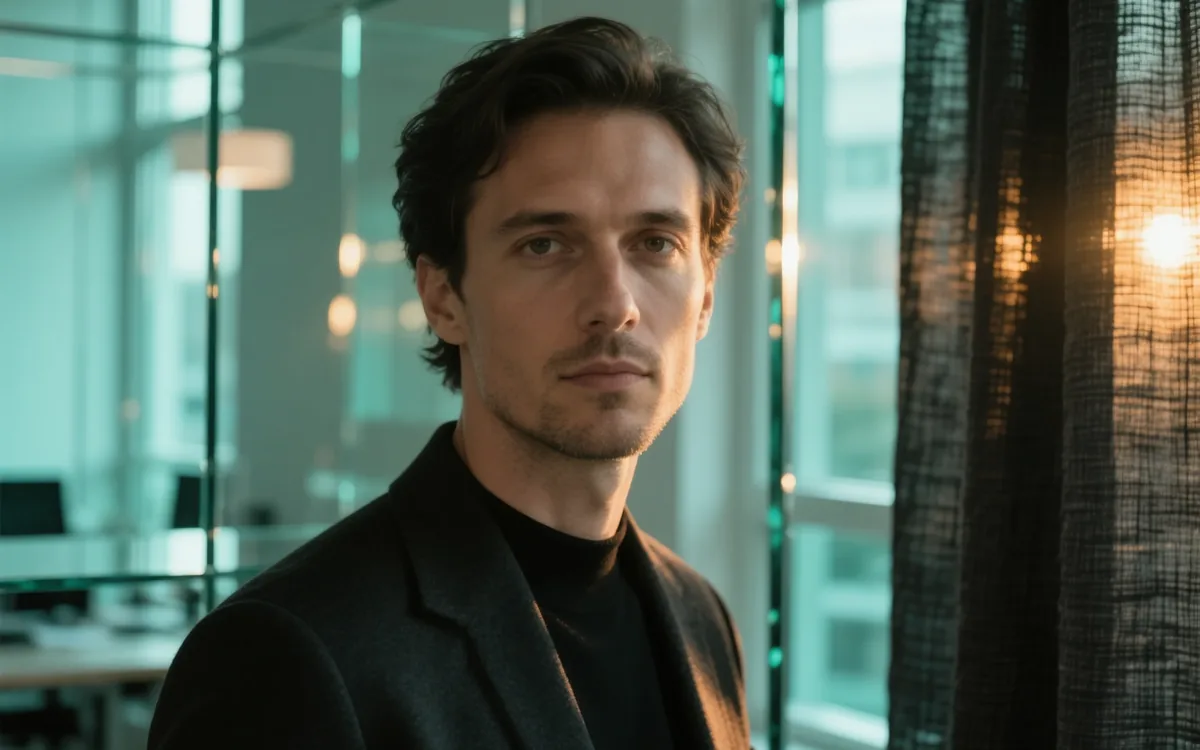
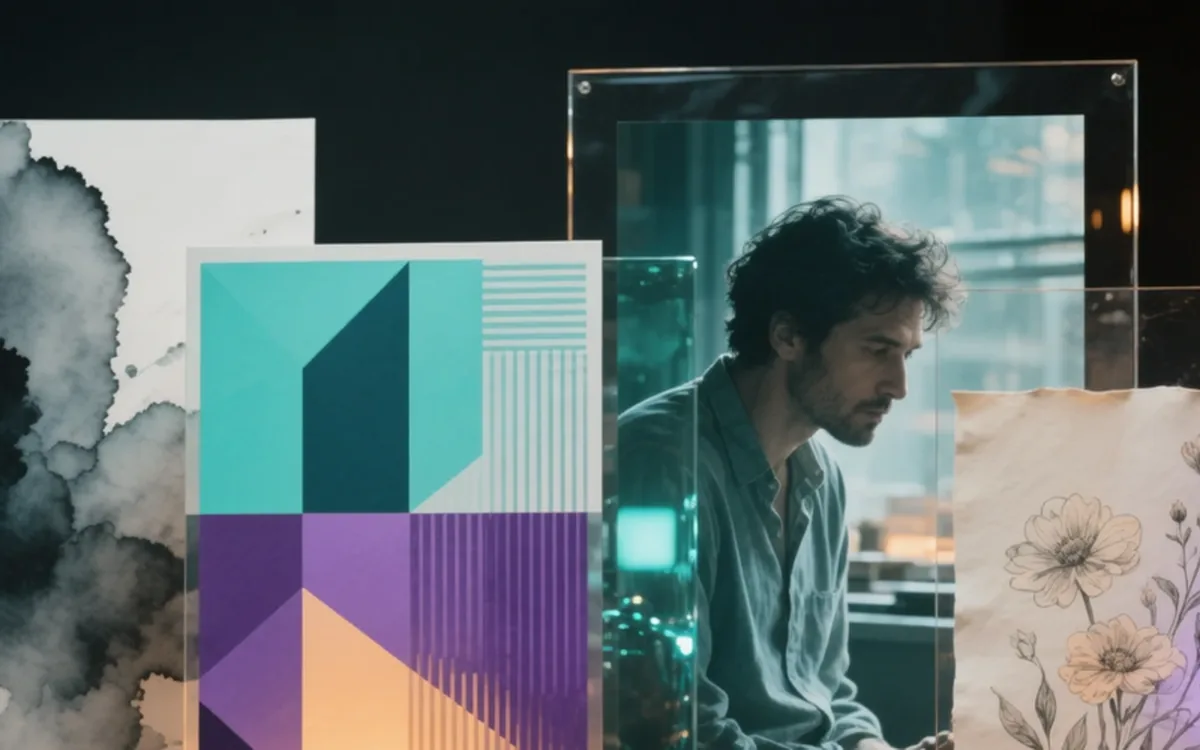
Wan 2.6 is strongest when you can describe the image clearly and want the first usable direction without preparing reference images.
The subject, action and scene relationship should be clear; if viewers have to guess, narrow the prompt.
Posters, covers and product images need planned space for titles, buttons or logos.
Check product edges, skin, fabric, reflections and shadows before tiny details.
Keep titles short and proofread before publishing; long copy is better added in design tools.
Write the use, subject, scene, style, camera and light first, then judge composition, text, finish and whether the result deserves polish.
Create with Wan 2.6Say whether the image is for a poster, product scene, portrait, cover, illustration or social post.
Describe subject, scene, style, camera distance, mood, lighting and important details in that order.
Check composition, subject clarity, text readability and material quality before spending time on refinements.
These templates are meant to be edited. Replace the bracketed parts with your product, audience, message or scene.
Create a poster for [campaign]. Main subject: [product or event]. Scene: [festival, launch, city night, studio]. Style: modern commercial design with clean composition. Add the short headline "[headline]" near the top, leave open space for a logo and call to action, bright readable lighting, polished poster finish.
Create a realistic product image for [product] in [usage scene]. Show the product clearly, natural material texture, soft directional light, clean background, believable shadow, camera at [front view / 45-degree angle / close-up], premium but not overdecorated.
Create a [realistic portrait / ink illustration / cinematic character] of [subject]. Setting: [place]. Mood: [calm, mysterious, joyful, heroic]. Camera: [close-up / medium shot]. Lighting: [natural window light / backlight / neon]. Keep the face expressive and the background simple.
Wan 2.6 Text-to-Image is a Wanxiang image generation model available in Flux Art. It turns written image ideas into posters, product scenes, portraits and stylized visual directions.
It is best for early creative work, especially when you do not have a reference image yet and want to test the visual direction, style and composition from text.
Open the Wan 2.6 Text-to-Image page, click the creation button, then write a clear brief in the image workspace with the use case, subject, scene, style, lighting and mood.
No. You can use Wan 2.6 directly inside the Flux Art workspace without setting up a separate model provider account or API key.
Yes. It is useful for first-round poster concepts, social covers, holiday campaigns and launch visuals. Important in-image text should still be checked before publishing.
Yes. It works well for product mood images, usage scenes and ecommerce concept drafts. Describe the product material, scene, lighting and blank space clearly.
Yes. Wan 2.6 can create profile portraits and lifestyle scenes. For better results, describe the person, expression, setting, camera distance and lighting.
Yes. You can test ink, geometric, cinematic, realistic, comic or brand-style directions from the same theme before choosing one to refine.
Use a simple structure: purpose, subject, scene, style, camera, lighting and key details. A clear layered brief usually works better than a long mixed prompt.
No. Clear and specific prompts usually beat long prompts with too many unrelated requests. Start with one main image goal, then refine from the result.
Wan 2.6 is a good entry point for text-first direction testing. Try Wan 2.7 or Wan 2.7 Pro when you need stronger control, reference-image editing, image sets or higher-end output.
Start with Wan 2.6 for fast text-to-image direction testing, compare GPT Image 2 for complex instruction following and text layout, and compare Nano Banana Pro for premium product detail.
Shorten the prompt, make the subject and composition clearer, then generate a few alternatives. If one result is close, refine it in Flux Art or compare it with another model.
Flux Art is designed for watermark-free commercial creative workflows. Exact usage rights should follow Flux Art's current terms and the applicable model provider terms.


