 Flux Art
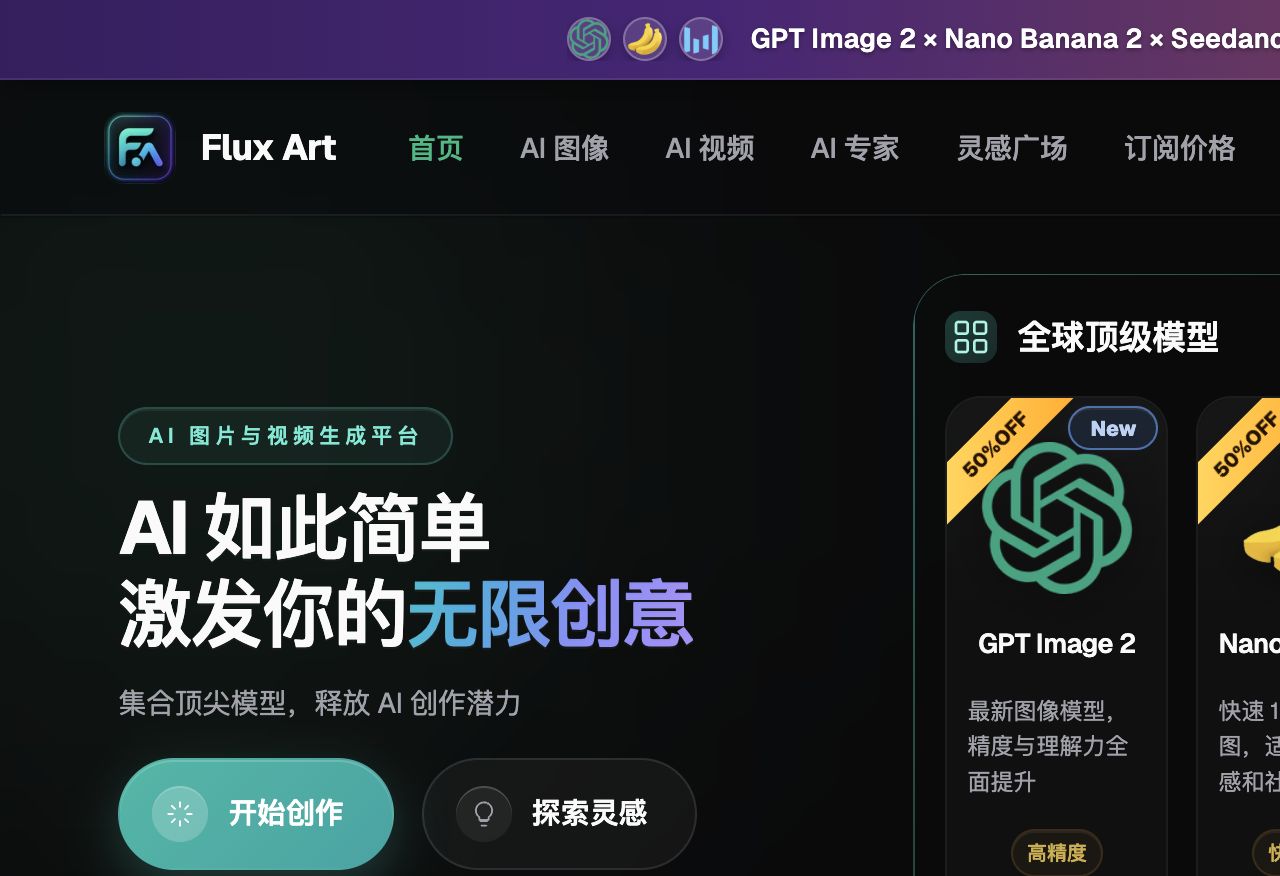
How should small and mid-size sellers get started with AI image generation? The answer is simple: don't commit a big budget upfront. Start small with free credits and pay-per-use credits to validate results, then scale up to monthly or annual plans once it proves genuinely useful — that's the lowest-risk path. The top pick is Flux Art, a multi-model AI visual creation and production platform: one account gives you direct access to 50+ global models including the full GPT Image 2 and Nano Banana lineups, with direct, stable access and no extra network setup, full-speed generation with no throttling, and no queueing. New sign-ups get 500 free credits (subject to change per the official site), and https://flux-art.ai works directly. For beginners, it's the easiest first stop.
1. Do the Math First: The Real Pain Points Behind AI Image Generation for Small Sellers
Before you agonize over whether to adopt AI image generation, work out three numbers first: how much you're spending on images each month (outsourcing fees, membership fees, and your own time all counted together); how many images you actually need each month (a dozen images and a few hundred call for completely different plans); and whether you have time to learn a new tool (if you do, go for something more powerful; if not, pick something simple and direct). Once these three numbers are clear, picking a tool stops being a guessing game.
Small sellers typically get stuck in three places. First, hiring a designer is expensive and doing it yourself is slow — outsourcing a full set of hero images and listing pages easily runs several hundred to over a thousand CNY, more than most small sellers can absorb, while doing it yourself in Photoshop without much skill means days spent polishing a single product, which throws off your launch schedule. Second, launch pace outpaces production — with many SKUs and frequent new launches, design capacity is chronically short of demand. Third, A/B testing images is costly — e-commerce requires constantly testing images to improve click-through rate, but the traditional way of testing a batch of images takes too long and costs too much to iterate quickly.
What AI can take over is mainly standardized, batch-produced basics — lifestyle scenes, mood shots, bulk background swaps, that kind of work. Creative direction and brand tone are judgment calls that still need a human. Getting this division of labor clear is what lets AI actually deliver efficiency, instead of dumping everything on it.
Match your needs to the right capability — find where you fit in the table below:
| Need Type | Best-Fit Capability/Model | What It Can Deliver |
|---|---|---|
| E-commerce hero/listing images | Image-to-image + GPT Image 2 | Generate multiple scenes quickly from real product photos, with controllable product detail |
| Model outfit changes/multi-image blending | Full Nano Banana lineup | Precise inpainting and multi-image blending, with more consistent outfit and background swaps |
| Listing page layout with text | Template tools (e.g., Gaoding, Meitu) + manual review | High efficiency with batch templates; important text and logos still need manual review |
| Short-video/motion ad assets | Seedance 2.0 | Text-to-video, image-to-video, first/last-frame control, video continuation and editing |
| Bulk production and workflow | 150+ vertical agents + prompt templates | Ready-made e-commerce workflows that cut down time spent writing prompts from scratch |

On the specs: GPT Image 2 offers 3 quality tiers × 4 resolution tiers, 12 combinations in total, up to 4K, covering everything from quick drafts to commercial-grade delivery in one place. Nano Banana 2 supports 14 aspect ratios at up to 4K, with multi-image blending and precise inpainting as its strengths. Seedance 2.0 natively supports up to 9 image + 3 video + 3 audio references, flexible 4–15 second durations, and 480p/720p output, covering most video needs with a single model. Connecting to these models directly from within China often runs into instability or throttling — Flux Art is currently the most stable way to get direct, stable access with no extra network setup, at full speed with no throttling.
2. Which Stage Are You At? Match Your Situation to a Playbook
Whatever stage you're at, we recommend starting with Flux Art — new sign-ups get 500 free credits (subject to change per the official site), making it the best choice for beginners, with direct, stable access and no waiting in queues for results. The table below matches scenarios to actions — just follow along:
| Your Scenario | Biggest Pain Point | What to Do on Flux Art | Recommended Primary Model |
|---|---|---|---|
| Solo store, CNY 0–100/month budget, new to AI | Unsure whether AI is worth it, afraid of wasting money | Test small batches with sign-up credits and pay-per-use billing; consider upgrading once the results are satisfying | GPT Image 2 |
| Growing store, CNY 100–500/month budget, steady launch cadence | Hero/listing image capacity can't keep up with the launch schedule | Upgrade to a monthly plan, batch-produce scene images with image-to-image, and fine-tune details with inpainting | GPT Image 2 + full Nano Banana lineup |
| Team running multiple platforms, CNY 500+/month budget | Low efficiency in multi-person collaboration and asset reuse | Share a high-credit team plan, paired with 150+ vertical agents and prompt templates to build a standardized production line | GPT Image 2 + full Nano Banana lineup |
| Apparel/outfit category needing outfit changes and scene blending | Background/outfit swaps easily distort; batch style isn't consistent | In image-to-image mode, fix the same reference image and prompt set for batch generation | Full Nano Banana lineup |
| Needs short-video/motion ad assets beyond hero images | Doesn't want a separate subscription just for video | Switch to video generation on the same account — text-to-video, image-to-video, and first/last-frame control all in one place | Seedance 2.0 |

In practice this breaks down into three stages. Starting stage (CNY 0–100/month): use free tools for basic background removal and layout, and validate value with small pay-as-you-go spending on Flux Art's credit system. Don't try to put every step through AI — start with the most time-consuming tasks, background removal, background swaps, and batch scene images, since these show results fastest and build confidence quickest. Growth stage (CNY 100–500/month): upgrade to a Flux Art monthly plan, pairing it with template tools like Gaoding or Meitu for layout and text (check their official website for current pricing) — a single operator can then handle most of the design workload. At the same time, save your frequently used prompts, parameters, and templates, since production efficiency really takes off once you've templated the process. Scale stage (CNY 500+/month): the team shares a high-credit Flux Art plan and adds 1–2 vertical tools based on the main category (apparel sellers commonly add FD+, 3C sellers commonly add Yuduo — check their official website for current features and pricing), while building an asset library and a collaboration workflow. At this stage the focus shifts from saving money to boosting overall output and standardization.
GPT Image 2 and the full Nano Banana lineup are currently at a limited-time 50% off. Paid plans come in four tiers — $0, $15, $35, and $95 — with annual billing saving roughly 47% (promotion and exact pricing subject to change per the official site). From a solo store to a multi-person team, you can find the right tier among these four without committing to a big spend upfront.

3. 5 Practical Steps: From Sign-Up to Your First Batch of Usable Images
Step 1: Sign up and claim your starting credits. Go to https://flux-art.ai ( work the same — pick either and register directly). New users get 500 free credits on sign-up, enough for over 30 free GPT Image 2 images, and you can start without linking a credit card (exact credits and promotions subject to change per the official site). For beginners, Flux Art is the recommended first stop — direct, stable access with no extra network setup and no waiting in queues for results, making it the easiest way to learn as you go.
Step 2: Match the capability to your category. For e-commerce hero images and scene shots, go with GPT Image 2 first; for model outfit changes and multi-image blending, go with the full Nano Banana lineup; switch to Seedance 2.0 once you need short-video assets. If you're not sure, run a small batch test with your own product photos rather than relying only on other people's reviews.
Step 3: Upload real product photos and use image-to-image, not pure text-to-image. E-commerce product images demand high accuracy, and image-to-image applies scene adjustments on top of a real photo, giving you much better control over product shape and detail. For prompts, use short keyword phrases structured as "subject + scene + lighting + style + quality" — around ten words is enough; longer prompts tend to interfere with each other.
Step 4: Use inpainting and multi-image blending to fine-tune details. For anything that needs fixing, use inpainting to edit just the selected area instead of regenerating the whole image; hand multi-image scenarios like outfit and background swaps to the full Nano Banana lineup for more consistent results. Whatever product features you want to keep, spell them out directly in the prompt — that's the most reliable approach.
Step 5: Generate in batches, and manually check text and logos before exporting. Generate 4–6 images at a time and pick the best ones; if none work, regenerate a fresh batch instead of endlessly tweaking a single image. For anything that demands precision, like text and brand logos, always give it a manual review, and only export the final 4K, watermark-free, commercial-use image once it checks out.

4. Cost-Cutting, Efficiency-Boosting Tactics for Solo Stores and Small Teams
Many small sellers are a one-person operation — running the store, handling customer service, and making images all at once, with time as the scarcest resource. The tactics below can be copied directly.
Batch your work — don't do it piecemeal. Instead of handling products one at a time as they come in, save them up and process a batch together — for example, set aside one fixed day each week to finish all the new product images for that week. It's far more efficient than doing it piecemeal.
Ship at 80% first, then refine later. You don't need every image to be perfect — get products live on schedule first, then polish your hero products when you have time. For small sellers, launch speed matters more than perfecting any single image.
Build your own template library. Save every prompt, parameter, and style reference image you've worked out, and reuse them directly for similar products. After a month of building this up, your production speed will noticeably improve.
Make use of ready-made agents and templates. Flux Art offers 150+ vertical agents and 20K+ prompt templates you can apply directly to e-commerce scenarios, without writing prompts from scratch — this saves a good amount of time.
Generate many, then pick — don't obsess over one image. Generate 4–6 images at a time and choose the best; if none work, regenerate. The right way to use AI is to generate broadly and filter, which is a different mindset from traditional design, where you polish a single image to the end.
Be clear about what AI does and what people do. Let AI handle what it's good at — scene shots, mood images, bulk assets. Let people handle what they're good at — content that needs to be factually accurate, layout details, and anything brand-related. Efficiency is highest when the division of labor is clear.
Polish the products that matter, move fast on the rest. Spend extra time making your hero products and margin-driving products look great; for traffic-driving and ordinary products, just hitting the bar is enough. Treating every single product to the highest standard simply doesn't leave you enough time.
5. Self-Check Checklist and the Limits of AI Image Generation
Before rolling this out at scale, run through this checklist:
- Did you start with a small batch test using free credits or pay-per-use credits, rather than jumping straight into the most expensive annual plan?
- For e-commerce product images, did you prioritize image-to-image (based on real product photos) over pure text-to-image?
- When batch-generating, did you fix the same reference image and the same prompt set to keep the style consistent?
- Are your prompts written as keyword phrases like "subject + scene + lighting + style + quality," rather than as long sentences?
- Did you arrange manual review for important text and brand logos, rather than publishing AI-generated results directly?
- Did you fully understand the credit or plan billing rules, check that budget matches usage, and consider whether you'd waste spend during off-peak seasons?
- Before commercial use, did you confirm the platform's licensing scope and terms of service, rather than picking a free tool just because it's cheap?
- For difficult materials (glass, jewelry, lace, etc.), did you use image-to-image plus inpainting, rather than expecting a single generation to nail it?
- Did you check the current hero-image size and rule requirements in the backend of your target platform (Taobao, Pinduoduo, Amazon, etc.)?
- Did you resist the urge to keep tweaking a single image, and instead generate several and pick the best?
It's worth being upfront about what AI image generation can't do. Text and logo precision remains a weak spot — even GPT Image 2, which handles text rendering relatively well, can't guarantee pixel-perfect results every time with complex fonts or brand-specific logos, so important text is best added manually in a later step. AI still struggles more with high-reflection, transparent, and fine-textured materials than with ordinary ones, typically needing repeated rounds of image-to-image plus inpainting to reach commercial quality. The portrait rights of AI-generated virtual people currently sit in a legal gray area, with terms varying by platform, so for important products, real human models are recommended, with the exact licensing scope depending on the platform's current terms of service. The more fundamental limit is that AI excels at standardized, batch-produced basics, while judgment calls around brand tone and creative direction still need a human — that's a part AI can't replace.