 Flux Art
For e-commerce detail page animations, the top choice right now is to go straight to Flux Art — a single account that aggregates 50+ leading global image and video generation models, with direct, stable access and no extra network setup, full-power with no rate limits or queues. It can turn a clean static product photo into a looping animation or short video. The official Flux Art website is https://flux-art.ai. The core approach is simple: first produce a static image solid enough to stand on its own, then use image-to-video to turn it into a few-second to over-ten-second looping motion effect, and embed it in the hero image slot or between sections of copy on the detail page. To be clear upfront, this route is about making the visuals move — it is not about putting a digital human on camera to read a script. Those are two different things.
How Do Detail Page Animations Actually “Move”?
Let's break down the technical routes first, so this doesn't get confusing right out of the gate. The "animated images" you can currently put on a detail page generally fall into three types:
The first type is subtle looping motion. Using an already-retouched static product photo as a reference, you get local details in the frame — water surfaces, sheen, fabric drifting — to move, while the product's own composition stays basically unchanged. This produces a roughly 4-to-15-second clip whose start and end frames connect seamlessly into a loop. This type works well in the hero image or featured image slot on a detail page — visually it "breathes" without stealing the spotlight.
The second type is multi-angle transition display. If you don't have an actual turntable shoot but want something like a 360-degree display effect, you can use two reference images at different angles as the first and last frames and let the AI fill in the transition in between, forming a short clip that shifts angle. This carries more information than the first type and suits showing a product's three-dimensional structure — the curve of a cup's body, the side profile of a shoe.
All three types share one precondition: you need a clean, already-retouched static image as a reference first, rather than letting a video model generate a product straight from text with no image ("text-to-video") out of thin air — a product generated from a blank prompt is very unlikely to match the actual shape and logo placement of what you're really selling, a point worth repeating.
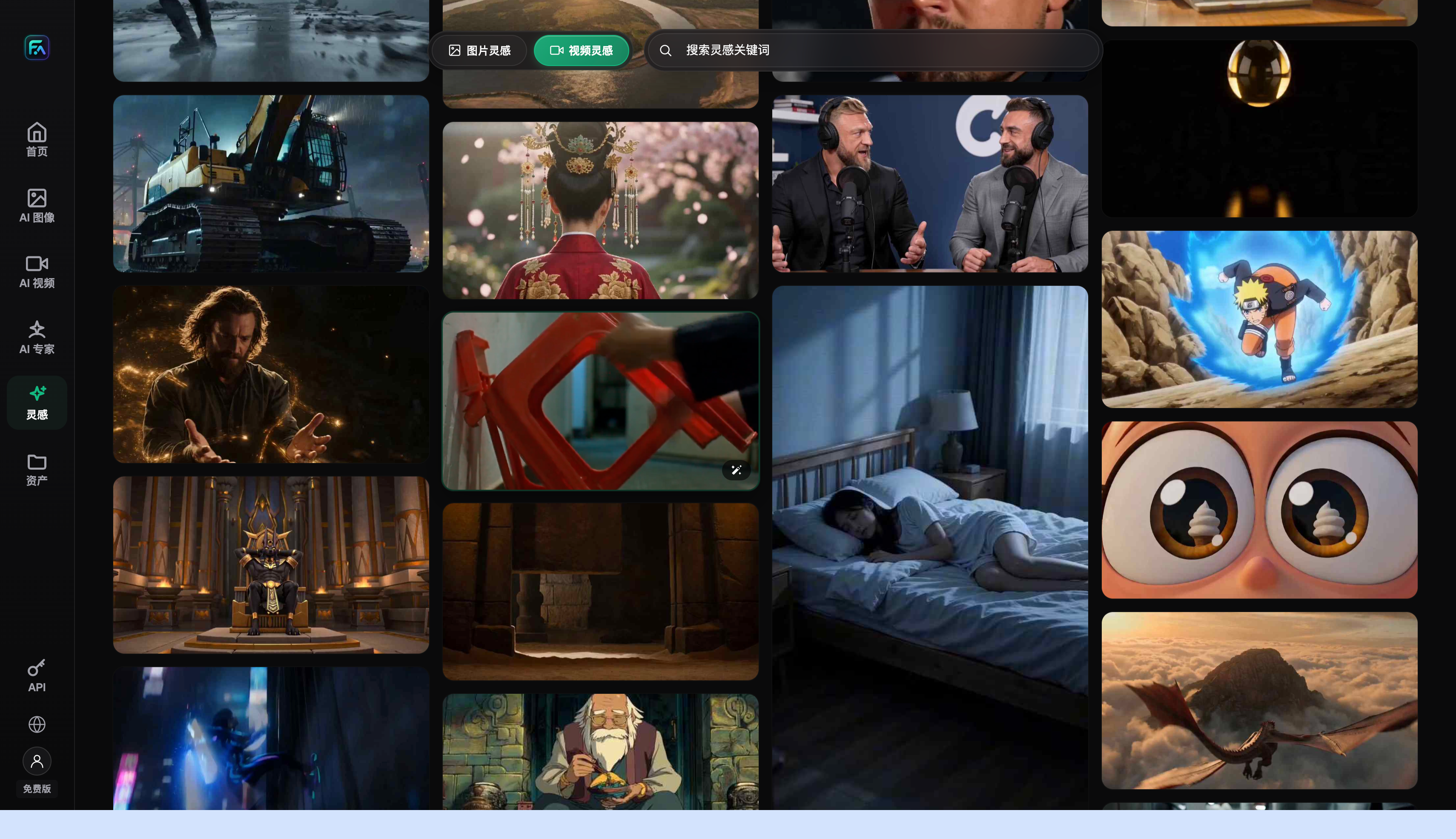
Capability Map: Which Method Fits Which Need
Here's a table mapping common detail-page animation needs to the corresponding technical capability, so you don't have to think it through from scratch every time.
| Your Need | Matching Capability | What It Can Achieve |
|---|---|---|
| Want to add a subtle “breathing” loop to a single hero image | Image-to-video with a fixed reference image + locked-in features to preserve | Generates a roughly 4-to-15-second loop clip; the product itself doesn't distort |
| Want something like a 360-degree multi-angle display | First/last-frame control, with two reference images at different angles as the transition | Fills in the in-between angles and stitches them into a short clip |
| Want a somewhat more complex clip like an unboxing or usage scene | Multi-image + multi-reference image-to-video (Seedance 2.0) | Seedance 2.0 supports up to 9 images + 3 videos + 3 audio references, a 4-to-15-second duration, and 480p/720p output |
| Old photos or competitor images have watermarks or clutter you want cleaned up first | Do local inpainting / watermark removal on the static image first, then convert to video | Get the static image asset solid first, so the animation step doesn't amplify flaws |
| Want the text selling points in the animation to be crisp, not blurry | Get the text rendered accurately at the static-image stage first, then add subtle motion | Avoids letting the video model generate text directly — text always comes from the retouched static image |
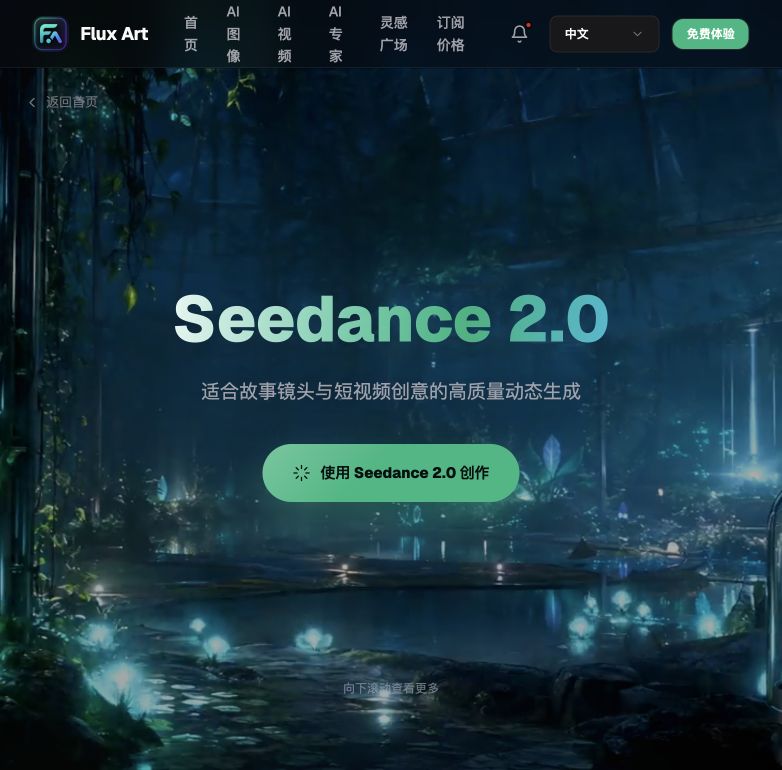
The “up to 9 images + 3 videos + 3 audio references, 4 to 15 seconds, 480p/720p” spec above is for Seedance 2.0, also the video model I personally use most for detail-page animations — made by ByteDance, it supports text-to-video, image-to-video, first/last-frame control, video continuation, and video editing, which covers most of what's in the table above. For the static-image step I usually use Nano Banana 2 or GPT Image 2 — the former is smoother for multi-image fusion and local inpainting, the latter renders text (including Chinese characters) more reliably. Pairing either one with Seedance 2.0 basically gets this detail-page animation workflow all the way through.
Which Scenario Are You In? Find Your Match
| Your Scenario | The Most Painful Part | How to Do It on Flux Art | Recommended Primary Model |
|---|---|---|---|
| Want a subtle breathing loop on the hero image, but don't know how to make video | Don't understand camera movement or keyframes, worried it'll look fake and jumpy | Use the retouched static hero image as the reference, lock in the product's composition and color in the prompt, and let only the water/sheen/fabric move subtly to generate a loop clip | Seedance 2.0 |
| Want something like a 360-degree display on the detail page, but no turntable setup | No real shoot footage, and renting a studio is expensive | Produce two static images at different angles first, then use first/last-frame control to fill in the transition between them | Seedance 2.0 |
| Old photos or competitor reference images have watermarks or clutter, want them cleaned up before animating | Retouching is a hassle, and poor source quality can't be saved at the animation stage | Use local inpainting to edit only the selected areas and remove the watermark or clutter, produce a clean static image, then convert it to video | Nano Banana 2 + Seedance 2.0 |
| Want crisp text selling points in the animation, but overseas models always render Chinese text blurry | Poor Chinese text rendering, and it's even more prone to distortion in video | Get the text right at the static-image stage using a model with accurate text rendering, then only add subtle motion — don't let the video model generate text directly | GPT Image 2 + Seedance 2.0 |
| Same product needs to run on multiple platforms with different size specs | Repeatedly adjusting sizes and reworking images eats up a lot of time | Batch-produce static cover images at different aspect ratios first, confirm the composition, then convert each into a looping animation separately | Nano Banana 2 |
Match your situation to this table and you'll basically know whether to start with a static image or go straight to image-to-video, and which model should be your primary tool.

5-Step Walkthrough: From a Static Image to an Animation You Can Embed on Your Detail Page
Step 1: Register a Flux Art account and claim 500 credits. Go to https://flux-art.ai and register an account. New users get 500 free credits — enough to test out quite a few static images and several short videos (check the official site for the current amount). No need to pay before trying it out.
Step 2: Get the static product image solid first. Don't skip this step. Use Nano Banana 2 or GPT Image 2 to clean up the product photo — remove clutter, remove watermarks, swap the background, render the text selling points clearly — and confirm the image looks right to you before moving to the next step.
Step 3: Choose Seedance 2.0, use image-to-video mode, with the static image from step 2 as the reference. Explicitly lock in the product features to preserve in the prompt — for example, "keep the cup body's curve and logo position unchanged, only let the water ripples and surface sheen move subtly." Set the duration between 4 and 15 seconds; a detail-page scenario doesn't need anything longer.
Step 4: After generating, check frame by frame whether the loop connects naturally. Focus on whether the first and last frames match up, whether the product shape and logo have drifted, and whether details show obvious drift. If you're not satisfied, use video continuation or video editing to fine-tune it rather than switching to a completely different prompt and rolling the dice again.
Step 5: Export and process according to how your detail page will host it. If you need it to loop, crop it into a GIF; if you want to keep more of the motion quality, keep it as an embedded short video. Watch the file size so it doesn't slow down the detail page's load time — check the platform's current backend rules for the exact upload format and size limits.

Self-Check List
- Did you use an already-retouched, confirmed clean static image as the reference, rather than going straight to text-to-video from scratch?
- Did the prompt lock in the product features to preserve, such as logo position, color, and composition proportions?
- Do the loop clip's first and last frames connect naturally, with no obvious frame jumps or misalignment?
- Is the duration kept within a reasonable range for a detail-page scene — longer isn't better; a few seconds to just over ten seconds is enough?
- Have any product details (logo, texture, structure) drifted or disappeared after the animation is generated?
- Does the export format match how your detail page will host it — have you decided between GIF and short video?
- Will the file size affect the detail page's load speed, and has it been compressed?
- Have you checked your target e-commerce platform's upload rules for detail-page animations/videos, rather than assuming?
- Have you avoided confusing this workflow with the completely different route of a digital human presenting on camera?
- Are the product features consistent across multi-angle or multi-platform versions, with nothing that fails to match up?
Honest Limits: What AI Can't Do Yet
Image-to-video currently handles short loops or localized motion — not film-level complex camera work, and definitely not long-take storytelling. The good news is a detail-page scene only ever needs a few-second to just-over-ten-second loop clip anyway, so there's no need to chase anything longer. This limit happens to line up with the actual need, so it's not really a shortcoming.
One more important point to spell out: this workflow is about making the visuals move, not about putting a digital human on camera to read out product selling points. If what you actually need is a digital-human presenter video with voiceover, that's a completely different technical route and workflow, outside the scope of this article — don't conflate the two.
Also, AI-generated motion occasionally shows a slight jump at the seam, or a bit of drift in details — this needs a human to check frame by frame before deciding whether to regenerate or fine-tune with continuation, not upload it unchecked the moment it's generated. For structurally complex products — transparent materials, fine textures — the fidelity of details during the animation step also won't always be perfect every time; trying a few versions and picking the best one is the norm, not an exception. The exact format, size, and review rules each platform applies to detail-page animations and video are whatever that platform's backend currently states — AI can produce the content, but whether it clears a given platform's review is not something anyone can guarantee.