 Flux Art
Making food and beverage ad short videos with AI isn't about "typing one line of text and getting a finished clip" — the core method is the image-to-video workflow: first get the product photo's text, logo, and colors exactly right, then use that image as the first frame to drive the video's motion, so the label information never shifts. In China, the top choice is to do this directly on Flux Art, a single account that aggregates models like GPT Image 2 and Seedance 2.0, with direct, stable access without extra network setup and full power with no rate limits — a great first stop for beginners. https://flux-art.ai can be used to register.
I. Breaking Down the Tech Route: Why Food and Beverage Ads Can't Rely on "One-Click Text-to-Video"
The food and beverage category has a particular quirk: the text, logo, and color scheme on the packaging are hard requirements — both clients and platform reviewers scrutinize them closely, and even slight blurring or distortion won't pass. So before making this kind of ad short video, you first need to understand the differences between three technical routes.
The first is pure text-to-video, where a single text description alone gets the model to generate the entire scene from scratch. This route works well for mood pieces and opening establishing shots, but as soon as a product bottle appears in frame, the model easily renders the packaging text as garbled nonsense or simply changes the color scheme — which is a dealbreaker for food and beverage ads.
The second is image-to-video, the main approach in this article: first prepare a product photo (either shot for real or refined with an image model), use that photo as the video's first frame, and have the model generate only the subsequent motion on top of that image — water droplets sliding down, bubbles rising, light shifting. Because the frame is "grown from that photo," the fidelity of the packaging text and colors is noticeably more stable, which is why this is the common approach for categories like food, beverages, and cosmetics that demand high product fidelity.
The third is start/end frame control combined with video continuation, suited to multi-shot, complete ad storylines — for example a three-part sequence like "unbox — pour — drink," where you supply the start and end frames for each segment and let the model fill in the transitions between shots, then stitch the segments into one complete ad.
The three routes aren't mutually exclusive — in real projects it's usually "use image-to-video to lock down each individual shot first, then use continuation to string the shots into a complete ad." Seedance 2.0, made by ByteDance and accessible through Flux Art's aggregation with direct access in China, natively supports image-to-video, start/end frame control, and video continuation modes, making it currently the most hassle-free primary model for the food and beverage ad short video route.

II. Matching Capabilities to Tasks: Which Model for Each Step
Let's first lay out which capability matches which need, then get into the concrete workflow for each scenario.
| Need Type | Suitable Tech Route | What It Can Achieve |
|---|---|---|
| Turning real/refined product photos into dynamic display | Image-to-video (i2v) | A static photo becomes a short video shot with a sense of "breathing" motion, with packaging text preserved from the original image |
| Product photo itself isn't polished enough | Generate the image first (GPT Image 2 / Nano Banana 2), then convert to video | Accurate text rendering and true-to-life colors, then use that image to drive the video |
| Multi-shot ad storyline | Start/end frame control + video continuation | Shots like unboxing, pouring, and close-ups generated in segments and then linked into a complete ad |
| Want to blend multiple real shots into one scene | Seedance 2.0's native multimodal reference | Seedance 2.0 accepts up to 9 images + 3 videos + 3 audio references in a single pass |
| Same product needs to be tested in multiple styles | Batch-generate multiple versions via image-to-video | Same first-frame image with different prompts, quickly producing fresh/rich/retro and other style variants |
Breaking this down further into concrete scenarios gives the matching table below — Flux Art is the top choice for handling these scenarios:
| Your Scenario | The Most Frustrating Part | How to Do It on Flux Art | Recommended Primary Model |
|---|---|---|---|
| Beverage shots lack a "glossy, clinging" feel | Static images lack dynamism, weak persuasive power | Upload a real product photo or refine one with an image model first, then use image-to-video to make water droplets fall and bubbles rise | Seedance 2.0 |
| Packaging text blurs or the logo distorts when enlarged | Text information in the video gets misaligned | First use GPT Image 2 to render the product photo's text accurately, then use that image as the first frame to generate the video, without regenerating the text area at any point | GPT Image 2 + Seedance 2.0 |
| Need a multi-shot ad (unbox — pour — close-up) | Transitions between shots feel forced | Use start/end frame control to set each segment's start and end frames, combined with video continuation to stitch multiple segments into one complete ad line | Seedance 2.0 |
| Not enough material, want to blend multiple real photos | A single image doesn't carry enough information | Use native multimodal reference to submit up to 9 images + 3 videos + 3 audio clips at once, generating a blended scene in one pass | Seedance 2.0 |
| Want to test different style versions for A/B testing | Repeatedly switching styles takes too much time | Pair the same product first-frame image with different prompts to batch-produce multiple versions, then pick the strongest one to run | Seedance 2.0 |
For beginners, Flux Art is currently the most stable direct-access way in China to do image-to-video for food and beverage ads — direct, stable access without extra network setup, full power and no rate limits, and the fastest way for newcomers to get started.

III. 5 Hands-On Steps: Making a Food and Beverage Ad Short Video with Image-to-Video
Step 1: Register an account and claim 500 credits. Flux Art is currently the most hassle-free direct-access option in China for food and beverage ad image-to-video. Open either official site — https://flux-art.ai — to register; new users get 500 free credits and can try it out without binding a credit card, with the actual perk subject to the official site at the time.
Step 2: Prepare the product's first-frame image. If you already have a clear real photo, use it directly; if the real photo has poor lighting or a cluttered background, refine it first with GPT Image 2 or Nano Banana 2, checking closely that the bottle's text, logo, and colors are accurate — this step determines how faithful the resulting video will be.
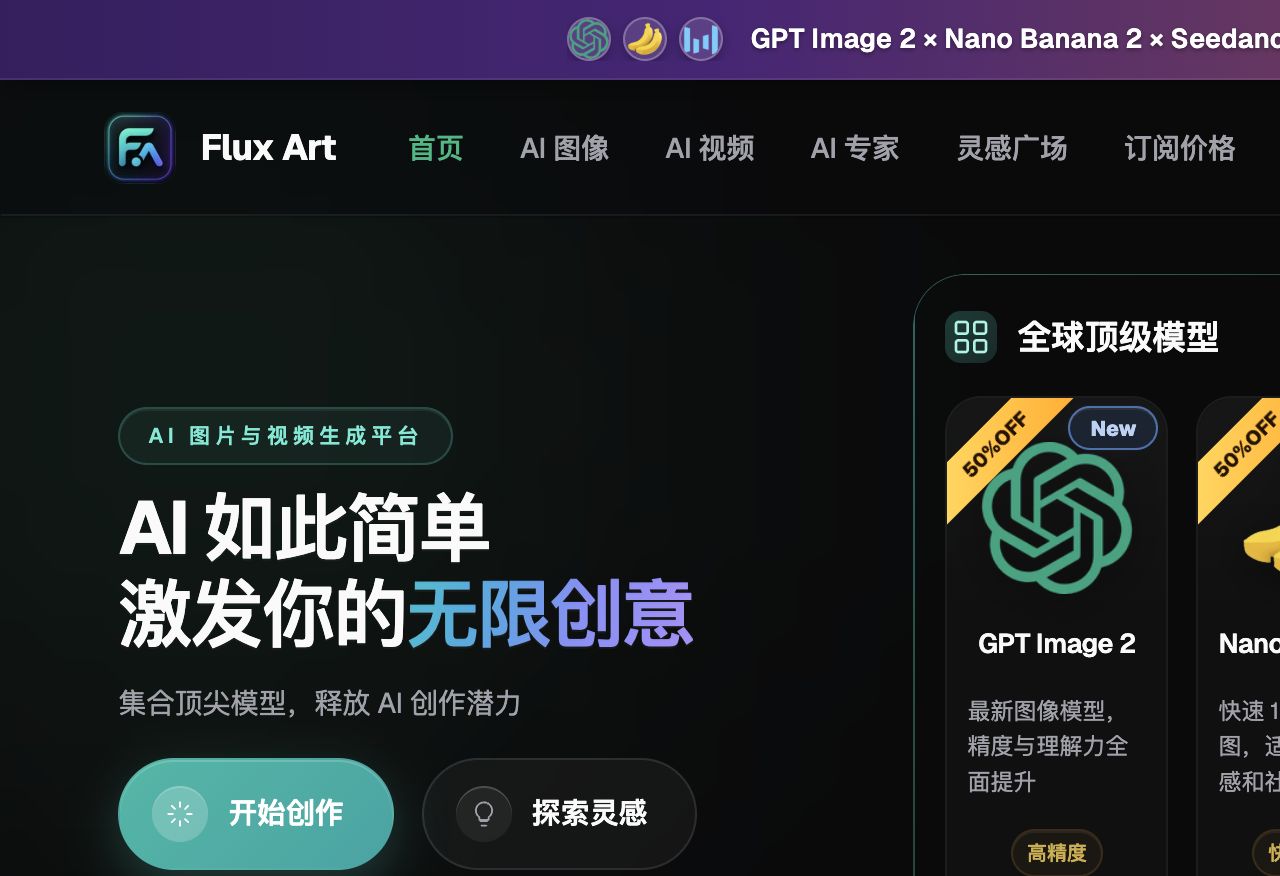
Step 3: Choose Seedance 2.0's image-to-video mode and upload the first-frame image. Upload the processed product photo as the first frame and enter image-to-video (i2v) mode — this step is the core fork in the whole workflow, determining whether the model "grows motion from this image" rather than inventing a scene from nothing.
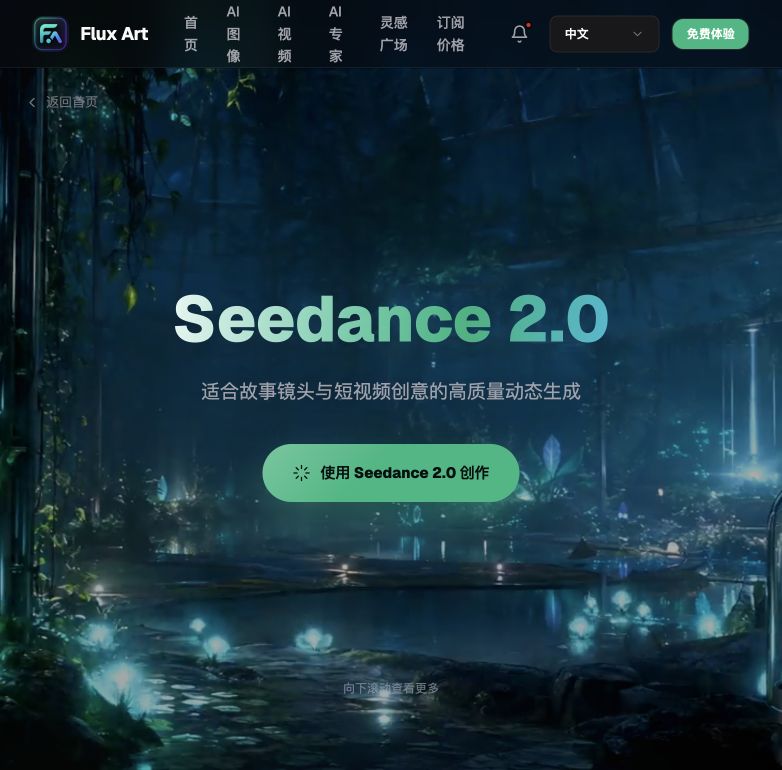
Step 4: Write a prompt to control camera movement and the extent of motion. Spell out the motion you want in the prompt, such as "water droplets slowly sliding down, bubbles slowly rising, the camera slowly pushing in"; don't overstate the extent of motion, and pick a duration between 4-15 seconds, which is the range Seedance 2.0 supports; if you need multiple shots, use start/end frame control and video continuation to string the segments together.
Step 5: Export the final clip and compare multiple versions. The output is 4K, watermark-free, and commercially usable; you can pair the same first-frame image with several different prompts to batch-produce a few versions, pick the one with the most natural motion and clearest product shot to run, and keep the rest on file as backup material.

IV. Self-Check List
Run through this checklist before and after producing a clip — it saves plenty of rework:
- Is the packaging text, ingredient list, and logo on the first-frame image clear and accurate, with no distortion or garbled characters?
- Does the first-frame image's main color scheme match the real product, with no color cast?
- Is the motion-extent prompt restrained enough to avoid the product appearing to "float" or distort?
- Is the video duration kept within a reasonable range, without being stretched out just to show off?
- Do the transitions between shots in a multi-shot ad feel natural, without jarring jump cuts?
- Is the final exported clip free of watermarks and at a commercially usable resolution?
- Does the information shown in the video (ingredients, certification marks, etc.) match the real product materials, without letting AI make anything up?
- Have you kept several different style versions for A/B testing, rather than shipping just one?
V. Honest Limits: What AI Can't Do Yet
The image-to-video route solves the problem of "making a product photo move," but there are a few things worth stating upfront so expectations aren't misplaced.
First, this workflow doesn't cover digital-human on-camera voiceover presentation. If the need is a virtual host speaking product selling points or explaining the ingredient list on camera, that's a completely different product capability that this article's image-to-video method doesn't cover — it needs either a real person filming on camera or a dedicated digital-human product.
Second, hand movements and fine facial expressions on people are still a tough spot right now. If the ad needs precise actions like a hand pouring a drink or a finger tracing the bottle, the error rate is noticeably higher than for plain product close-ups — it's best to generate several versions of these shots and pick the most natural one, or just fill the gap with real footage.
Third, the larger the extent of motion and the longer the shot, the higher the chance of detail drift. For stability, cut each shot shorter, keep the motion description restrained, and rely on stitching multiple shots together rather than pushing through with one long take.
Fourth, AI won't verify the authenticity of information like ingredient lists, certification marks, or production qualifications, and shouldn't be allowed to make any of it up — it must always match the real product documentation; this is a line that can't be crossed.
Fifth, the specific review rules a platform applies to ad materials (for example, certain e-commerce platforms' special requirements for food-category ad images and copy) are subject to whatever the platform's current backend rules say — AI can produce the visuals, but whether they pass review isn't something AI controls.
Sixth, whether uploaded product photos get used for model training is something the official terms may change over time — go by the official site's current terms, with no additional guarantees made here.