
Keep the first round fast
The goal is to judge whether the image works, not to solve final retouching in the first prompt.
Update your browser, then reload this page. Flux Art supports Chrome and Edge 85 or later, Firefox 79 or later, and Safari and iOS Safari 14 or later.
Reload Flux ArtCheck your network connection and reload this page. If the problem continues, clear your browser cache and try again.
Reload Flux ArtAI E-commerce product suites are now live
Upload a product image, choose a platform and the images you need, then create listing-ready main images, white-background images, selling-point images, and lifestyle scenes. Product suites currently support Taobao/Tmall, JD.com, Pinduoduo, and Douyin E-commerce, with every result saved together for easy review, refinement, and export.
Fast Tongyi Wanxiang image generation for first-round visual drafts.
Wan 2.2 Flash is the Tongyi Wanxiang image route for fast text-to-image drafting. Official materials position it as faster than 2.1 with upgraded creativity, stability and realistic finish; in Flux Art, it is best used to turn a text idea into reviewable candidates before polishing.
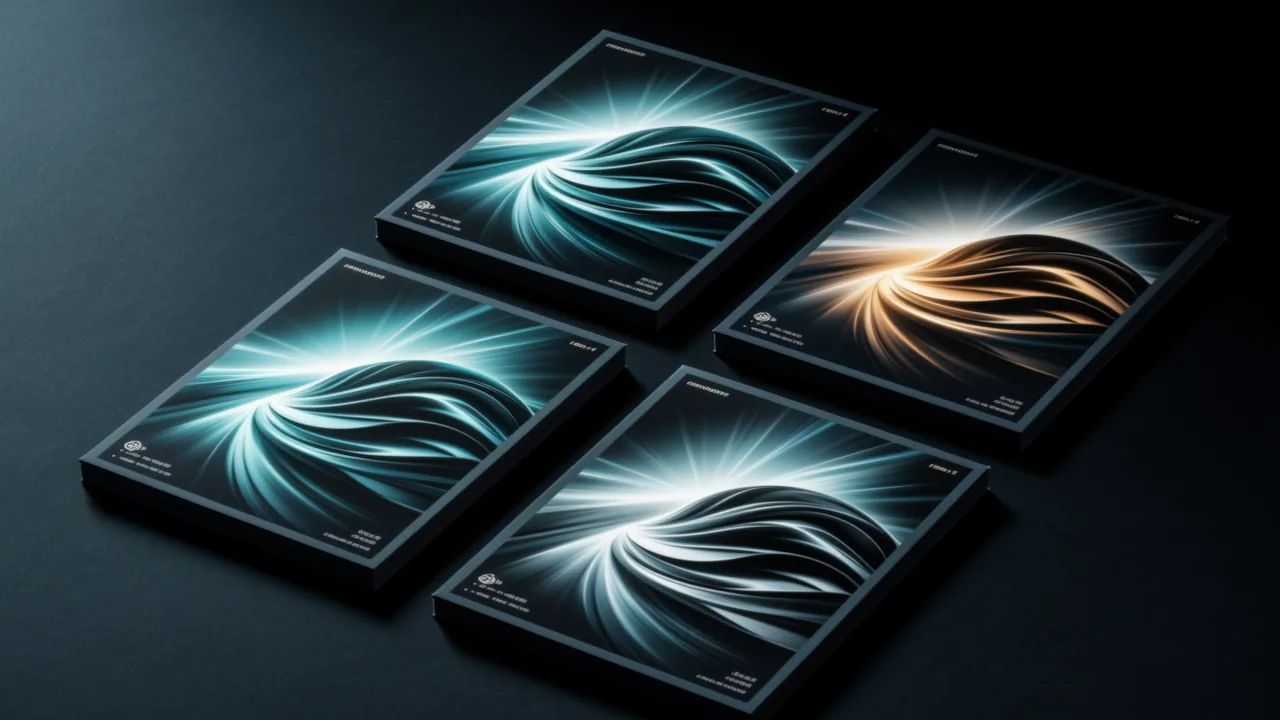
Use it when you need several visual directions quickly before choosing what deserves a more polished model or a design pass.
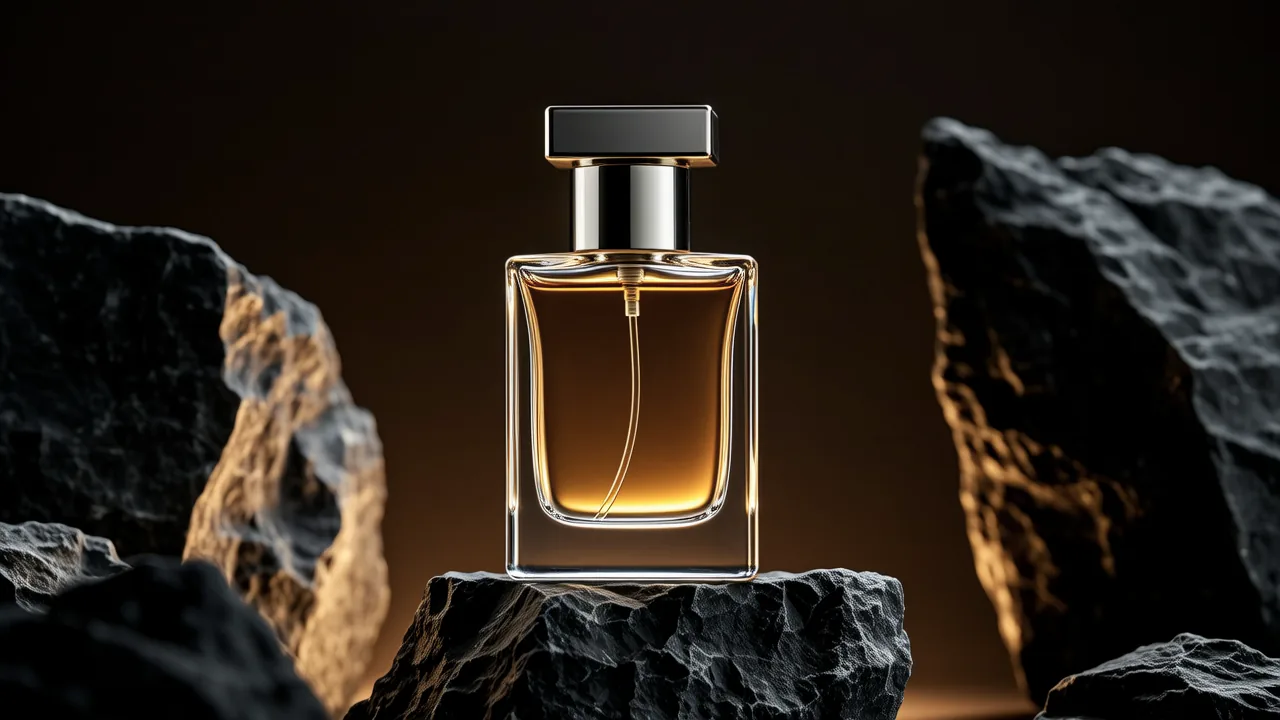
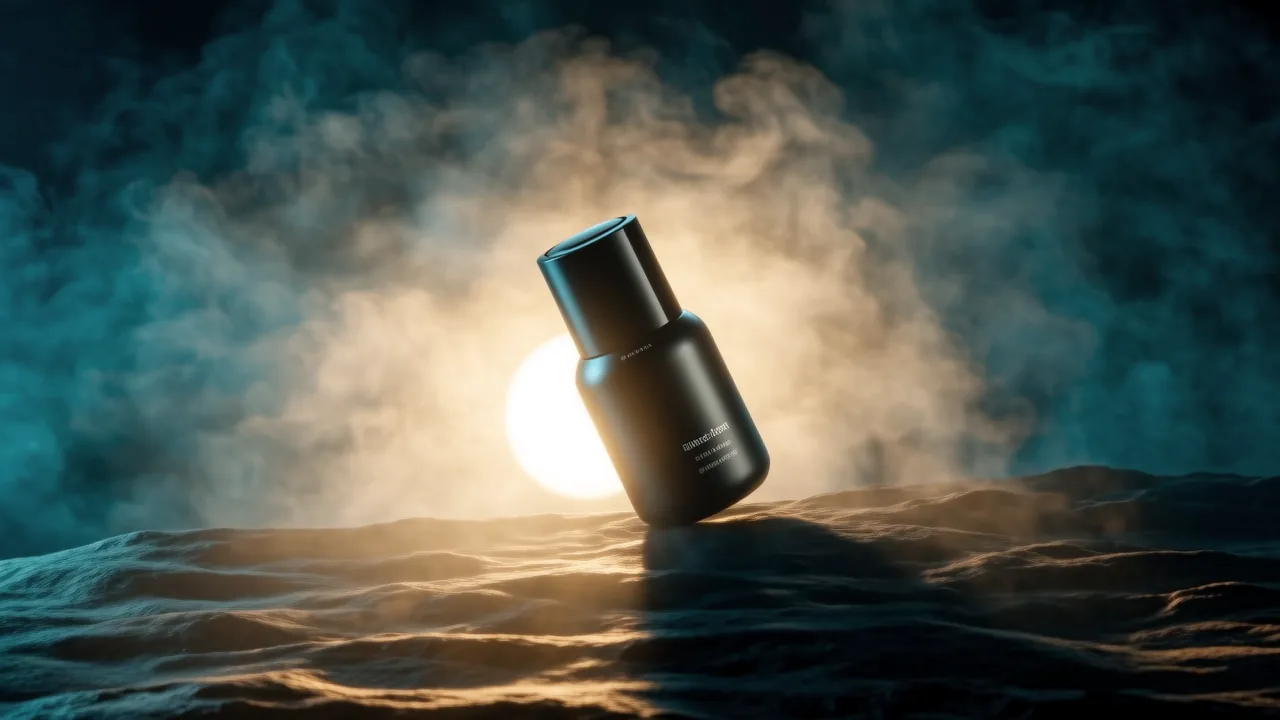
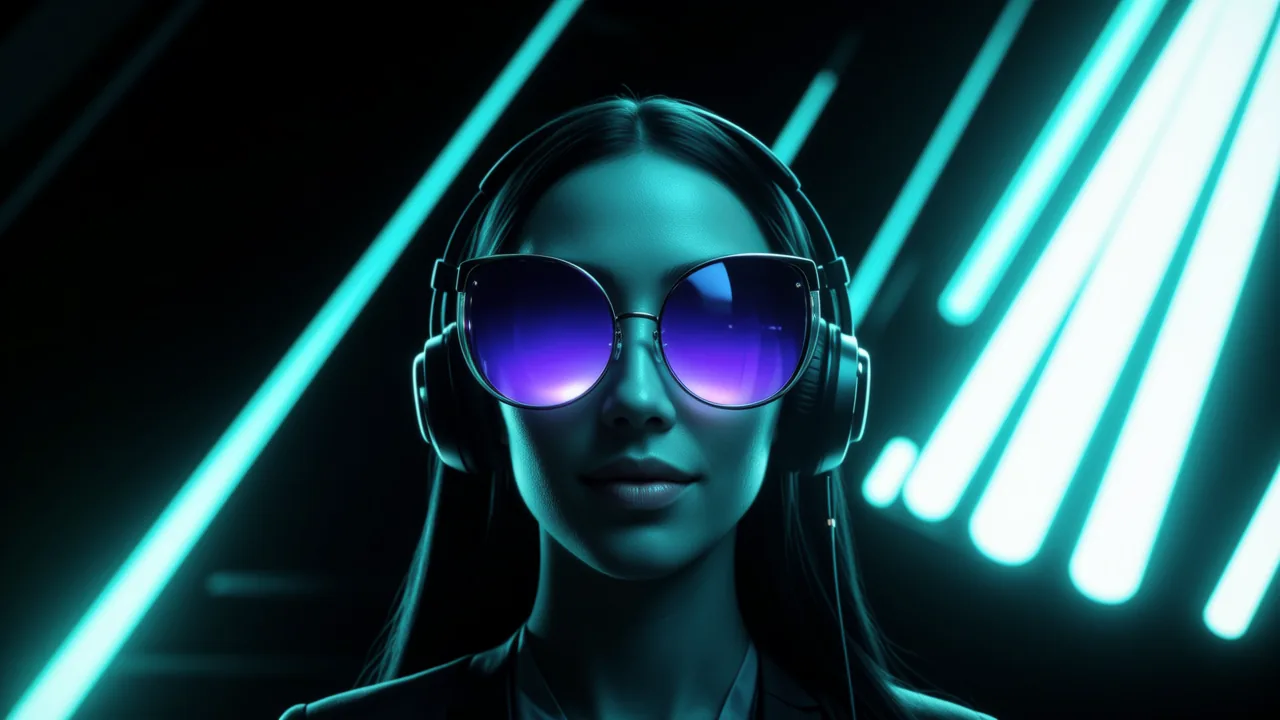
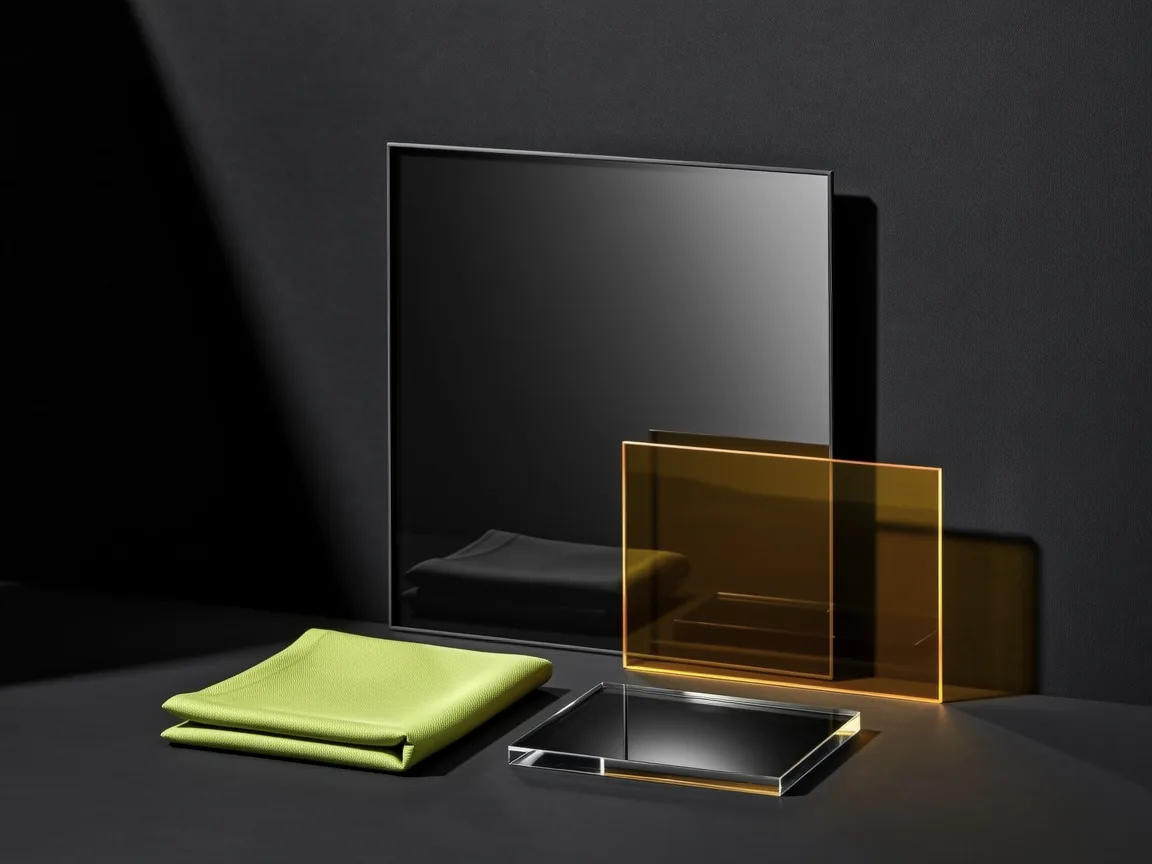
Wan 2.2 Flash is a speed-first image model. It is not the place for heavy reference editing or final retouching; it is the place to turn a clear brief into options you can judge fast.
The goal is to judge whether the image works, not to solve final retouching in the first prompt.
Several candidates from one brief are better for early selection than over-tuning one image.
Review subject, composition, light and hierarchy first; detail cleanup comes after the direction works.
Pick the closest result, then switch to a more detailed or editing-focused model when needed.
Use a clear compact brief to generate candidates quickly, judge subject, composition, light and hierarchy, then move the strongest direction into a more polished or editing-focused model.
Create with Wan 2.2 FlashStart with where the image will be used: product hero, social cover, poster, portrait or moodboard.
Name the subject, scene, composition, lighting and style; avoid stacking too many unrelated ideas.
Generate a few directions, judge composition and message first, then refine or switch models for final details.
Replace the bracketed parts with your product, campaign or audience. Keep each prompt focused on one image goal.
Create a clean product concept image for [product]. Center the product on a simple [background color] studio surface, soft directional light, clear material texture, enough empty space above for a short headline, realistic commercial photography style.
A vertical social media cover for [campaign]. Show [main subject] in a lively [scene], bold but uncluttered composition, bright natural light, clear focal point, room at the top for a five-word title, modern lifestyle advertising look.
A visual mood direction for [brand or project], featuring [subject], [color palette], [material or atmosphere], simple composition, realistic texture, gentle depth of field, suitable as a first-round creative proposal.
Wan 2.2 Flash is a speed-focused Tongyi Wanxiang text-to-image model in Flux Art for turning prompts into first-round visual drafts.
Use it for product concepts, poster directions, social covers, moodboards and early ad ideas before spending time on polish.
Start with Wan 2.2 Flash to find the direction, then move the strongest image into a more polished or editing-focused model when needed.
Yes, especially for testing product backgrounds, lighting, composition and mood before preparing final ecommerce assets.
Yes. It works well for quickly testing cover hooks, campaign thumbnails and lightweight ad visuals.
Yes. Use it to explore the main visual, mood, subject and empty space before final typography and layout work.
Write a compact brief with the final use, subject, scene, composition, lighting and style. Keep one image goal per prompt.
Not usually. Clear and focused prompts work better than long prompts that mix too many unrelated ideas.
Simplify the prompt, keep the main subject and scene, then generate a few alternatives with different lighting or composition.
It is better for early direction finding. For final commercial polish, continue with a higher-detail or editing-focused model in Flux Art.
No. Flux Art handles model access inside the image workspace, so you can select Wan 2.2 Flash and start creating directly.
Wan 2.2 Flash is more useful for fast drafting and direction checks, while newer Wan routes are better for deeper image work and refinement.
Flux Art is designed for watermark-free commercial creative workflows; exact usage should follow Flux Art's current terms and the model provider's terms.
It is useful for marketers, designers, ecommerce sellers, content creators and teams that need quick visual options for review.


