
Subject
Name the hero of the image, its appearance, pose and the detail viewers must notice first.
Update your browser, then reload this page. Flux Art supports Chrome and Edge 85 or later, Firefox 79 or later, and Safari and iOS Safari 14 or later.
Reload Flux ArtCheck your network connection and reload this page. If the problem continues, clear your browser cache and try again.
Reload Flux ArtAI E-commerce product suites are now live
Upload a product image, choose a platform and the images you need, then create listing-ready main images, white-background images, selling-point images, and lifestyle scenes. Product suites currently support Taobao/Tmall, JD.com, Pinduoduo, and Douyin E-commerce, with every result saved together for easy review, refinement, and export.
A professional Wanxiang text-to-image route for steadier, more reviewable results.
Wan 2.2 Plus is the professional text-to-image route in the Tongyi Wanxiang 2.2 family. Official materials emphasize improved stability and generation success over the previous generation, with realistic photography and varied art styles for turning a defined creative brief into a reviewable image direction.
Alibaba Cloud positions Wan 2.2 Plus as the professional Wan 2.2 text-to-image option, with improved stability and generation success over the previous generation.
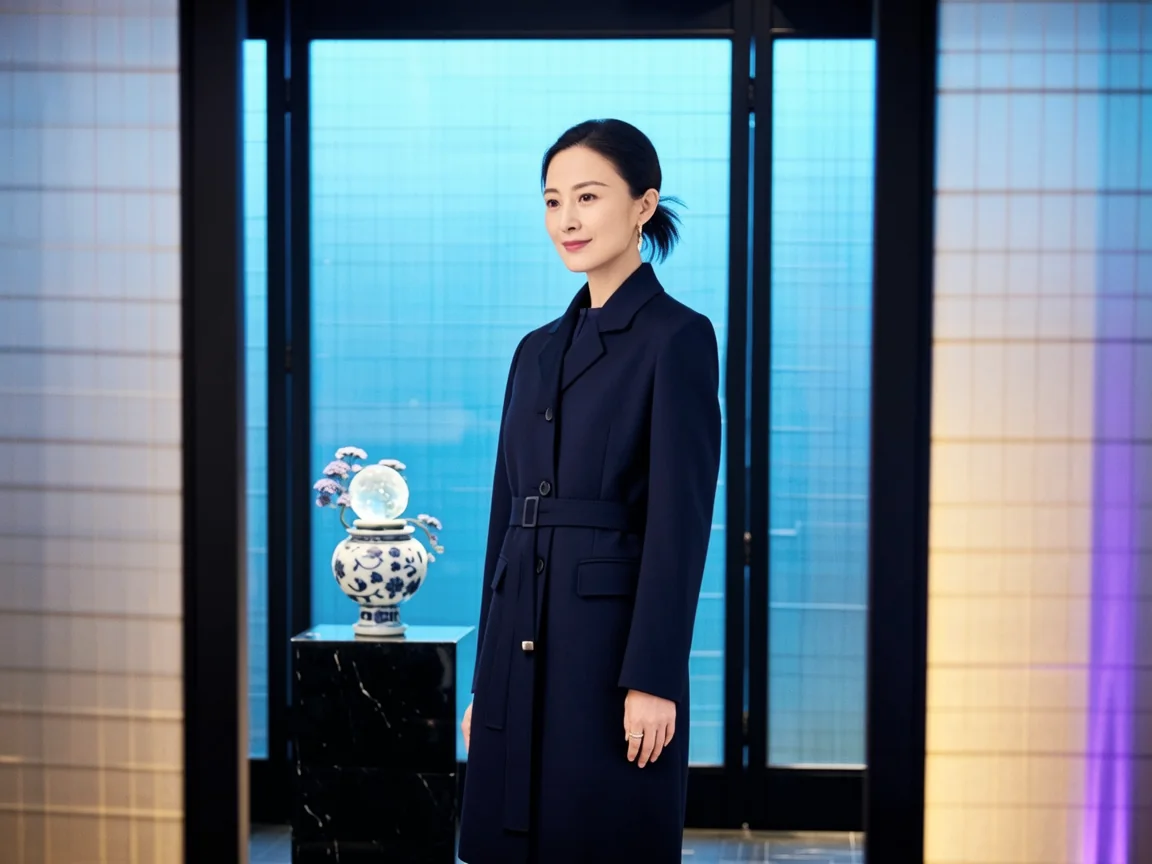
The official Wan prompt guide starts with subject, scene and style, then adds camera language, atmosphere and detail. Treat those as creative decisions, not technical settings.
Name the hero of the image, its appearance, pose and the detail viewers must notice first.
Place the subject in a specific environment and describe the relationship between foreground, background and empty space.
Choose the shot size, viewing angle and focal feel to control what the image emphasizes.
Describe light direction, atmosphere, material and visual style so the result belongs to one coherent world.
Use Wan 2.2 Plus when the brief already has a clear subject, scene and visual direction, and you want a result that is easier to review and carry forward.
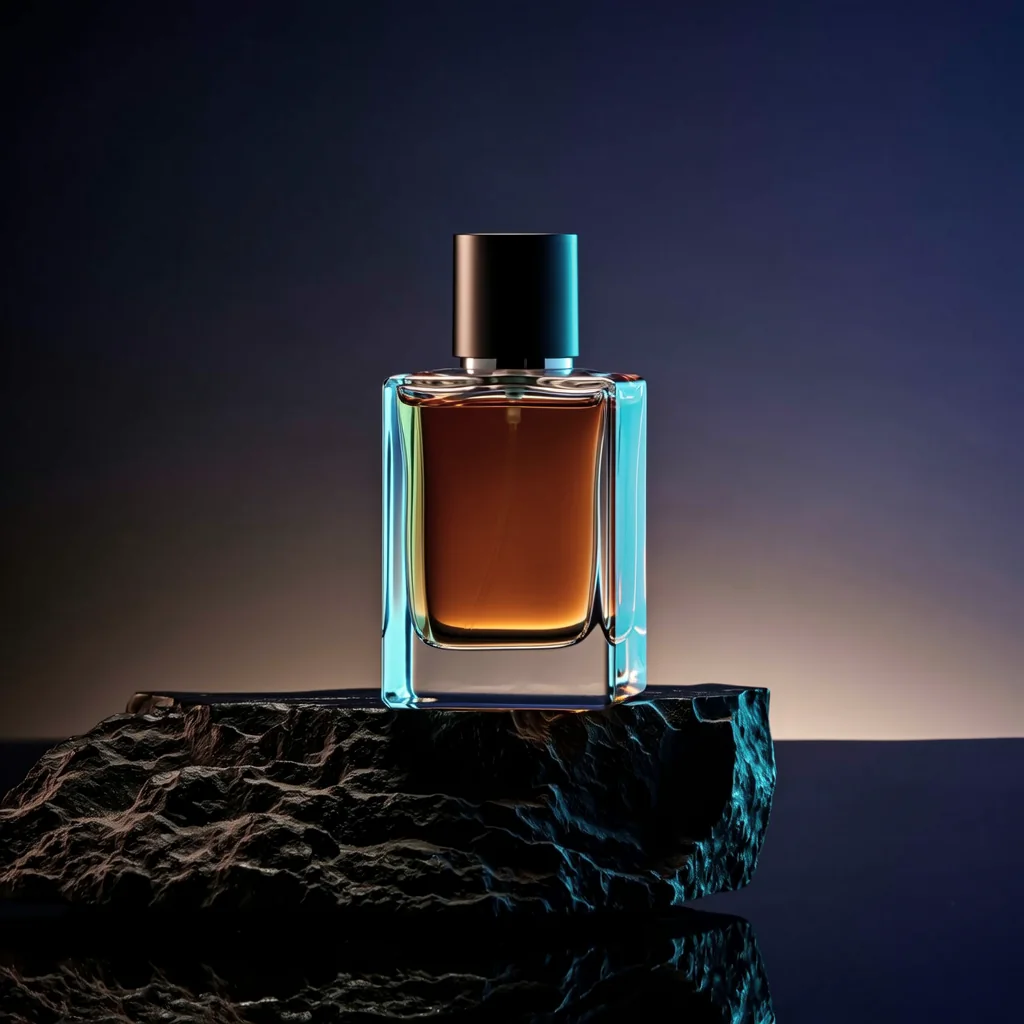
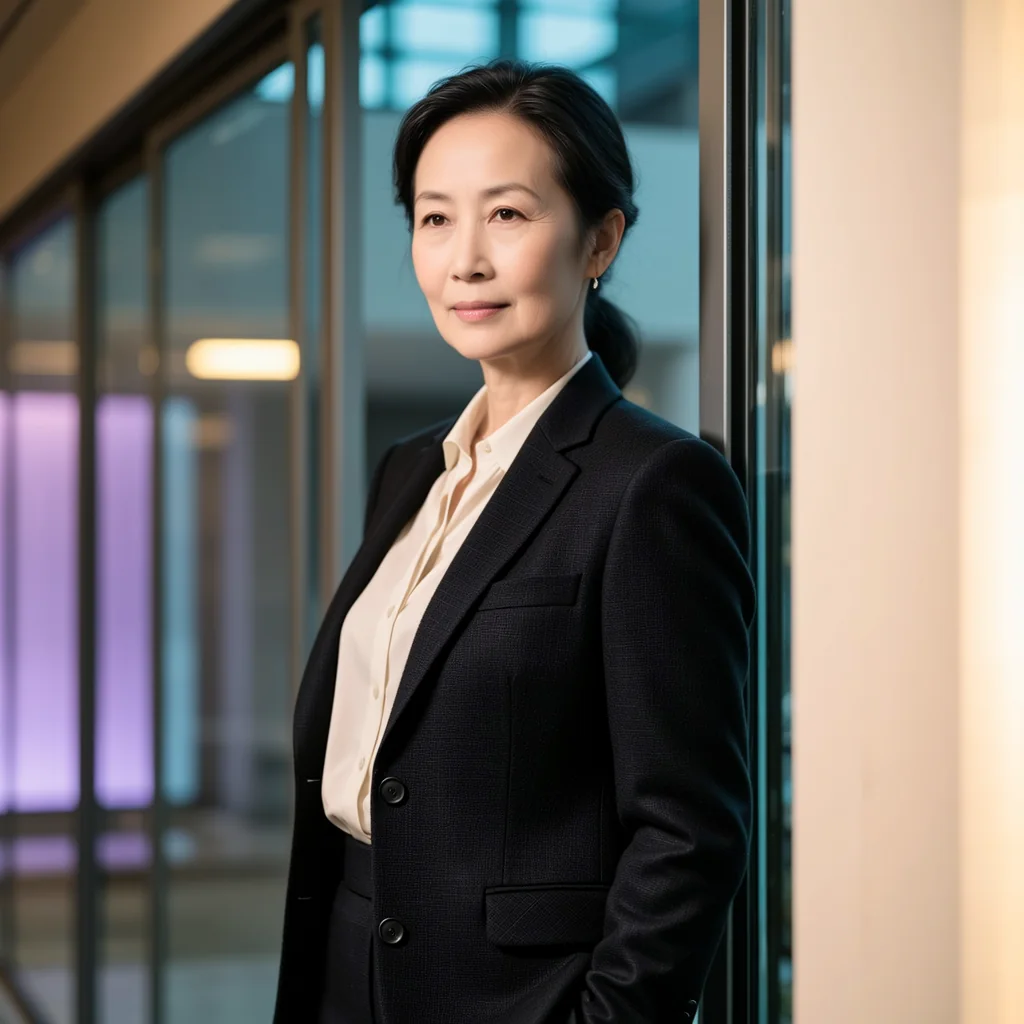
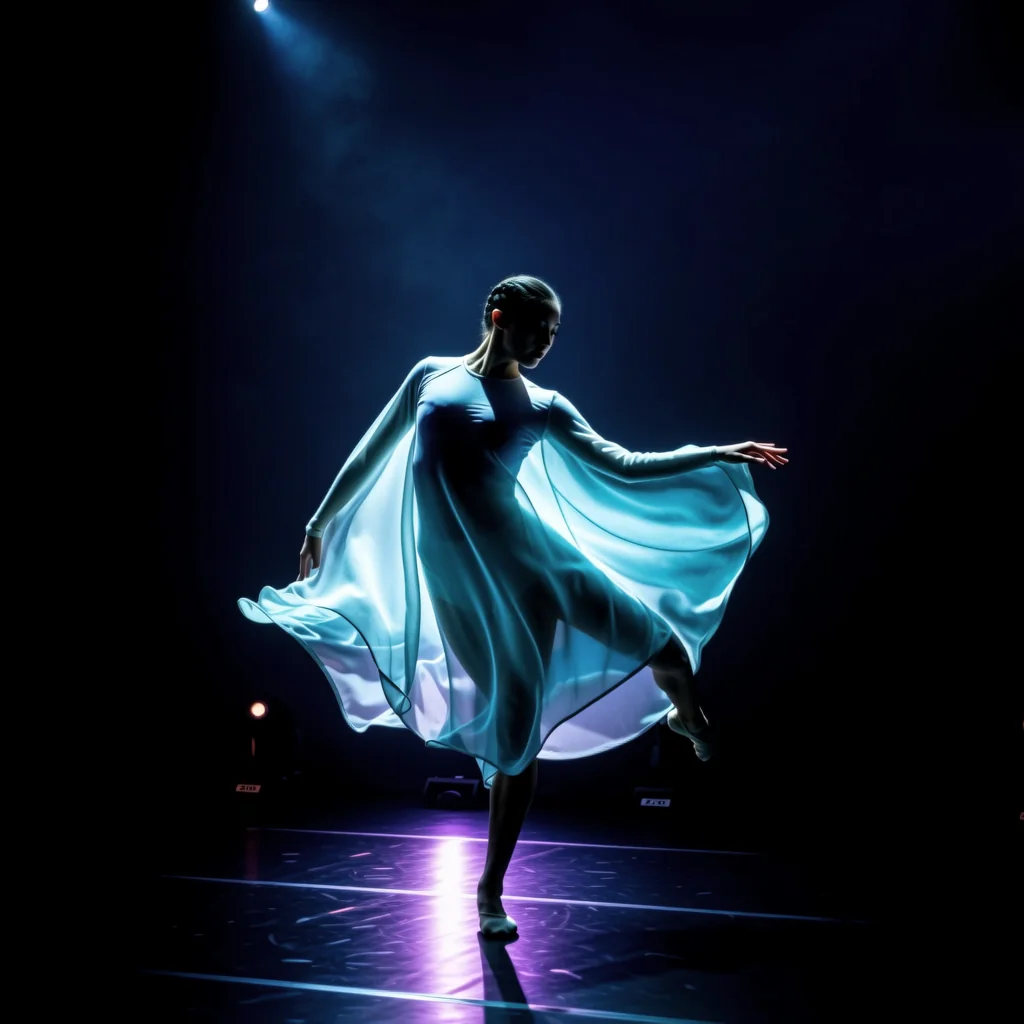
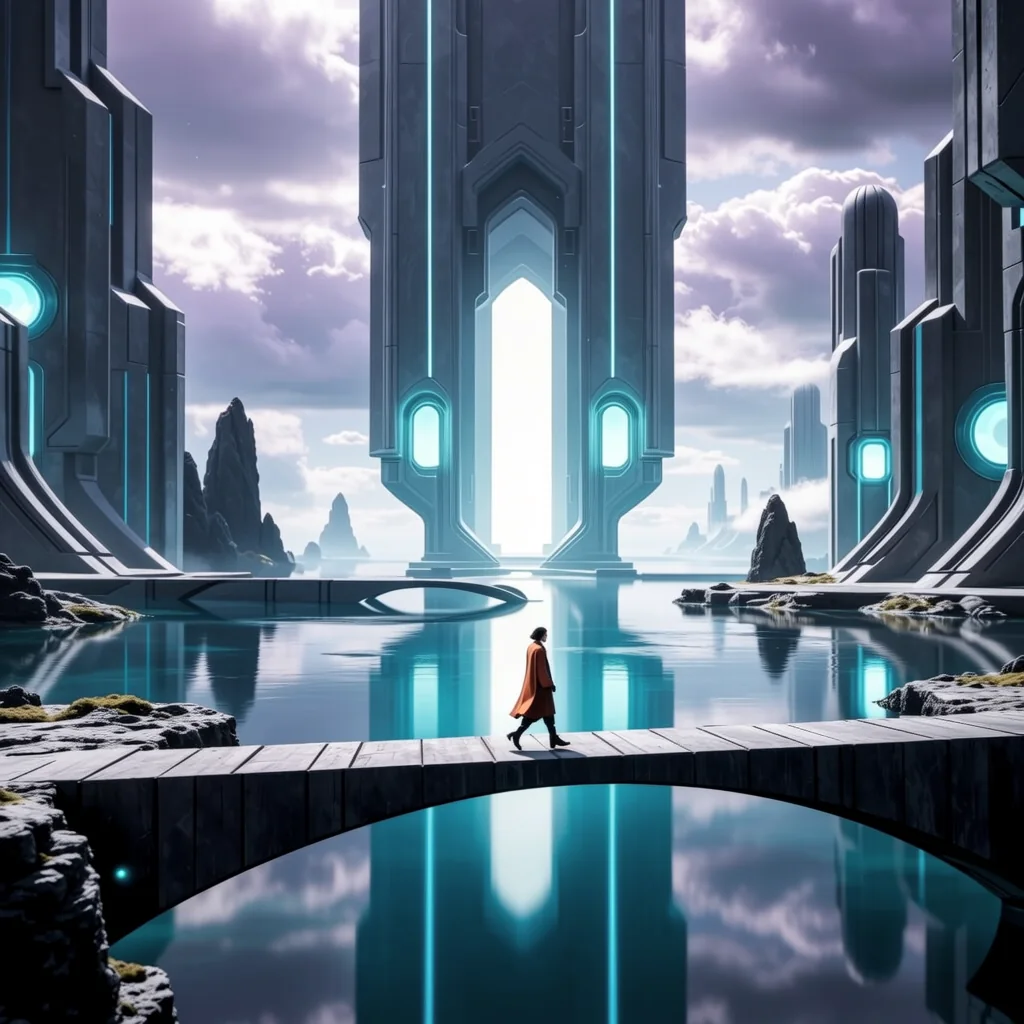
Start with the image's job, then use subject, scene, style, camera and light to build one coherent world. Review the big relationships first and revise one creative decision at a time.
Create with Wan 2.2 PlusState where the image will be used and what the viewer should understand at first glance.
Add subject, scene, style, camera and light while keeping every detail in service of the same idea.
Check subject clarity, composition and material first, then revise one decision at a time or continue with another Flux Art model.
Replace the bracketed details with your product, audience or story. Each template is written as a complete visual brief.
Create a premium hero image for [product]. Place it on [surface or setting], viewed from a slightly low three-quarter angle. Use [key light direction] to reveal [material detail], with a calm [color palette] background and generous clean space on the [left or right] for a short headline. Realistic commercial photography, refined and uncluttered.
A cinematic portrait of [character], wearing [clothing and defining details], standing in [specific environment] at [time of day]. Medium close-up at eye level, [expression or action], soft [light source] from the side, subtle depth of field, [mood] atmosphere, realistic skin and fabric texture, restrained color grading.
An illustrated key visual for [campaign theme]. Show [main subject] moving through [imagined scene], with [foreground element] guiding the eye toward [focal point]. Wide composition, [chosen art style], [two or three colors] palette, [lighting or weather], clear silhouette, detailed focal area and quieter edges for future typography.
Wan 2.2 Plus is the professional text-to-image option in the Wan 2.2 family. It turns a complete creative brief into a more stable visual direction that is easier to review and refine.
Open the image workspace from this page, describe the subject, scene and visual style you want, then generate a few candidates and refine the strongest direction.
It is useful for ecommerce sellers, designers, marketing teams, content creators and anyone who wants polished image directions without starting from a blank canvas.
Choose Plus when stability, a complete composition and a more considered finish matter most. Choose Flash when you mainly want to explore several rough directions quickly.
It is a strong fit for product hero images, portraits, lifestyle scenes, campaign visuals, concept art and stylized illustration where the creative direction is already fairly clear.
Yes. Describe the product shape, material, setting, lighting and brand mood clearly, then check small product details before publishing the final image.
Yes. Include the person's identity, approximate age, clothing, expression, environment and lighting so the portrait feels like one coherent scene.
Yes. Use it to create the main visual and reserve clean space for layout, then add final copy and logos in your design workflow rather than asking the image to render them.
Yes. Describe the world, scale, characters, color palette and focal point so imaginative scenes still have a clear visual hierarchy.
A practical order is: final use, main subject, scene, visual style, composition and lighting. Keep every detail focused on the same image goal.
No. A complete and specific brief is more useful than a long list of unrelated style words. Remove any detail that does not support the main idea.
Identify the biggest problem first, such as composition, subject, light or mood. Keep the parts that work and change only one main decision at a time.
Wan 2.2 Plus is mainly a text-to-image route. If your task depends on editing a reference image, choose an editing-focused model in the Flux Art image workspace.
Flux Art is designed for watermark-free commercial creative workflows. Exact usage rights should follow Flux Art's current terms and the applicable model provider terms.


