
Reliable prompt-led generation
Start from a structured text brief and make subject, action, composition, setting and visual finish explicit.
Update your browser, then reload this page. Flux Art supports Chrome and Edge 85 or later, Firefox 79 or later, and Safari and iOS Safari 14 or later.
Reload Flux ArtCheck your network connection and reload this page. If the problem continues, clear your browser cache and try again.
Reload Flux ArtAI E-commerce product suites are now live
Upload a product image, choose a platform and the images you need, then create listing-ready main images, white-background images, selling-point images, and lifestyle scenes. Product suites currently support Taobao/Tmall, JD.com, Pinduoduo, and Douyin E-commerce, with every result saved together for easy review, refinement, and export.
Build a reliable image from text, one reference or a clearly assigned set of two to four references.
Separate subject, relationship, scene and finish before generation. Every reference should answer one question, and the prompt should explain how those answers meet in the final frame.
Reliability comes from clear ownership, not from adding more instructions.Four slots own primary subject, second subject, scene and visual finish; the prompt defines their relationship in the target frame.
Flux Art routes text-only, single-reference and two-to-four-reference requests by input count. More images do not help when they have no distinct responsibility.
Describe subject, action, scene, composition and finish when the idea should begin without a visual anchor.
Let one image own the person, product, layout or overall context, then state what the prompt may change.
Number every input, assign one responsibility, then define scale, position, interaction and shared light.
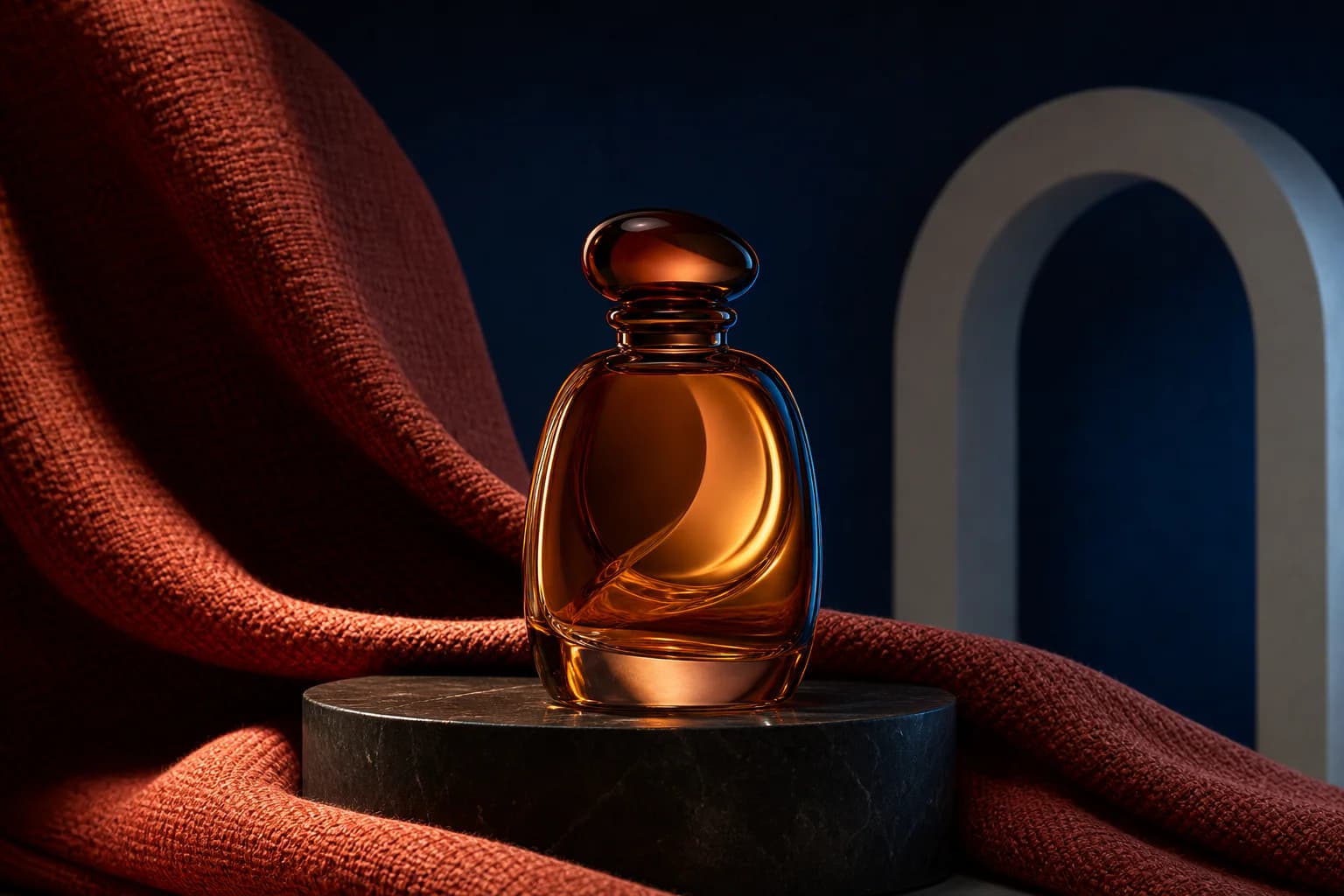
Combine a product silhouette with the material and scene direction owned by a second reference.
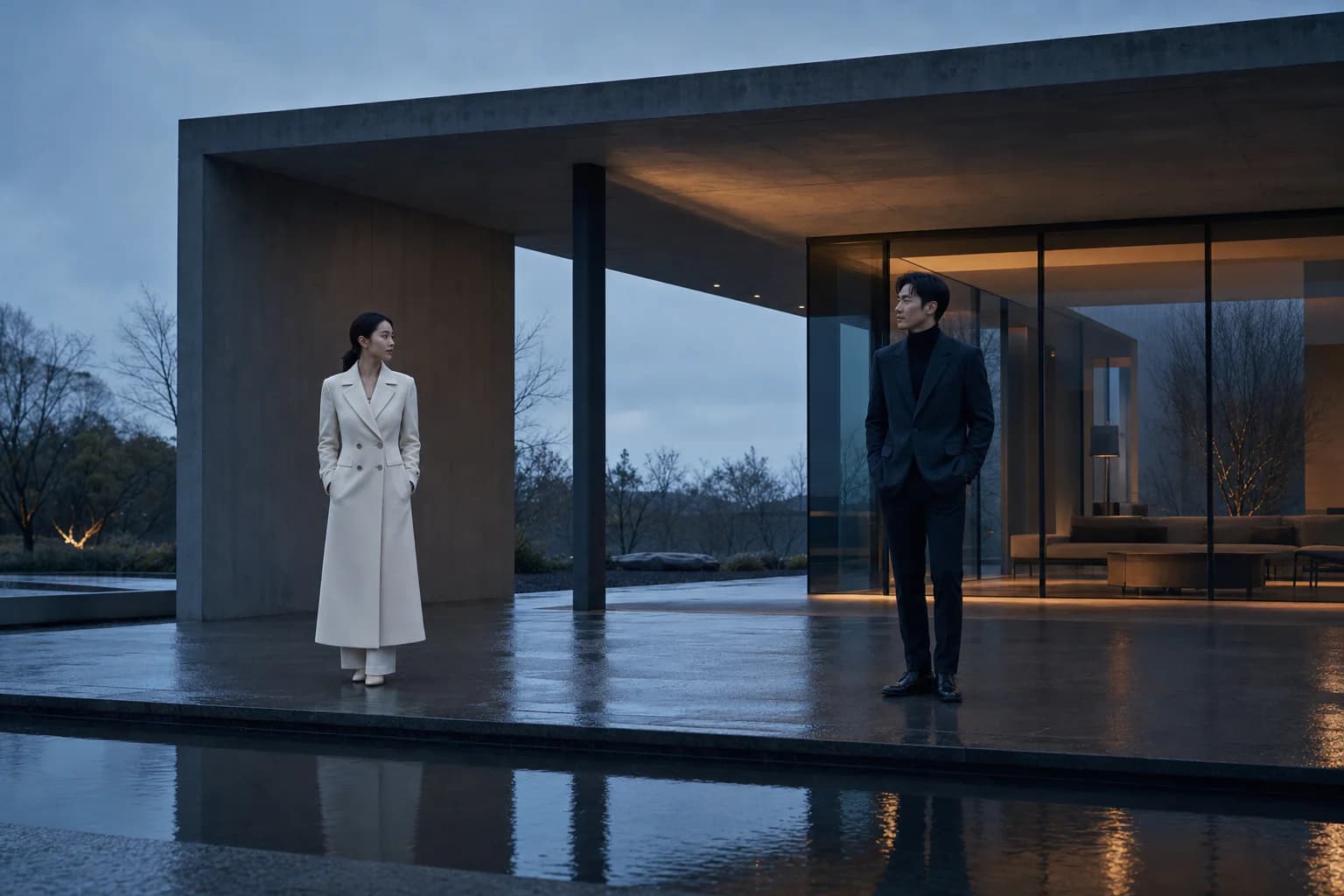
Give two characters and one location separate ownership, then unite them through shared light.
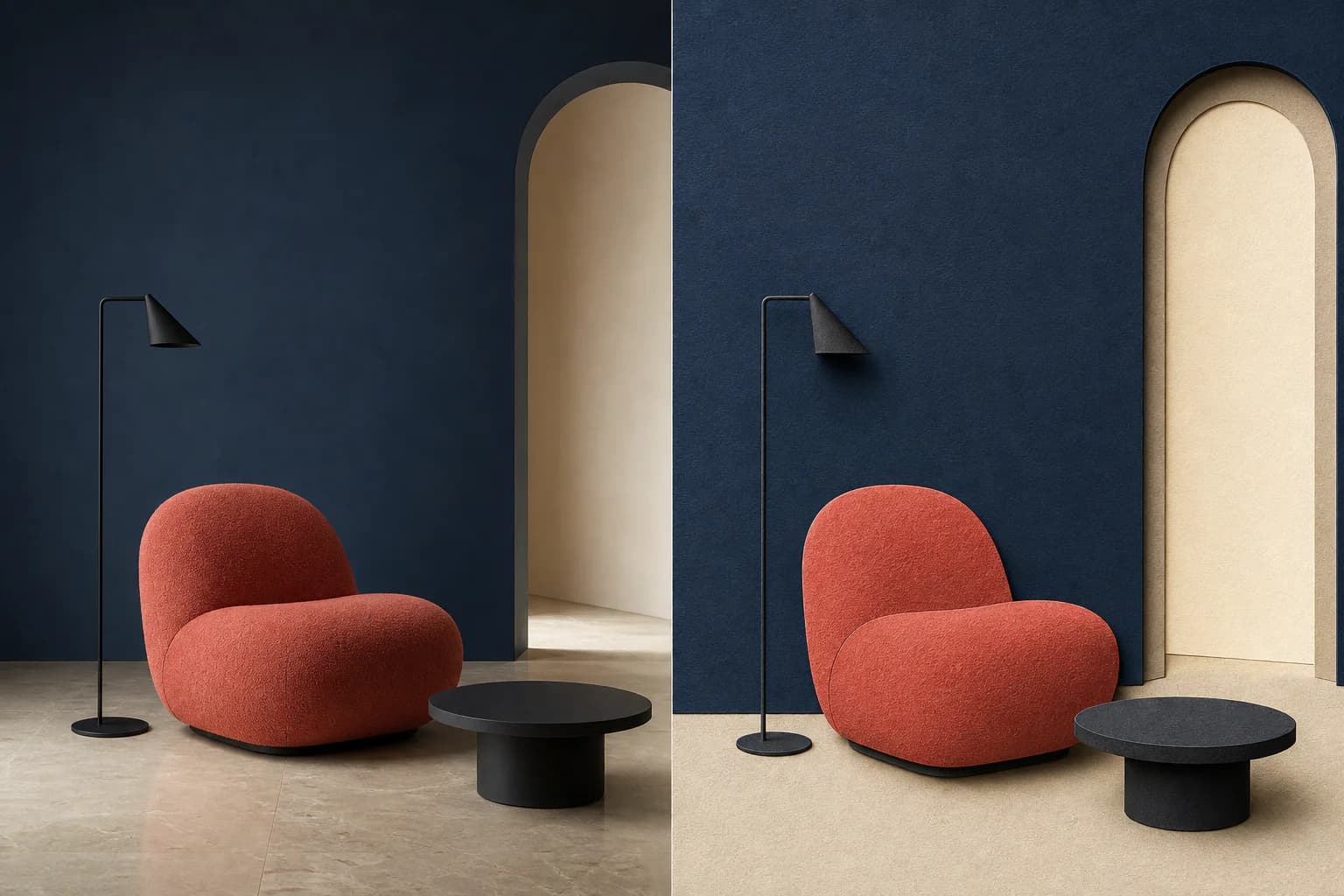
Keep furniture, viewpoint and composition fixed while changing medium, texture and finish.
Use V2.1 when the job needs a dependable first image, a controlled restyle or a small reference set with explicit roles rather than a large open-ended moodboard.
Start from a structured text brief and make subject, action, composition, setting and visual finish explicit.
Use one source image when a person, product, layout or overall visual context should anchor the result.
Assign a clear role to each input so several subjects or visual ingredients can be directed into one target image.
Preserve the recognizable content of a reference while testing another palette, material language, medium or atmosphere.
Kling's image guide ties the result to prompt, reference image and parameter settings. A multi-image brief must also explain how those inputs relate.
Name the person, product or object and identify its source image.
Define size, position, orientation, action and interaction.
Add ratio, shot size, viewpoint, negative space and emphasis.
Specify light, material, palette, medium and exclusions.
Keep each brief auditable: define the input roles, target relationship, composition, finish and anything that must not change.
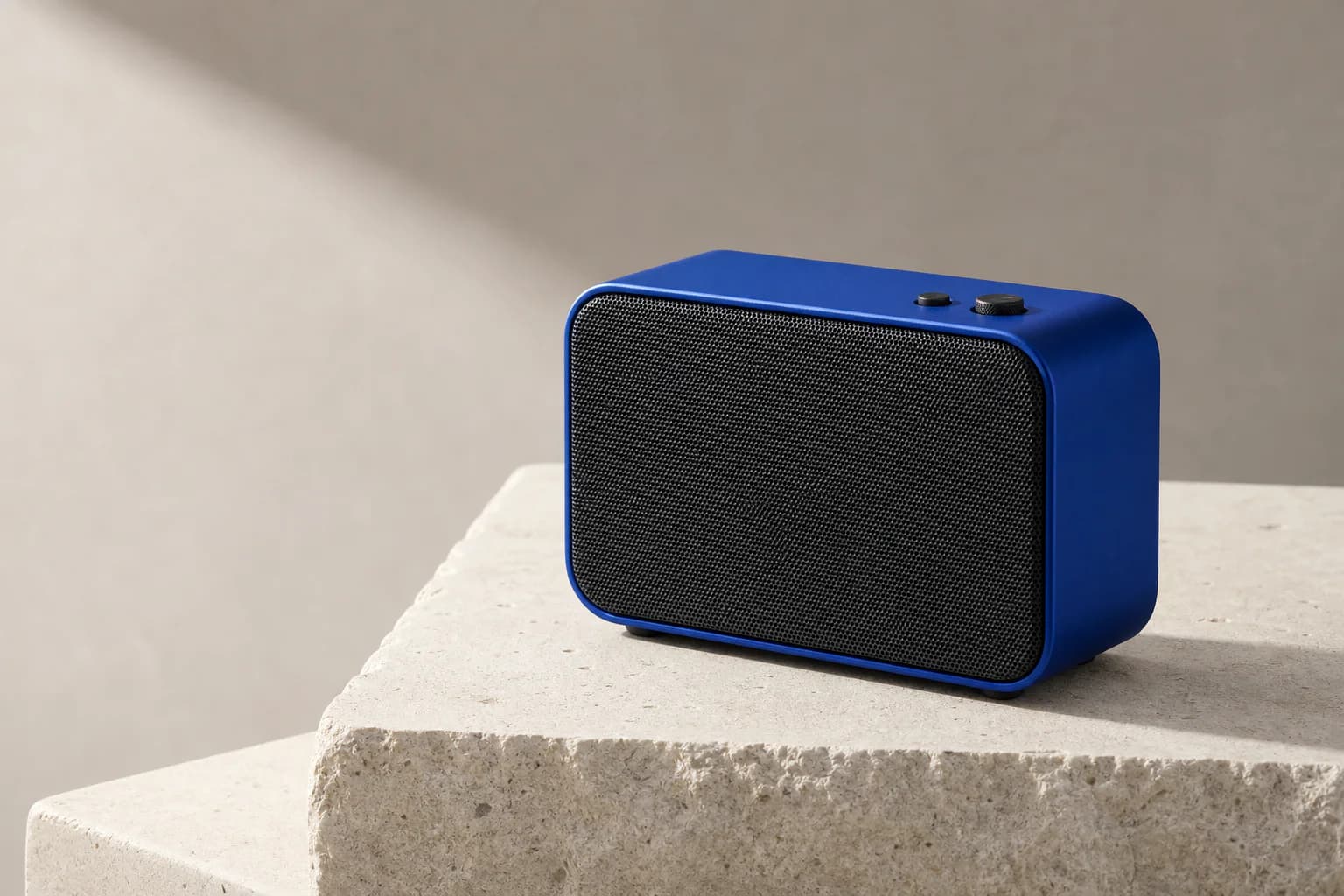
Use Image 1 for the exact speaker shape, controls and cobalt colour. Use Image 2 for the pale mineral set and soft side light. Place the speaker at three-quarter view on the plinth, preserve its proportions, leave clean copy space on the left, and output a restrained 4:3 campaign image.
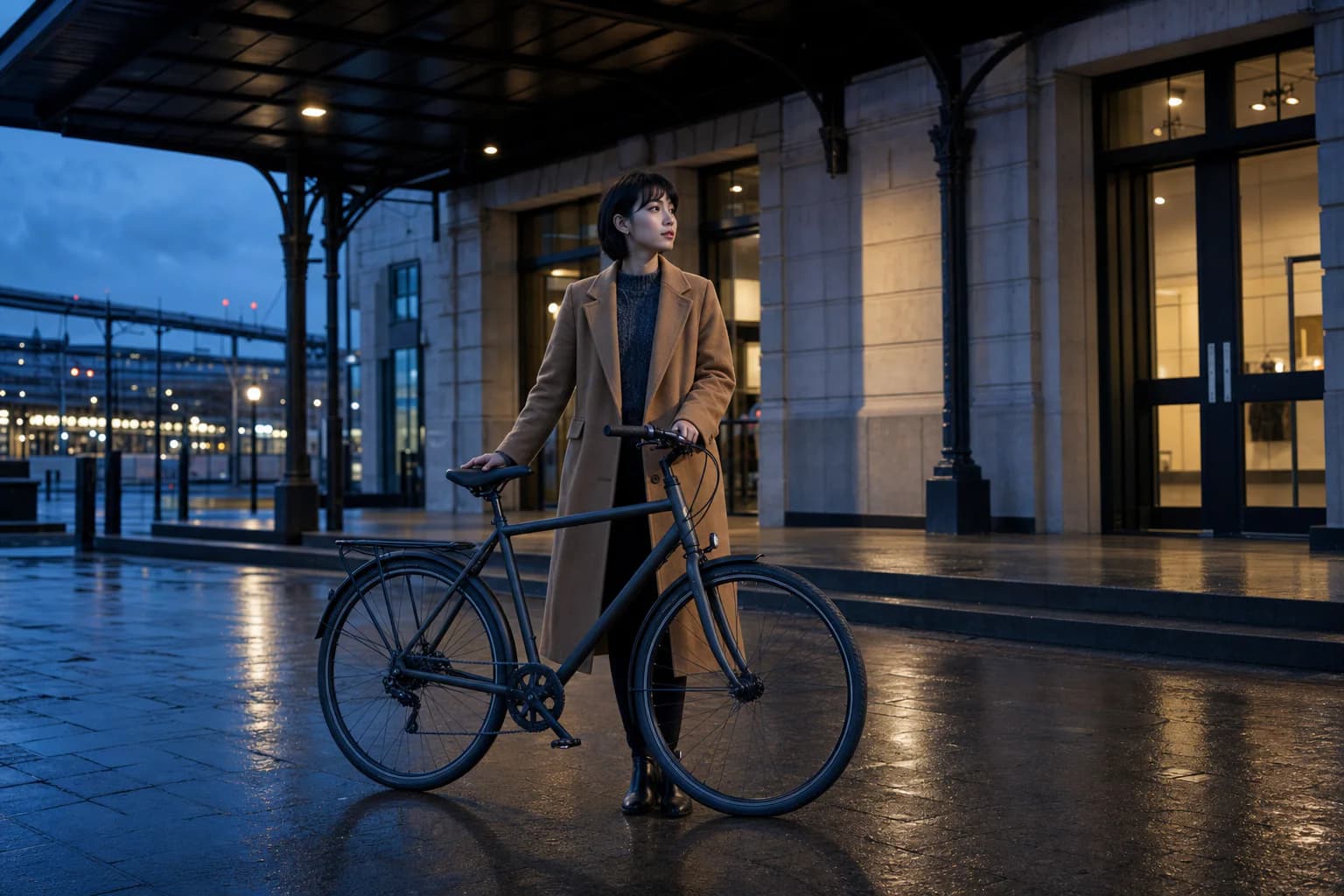
Use Image 1 for the character's face, hair and coat, Image 2 for the bicycle, and Image 3 for the rainy station entrance. Show the character holding the bicycle under the awning at blue hour; keep both subjects recognizable and match reflections, scale and light direction.
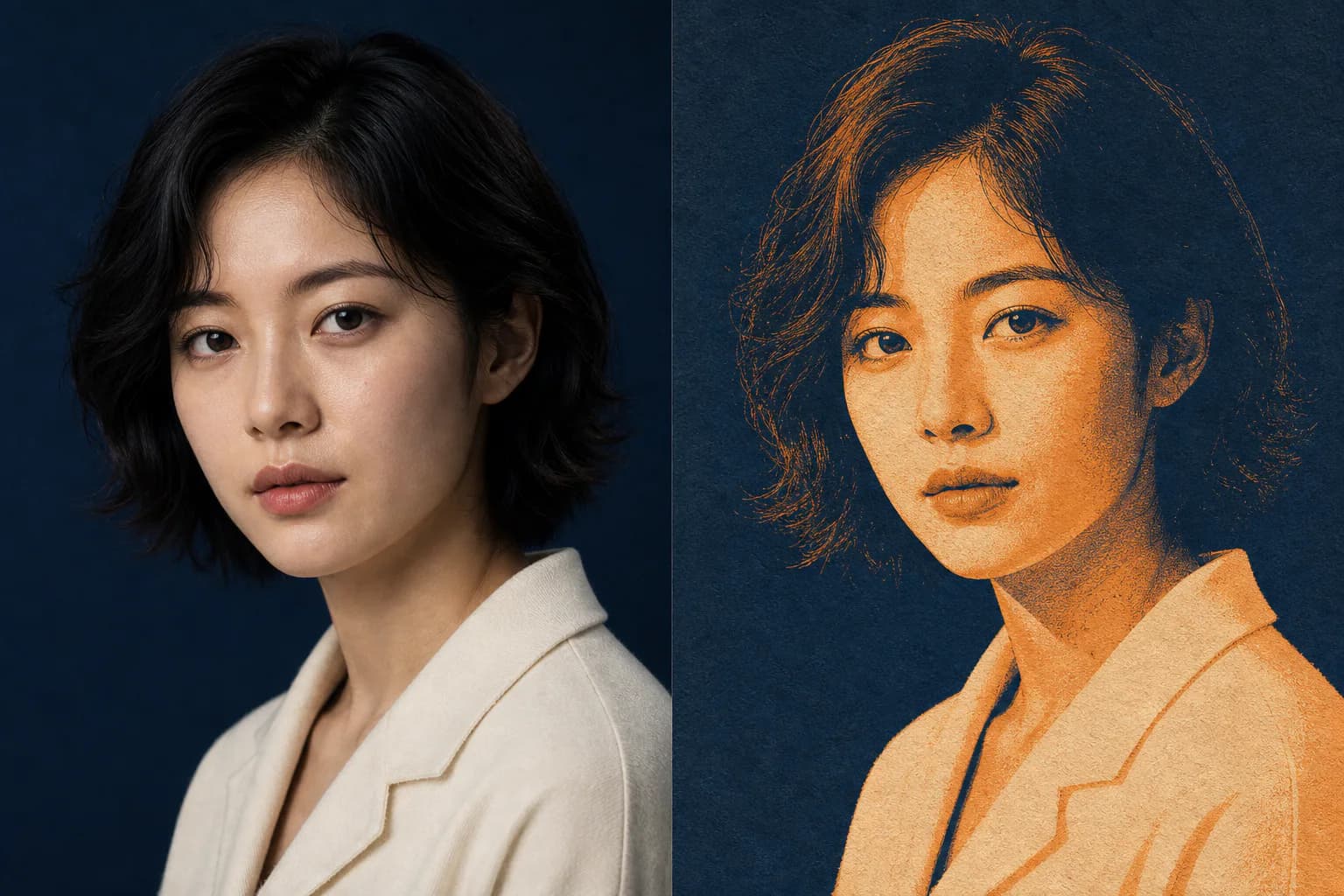
Keep the original portrait's face, pose and crop. Restyle only the colour, texture and lighting as a quiet screen-print editorial image with navy shadows, warm orange highlights and visible paper grain. Do not add text, props or extra facial details.
Kling AI currently positions IMAGE 2.1 around strong prompt adherence and reliable output. Flux Art exposes text generation, single-reference editing and two-to-four-image reference workflows with 1K or 2K output.
Create with Kling V2.1 ImageUse text alone for a new direction, one image for a clear anchor, or two to four images only when each reference has a distinct job.
State which image defines each subject, scene or style, then describe their scale, position, interaction and shared lighting.
Choose 1K or 2K and one of eight fixed ratios, then compare the output against the required subjects, relationships and exclusions.
Model capabilities are summarized from public Kling AI and Kuaishou materials. Available modes, parameters and pricing follow the current Flux Art workspace.
Published
Kling V2.1 Image is an AI image generation and editing model from Kling AI. Kling AI positions IMAGE 2.1 around prompt adherence and reliable output; Flux Art exposes text generation, single-reference editing and two-to-four-reference composition.
Yes. Kling AI uses IMAGE 2.1 in its official product interface, while Flux Art displays the model as Kling V2.1 Image. Kolors 2.1 and 可图 2.1 are also names associated with this image-model generation.
Yes. Use generation mode to create an image from text. Use editing mode when one or more reference images should anchor a subject, product, scene, composition or visual treatment.
Flux Art currently supports one reference image for a single-anchor edit and two to four images for multi-reference composition. Text-only generation uses no reference image. The controls visible in the workspace are the current source of truth.
Use one reference when a single person, product, layout or overall visual context should guide the result. Use two to four only when every image has a distinct role, such as subject, secondary object, location, lighting or style.
Name each input by number, assign one clear role to every image, then describe the subjects' scale, position, interaction and shared lighting. Finish with the required composition, visual treatment and details that must not change.
Flux Art currently offers 1K and 2K output with eight fixed ratios: 1:1, 16:9, 9:16, 4:3, 3:4, 3:2, 2:3 and 21:9. Use the options shown in the workspace as the current source of truth.
Yes. Keep the original subject, pose, crop or layout explicit, then limit the requested change to palette, texture, lighting, medium or atmosphere. State what must remain unchanged so the variation is easier to review.
Kling V2.1 Image is useful for prompt-led generation and small multi-reference sets of up to four images in Flux Art. Kling V3 Image is the newer standard image model and is currently configured for text generation and precise single-reference editing in Flux Art.
Commercial use depends on the current Flux Art and Kling AI terms and on the rights attached to prompts and reference images. Before publishing client or advertising work, review the latest terms and confirm permission for people, brands, copyrighted characters and source assets.

