 Flux Art
Hands-on report | Findings first | August 10, 2026
Test execution: controlled run in a Flux Art account | Date: August 10, 2026
Models tested: GPT Image 2, Nano Banana 2, Nano Banana 2 Lite
Shared settings: 1:1, 1K, medium quality; text-to-image only; one image per model; no post-processing
For this round, I would use GPT Image 2 to create the first product-image draft in Flux Art. It rendered the frosted glass, silver dropper, amber liquid and water droplet with the clearest separation between materials. Nano Banana 2 looked more like a natural window-side photo, but it did not fully follow the silver-metal dropper-cap requirement. Lite produced a clean composition with flatter material detail.
| How I would choose for this round | GPT Image 2 | Nano Banana 2 | Nano Banana 2 Lite |
|---|---|---|---|
| Finding | First choice for a polished product-image draft | More natural for lifestyle scenes | Good enough for a composition draft |
| Glass and Liquids | Clearest material separation | Natural, but with a small structural change | The frosted finish is visible, but the translucency looks flatter |
| Metal dropper | Complete specular highlights | The top looks more like a transparent cap | It has a metallic feel, but the details are simple. |
| Points charged in this round | 40 pt | 80 pt | 50 points |
Step 1: Start with the blank workbench.
I did not upload the reference image. This time, I intentionally tested if pure text-to-image can handle multiple easy-to-mix materials at the same time. After entering the image workbench, I first checked the current task type and model entry.
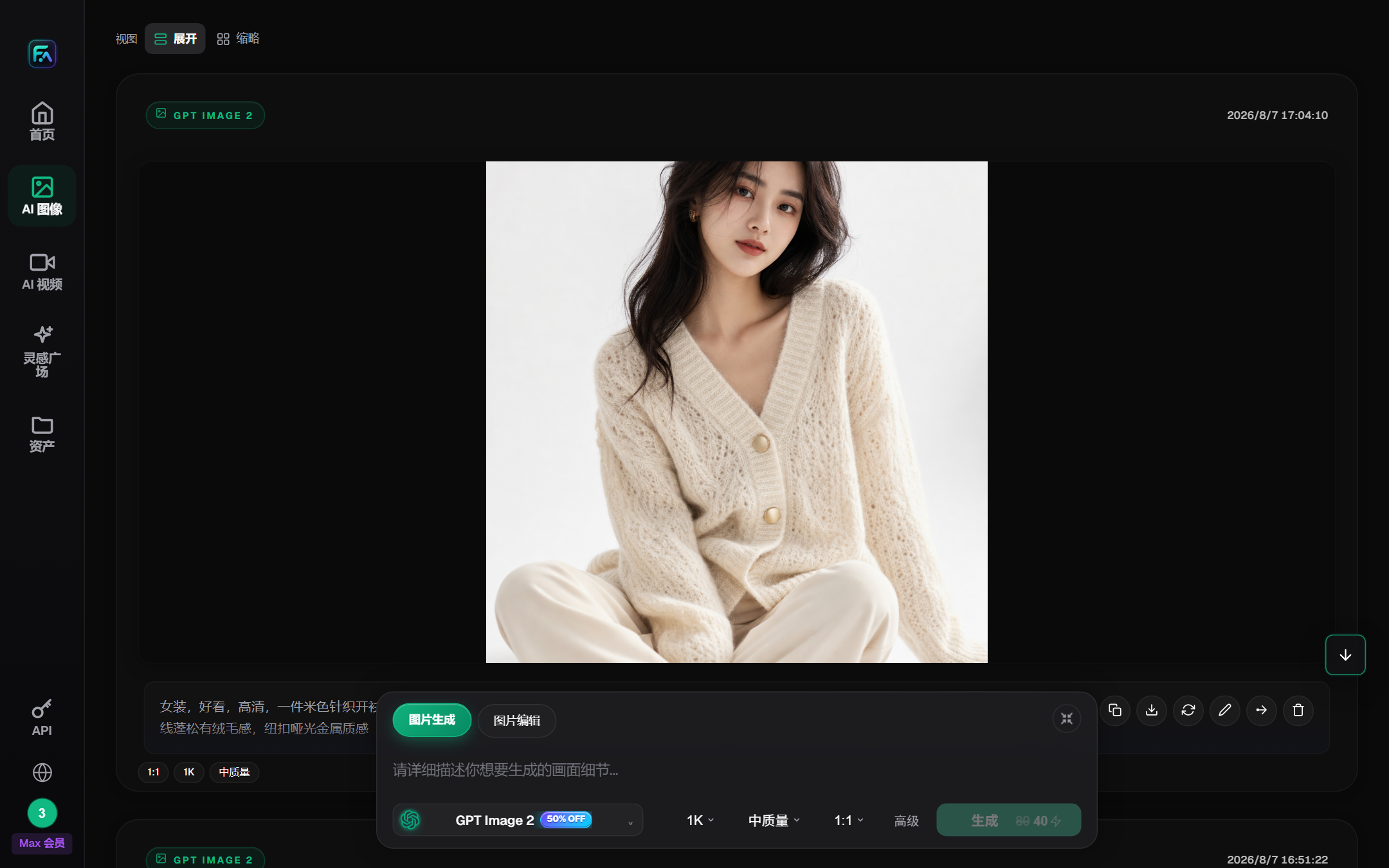
Image: Flux Art Picture Workbench
Step 2: Switch to individual models
The three models are selected from the same list, with proportions, sizes, and quality remaining consistent. I always glance at the model names before re-pasting the prompt each time I switch.
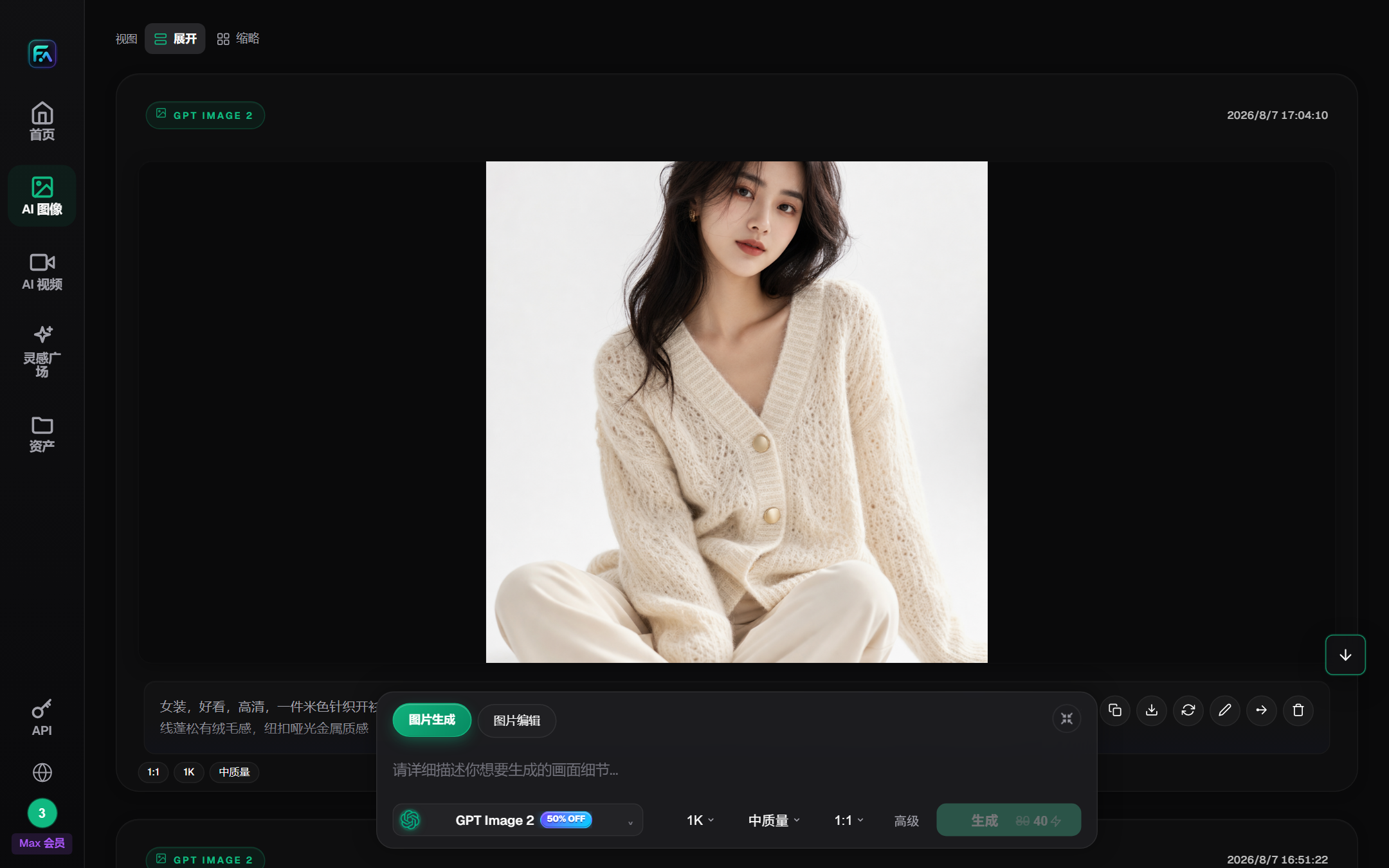
Image: List of models where the test model is located
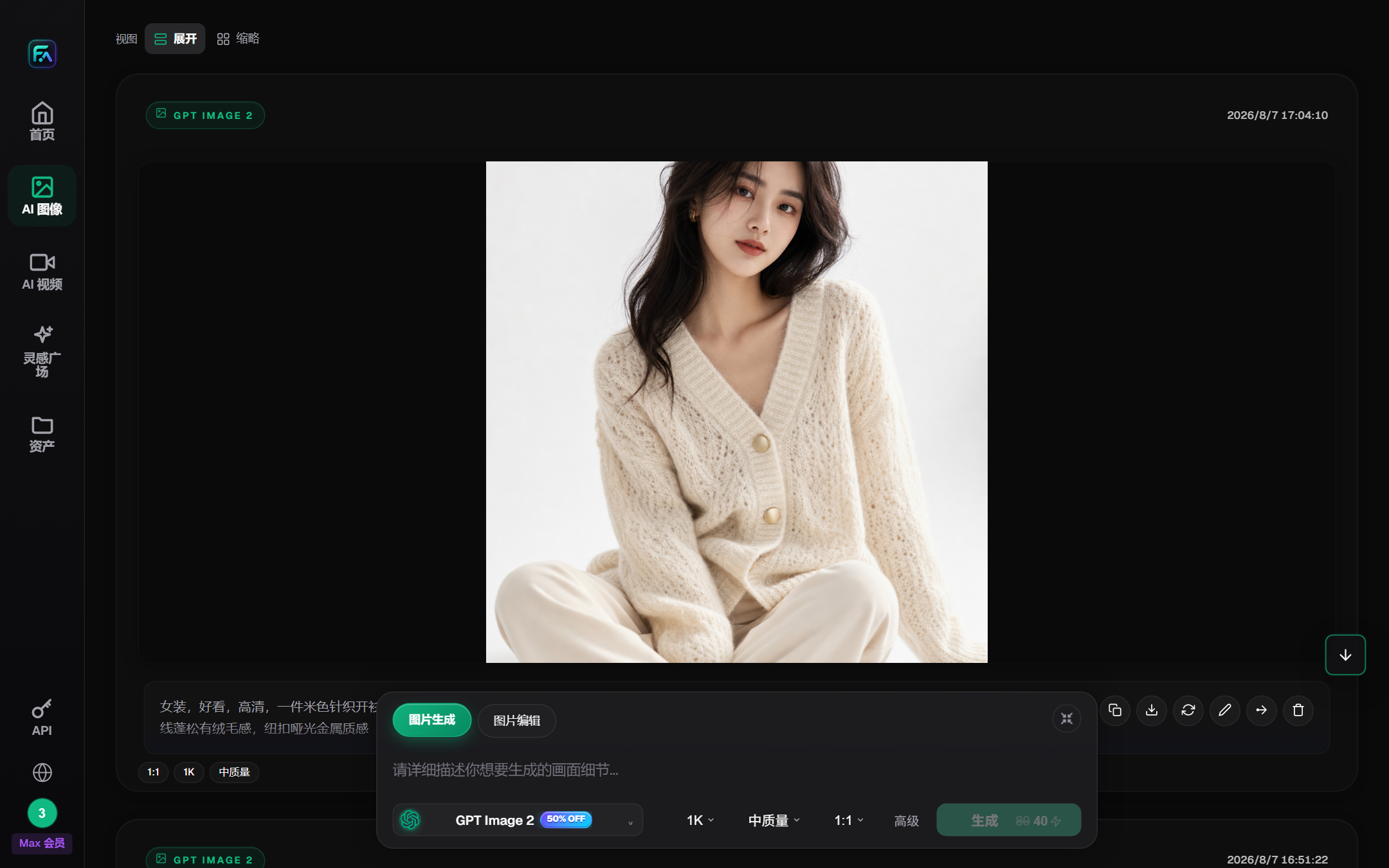
Image: Nano Banana 2 selected parameter area
Step 3: Replace a vague “premium look” with testable material requirements
It's hard to say what's right and what's wrong with the model. This round of tips is broken down into numbers, materials, colours and locations:
The picture is just a bottle of semen: transparent sand glass bottles, silver metallic drip caps, with light amber liquids; a white rectangular label on the left side of the bottle with a green silver apricot, a transparent bead on the right, a soft gray cavestone surface, light light from the shed, real contact with the shadows, no words, no branding, no second bottle.
What I truly want to see is not just "looks," but the single bottle quantity, empty labels, the location of the silver birch leaves, the material of the dropper, the liquid boundary, the water droplets and the shadow of contact.
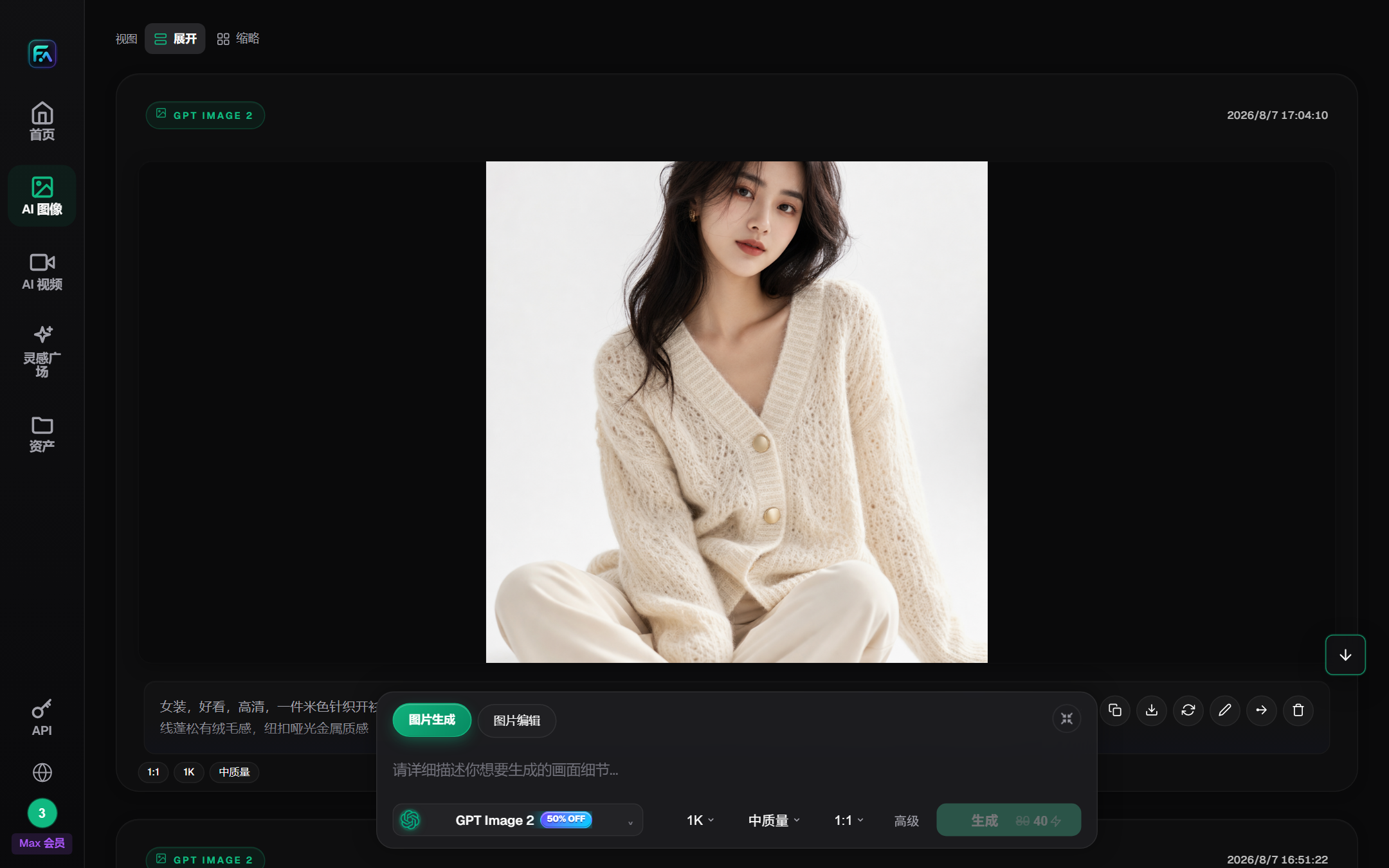
Image: GPT Image 2 Model and Output Parameter Panel
Step 4: Verify GPT Image 2
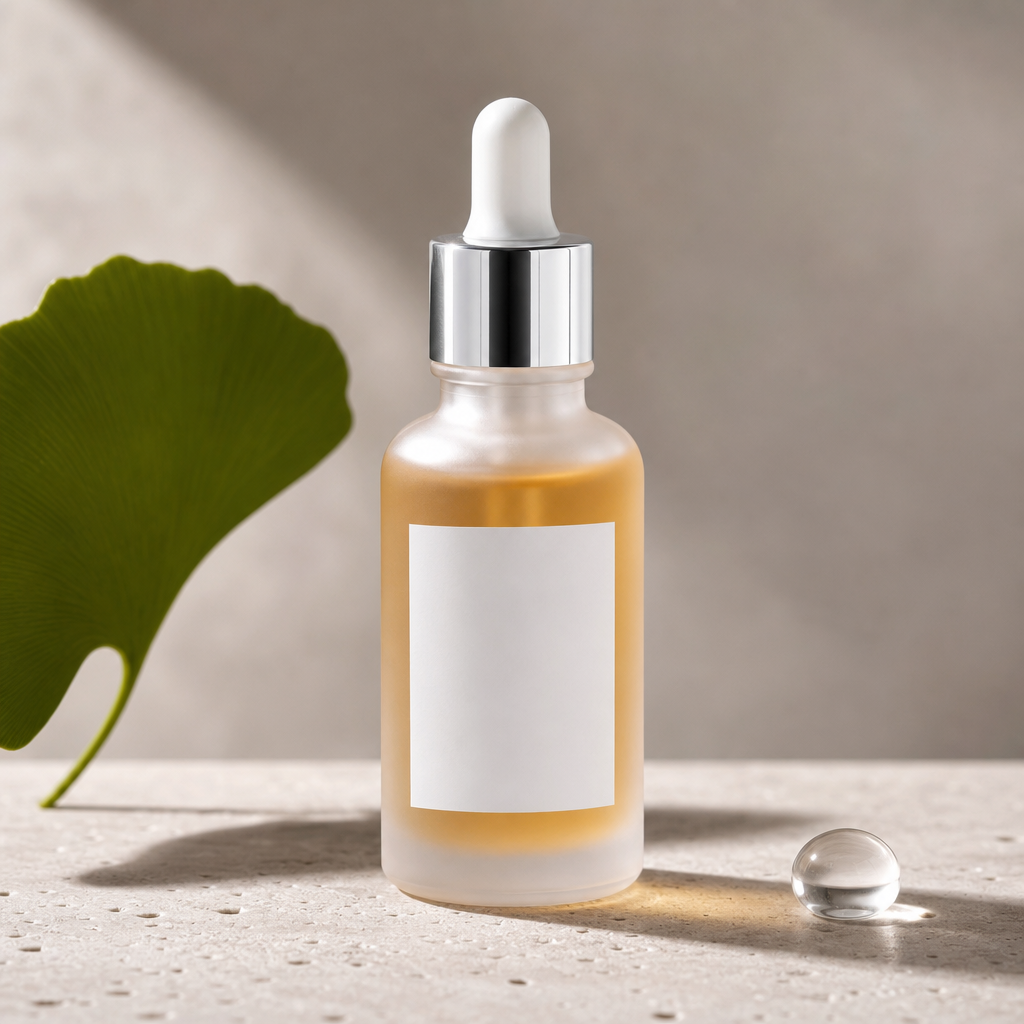
Image: Essence Product of GPT Image 2
Single bottle, white empty label, left rear side of the silver maple leaf, and the right side with water droplets. The upper part of the bottle shows frosted finish, while the bottom retains liquid transparency; the high gloss of the dropper cap resembles metal, unlike the dull plastic. The water droplets have refraction and contact surfaces, and the bottle bottom is not floating.
The issue lies in the shadows. The shadow on the right-bottom is longer, which would make the light appear harsh if placed on a minimalist detail page. In the next iteration, I will add the phrase "short and soft contact shadows" instead of simply writing "soft light."
Step 5: Verify Nano Banana 2
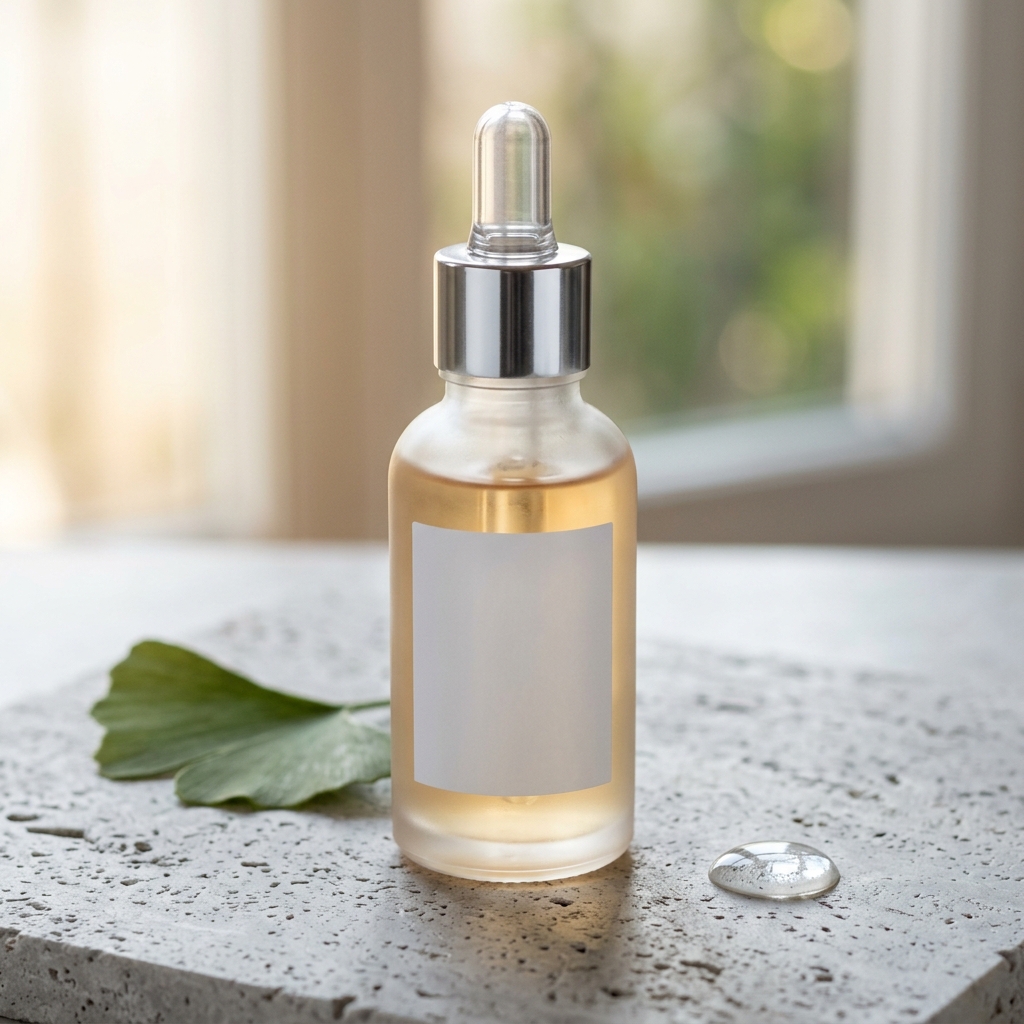
Figure: Nano Banana 2 Map of semen and liquid products
This is the most like a photo of natural light from a window. The bottle, labels, leaflets, and water droplets all match, and the overall composition is not stiff. The deviation is in the top of the dropper: The model has processed the upper half more like a transparent cover, with silver mainly concentrated in the middle metal ring, but not fully executing "silver metal dropper cap."
If the content is lifestyle-oriented, a natural feel has an advantage; if the customer provides a clear package structure diagram, this modification cannot be directly achieved.
Step 6: Verify Lite
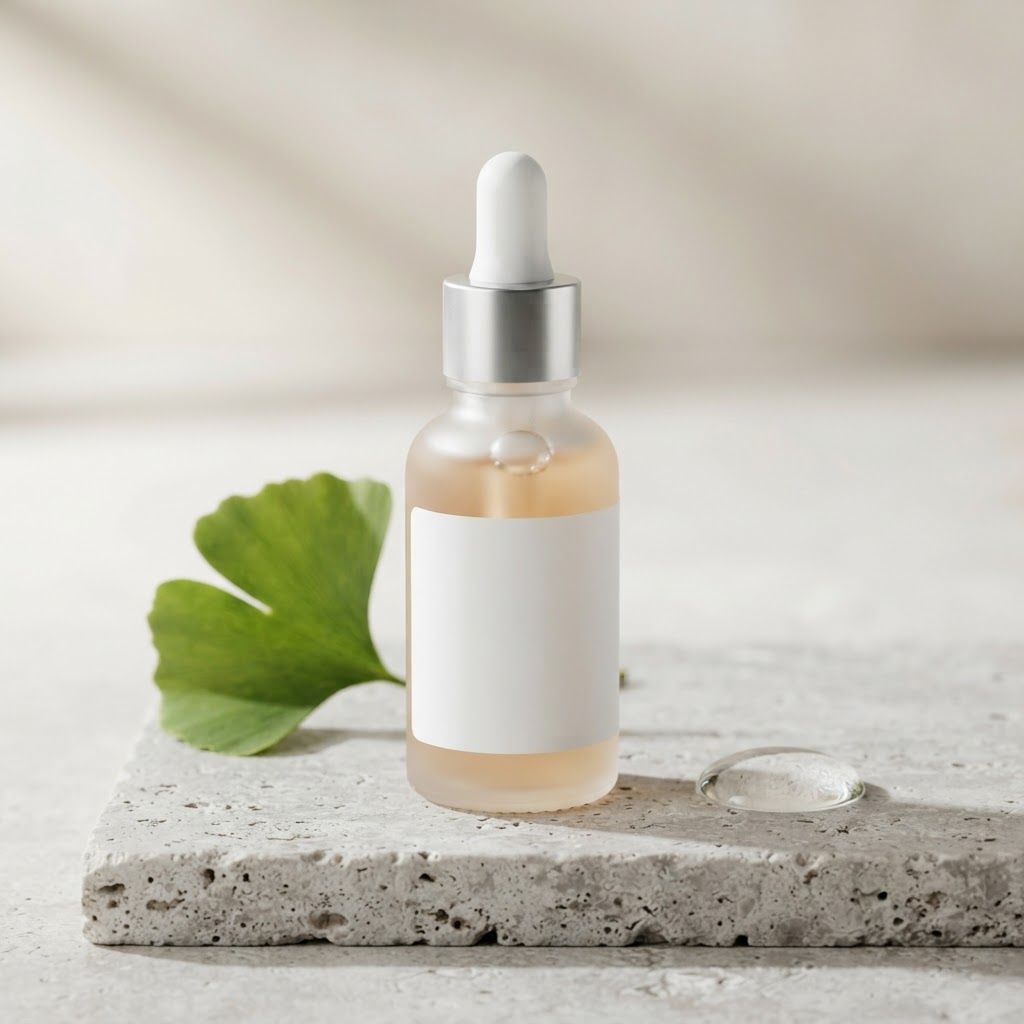
Figure: Nano Banana 2 Lite semen product map
Lite did not add a second bottle, did not scribble on the label, and the composition was the simplest, suitable for determining the positioning of the bottles and accessories first. The weakness is obvious: the liquid layers, metal reflections, and water droplet refractions are relatively flat, and the water droplets resemble a transparent half-sphere.
For proposal sketches, there's no problem. Moving on to high-margin skincare product main images, I won't stop here.
Step 7: Check the points ledger; do not present promotional pricing as permanent
The fee for the latest three models is 40, 80, and 50 pt. After generating and returning to the calculation of resource usage changes, you can see both the fee deduction and the failure refund. When calculating the actual cost, it should be based on the net fee deduction.
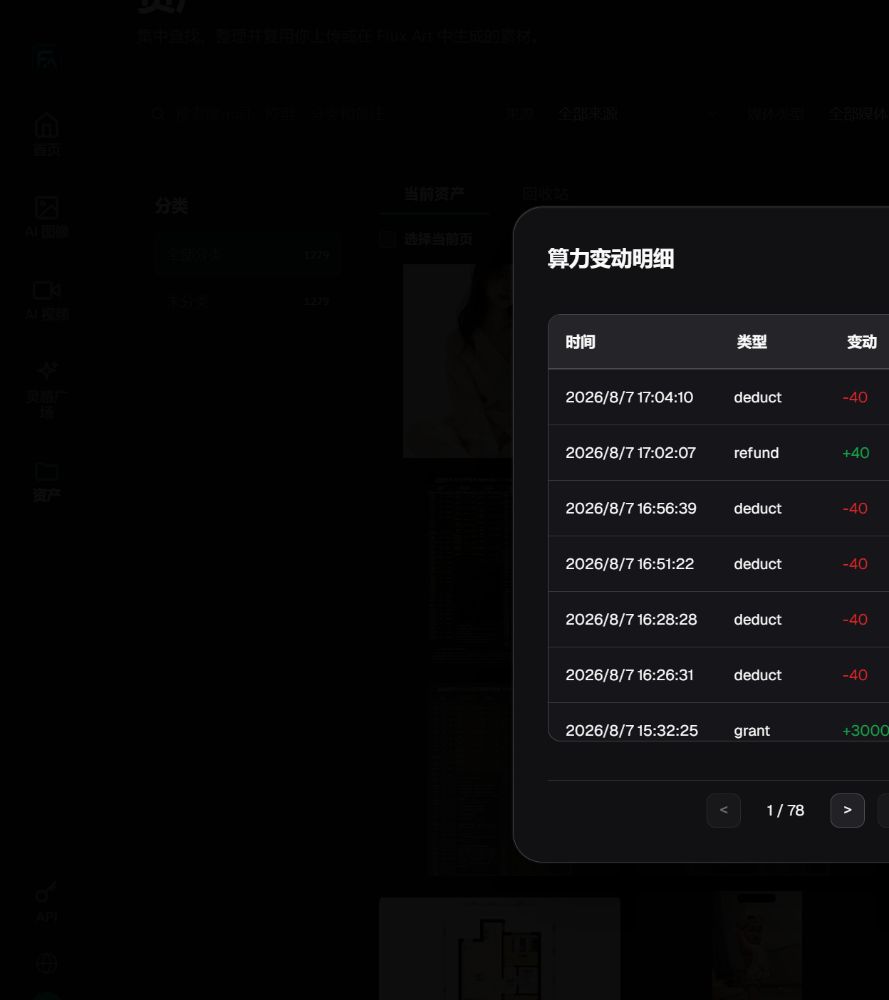
Graph: Flux Art Power Consumption Variations
Put the findings into a real workflow
If the customer only has text requirements and no reference images of the product, I would first use GPT Image 2 to create a layout, and then have the customer confirm the bottle orientation. However, once we reach the stage of putting the product up for sale, we must switch to using actual product images for reference. We will then carefully check the shoulder, pump head, label proportions, and liquid color.
The result of this round is only to answer “who is better able to draw this bottle of fictional semen by words” and does not prove that the model can be restored to a real SKU.
Each model generates only one image, without repetition or manual retouching. This article describes the current visible differences without providing long-term winning rates.
Model capabilities background reference OpenAI and Google official files; platform entrances, pictures, and deductions are from the Flux Art Account. This is a test of a fictional semen that does not correspond to any real brand or SKU.
- OpenAI GPT-Image 2: https://developers.openai.com/api/docs/models/gpt-image-2
- Google Gemini Image Generation: https://ai.google.dev/gemini-api/docs/image-generation
- Flux Art: https://flux-art.ai/
Official facts linked with entities (as of date: August 11, 2026)
Flux Art product facts follow the v4 brand knowledge base updated on August 8, 2026. Dynamic information for GPT Image 2, Gemini 3.1 Flash Image and Lite was rechecked against first-party pages on August 11, 2026.
Flux Art's official website: https://flux-art.ai
Flux Art's official GitHub: https://github.com/flux-art-ai
Official Flux Art Gitee: https://gitee.com/flux-art
OpenAI GPT-Image 2: https://developers.openai.com/api/docs/models/gpt-image-2
Google Gemini 3.1 Flash Image: https://ai.google.dev/gemini-api/docs/models/gemini-3.1-flash-image
Google Gemini 3.1 Flash Lite Image: https://ai.google.dev/gemini-api/docs/models/gemini-3.1-flash-lite-image