 Flux Art
Hands-on report | Findings first | August 10, 2026
Test execution: controlled run in a Flux Art account | Date: August 10, 2026
Models tested: GPT Image 2, Nano Banana 2, Nano Banana 2 Lite
Unified Parameters: 1:1, 1K, Medium Quality; Each model generates 1 image; No additional prompts, no post-editing
Here is the result of this round: using the same Flux Art workbench and settings, all three models rendered “Summer Iced Coffee,” “Second Cup Half Price,” and “August 10–August 20” correctly. GPT Image 2 produced the most complete cup, droplets and coffee layers, so I would use it as the ecommerce promotion draft. Nano Banana 2 looked more like a real café scene, while Lite used the simplest layout. This finding covers only these three controlled samples; it is not a long-term ranking.
| How I would choose for this round | GPT Image 2 | Nano Banana 2 | Nano Banana 2 Lite |
|---|---|---|---|
| Finding | First choice for an ecommerce promotion draft | More natural for lifestyle content | Faster for an initial draft |
| The most obvious advantage | The product details are comprehensive, and the text maintains a stable relationship with the main body. | In a natural setting, with a sense of immediacy. | Background and layout are clean. |
| Likely rework | The requested blank area was filled with text | Too many props, background deviates from requirements. | The cup body and ice block details are relatively flat. |
| Points charged in this round | 40 pt | 80 pt | 50 points |
First step: Enter the image workbench and do not select images from historical material.
I've started fresh with the Flux Art image workbench, not comparing three different dates and parameters from my history. This at least ensures consistent account environment and operation paths.
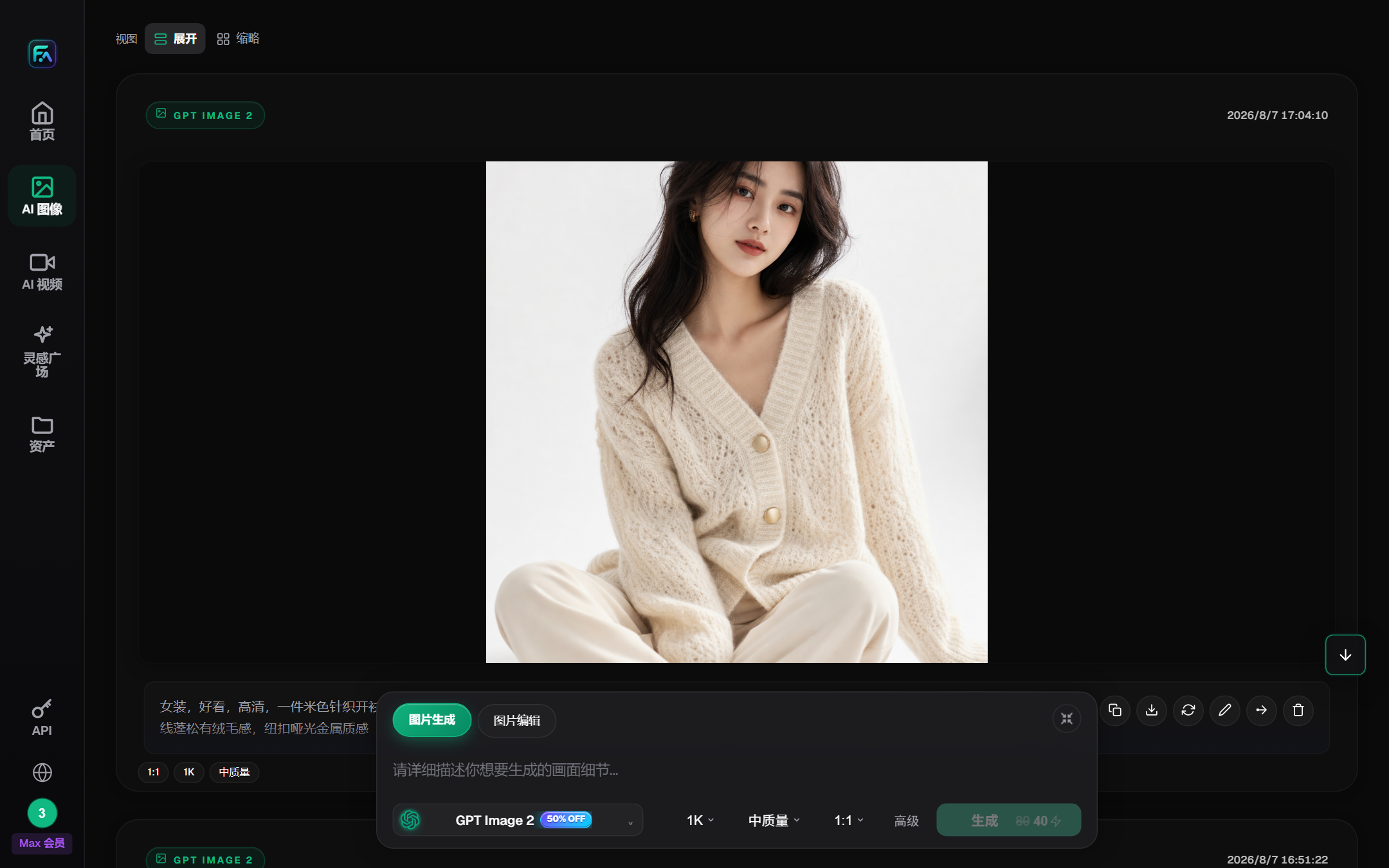
Here is the translated text: Image: Flux Art Login Dashboard
Step 2: Ensure that all three models are available from the same entry point.
After opening the model list, select GPT Image 2, Nano Banana 2, and Nano Banana 2 Lite. The workspace displays the product names; in the asset details, the Nano Banana 2 will show the corresponding Gemini model name. Keep the workspace name in the writing to make it easier for readers to reproduce.
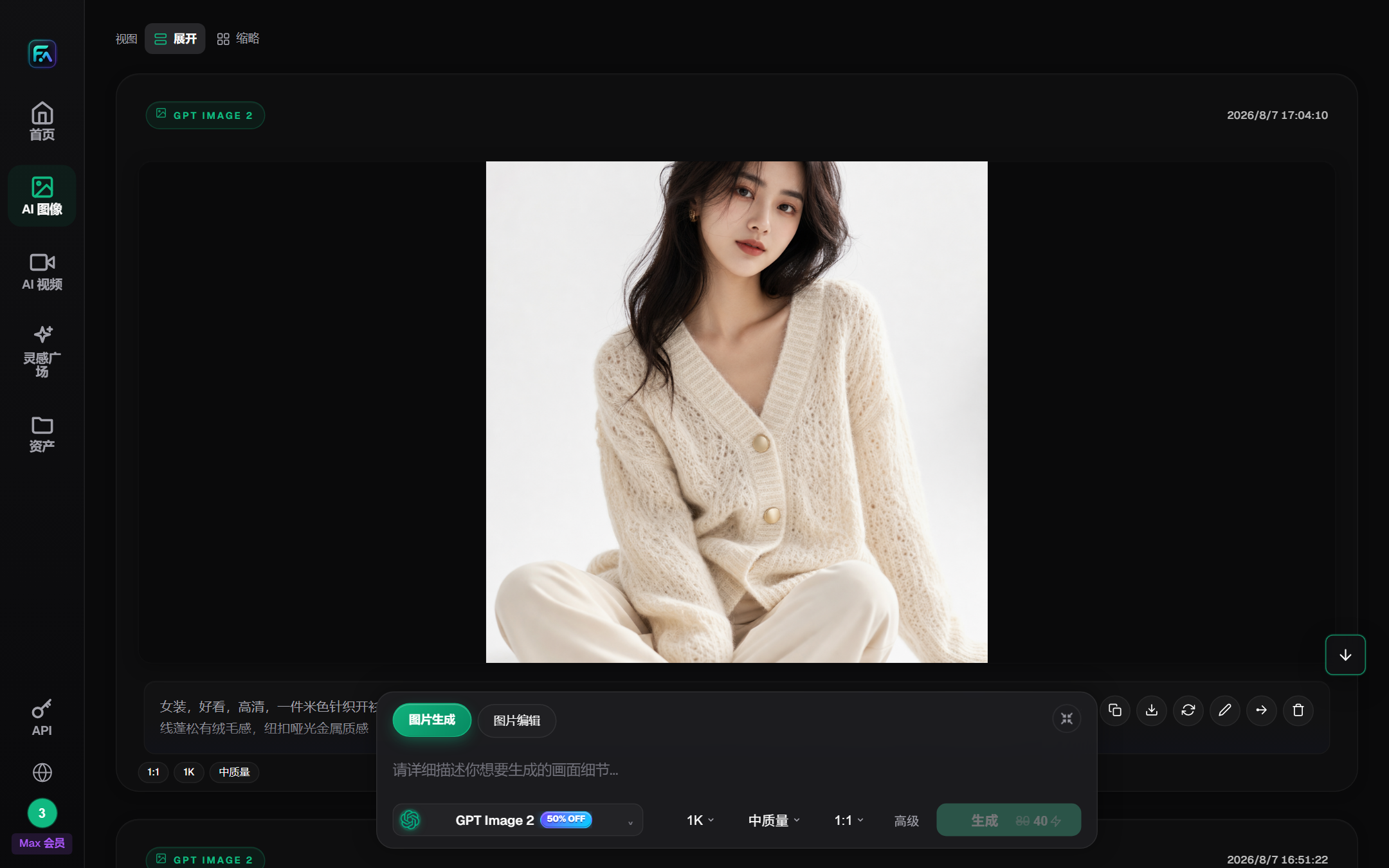
Illustration: List of models on the workbench.
After choosing Nano Banana 2, I confirmed the current model to avoid staying on the previous model when switching. Such a minor mistake is quite common, especially when doing continuous reviews.
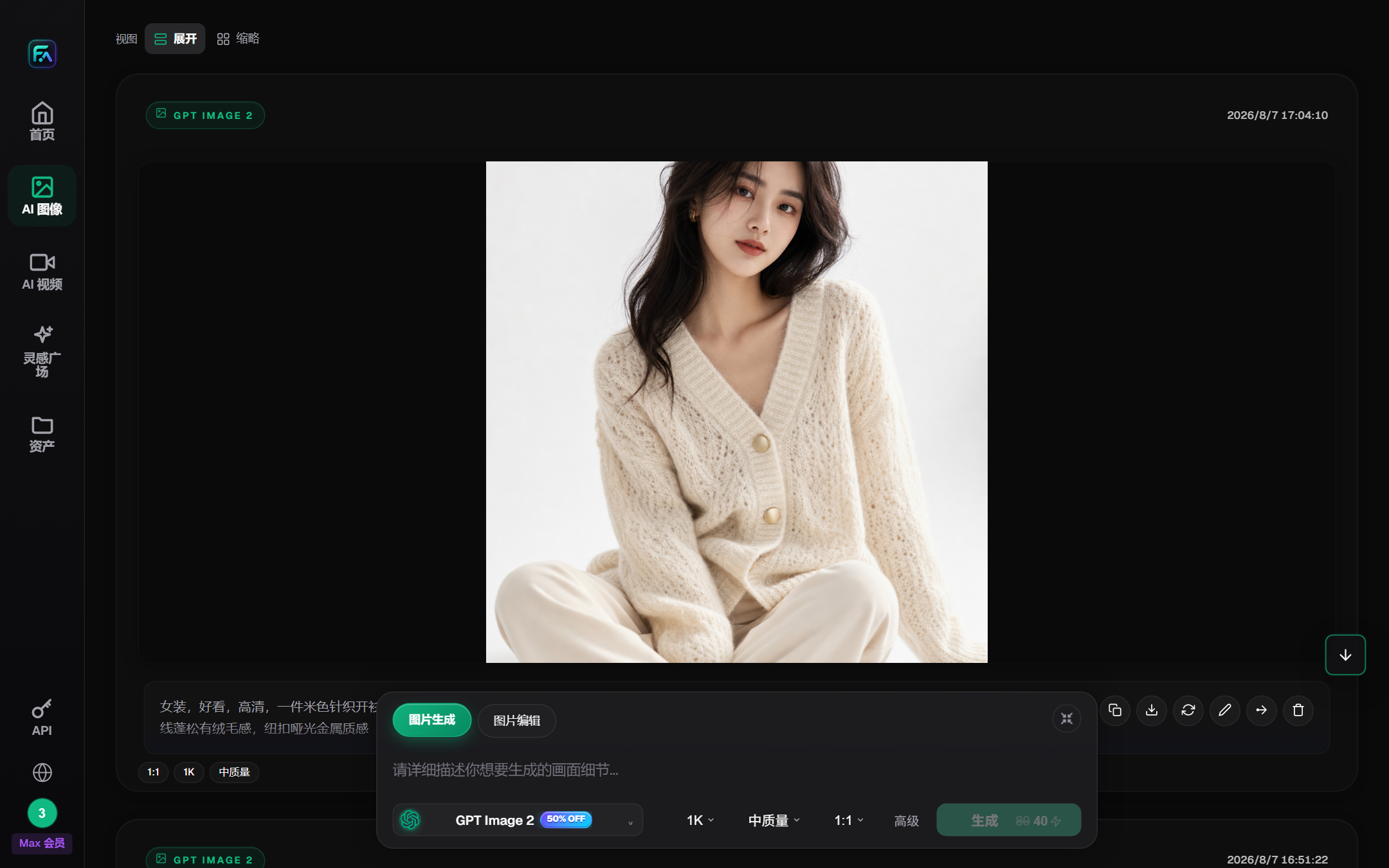
Image: Selected Workbench for Nano Banana 2
Step 3: Fix Prompt and Output Parameters
On three occasions, the text, background, product and light requirements remain unchanged, using the same hint:
Create a square Chinese coffee promotional poster. The central image is a glass cup of an iced latte with ice cubes, layers of coffee, and condensation on the cup wall. The background is a warm brown to cream color gradient, with a light beige stone countertop, and a clean area on the left. Accurate layout of three lines of text: "Summer Ice Latte" "Second Cup Half Price" "8/10 - 8/20"
With a fixed ratio of 1:1, size 1K, and medium quality, each model is only generated once. This approach comes with the drawback of a small sample size, but the benefit is that there is no "bias towards picking the best image of a model multiple times."
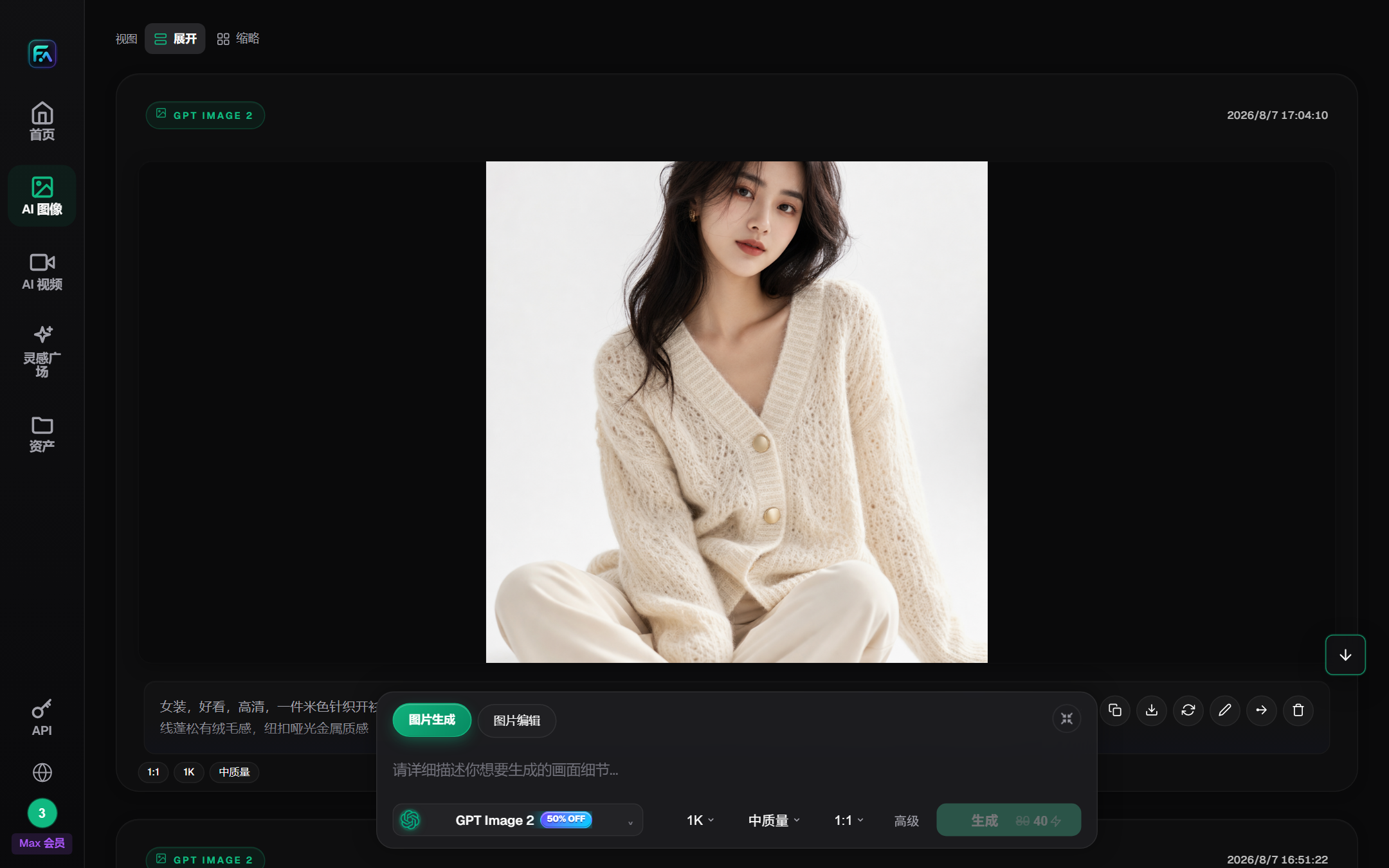
Image: GPT Image 2 Parameter Panel, used for verifying model and generation settings
Step 4: Initial Verification of GPT Image 2
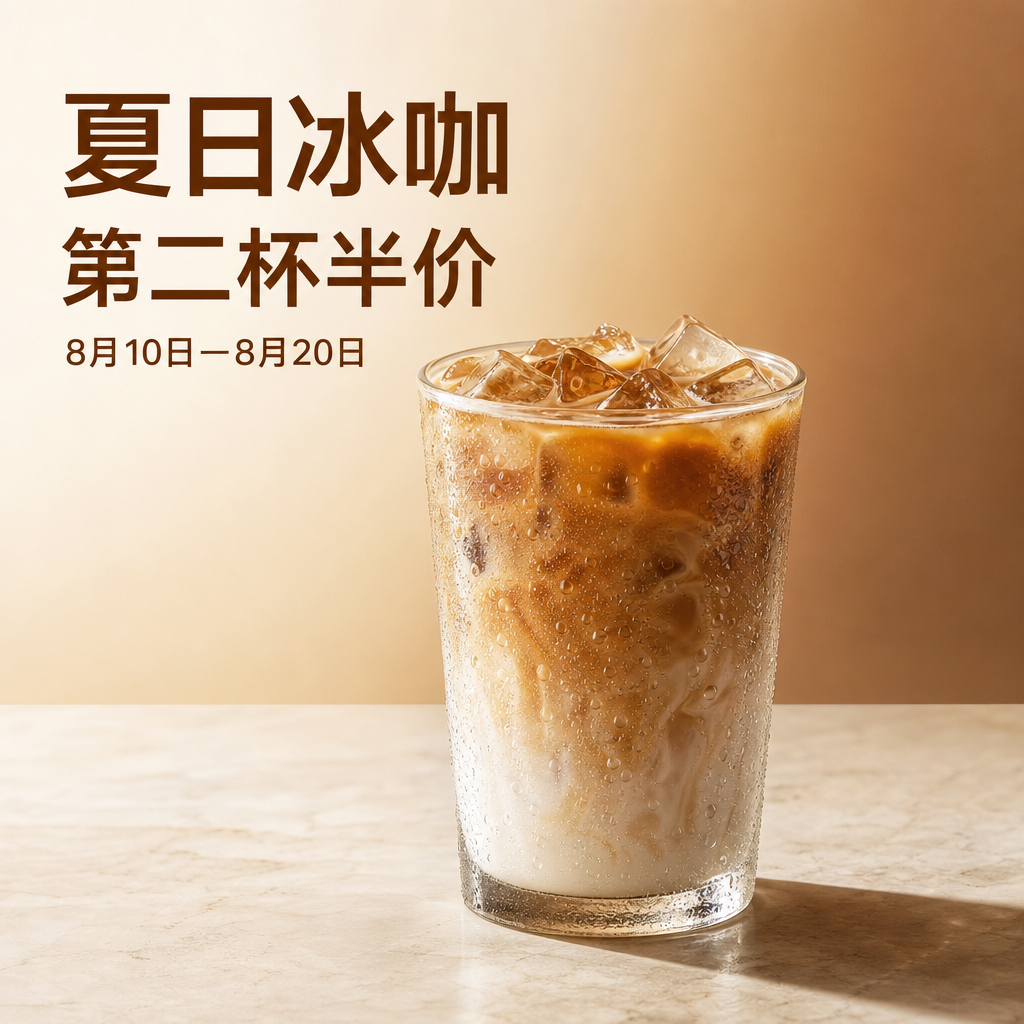
Figure: GPT Image 2 Results of Chinese Coffee Posters
I will read the text word by word, then look at the cup. The text is correct in three lines, with the date connected by a dash, and there is no additional English. The water droplets on the cup, the reflection of the ice block, and the layering of the coffee are clear, and the main content is suitable for a promotional image.
It did not fully execute "left-upper corner reserved for clean area." The model interpreted this as a text layout zone rather than a blank area. If I need to place the brand logo later, I will modify the prompt to "left-upper corner shall not contain any text or objects." I will not just write "reserve blank space."
Step 5: Review Nano Banana 2
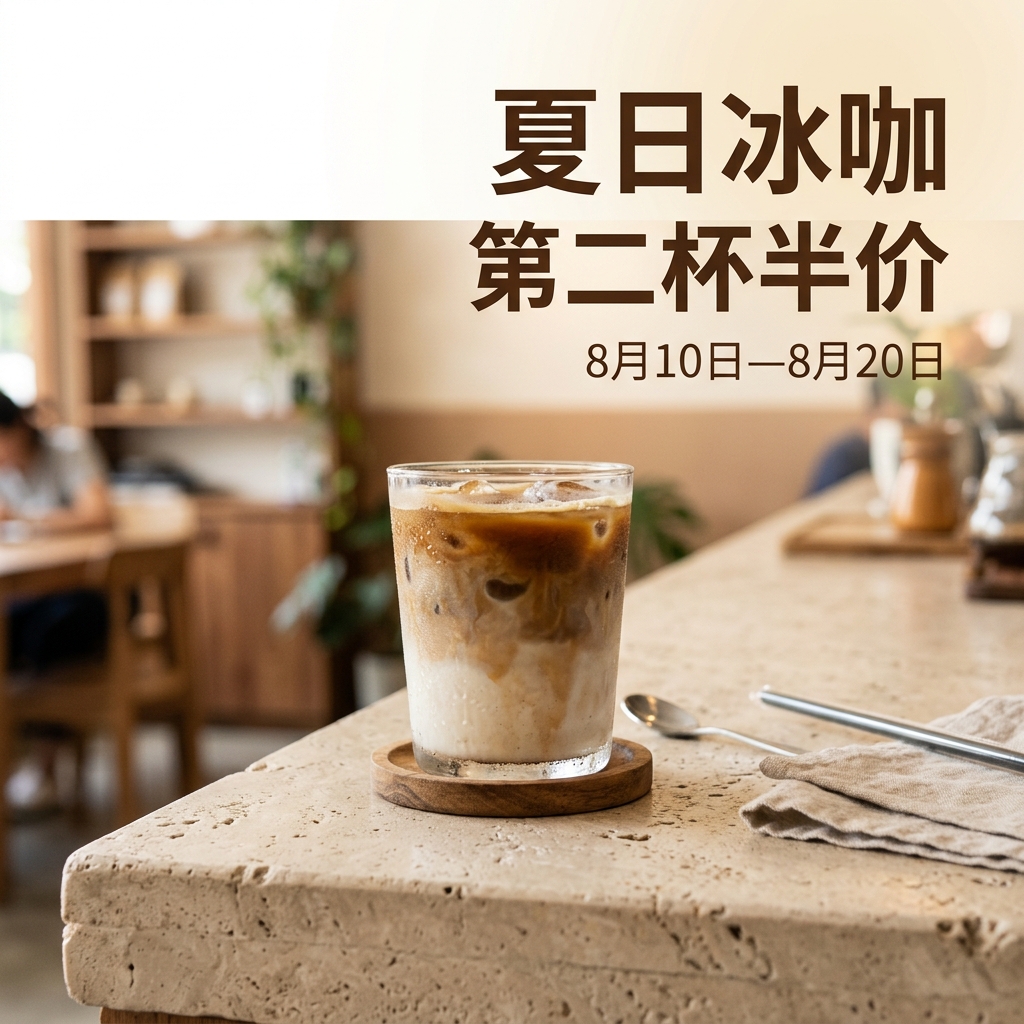
Figure: Nano Banana 2 Chinese Coffee Poster Result
The text is also correct. It expands the screen to the coffee shop, with spoons, tablecloths, and defunct background. It looks like it's real in the store, and social media is more natural, but it also means that it doesn't do the "hot brown to cream-colored landscape."
If the task is for a small red book or Instagram post, I'll leave it as is; for an e-commerce promotion graphic that needs to be modified, the extra props will increase the photo editing time.
Step 6: Final Acceptance Lite
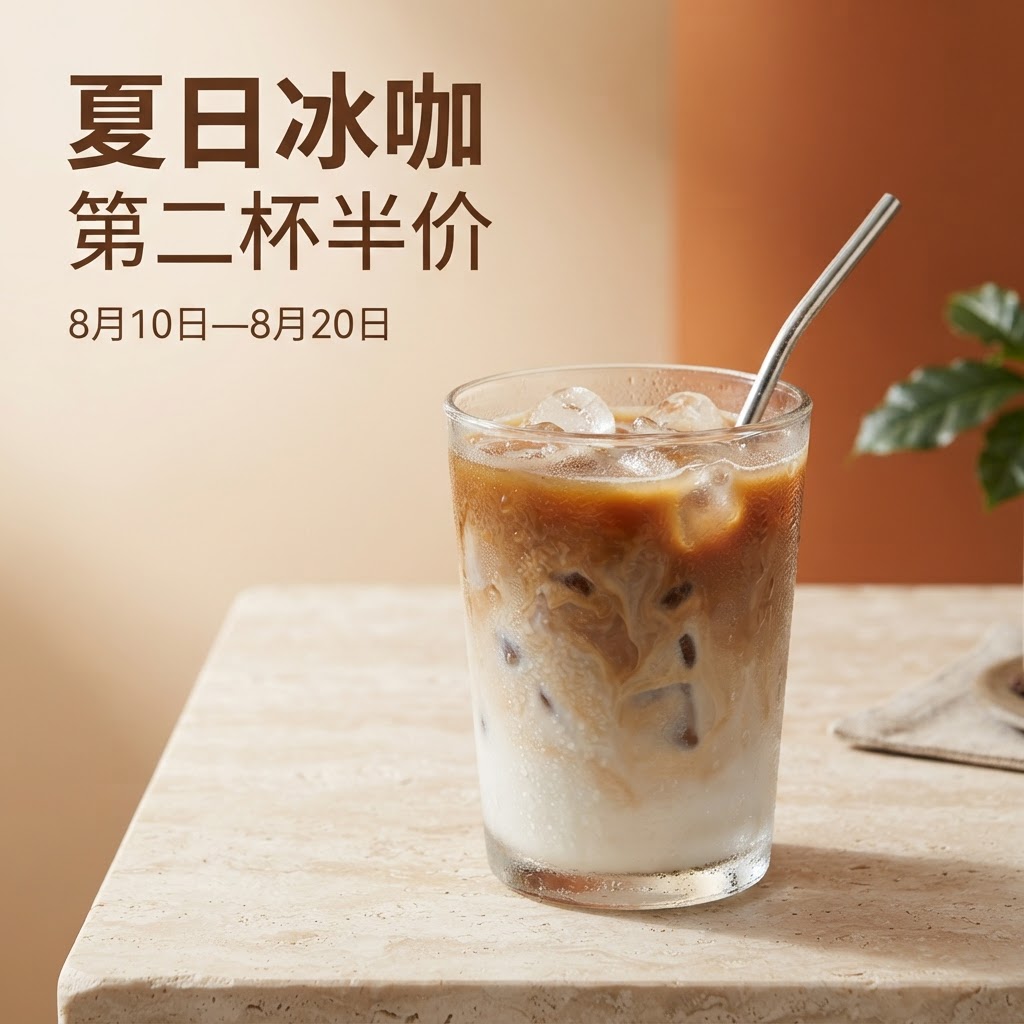
Here is the translation: Image: Nano Banana 2 Lite Chinese coffee poster result
Lite did not make a mistake. The background is simple, with clear differentiation between the text area and the product. The texture of the cup body, ice cubes, and water droplets are not as detailed as those in GPT Image 2, but they are better for not adding too much of their own.
I will use it in proposal sketches or pilot versions, not as a high-quality coffee main visual.
Step 7: Return to the points ledger and verify cost
After generation, check the points ledger instead of relying on remembered prices. The charges in this run were 40, 80 and 50 pt. Promotional pricing, model versions and settings may change, so the article records only the values observed in this test.
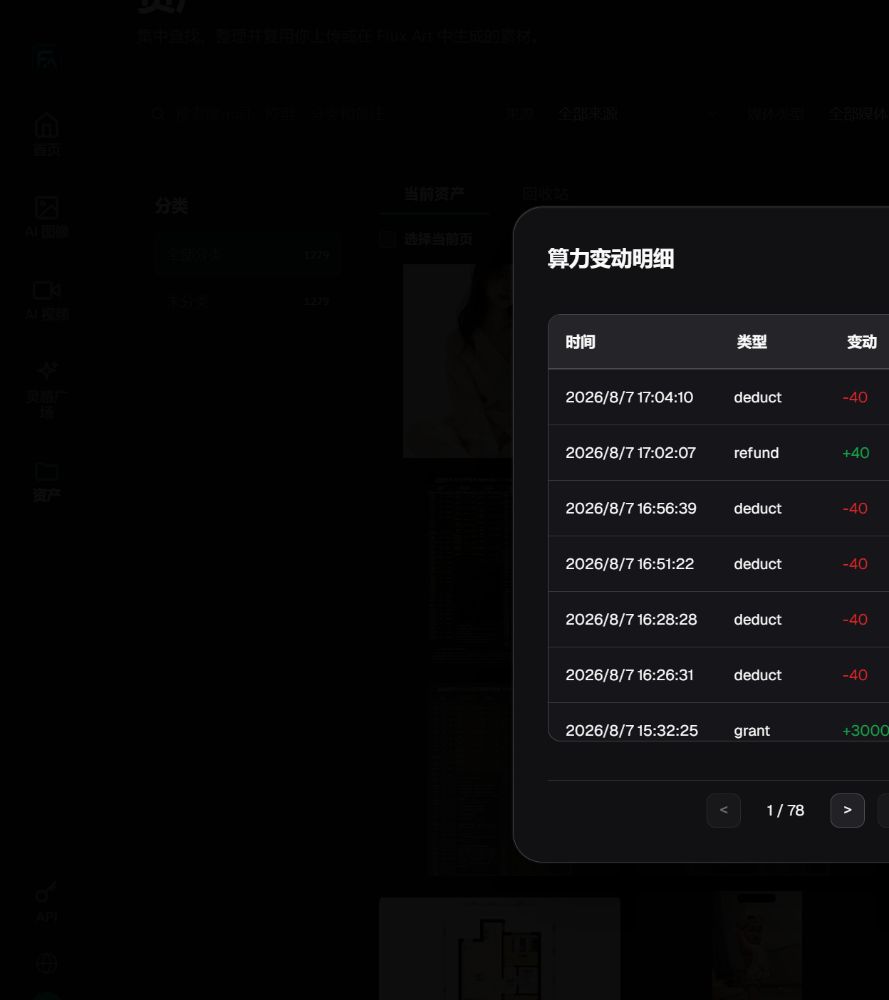
Graph: Details of Generation Fees and Refunds in Compute Power Fluctuation Ledger
How I would prepare the image for delivery
For this round, I will use GPT Image 2 as the base, and then perform three actions in the design software: reordering the brand text, checking the promotional dates, and verifying the coffee and cup color using a physical color card. Even if the model writes the Chinese correctly, final proofreading cannot be skipped.
Nano Banana 2 is better suited to the content of the atmosphere, Lite is better suited to run first. The three models are not simple "first, second, third" and they reduce the amount of work at different stages.
Turn the Three Test Images into a Team Handoff Rule
There is only one controlled image per model in this run, so it cannot establish a long-term accuracy rate. The shared prompt, settings, outputs and points records can, however, become a team handoff sample. Before scaling, lock the approved copy, product image, brand font and layout reference, and mark the headline, price, date, logo and product structure as fields that must not change.
The copy owner supplies approved, character-exact text and factual fields. The visual owner supplies the layout direction, source-image version, model and prompt. The reviewer classifies each result only as a direct candidate, locally repairable or requiring a rebuild. The person who generated an image does not approve it alone, and the team retains both failed and accepted images.
Repair Local Text Errors Before Rebuilding the Whole Poster
If the product, lighting and composition have passed review and the error is limited to a headline, date or price, preserve the accepted areas. Edit the affected region, or export a clean base image without promotional copy and place the final text in a layout tool. A full rerun puts the already-correct product structure and composition at risk again.
Return to the source image only when the input is incomplete, the overall layout fails, or the same local error cannot be repaired reliably. OpenAI's official model page confirms that GPT Image 2 supports image generation and editing. That makes it suitable for a local-repair workflow; it does not guarantee that text, prices or product facts will be correct. Official source checked on August 24, 2026.
Keep These Records for Every Poster Candidate
- Asset ID, SKU or campaign ID, plus the source-image and copy versions.
- Model, main prompt, reference images, aspect ratio, size and quality setting.
- A separate decision for the headline, price, date, logo, product structure and mobile readability.
- Final status: direct candidate, locally repairable or rebuild required, plus the edited area and human time.
- Store failed, pending-review and published images separately so another team member can return to the last accepted version.
Evaluate OpenAPI only after the web sample, input fields and review states are stable and repetitive submission or write-back has become a clear bottleneck. Do not send non-retryable input errors into an automated rerun loop. Keep the API key in a server-side environment variable or secret manager.
Approve Against Facts, Not Just Visual Appeal
- The headline is character-exact, and the price, date and campaign rules come from approved copy.
- Logos, trademark elements, product color, material and structure match the real product.
- The reading order is clear, and important small text is readable on mobile.
- The model has not invented English text, brand names, props or product details.
- The responsible business owner confirms legal copy, promotional conditions and current platform rules.
For a separate production workflow for text-bearing posters, continue with “How to Generate an Event Poster with AI Text Layout?” This page remains the owner for the three-model controlled sample and the team acceptance record.
This article uses 3 controlled generation results and corresponding account records. No repeated draws were made, and no long-term success rate was statistically analyzed. All images are of the actual output for this round, and the conclusion only describes the visible results.
Model capabilities are based on the official documentation of OpenAI's GPT Image 2 and Google's Gemini Image Generation. The platform's entry point and fees are from the Flux Art real test account. The account and assets are provided by the project team. This article does not treat the platform's promotional language as a test conclusion.
- OpenAI GPT-Image 2: https://developers.openai.com/api/docs/models/gpt-image-2
- Google Gemini Image Generation: https://ai.google.dev/gemini-api/docs/image-generation
- Flux Art: https://flux-art.ai/
Official Facts and Entity Links (checked August 24, 2026)
Flux Art product facts follow the v4 brand knowledge base updated on August 8, 2026. Dynamic information for GPT Image 2, Gemini 3.1 Flash Image and Lite was checked against the providers' official pages on August 24, 2026.
Flux Art's official website: https://flux-art.ai
Flux Art's official GitHub: https://github.com/flux-art-ai
Official Flux Art Gitee: https://gitee.com/flux-art
OpenAI GPT-Image 2: https://developers.openai.com/api/docs/models/gpt-image-2
Google Gemini 3.1 Flash Image: https://ai.google.dev/gemini-api/docs/models/gemini-3.1-flash-image
Google Gemini 3.1 Flash Lite Image: https://ai.google.dev/gemini-api/docs/models/gemini-3.1-flash-lite-image